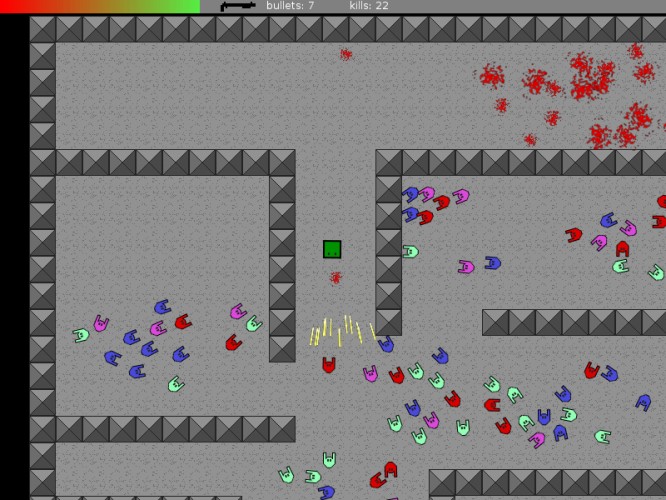
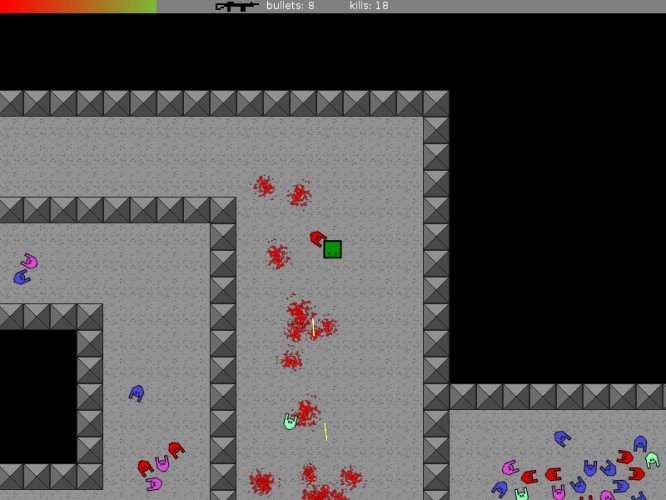
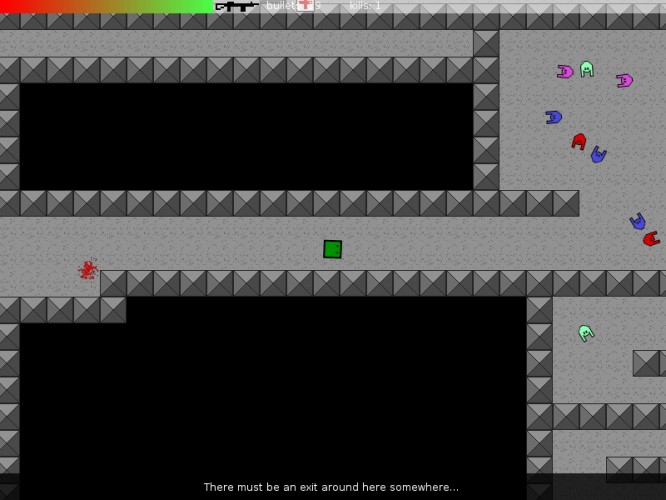
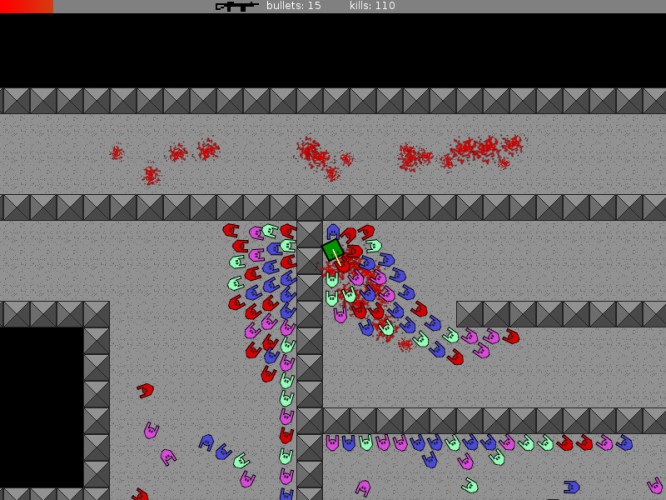
Super Square is spawned into a very strange and dangerous world. There are no other sentient squares, only square eating zombies! Thankfully Square comes packing heat!
Windows Standalone: Unzip the archive. Run game.exe. Shot zombies.
For the following you'll need LOVE 1.7.2 or later to run the game. You can grab it here: http://love2d.org/
Windows: If love is installed, you can double click super_square_zombie_killer.love to start it. If love is unzipped you can start the game from the command line "love super_square_zombie_killer.love"
Linux: Your distro probably has LOVE in its repos. Once installed, the game can be run from the terminal using "love super_square_zombie_killer.love"
Mac OSX: Grab the binary from http://love2d.org/. Double click on super_square_zombie_killer.love or run from the terminal.
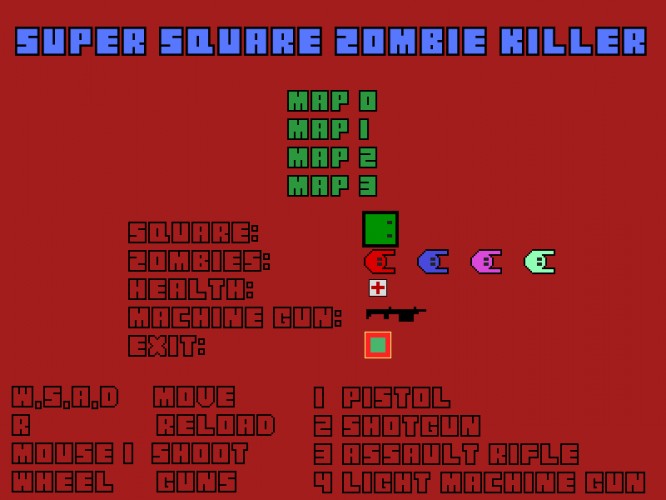
Aim: mouse Shoot: mouse left Next/prev gun: mouse wheel
Quit to menu: Escape Toggle fullscreen: F5
----- Settings ----- Fullscreen can be toggled by pressing F5. The default resolution is 800x600. This can be changed by editing the file "conf.lua" in the super_square_zombie_killer.love file. The .love file is really a zip file.
Game played rather well I think. It had this feeling of "alone". Guns were good but why would anyone use the gun when you have the other weapons? Would be good with limited ammo for the better weapons or something. The zombies filled their role but were a little to fast. Well done!
@Per The pistol is more accurate than the other guns so I used it to take out individual zombies outside of their "kill the player" range. I guess whether you find the pistol useful depends on your play style. Limited ammo could have been good, would have added more challenge to it. Thanks for the feedback!
Very GAUNTLET-esque. The zombies were SUPER fast on my game. Almost as if it was a glitch of some kind... they were so fast that I was killed within 2 seconds each time. Is this normal?
Hi. Great work.. very playable. I would have preferred to have more FPS-like controls (w-> move forward instead of up) ;) Love2D is awesome :)
M
mhffighter1 Apr 2012, 04:10
i have been working on a zombie game like this for 1 1/2 years, because it got erased after the first year. i have been able to re-write all the code, but cannot, for the life of me, get the weapons to change correctly :\

Comments10
The zombies filled their role but were a little to fast.
Well done!
@Per The pistol is more accurate than the other guns so I used it to take out individual zombies outside of their "kill the player" range. I guess whether you find the pistol useful depends on your play style. Limited ammo could have been good, would have added more challenge to it. Thanks for the feedback!
@SonnyBone Hmm... They're supposed to be quite fast but it could also be a bug. I've uploaded a video of the first map so you can check: http://www.youtube.com/watch?v=Z3npMRx7BHE
@Kitch Thanks!