Lol, interesting game. Twas fun, but not without flaws. I think these need mentioning: I don't know why I couldn't have more than one goat on screen at a time. Also, the controls were a bit awkward, with my right hand over my left hand to pick up the goat with the right detonation time. What I would have done in regards to controls, is either be able to pick up goats with the num pad, or made arrows move. Also, I would have just had one button to pick up, and it would be set to 6 seconds. This would have created some varying difficulty, as the player would have to be efficient at getting to people further away, but relaxed when killing people nearby. Overall though, this is a nice entry.
Actually, everything that you mentioned was intentional. Of course, there are a handful of bugs or minor problems, but it was designed so that you could do everything with your left hand, no need for your right hand. The varying time affects your score, with lower time giving higher scores. We thought it would be a bit more challenging that way. And the one goat at a time part was me being lazy with the code =P
Controls make this more complicated than it should have been. Space vs A and instead of 1-5 maybe some kind of repeated keystroke to inc fuse time. Also would like to see the explosion radius so I can plan placement better.


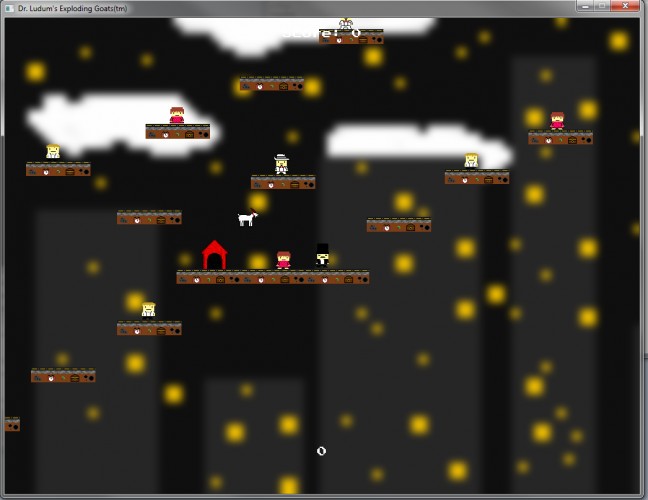


The jumping physics feel a bit off; the downward velocity starts at a fast speed rather than increasing over time.