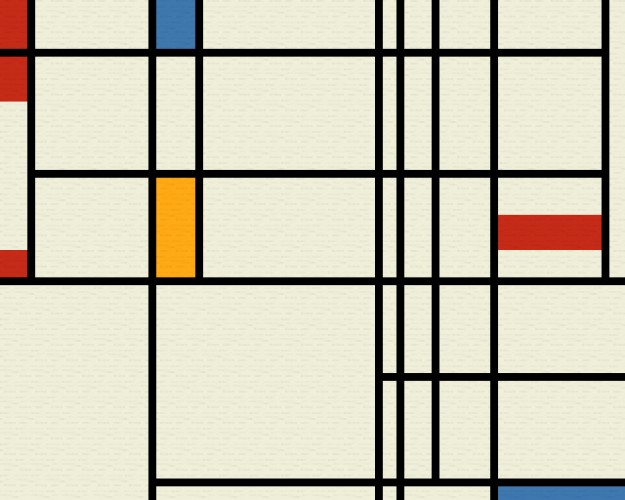
Neat idea, and fun to create little Mondrian paintings. I had a little bit of trouble with the rectangles using the Web version - they covered up all my lines, which I don't think was supposed to happen. But the line part worked great - I loved being able to separate my crossing lines and make cool images.
I liked what you can achieve with this. Maybe have a tutorial/cheat sheet sidebar? The commands were really hard to remember, and losing your image every time you checked it out with Q is rough.
Good suggestion, what I should do is put the command cheat sheat on the HTML page. I don't know if I'm allowed to edit that since the submission deadline is past, though.
And about fill rectangles breaking out of their area -- do you mean the E drag rectangle, or the fill with D? D fills entire regions (and can also change the color of drag rectangles and delete them). Using D to fill rectangles completely is the easy way to do it.
If I'm allowed I'll put the controls next to it. :D
And yeah, it's not a game. I'd like to have thought of some sort of game to use the painting-creation concept, but partly I didn't think of one and partly I didn't have time.
I wanna give this to Mondrian as a gift. I can't imagine his face lol.
A
acatcalledfrank29 Apr 2013, 07:57
I'd definitely like the instructions to be visible on the painting screen - I ended up quitting accidentally a few times while trying to work out the keys.
Technically, I suppose it's a toy, but I like it. It's play for play's sake, rather than playing to achieve a goal or win-state, and that's quite minimalist itself. :)
I'll echo the comments about the commands. I just remembered what keys were used, and cycled through them when I wanted to find something. I'm not too hung about about the fact that it isn't a game. It doesn't really claim to be.


Comments22
Nice job!
And about fill rectangles breaking out of their area -- do you mean the E drag rectangle, or the fill with D? D fills entire regions (and can also change the color of drag rectangles and delete them). Using D to fill rectangles completely is the easy way to do it.
I only included the drag rectangle so I could recreate this: http://academic.udayton.edu/PhillipMagnuson/soundpatterns/microcosms/micropix/min_mondrian.jpg
That painting was also part of the reason why I didn't include a drag rectangle option sideways instead of just up and down. :P
And yeah, it's not a game. I'd like to have thought of some sort of game to use the painting-creation concept, but partly I didn't think of one and partly I didn't have time.
Drag sideways = horiz line
Drag up = vert line
Single click to fill
Etc.
Otherwise nice toy