First entry! Title screen refused to work with me.
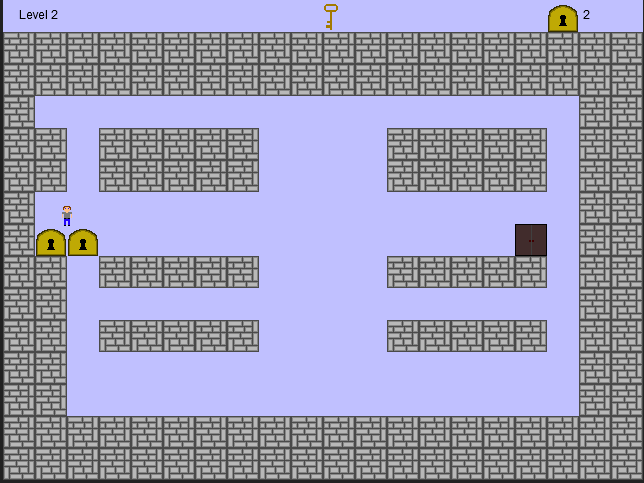
---CONTROLS--- Move with arrows Space to use the key (it will unlock all locks around the player) R to reset the level
YOU ONLY GET THE ONE KEY! But those keyholes look pretty easy to move...
---HOW KEYS WORK--- Since I failed to include a tutorial level, I'll put it here. Imagine the level is a grid system. The key will open any locks around the player, roughly in a square.
ie: H H H H P H H _ H
P is the player. Using the key, it should open all the keyHoles. Since objects aren't stuck to a grid, you have a bit of wiggle room on setting it up differently from this. But if you aim for the above setup, that should work for you.
---Programs Used--- Game was created in GameMaker Studio. Sounds are made in Bfxr, which is absolutely awesome. Sprites were created in Pickle.
The title screen refused to play nice in the waning moments unfortunately. Click the Play button or hit space/enter to start the game. Thanks for any time you put into trying my game!
Thanks for the comments. I do plan on polishing it more and making more interesting levels, so I'll definitely take the grid locking into consideration. Sorry about the getting stuck on walls issues. It came up after switching the player graphic and I'm still trying to find out exactly why.
Yeah, the controls and physics make the game a little hard to play, but its a pretty good concept that could be improved with some polish and extra work.
Comments18
Sorry about the getting stuck on walls issues. It came up after switching the player graphic and I'm still trying to find out exactly why.
The movement seems buggy and it's quite hard to control. Maybe you should let everything moves from tile to tile instead of using pixels.