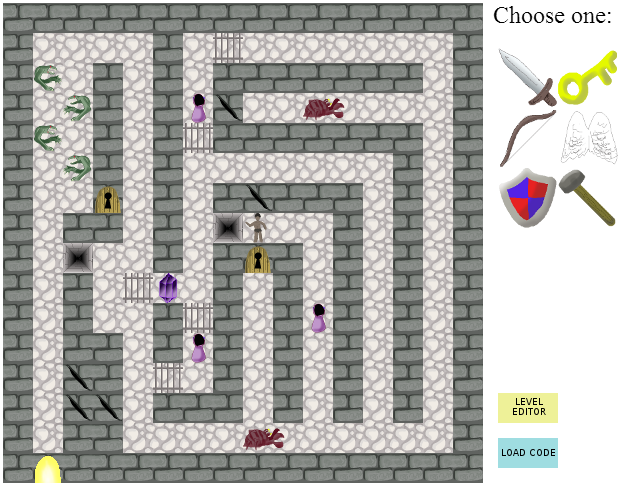
The game has a working level editor, but it's undocumented... it may be a little hard to figure out how to use it without documentation, but you're welcome to try... (Hint: You can select the current tile type by pressing different keys, and then place tiles with the mouse.)
The "Read Code" button is related to the level editor... when you create a level you can get a code that can be entered into the text box at the bottom; if you have a valid code entered there, then "Read Code" will load the level (and allow you to play it, if you're on the playing screen rather than the editing screen).
Bonus points for theme - this could definitely be taken further, really like the mechanic and thought that needs to go into each level. There didn't seem to be an advantage of the sword over the bow until the player realises they can't kill some creatures with a bow. :)
Comments2