This was not only my first Ludum Dare, but also my first time touching Unity and C# so bare with it :)
I did not have time to figure out how to write a tutorial, so this will have to do:
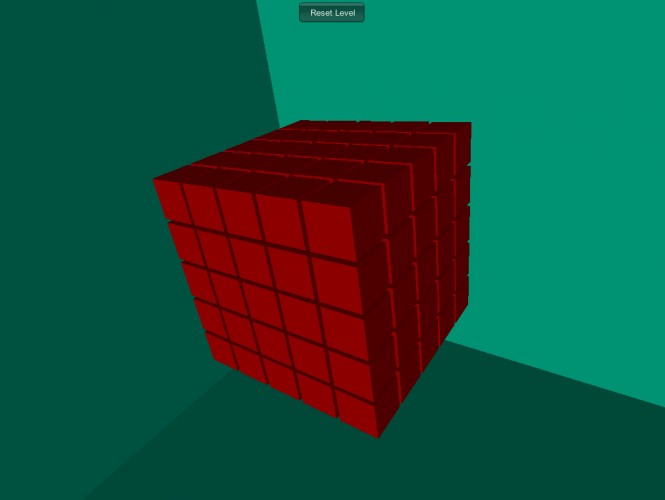
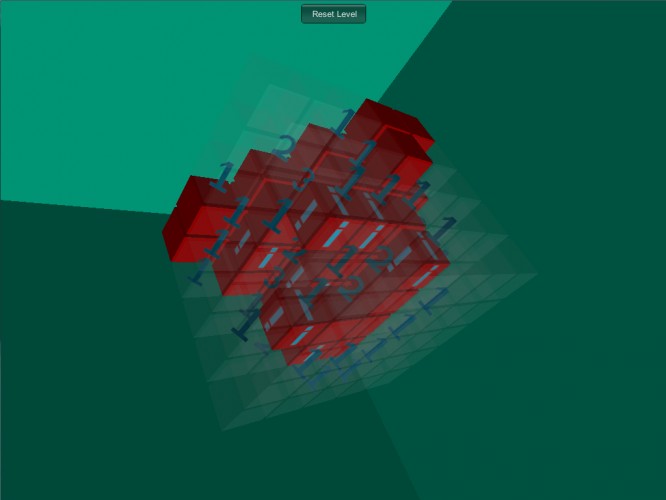
WASD rotate the camera around the cube, Q and E tilt the camera. Mouse wheel zooms in and out. Left click a box to clear it and reveal what's inside, right click for !, and ? to mark boxes. Click the Reset button at the top to reset the puzzle.
What I would like to add: when you find a bomb, it forces you to reset. A victory condition in the center of the cube. Intro text and win/loss text.
I believe it works on all platforms, but can only test it on Windows.
I don't know how to remove the context menu on right click in web browser. the download is just a .rar file with a .exe you run inside. There's no installation, just run it from there
Nice puzzle game ! To remove the context menu : Build settings -> Player settings -> Resolution and presentation -> choose the one that said No Context Menu ;)
@archaeometrician, thanks! I'll look into making a web player tomorrow when I have time.
@cono2134, thanks to you too! and yeah, I know. my first time in Unity and I only had so much time to figure things out. win/loss conditions are on my to do.
Comments7
Thank you for your comment ++
@cono2134, thanks to you too! and yeah, I know. my first time in Unity and I only had so much time to figure things out. win/loss conditions are on my to do.