Screen Pong
This is my second time to attend Ludum Dare, hope that everyone will enjoy it!
------Game list----
LD30 : Parallel Worlds
LD31 : Screen Pong
-------------------
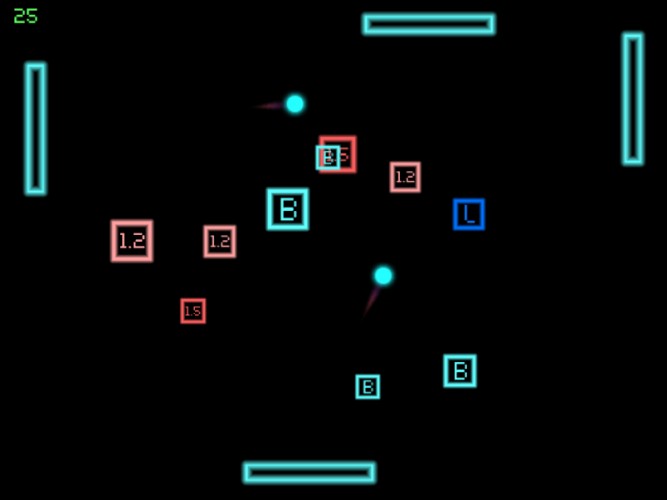
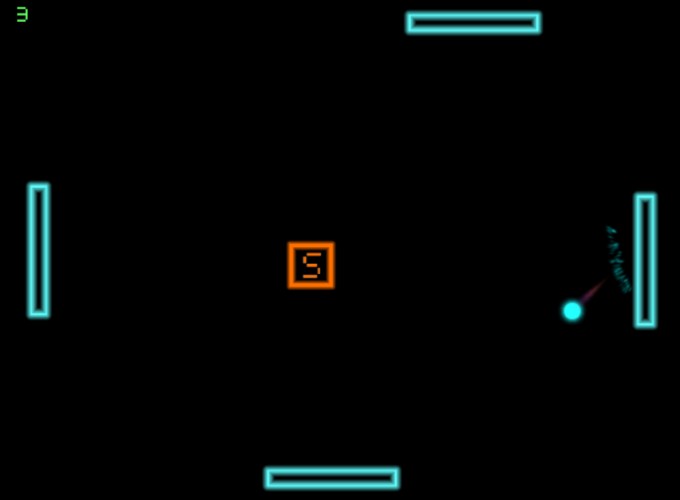
This is a simple pong game. You control four block to bounce the ball in order to get score.
Game Goal :
Maximize your score, and challenge yourself.
Control :
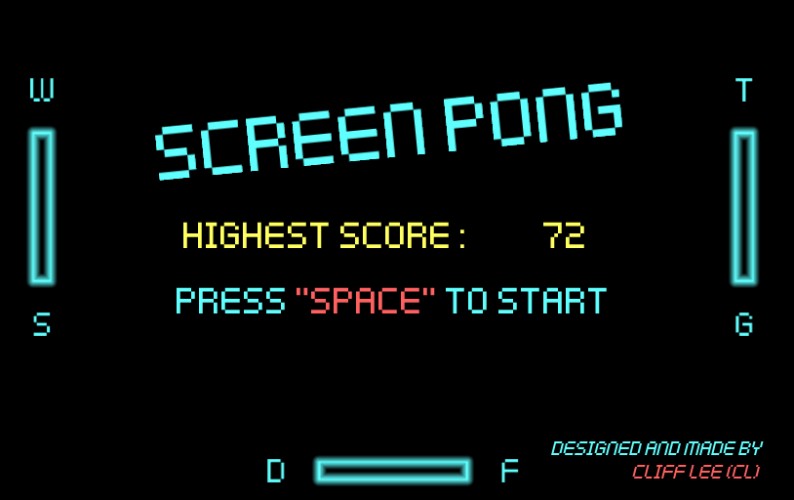
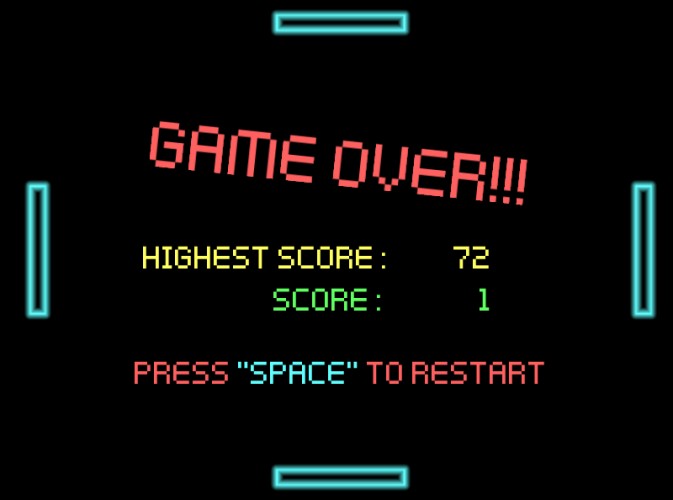
"Space" to start the game/return menu.
"W", "A", "S", "D"
"↑", "←", "↓", "→" are used to move blocks.(showed in game)
Tool:
----Game----
Unity Engine
----Art----
GraphicsGale
Photoshop
----Music----
JFXR
Font came from Kenny Assets.
Background music came from Untiy assets store.
Others are made by myself.
Designed and made by Cliff Lee CL.
------Game list----
LD30 : Parallel Worlds
LD31 : Screen Pong
-------------------
This is a simple pong game. You control four block to bounce the ball in order to get score.
Game Goal :
Maximize your score, and challenge yourself.
Control :
"Space" to start the game/return menu.
"W", "A", "S", "D"
"↑", "←", "↓", "→" are used to move blocks.(showed in game)
Tool:
----Game----
Unity Engine
----Art----
GraphicsGale
Photoshop
----Music----
JFXR
Font came from Kenny Assets.
Background music came from Untiy assets store.
Others are made by myself.
Designed and made by Cliff Lee CL.
Genres: action


Comments10
Nice job !