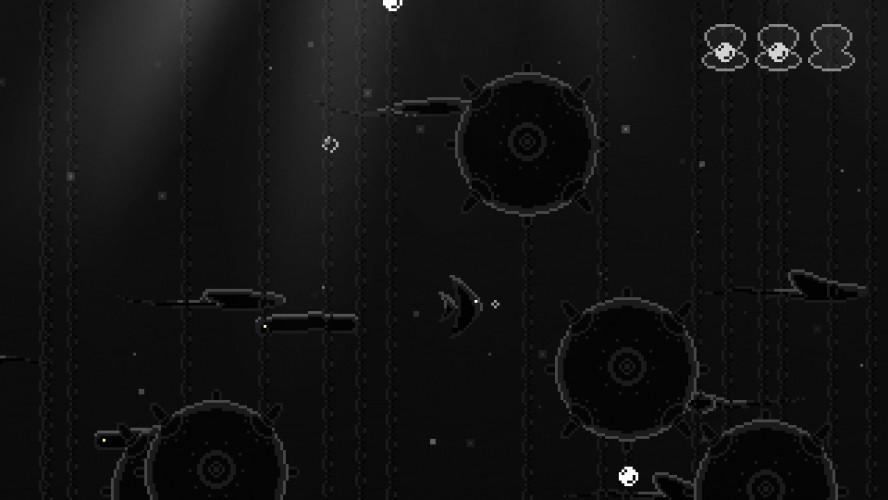
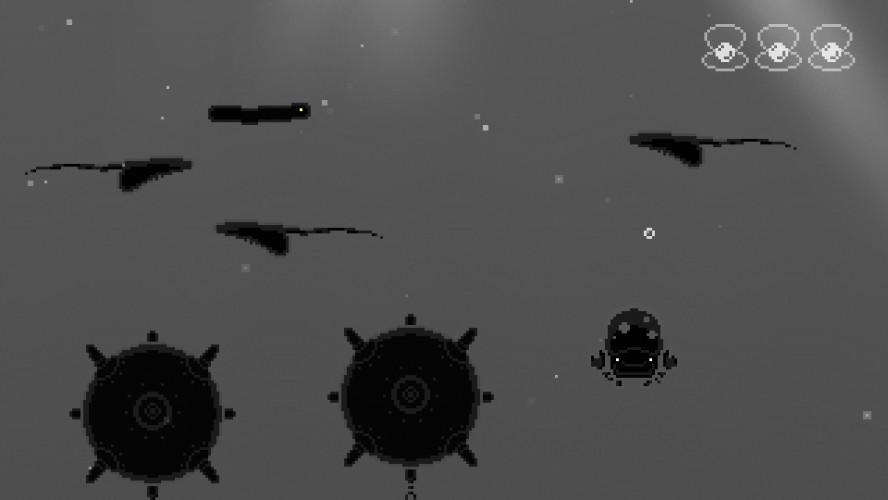
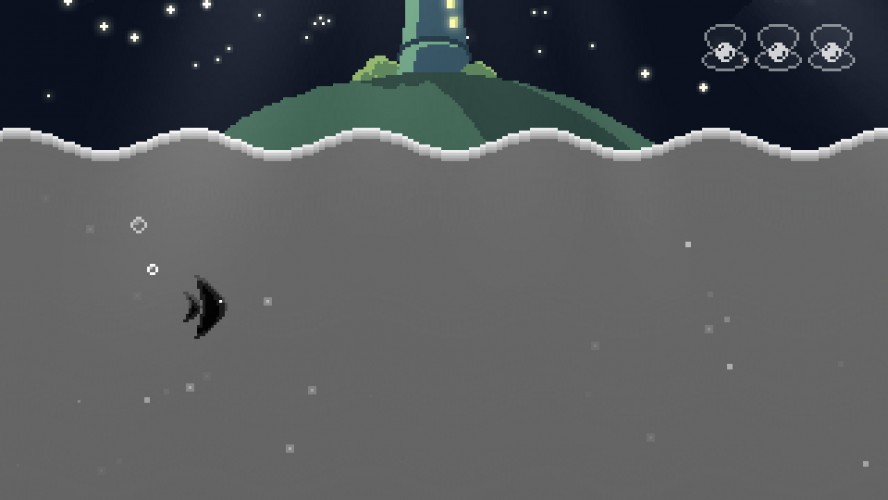
Shallow Shift is a one-minute game. Begin from the depths of a dark ocean, as a 'shape-shifting' being able to transform into 3 creatures, each with their unique 'abilities'. Your goal is to reach the surface to find out the TRUTH. Enjoy :)
great work. Congratulation. Control is great, theme is great, level design is great, and the last part is a great sentence. Really good job. Im impressed.
Great game. One issue, R did not restart for me. I had to re-open the game every time I died (Which I did quite a few times so I could beat the game =) )
I really like the drawings, good use of theme and great audio. Pretty simple gameplay but it's not too easy either. It's incredible short but maybe if you made it longer it would start to drag, dunno.
I had to download the source because the windows version wasnt running, and even then that didnt work when I ran the game. I'm on windows 10, so maybe that was the problem.
However for restarting the game and the crash I digged in your source file and this was the fix for me.
In obj_game > Step event:
I got rid of kRestart and just replaced it with keyboard_check_pressed(ord("R")) in the if statement below.
I replaced room_first with rm_test1 and room_last with room_death since you only have two rooms anyway.
// Input variables for debug room traversal var kRestart, kExit, kPrev, kNext;
// Iterate through rooms backward if (kPrev) { if (room == room_death) room_goto(rm_test_1); else room_goto_previous(); }
// Iterate through rooms forwards if (kNext) { if (room == room_death) room_goto(rm_test_1); else room_goto_next(); }
However, this was a really short and sweet game with a nice ending. Loved the visuals and animations, and the lighting effects was pretty awesome. Excellent work
@glitchu I am really sorry you had to go through all that to run the game. I have no idea why it didn't run on your system.
Thank you for making corrections to the code, but I still don't get why it wasn't working for you.
I had earlier updated the build (not the source). As some people were having problem with 'R' not restarting their game, and I found out that the problem was with this object called 'obj_game' only. I had removed most of the code from this object's step event (specially the gamepad one, as later I decided to remove controller support from the game). Even the variables 'kPrev' and 'kNext' as they had no use in a 2 room game. My point being, this problem shouldn't have occured, but you seem to be good with GMS, can you please explain to me why it did though ?
I'm not sure why it worked tbh because I dont see anything wrong with your code. But if I had to guess it would be the way gamemaker reads the keyboard_check through custom variables.
With my game you commented on earlier about shift not working, did you try pressing it once you built up some meter around the eye? If not then it's a bug I have to fix.
Don't worry many others have had the same confusion as you did so it was purely my fault for not being clear.
I love the art style and mood, but I found it quite unplayable. The lateral moving fish doesn't move enough and sometimes obstacles are impossible to avoid, maybe I'm missing something. Otherwise I think it's a nice idea :)
Beautiful graphics and good gameplay. I got stuck one time, when the fish was swimming from left to right exactly under a mine. There was no way around it.

Comments34
One issue, R did not restart for me. I had to re-open the game every time I died (Which I did quite a few times so I could beat the game =) )
I have no idea why pressing R isn't restarting the game for some of you. I will look into it and update the build.
Maybe to hard, I wanted to see the headlight, but there's to many enemys... But good job, bravo :)
Quite simple game but i really enjoyed this! :#
However for restarting the game and the crash I digged in your source file and this was the fix for me.
In obj_game > Step event:
I got rid of kRestart and just replaced it with keyboard_check_pressed(ord("R")) in the if statement below.
I replaced room_first with rm_test1 and room_last with room_death since you only have two rooms anyway.
// Input variables for debug room traversal
var kRestart, kExit, kPrev, kNext;
kExit = keyboard_check_pressed(vk_escape);
kPrev = keyboard_check_pressed(vk_subtract);
kNext = keyboard_check_pressed(vk_add);
if(gamepad_is_connected(0))
kRestart = gamepad_button_check_pressed(0, gp_start);
if (keyboard_check_pressed(ord("R"))) {
room_goto(rm_test_1);
audio_stop_all();
}
if (kExit)
game_end();
// Iterate through rooms backward
if (kPrev) {
if (room == room_death)
room_goto(rm_test_1);
else
room_goto_previous();
}
// Iterate through rooms forwards
if (kNext) {
if (room == room_death)
room_goto(rm_test_1);
else
room_goto_next();
}
However, this was a really short and sweet game with a nice ending. Loved the visuals and animations, and the lighting effects was pretty awesome. Excellent work
Thank you for making corrections to the code, but I still don't get why it wasn't working for you.
I had earlier updated the build (not the source). As some people were having problem with 'R' not restarting their game, and I found out that the problem was with this object called 'obj_game' only. I had removed most of the code from this object's step event (specially the gamepad one, as later I decided to remove controller support from the game). Even the variables 'kPrev' and 'kNext' as they had no use in a 2 room game.
My point being, this problem shouldn't have occured, but you seem to be good with GMS, can you please explain to me why it did though ?
With my game you commented on earlier about shift not working, did you try pressing it once you built up some meter around the eye? If not then it's a bug I have to fix.
Don't worry many others have had the same confusion as you did so it was purely my fault for not being clear.
Liked the 16-bit-like music as well.
I think the game over screen should have been a bit faster, though.
Overall it was nice.
Graphics are a treat, music is serene and fits the atmosphere.
I like it a lot. Great entry!
So.
Beautiful!