Ludum Dare #35compo
SHAPEshift
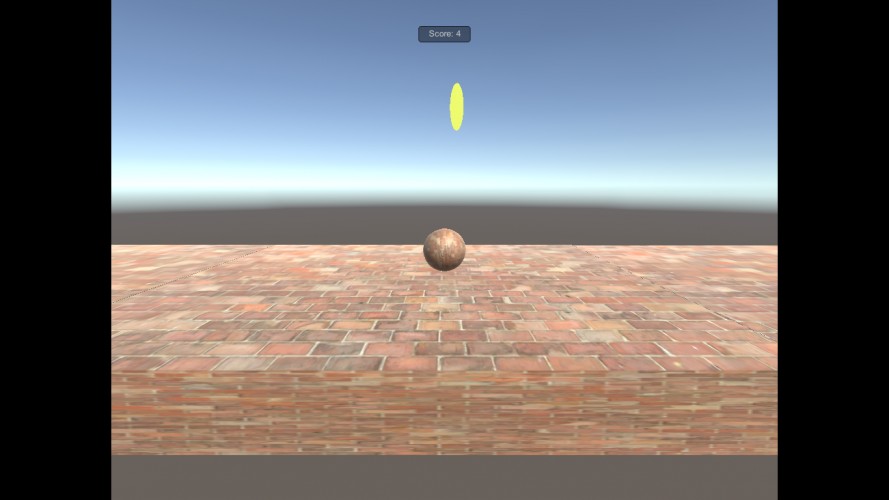
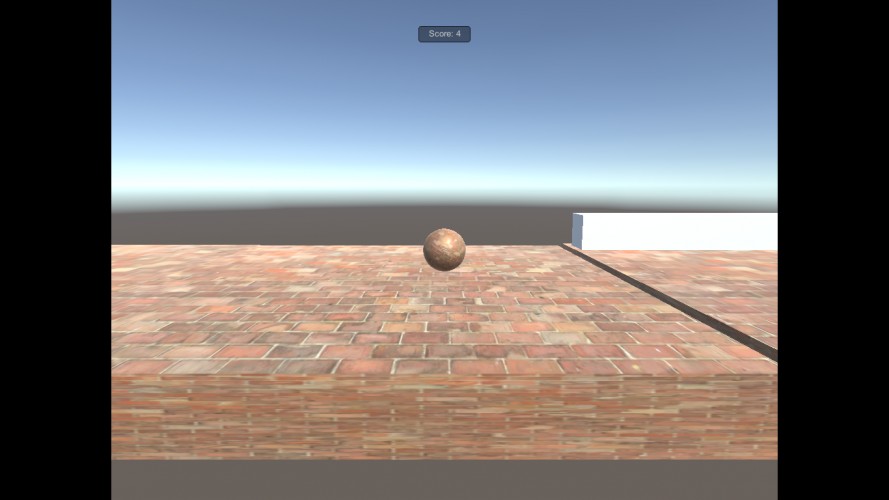
My very first Ludum Dare and Unity game. It is just me gaining my basic knowledge of Unity and Java Script code. Jump = W Left = A or < Right = d or >. Thank you for playing and please leave feedback and suggestions. :)
Genres: adventure
Comments15


Dooskington18 Apr 2016, 02:37
Couldn't open the game, you didn't package it correctly.
Broken Matrix18 Apr 2016, 02:37
Cant Run
swellbastion18 Apr 2016, 02:37
hi kingofjohns, the first link said "There should be 'LudumDareGameSHAPEshift (1)_Data'
folder next to the executable" and the other links wouldnt run for me
htspencer8818 Apr 2016, 02:45
I've used Unity for my submission as well, so feel free to send me a message if you need a hand getting it together for release as you seem to be struggling.
A good start would be getting at least a windows executable zipped with the relevant data folder, uploaded somewhere like dropbox. Hope it goes well, obviously not going to vote till its playable, good luck!
ViliX6418 Apr 2016, 02:46
Please fix your links - I couldn't get to any binaries. :(

AustinSpafford18 Apr 2016, 02:48
I'm sorry, but I wasn't able to get this to run, even renaming the data-folder to match. I won't affect the score by leaving a rating, but hopefully it could be re-uploaded in time for others to try it out. :)
kingofjohns18 Apr 2016, 02:57
I think I fixed the itch.io the other two are still broken. :( please tell me if the itch.io will work for you.
kingofjohns18 Apr 2016, 03:01
If you know how I need to fix the first two links please tell me
TCD18 Apr 2016, 12:14
how do i run this?
FenyesJ18 Apr 2016, 12:51
10/10
htspencer8818 Apr 2016, 15:34
If you want to deploy to windows/OSX/linux:
File > Build Settings.
Select PC, Mac & Linux Standalone option.
From the "Target Platform" drop down select which one you want. I suggest windows first as that will more than likely hit the most users.
Pick an empty folder as the build location, remember where that folder is. Name the build whatever you like.
Click build and wait.
Go to the folder and select all the contents. For the windows build it should be an exe and a folder ending in _Data.
With it all selected, right click and send it to a zip file.
Name that zip file whatever you like and upload it to drop box.
Add the dropbox link here.
Hope that helps!
File > Build Settings.
Select PC, Mac & Linux Standalone option.
From the "Target Platform" drop down select which one you want. I suggest windows first as that will more than likely hit the most users.
Pick an empty folder as the build location, remember where that folder is. Name the build whatever you like.
Click build and wait.
Go to the folder and select all the contents. For the windows build it should be an exe and a folder ending in _Data.
With it all selected, right click and send it to a zip file.
Name that zip file whatever you like and upload it to drop box.
Add the dropbox link here.
Hope that helps!
w1n5t0n20 Apr 2016, 01:46
doesn't run

Hempuli26 Apr 2016, 20:05
As others have said, even after moving files around the game complained about a missing data folder :(

SUNFURY2 May 2016, 13:41
cant run the game :(


i get this from the itch.io link, "The developer has not uploaded a game yet..."