Ludum Dare #40compo
Ethereal
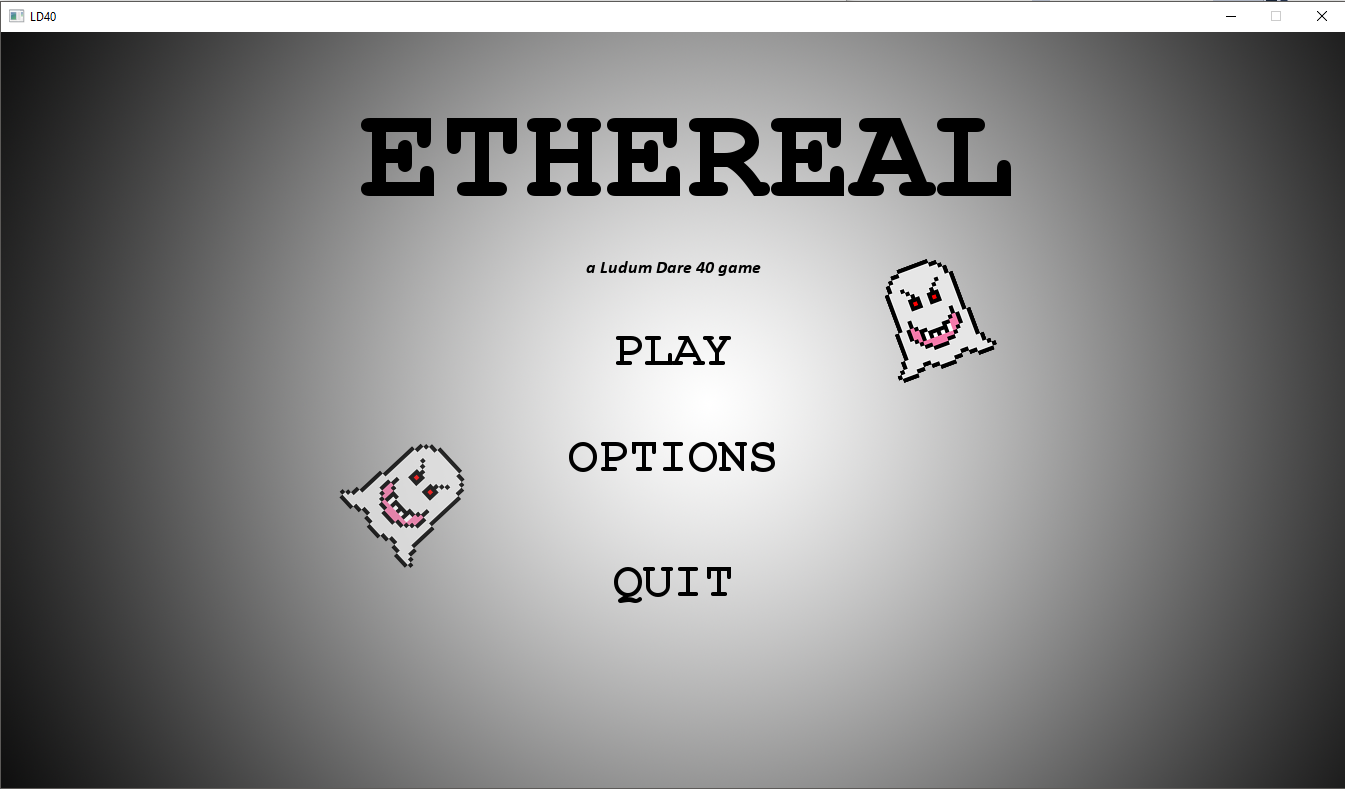
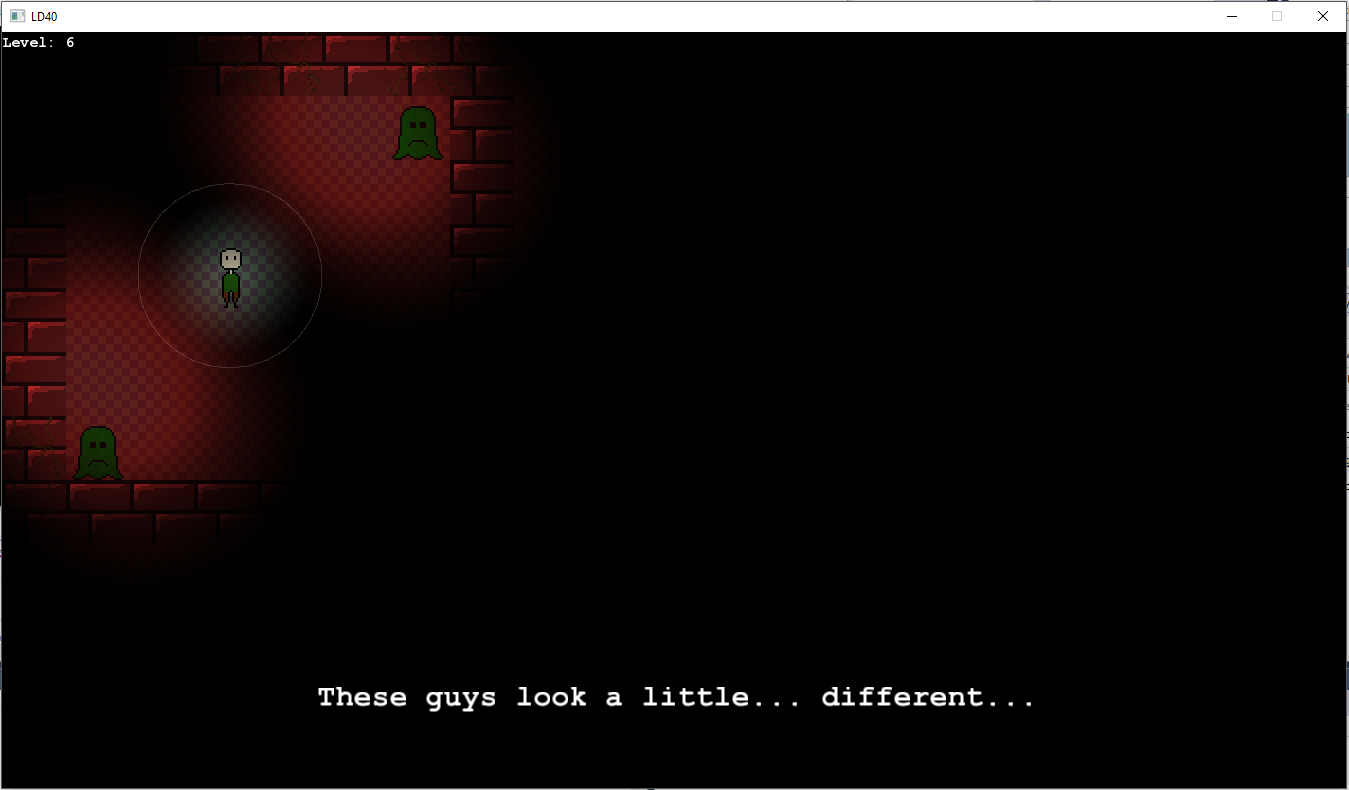

Ethereal is a game where the more light there is, the worse it gets. You play as a poor soul lost in a dark maze, trying to find his way out whilst avoiding ghouls.
Navigate by increasing the intensity of your light, but beware of light-sensitive enemies. If you retract fast enough, you might just get away.
Important!
I know that often times when rating LD games people will only play for a minute or two, which I completely understand. I included a handy "skip level button" (P), and if you aren't going to play all the way through, here is my recommended level path that I think is the most fun/best represents the game:
Level 0 --> Level 1 --> Level 4 --> Level 5 --> Level 6 --> Level 7 --> Level 9 --> Level 10 --> Level 14 --> Level 16
The bolded levels introduce key concepts to you, so you probably want to play those!
Controls:
Move with WASD
Increase/Decrease Light Intensity with Mouse Scroll Wheel (or M and N respectively on a laptop)
Note:
Music is off by default, as I felt it made the atmosphere more tense, but there is an option to turn it on.
If you're stuck on a particularly hard level, press P to skip it.
You may want to turn the sound down a little in the Volume Mixer, sounds are a little loud (especially the scream).
Resources Used:
- C++
- SFML
- Visual Studio 2017
- Photoshop
- Gimp (because my Photoshop license ran out mid-jam)
- FL Studio
- Audacity
I usually make my Ludum Dare games with Unity, but this time I opted for C++ and SFML as a new challenge. I'm really happy with the amount of content I got packed in here while still programming my own collisions and lights and stuff like that. I hope you have fun playing!
Bonus:
WOO -- https://streamable.com/r45qr


Comments31
This would have been great for the Running out of Power theme, if there was a depleting battery feature.
The graphics could use some improvement.
BTW
I really like the circular lighting around the player. I guess you did it in C++ but do you have any idea about how to do this in Unity?
Thanks
If I had to guess, one way to do it would be to use a point light that is a child of the player. That way it would follow the player around. To increase/decrease the radius, maybe scale it on x and z? Of course, you could always use a lightmap and a RenderTexture (similar to what I did in C++) but that might be a little overkill for an actual engine that supports lights.
Actually nice graphics! Well done :)
1. I think in hindsight some of the exits to the levels are annoyingly hard to find. If I could, I'd go back and add a light next to every door.
2. At one point, the ghosts moved about 2 times faster than they do now, but I felt that the game became more about luck than a quick reaction, so I decreased it. I think this was the right choice.
3. The scrolling background! Ugh! I couldn't bring myself to take the easy (and very hacky) way out of this problem, so I just left it. It annoys me too, but hopefully it doesn't get too in the way of the fun!
4. I've shown a few people this game and in person, the physical jolt when you run into a ghost is amazing to me. I think it's awesome that I made something that has that great of an effect!
Future commenters, I'm curious, what level did you stop on? Did you skip any?
The graphics are a bit inconsistent (top or side, can't decide), and you could have taken more time working on the character and creating a cool animation, as it's the thing you see all the time.
Overall, nice game, nice you've done so many levels for a game jam.