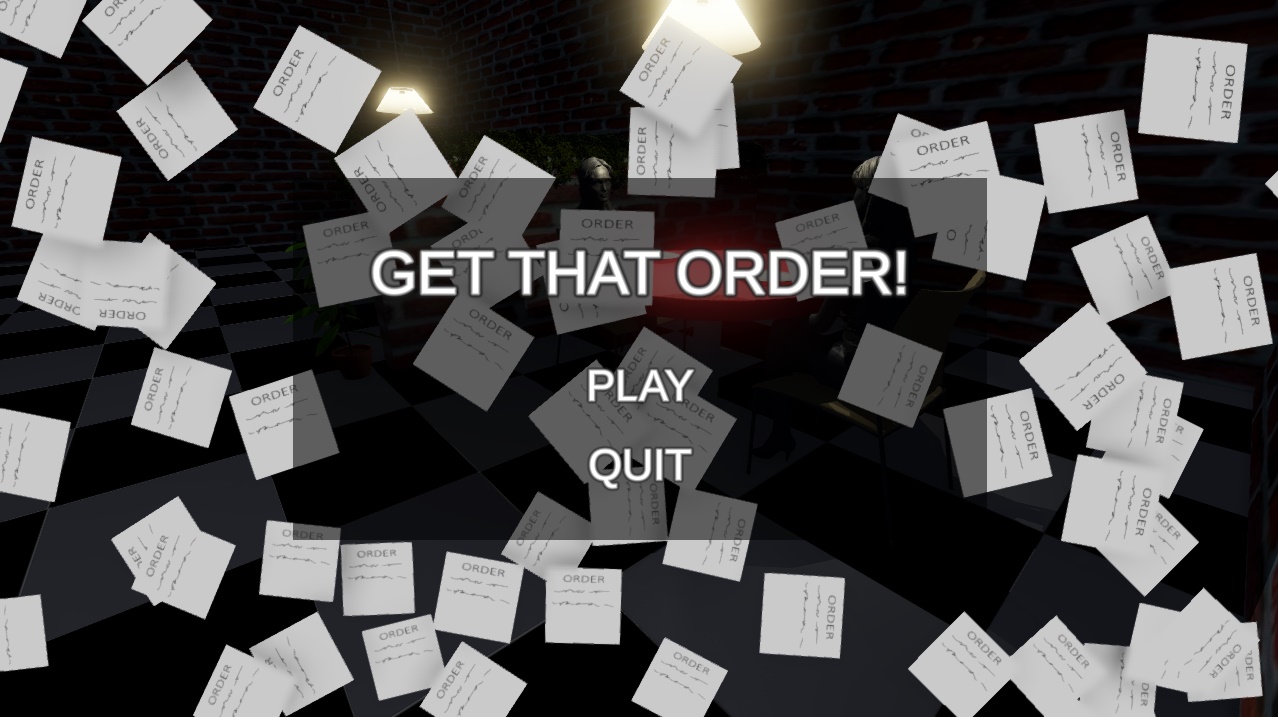
A hectic game where your task as a chef, is to make sure all orders are sent out in time. Prep, Cook & Serve! The more orders coming in, the more hectic it gets! PLAY IN FULL-SCREEN
Because of time-shortage and other various reasons I couldn't seem to get it working correctly in itch's default window mode. However, full-screen mode should work as intended! How-To
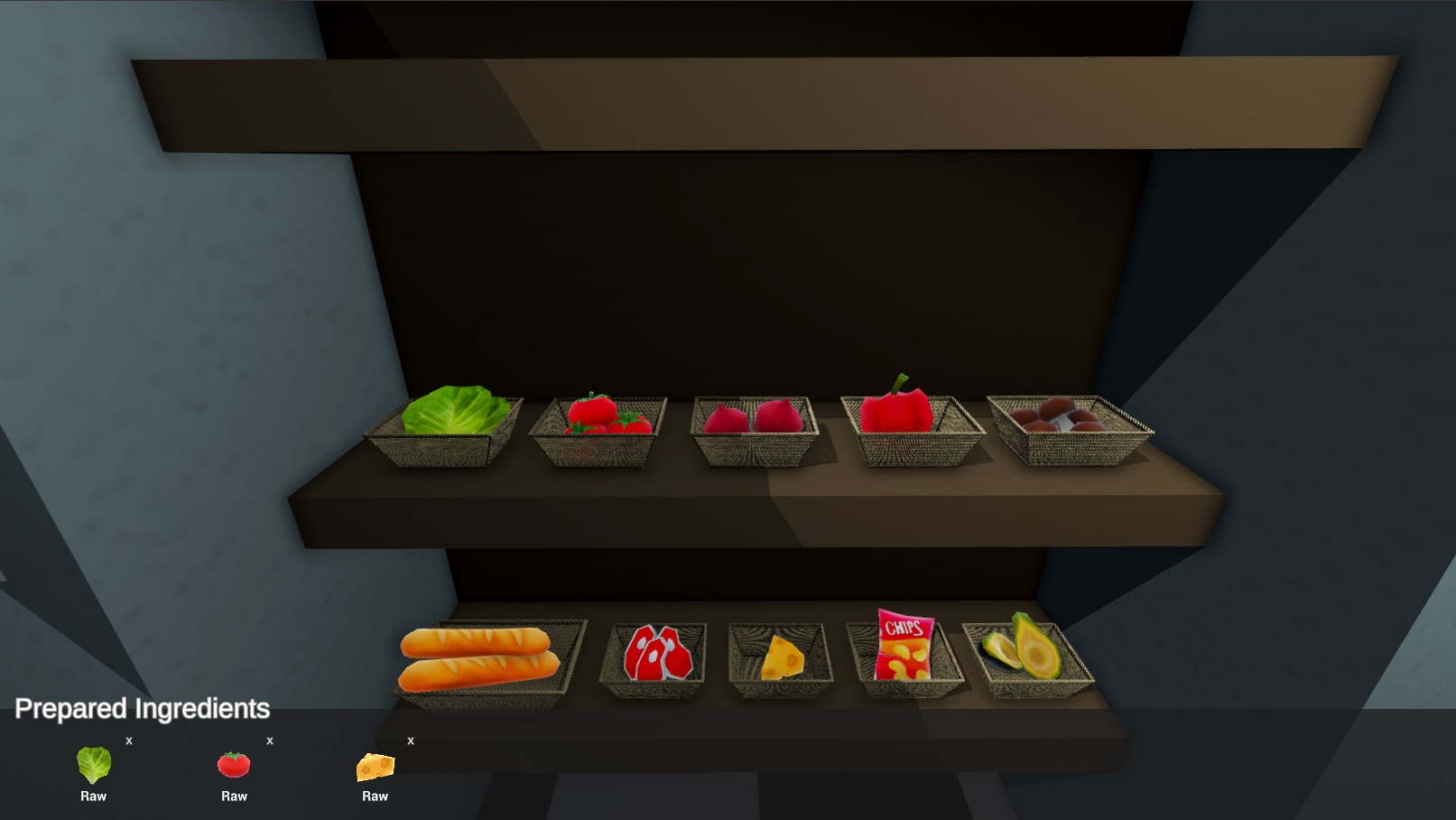
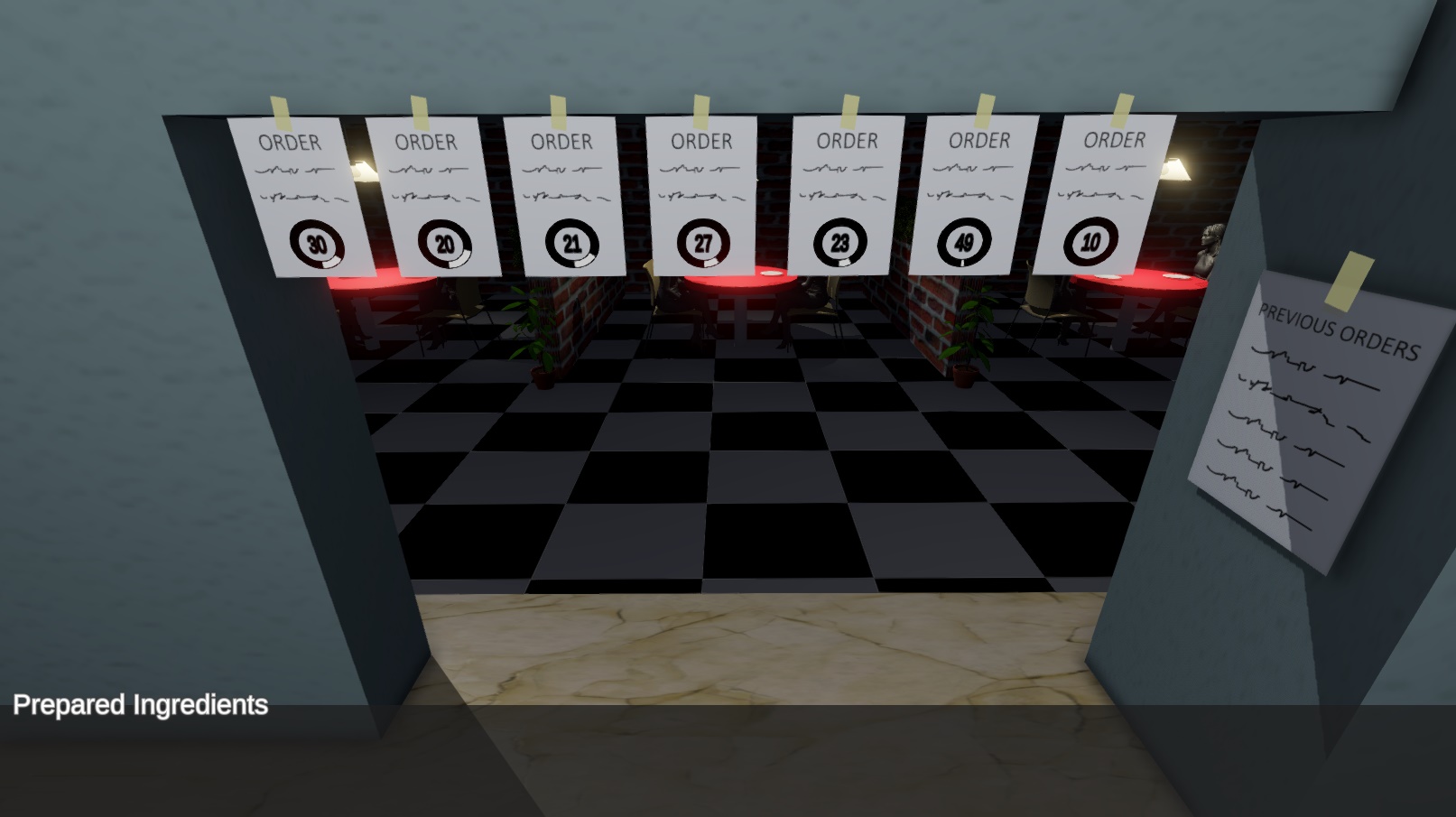
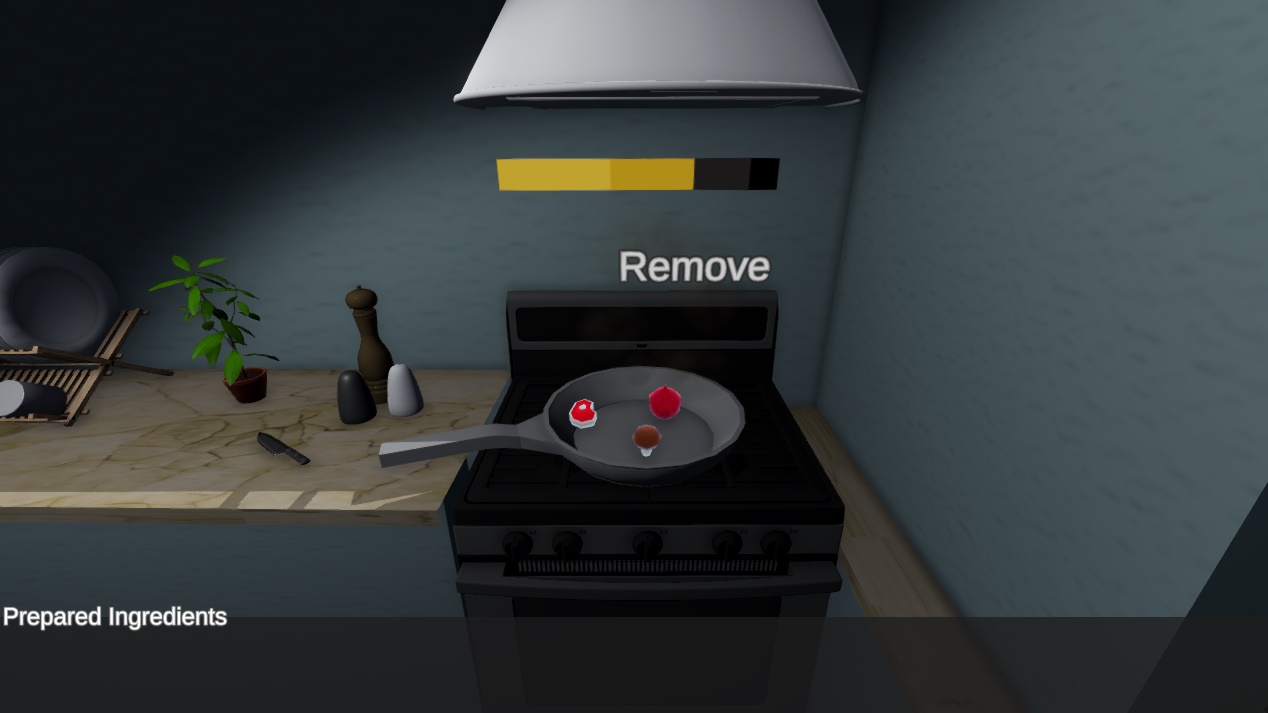
- Turn left & right using A- and W-keys. - Use your mouse to interact with objects. - Press an order to get information about it. - Press and ingredient to add it to your inventory. - Press the frying pan to enable cooking, then press the ingredient in your inventory to add it. - Press cook to start cooking, but make sure you remove it in time or else it will burn! - When you have all the ingredients for your order, press the order once again and there should be a button for -serving your magnificent meal. - Hit 'Escape' for pausing, sound can also be adjusted here! - Game over when you've failed 5 orders
About Me
Erik Rodriguez, 21, Sophomore College student studying Game Development in Sweden. Time spent on the Game Jam
- Day 1: ~15h - Day 2: ~ 8h - Day 3: ~12h - Total: ~ 35h (out of 72h)
Note
There are several bugs, and bad behaviors, especially UI-related things. However, I hope that find some joy out of this little project! 😄
Game fun to play, I like this kind of cooking game ^^
Kinda hard, but not always for the good reasons ! For exemple,maybe it's just me, but I found the "cook" and "remove" buttons floating on the pan quite counterintuitive (indeed I ALWAYS clicked on the pan itself like a dummy...that was frustrating :'( )



Kinda hard, but not always for the good reasons ! For exemple,maybe it's just me, but I found the "cook" and "remove" buttons floating on the pan quite counterintuitive (indeed I ALWAYS clicked on the pan itself like a dummy...that was frustrating :'( )
Good job on the game, I liked it !