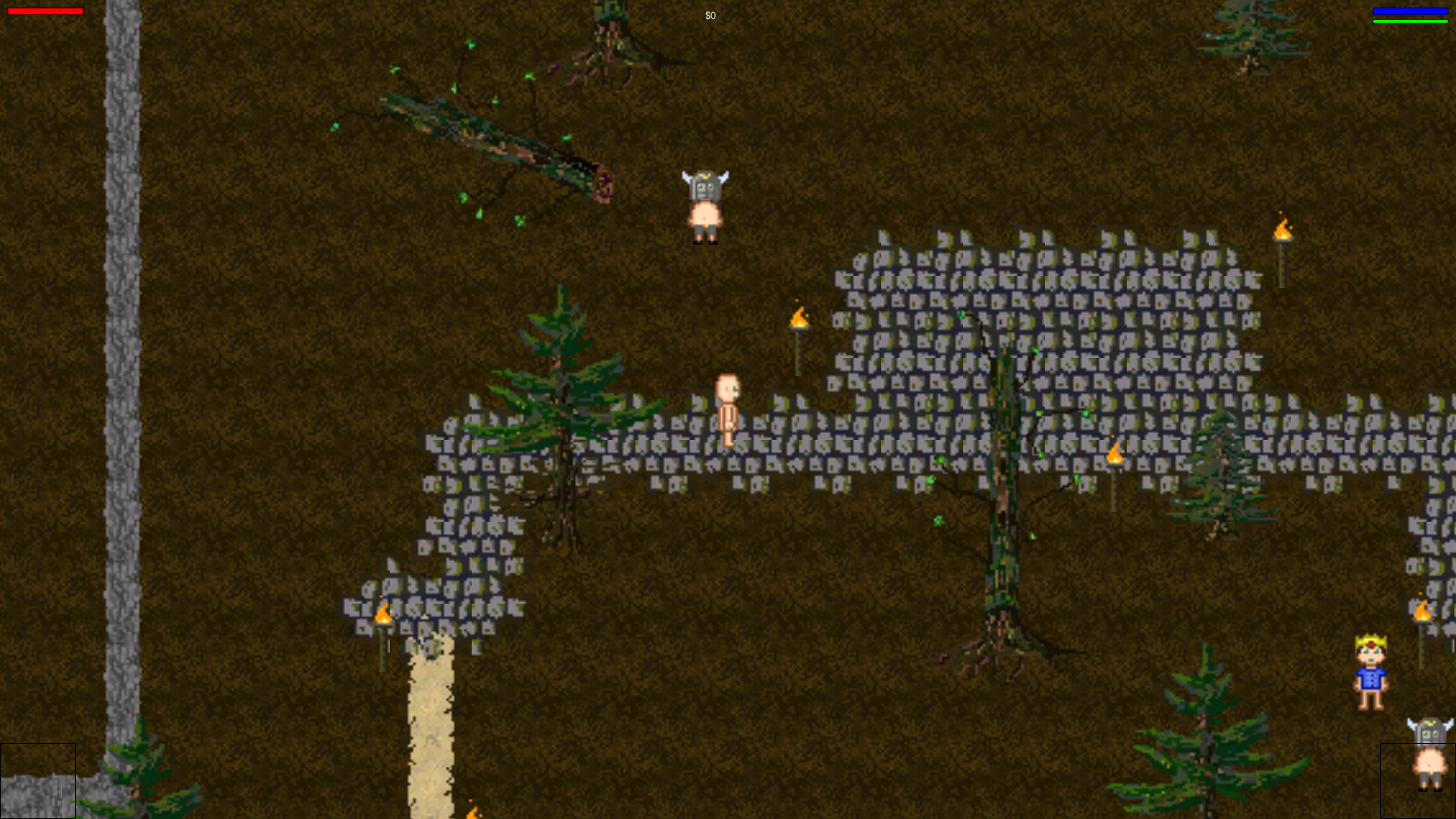
You are send into the gloomy forest by your lord to save scared villagers. But be careful some bandits may cross your adventure! But hey maybe you find some nice loot on the way!
Local Multiplayer: The Game will activate splitscreen automatically if its detects one or more controllers. (If your game starts unwanted in splitscreen mode you have to unplug your controllers)
Default Controls: - Move = W S A D, or Arrow Keys - Interact = F or E - Inventory = Left Alt or Right Click (if no enemy is close by) - Attack 1.Hand = Space or Left Click - Attack 2.Hand = Left Alt or Right Click - Ingame Menus are controlled by Move controls!
Advanced Key Bindings: Check out the unity launcher input tab page for the Key Bindings especially for splitscreen, please. - 0 stands for player one - 1 stands for player two - 2 stands for player three - 3 stands for player four - (UseTool = Interact)
Details
Info: Sadly we had a wide range of technical issues during the jam so we did run out of time. Related to that a big amount of content we have already created hasn't made it into the final game like mostly all collectable items, spells and the planed animal races🐴. But at least we have to show "something" and we have lerned a lot!
I had a very hard time understanding what I should do and how to do it. It'd be great if the controls were shown somewhere so I could understand how to play. I liked the atmosphere of the game and how it progressed but without a clear goal or way to lose it quickly got confusing and dull.
I think some kind of tutorial would be really nice, since I couldn't figure out what to do... I figured out I attack by clicking, but nothing attacked me, jsut some princes were following me :D And then, there were some other characters, but they didn't do anything... And I couldn't figure out how to collect stuff, I think I tried pressing almost every key on my keyboard and mouse, but nothing worked... The graphics and the mood on the other hand are nice :)
I have added a control overview to the ld game page, also new version aswell as a linux deploy are now available now on github with improved default key bindings.



Comments7
The graphics and the mood on the other hand are nice :)