
WITCHSΔVER
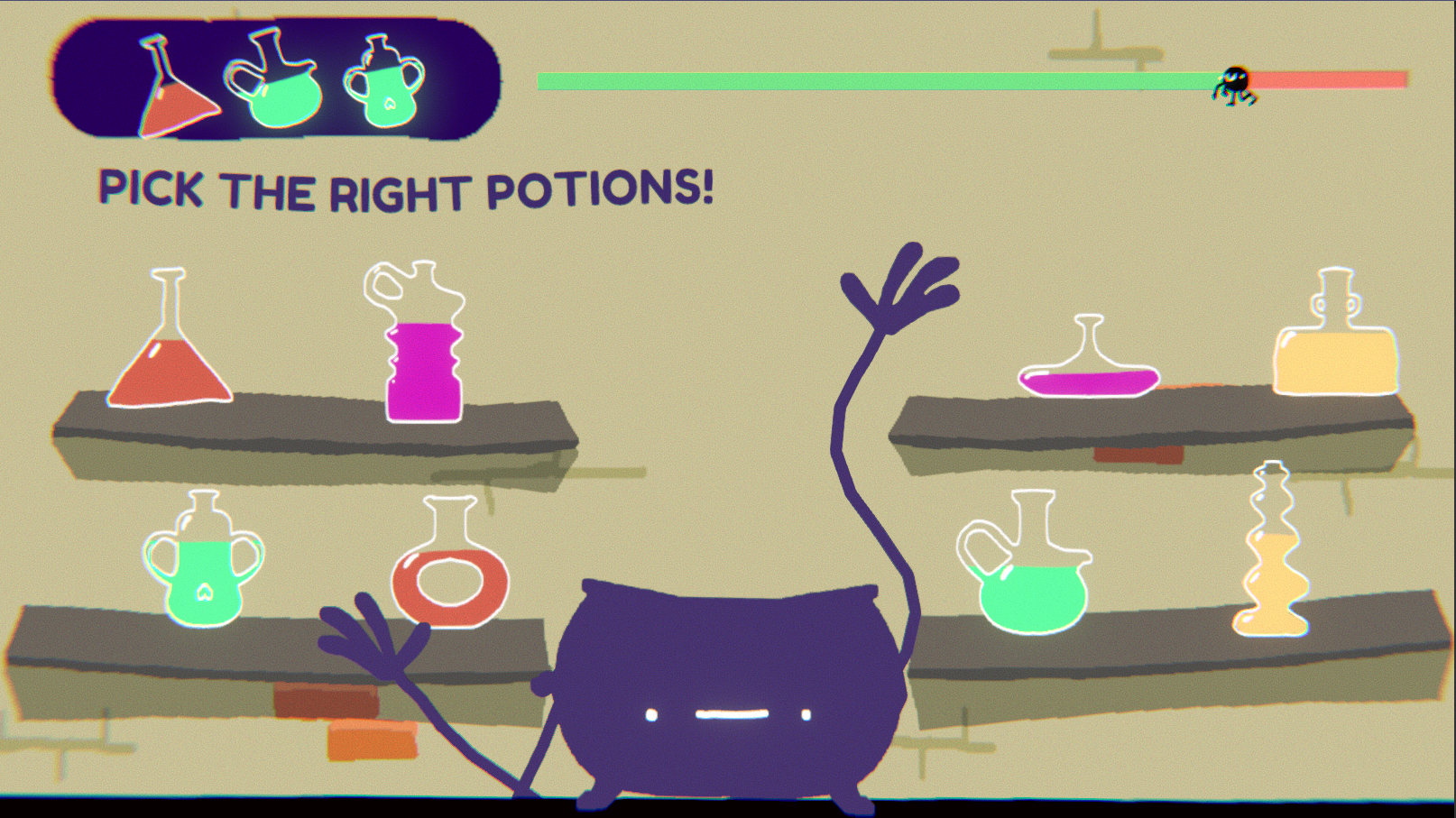
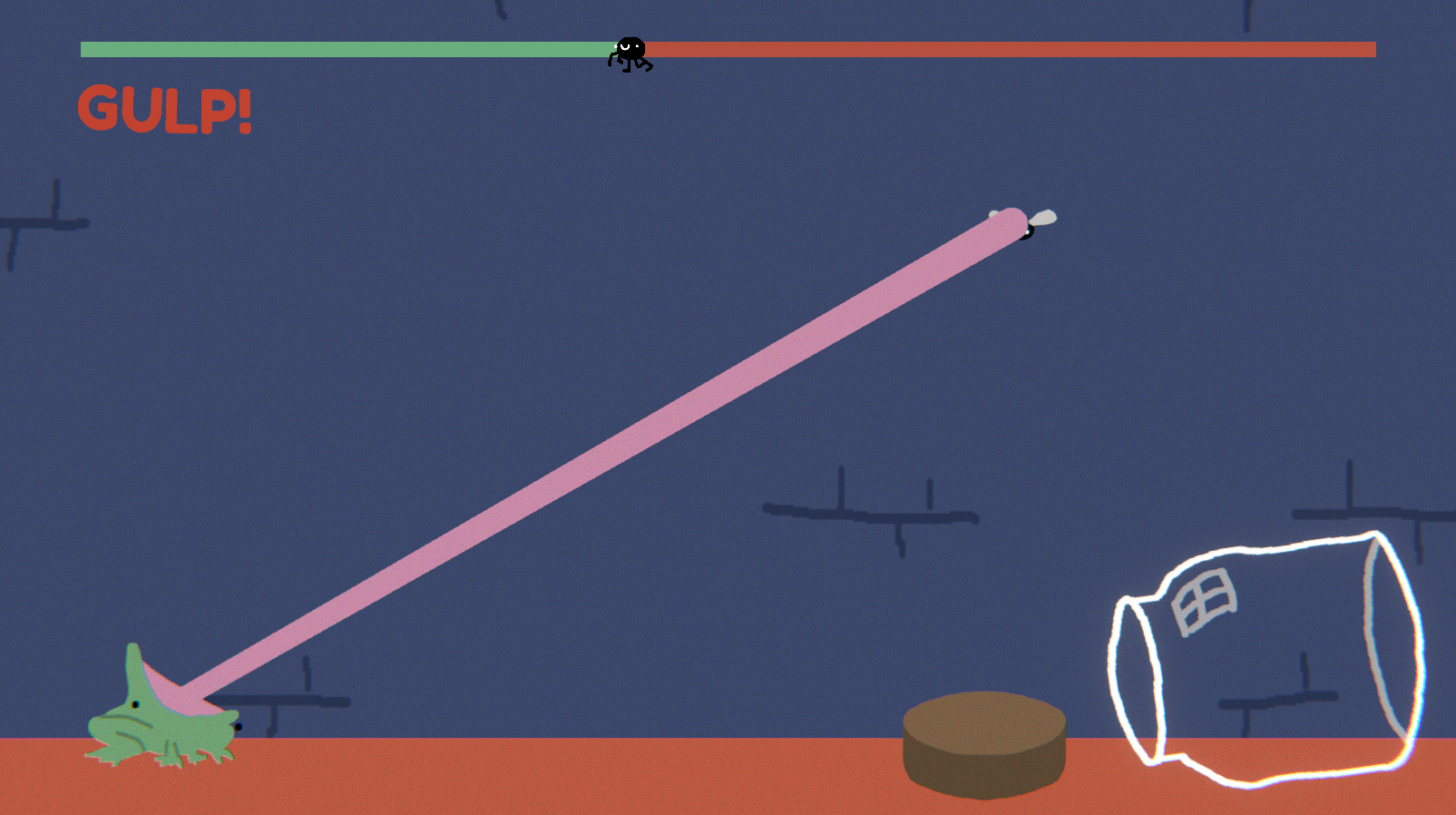
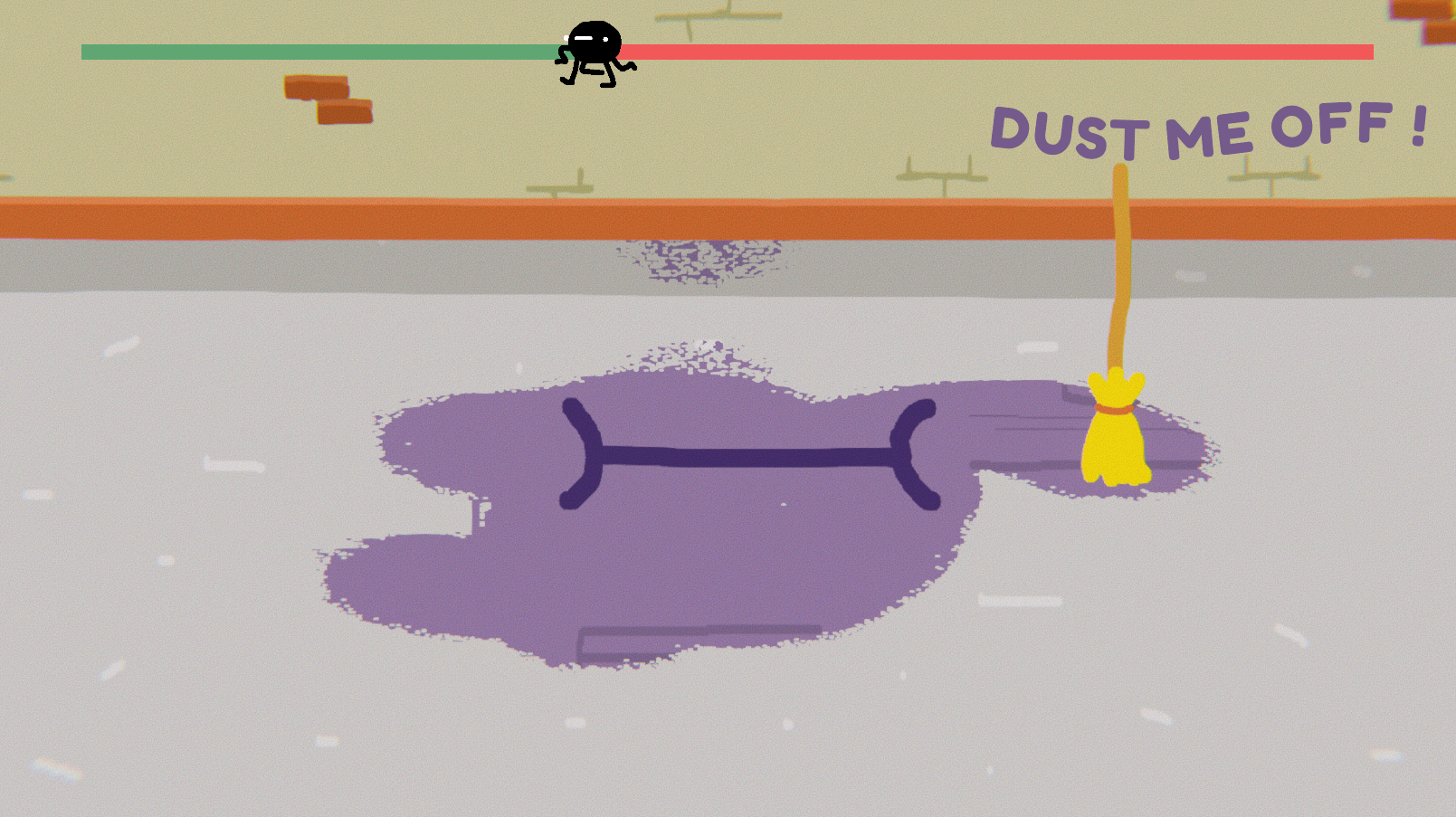
Your screensaver is cursed! Peep into a witch’s home in her absence, and play along with her magic items and pets in a trio of Warioware-inspired mini games playable with mouse-only! Beware: if you fail, you are kicked out and must wait until it appears again…
- an actual playable screensaver -
Music by Boordaf : https://soundcloud.com/boordaf <3
-------------------------------------------------------------------------------------------------------------------------
How to play:
Just follow the instructions! Wave your mouse around and click stuff!
If you just want to go back to your desktop, just press Escape!
--------------------------------------------------------------------------------------------------------------------------
INSTALLATION INFOS
Download the zip file, install the screensaver with the installer, it will take care of where the files should go,
the only thing you have to do is go to your screensaver settings (in Win10 you can find the settings in Personalization/Lock Screen and screen saver settings at the bottom)
set the screensaver to 1 (it's the name of the build) and set a desired duration for the screen saver.
DO NOT PRESS SETTINGS OR PREVIEW (I can't make a working build with the command line)
it should curse your computer, then all you have to do is close the screensaver settings window and wait a bit or go for a walk
if you're experiencing any trouble please reach us so we can help you troubleshoot the issue.
--------------------------------------------------------------------------------------------------------------------------
thank you for installing our screensaver <3

Tools: Unity
Comments16

Narudgi24 Apr 2018, 01:09
HHHH best screensaver
MrBeck24 Apr 2018, 19:19
So cool ! Love to move the chauldron's arms with the mouse c:
And I don't know why but for the "Dust me off!" screen, when I click, the picture freeze (I just can do escape to go back to my desktop)
And I don't know why but for the "Dust me off!" screen, when I click, the picture freeze (I just can do escape to go back to my desktop)

Jupiter_Hadley25 Apr 2018, 11:18
Super fun idea! It freezes for me on the dusting part though. I included it in my Ludum Dare 41 compilation video series, if you’d like to take a look. :) https://www.youtube.com/watch?v=pPm7OCu9cQ8
Gerickos26 Apr 2018, 18:43
I love the idea unfortunatly the game crash when i try to clean the room with the broom :)
Guilhem27 Apr 2018, 18:16
Awesome concept! It was a little confusing at the beginning tho

cristiano.m.garcia30 Apr 2018, 00:19
Good job! Cool game!
I left my rating of your game, if you can leave your feedback in our game, Witch's Escape.
I hope you continue with the project.
https://ldjam.com/events/ludum-dare/41/witchs-escape
I left my rating of your game, if you can leave your feedback in our game, Witch's Escape.
I hope you continue with the project.
https://ldjam.com/events/ludum-dare/41/witchs-escape

kyyninen7 May 2018, 16:50
This is great! Art is cute as 😽, animations were wonderful and ditto with audio! I enjoyed the fictional wrapper of the game being an actual screensaver, this kind of desktop meta-elements always bring joy to my cold, barren heart. However, I was saddened and left brokenhearted by the broom freeze - I keep hearing sounds after first couple of brushes, but nothing happens on screen until it eventually closes. You have definitely left me wanting for more!
AmigoPadilha7 May 2018, 17:44
This is simply amazing!!!
The only downside was that the game crashes in the dusting room, but aside from that it was great!
Awesome job guys!!
The only downside was that the game crashes in the dusting room, but aside from that it was great!
Awesome job guys!!

BeamKirby7 May 2018, 21:28
This game is really adorable, and I would love to see a more developed version of this game to have! Of course, like everyone else it seems, the visuals freeze up when playing the broom game. However, of what I did see, this game looks great, sounds great, and has a nice unifying theme to it. I'd really like to see more!

AidanMarkham7 May 2018, 22:08
Like others have mentioned, the broom game freezes. Other than that, this was wonderful!

Tymus8 May 2018, 08:01
Thank you all for playing !!
We're trying to find where that freeze comes from but It's not happening in editor or on all machines so it's pretty difficult to debug :(
We'll post a fixed version as soon as possible :D
We're trying to find where that freeze comes from but It's not happening in editor or on all machines so it's pretty difficult to debug :(
We'll post a fixed version as soon as possible :D

Hyohane9 May 2018, 16:07
I usually wouldn't use screensavers, but this is the exception. A great concept and a lot of fun. So for the 'dust me' game you have to clear the eyes and mouth, not the entire room right? I would definitely love to see more like this or more mini games in this.

Acuity10 May 2018, 07:34
Whoa, this is pretty cool! The game freezes during the broom minigame, unfortunately! I like the music and the art and everything - it was a bit troublesome to get it to work as a screensaver - I'd definitely like it more as a normal game (but I guess that's to fit the theme). Good work!
My game still needs some ratings, please check it out if you have time!
My game still needs some ratings, please check it out if you have time!
Tymus10 May 2018, 10:04
@Hyohane you're right, were you able to play the broom section ? I found the reason for the crash but it involves direct3D11 and I've no idea how to debug this :(
I'll try again tonight.
Thank you all for playing, we just passed the 20th rating so we're good !
I'm sorry for the crash, I'll try to fix that
I'll try again tonight.
Thank you all for playing, we just passed the 20th rating so we're good !
I'm sorry for the crash, I'll try to fix that


... (tries to calm down)
I reeeeeeaallly love the fact that you made a game/screensaver. SUPER cool. Gameplay, graphics and sound and super well done as well.