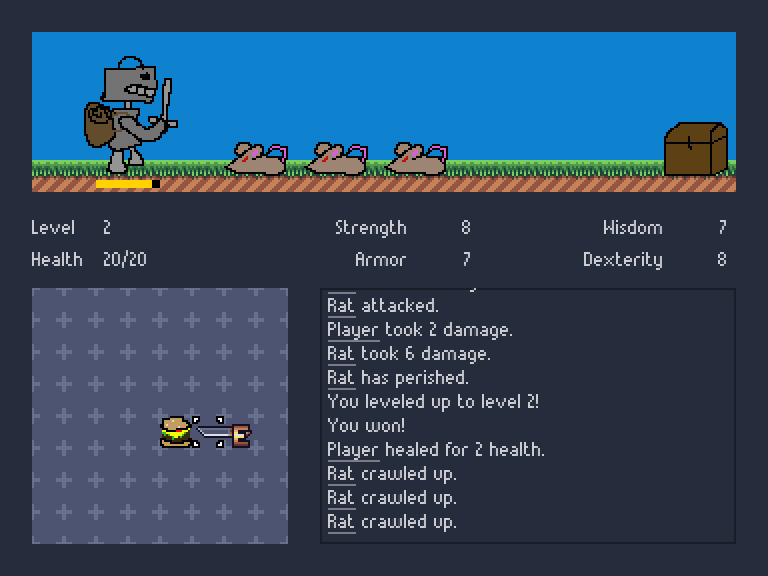
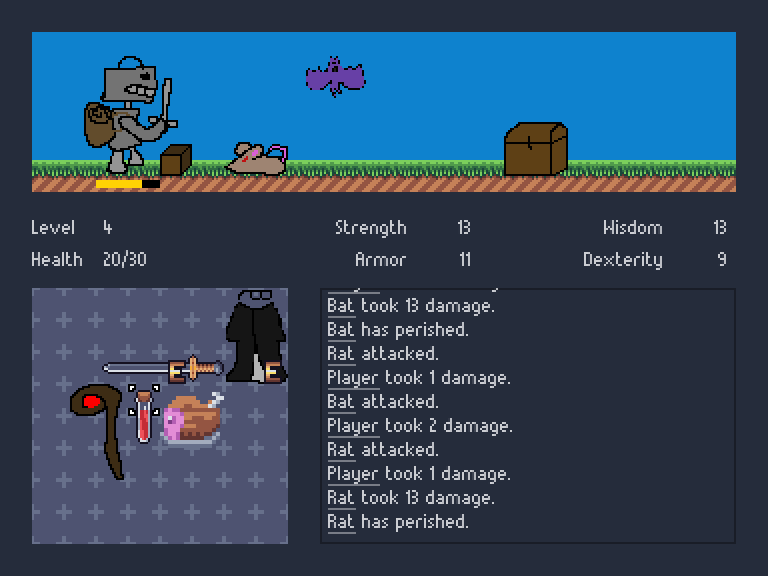
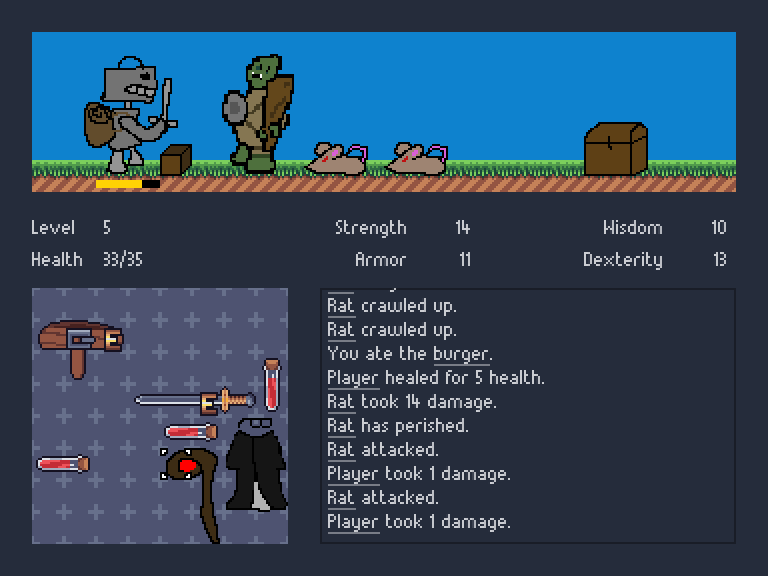
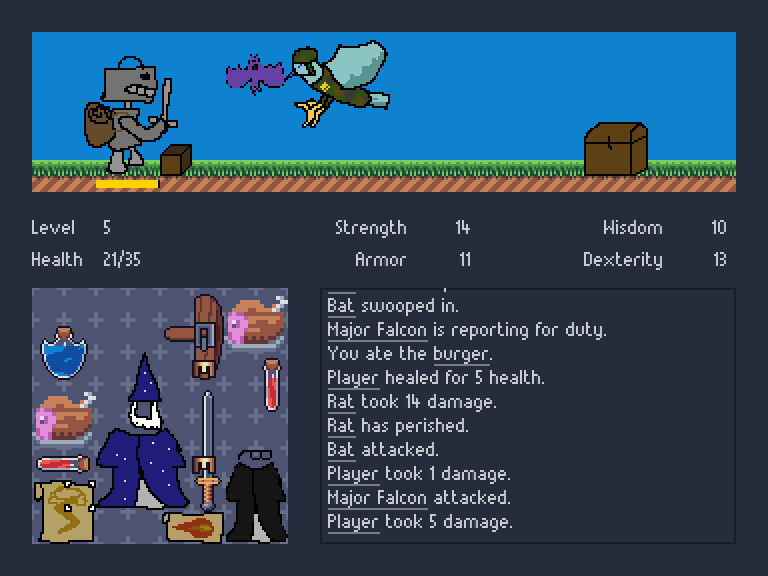
You are Robotron, and you are on a quest to rescue the princess! However, you only have so much inventory space to store all of your items. Move and delete items to make room for all of the cool stuff that you want. Use the items that you collect to defeat enemies and save the princess. But be careful, some enemies try to destroy your precious items!
Created in 72 hours by AlucardX60 (art), EmeliaK (music), and Jellonator (programming), for Ludum Dare 42.
Controls
All of the controls are shown in the main menu, and can be configured for controller or keyboard. The default controls are listed below.
* Move the cursor with the movement buttons (arrow keys). If you have an item grabbed, then moving the cursor will move the grabbed item. * The grab button (c) will grab an item to move it. * The rotate buttons (z and x) will rotate the grabbed item. * The use button (space) will activate the selected item (must not be grabbed). This will equip/unequip armor and weapons, and consume consumable items, such as potions. * The delete button (shift) will delete the selected item. This is useful for removing useless items, or clearing out inventory space. * The pause button (p) will pause or unpause the game.
Good finished game. One of the most entretaining, maybe Ive been playing during half an hour and didn't noticed it, well done!! I would just change the speed of the actions, sometimes you just stop doing things and wait until the the robot does his things. But its a very good game. Well done!! Keep on it!!!
0 - Main Mechanics: The main mechanic I would say would be to automatically confront enemies with current character statuses and his equpment.
1 - Secondary Mechanics: It would be the mechanics that fit (very well) the game in the Ludum Dare theme, the issue of managing the inventory. This part I could not learn inside the game (so I came to do evaluation, before reading the publication again and continue playing a little, hahahahah). Each item has the potential to be a new (secondary) mechanic, so there is a lot to evaluate (and therefore polish and such) in that question).
2 - Learning Curve: In relation to the main loop, from confronting enemies, it was very simple to understand (health points, attributes, equipment, enemies etc). As far as inventory management is concerned, learning has proven to be more difficult (it would be interesting if the game noted the use or not of certain mechanics, and there was an adaptive tutorial, showing only what was not used properly yet, hahahahah ).
3 - Flow: The challenge was growing to the point that I was acquiring skills. Unfortunately, not enough, because I died (but I'll come back and I'll put an end to that green bug). Given learning how to play properly, I think I can better understand the flow (if the game ends, I will understand how far the game flow goes).
4 - Love Points: The character can get items and select what they want to equip!
5 - Presentation of the Narrative: I did not see much about narrative, but the game has the ability to house a good narrative (told inside the game, either through description of items, or through specific lines of specific enemies etc). I think it would go well with the game.
6 - Art Polishment: The audio seemed appropriate to me (still more about the time of Ludum Dare). Visual art can be polished (if the project continues). There is always room for improvement, it is worth emphasizing that when developing a narrative, art may need expansion (also of variation, with regard to audio etc).
7 - Monetization Attractiveness: I believe the polished design could sell by itself (Steam maybe). In casual terms (if the game does not have a great narrative and mechanical variability), could be placed for smartphones and monetize through advertisements.
8 - Community Generation: With the elaboration of character design and narrative, it may be interesting to create a Facebook page to follow the project; which would generate a community around the game (invite me, if you create).
9 - Cultural Dialogue: It takes advantage of the culture upon games that imitate RPG (the virtual RPG), then it can attract of culture for the game in that sense. The game would need to rely more on narrative to achieve the idea of contributing culturally (in various ways).


Comments7
0 - Main Mechanics:
The main mechanic I would say would be to automatically confront enemies with current character statuses and his equpment.
1 - Secondary Mechanics:
It would be the mechanics that fit (very well) the game in the Ludum Dare theme, the issue of managing the inventory. This part I could not learn inside the game (so I came to do evaluation, before reading the publication again and continue playing a little, hahahahah).
Each item has the potential to be a new (secondary) mechanic, so there is a lot to evaluate (and therefore polish and such) in that question).
2 - Learning Curve:
In relation to the main loop, from confronting enemies, it was very simple to understand (health points, attributes, equipment, enemies etc). As far as inventory management is concerned, learning has proven to be more difficult (it would be interesting if the game noted the use or not of certain mechanics, and there was an adaptive tutorial, showing only what was not used properly yet, hahahahah ).
3 - Flow:
The challenge was growing to the point that I was acquiring skills. Unfortunately, not enough, because I died (but I'll come back and I'll put an end to that green bug). Given learning how to play properly, I think I can better understand the flow (if the game ends, I will understand how far the game flow goes).
4 - Love Points:
The character can get items and select what they want to equip!
5 - Presentation of the Narrative:
I did not see much about narrative, but the game has the ability to house a good narrative (told inside the game, either through description of items, or through specific lines of specific enemies etc). I think it would go well with the game.
6 - Art Polishment:
The audio seemed appropriate to me (still more about the time of Ludum Dare). Visual art can be polished (if the project continues). There is always room for improvement, it is worth emphasizing that when developing a narrative, art may need expansion (also of variation, with regard to audio etc).
7 - Monetization Attractiveness:
I believe the polished design could sell by itself (Steam maybe). In casual terms (if the game does not have a great narrative and mechanical variability), could be placed for smartphones and monetize through advertisements.
8 - Community Generation:
With the elaboration of character design and narrative, it may be interesting to create a Facebook page to follow the project; which would generate a community around the game (invite me, if you create).
9 - Cultural Dialogue:
It takes advantage of the culture upon games that imitate RPG (the virtual RPG), then it can attract of culture for the game in that sense. The game would need to rely more on narrative to achieve the idea of contributing culturally (in various ways).