What To Do When Your Drive Is Full
Presentation
"What To Do When Your Drive Is Full" or as it's full name *"What To Do When Your Drive Is Full And You Can't Delete Files Because It's Your Holiday Pictures With Your Wife And Your Dog"*, is a puzzle game about cleaning your hard drive. The goal is simple: get your files either in the trash bin or in the cloud and don't forget to compress them when needed!
The game is only featuring 8 -not so difficult- levels because I started working on this only on Sunday afternoon (couldn't find an idea with this s\*\*\*\*y theme).
Rules
- Files come out of the hard drive in random order, always on the same side
- You must use arrows, splitters and zippers to get them in the correct output (internet or trash)
- Files can enter the outputs on any side
- An already filled output will not accept any file
- Files can touch each other (I don't want them to but I had not enough time)
- One file cannot collide with a wall
- One file should always be on a tile (cannot be the gray void)
Tiles
- Wall: Decorative tile with the functional equivalent of the void. Files can't go there
- Drive: Where your files are stored and will come out when you press the play button
- Arrow: Used to redirect files in another direction
- Splitter: Redirect one file out of two in one direction and the other one in the opposite direction
- Zipper: Will compress any file on it into a .zip
- Bin: One of the output, can accept anything
- Internet: The other possible output, can also accept anything
Controls
In Game
- Scroll wheel to rotate the tiles- Left click to add a tile
- Right click to remove a tile
- Click on a tile on the bottom bar to change the current tile
- Click on a tile on the map to see whatever it's outputting or needs
- Click on "Play / Pause" to start the simulation
- Click on "Stop" to reset it
Editor
- Scroll wheel to rotate the tiles- Left click to add a tile
- Right click to remove a tile
- Middle click on a input or output tile (Drive, Internet, Bin) to edit goals of the level
- The button "Edit items" let you decide what the player will have at his disposal to solve the level
- Don't forget to save your level before going back to the menu, unfortunately there's no confirmation yet
- Export / Import JSON by using the appropriate buttons
Please share whatever you create with the Level Editor with the handy JSON tools integrated 😄
Screenshots
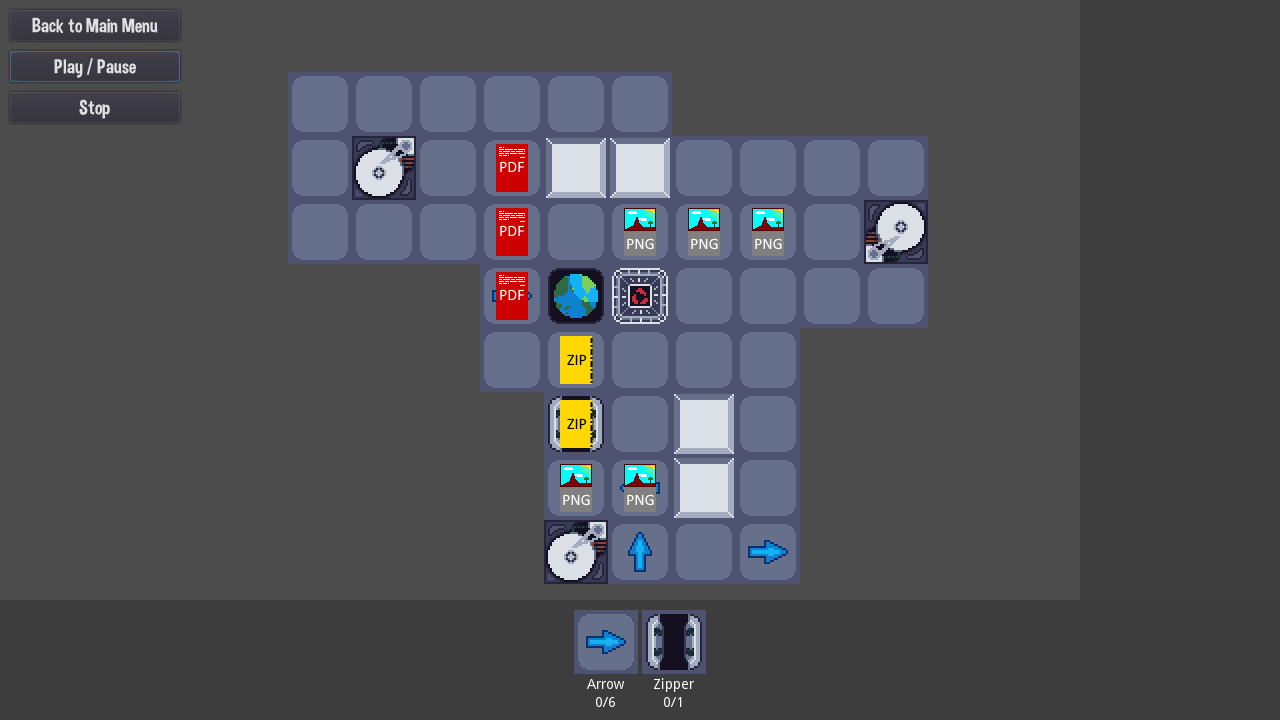
One of the levels: *Triple*
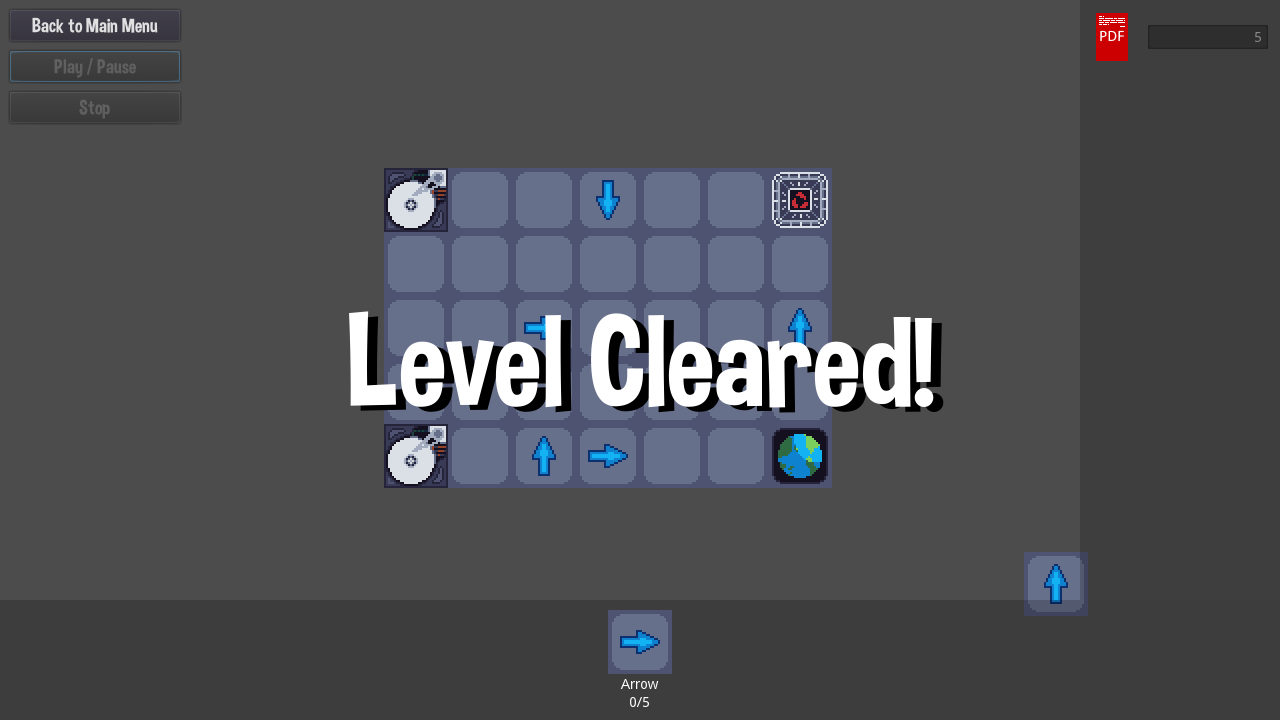
Another level, cleared!
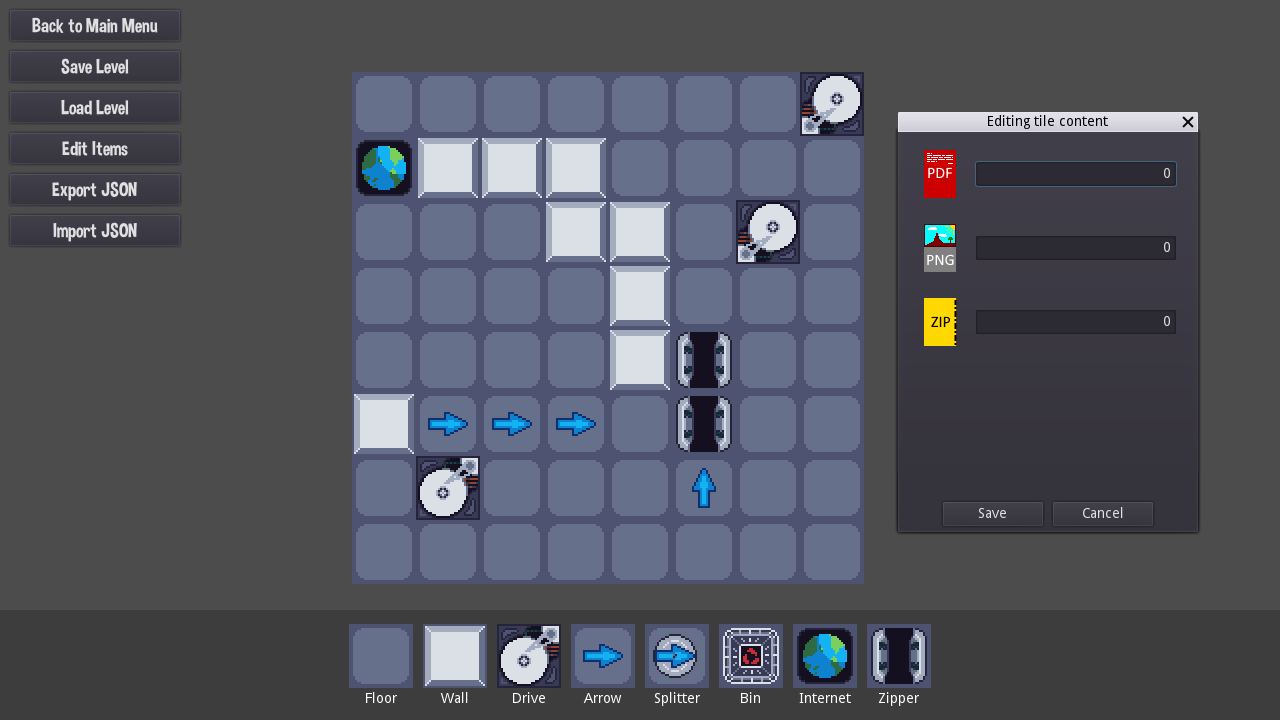
The level editor


Comments12
- Please add a next level button. Going back to the main menu takes you out of the flow, and you have to remember which level you played last too.
- It took me a little while to find out that I could click on in- and outputs to see the file type. I think the main issue is that you always show the tile you have currently selected with full transparency below the cursor over the tile you're looking at, even if your current action isn't "build this here" at all. If you simply hide this tile while hovering over a hard drive/input this would be clearer. It's also not possible to deselect something (could be right click for example).
- It's not possible to rotate a tile after you placed it. This would be a good feature to have.
- Please allow replacing a tile by simply clicking once instead of removing+adding.
- I think in-game explanation is better than having to read all the info here.
The graphics were pretty good, although there was a bit of a strange mix between pixel graphics (the tiles for example) and full-resolution buttons and font. There were some interesting levels already, but as you already mentioned they were not very challenging yet.
The level Some looked quite interesting, but in the end I didn't use any of these fancy zippers there at all.
I think it is very impressive to make this with level editor and all in less than two days, and I really think this could be a very good game with some minor improvements and of course a lot more levels.
Honestly, this game requires only one vital feature to become 100% complete - online catalog with user-generated and user-rated levels.
I found two bugs: Sometimes after I finish a level the "level clear" doesn't show up. Also if you scroll the mouse wheel at the dark grey area at the edge of the screen the camera moves away from the game and keeps moving until you refresh the page.
Oh, I almost forgot, the game is in serious need of a tutorial or even an instructions page with images. It took me some time to understand.
Congratulations :)
I've been working on a post-jam version of the game lately and included some of your critics, but the game still needs a lot of polishing.
I'll also be adding a tutorial too because, like everybody says, it's not really obvious how the game works.
@loadsofmana Indeed sound and music would be nice but I'm no music guy and during game jams I've never tried to do some
@florian-van-strien Thank you so much for you complete review, I've already implemented multiple things you wrote (opacity, replacement...) and improved the game at the same time
@alex-lutay You have no idea how bad I wanted to do a simple "past-your-url-and-play-the-level" but I couldn't make the http request module work with https... I'll have to dive into this deeper and make a real system maybe!
@furiouswitch Well, thanks a lot! I experienced the "level clear" not showing up but haven't been able to find the source of the bug for now.