Proton
Protoⁿ
Electrical Repairbot Prototype
A brief concept game by Greg Lord, Stellar Door Studios
Play or Download the *Post-Jam* version with audio
- WebGL: https://s3.amazonaws.com/krowocstudios.com/LD44/Builds/WebGL/ProtonPostJam2/index.html
- Windows: https://s3.amazonaws.com/krowocstudios.com/LD44/Builds/Windows/ProtonPostJam2/PostJam2.zip
- Mac: https://s3.amazonaws.com/krowocstudios.com/LD44/Builds/Mac/ProtonPostJam2/PostJam2.app.zip
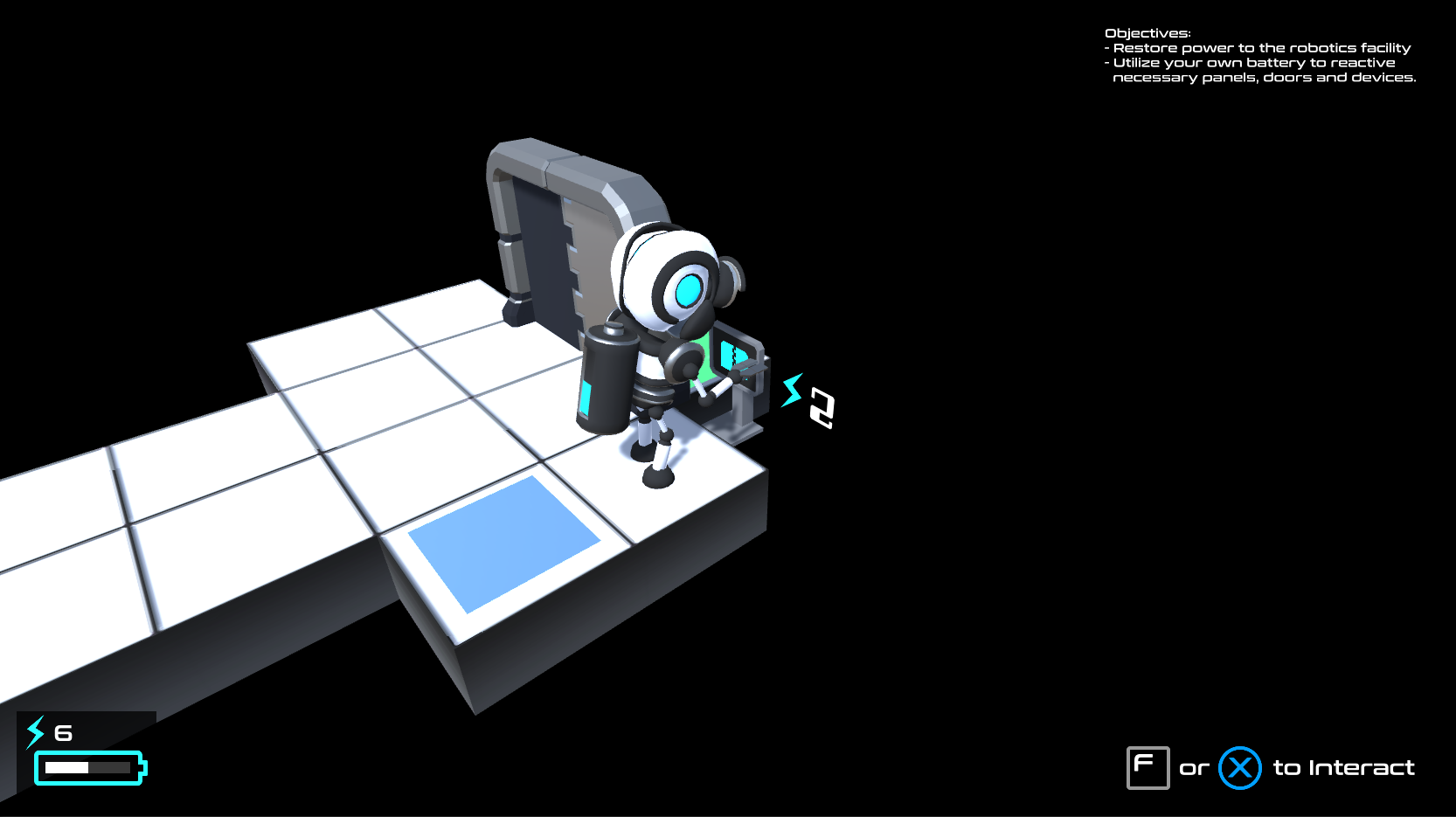
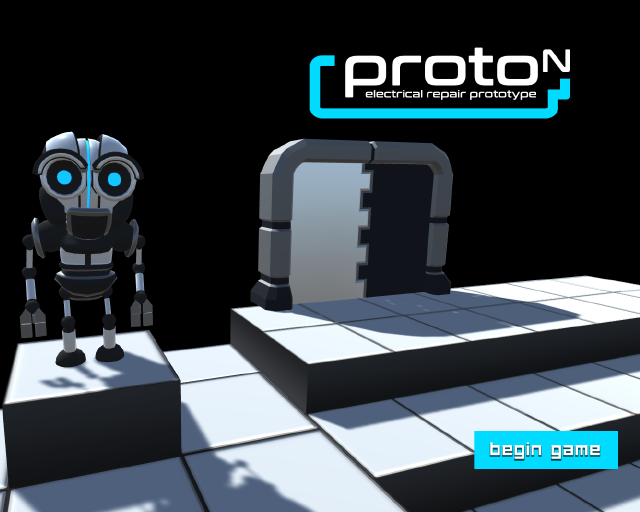
The Robotics Facility is rapidly going offline, and it's up to you, the experimental PROTO(n) unit, to carry the last sparks of electricity to the dying facility. As a walking battery bot, you will have to carry and deliver your own electrical charge to restore these broken devices -- and be careful to preserve enough electricity for yourself.
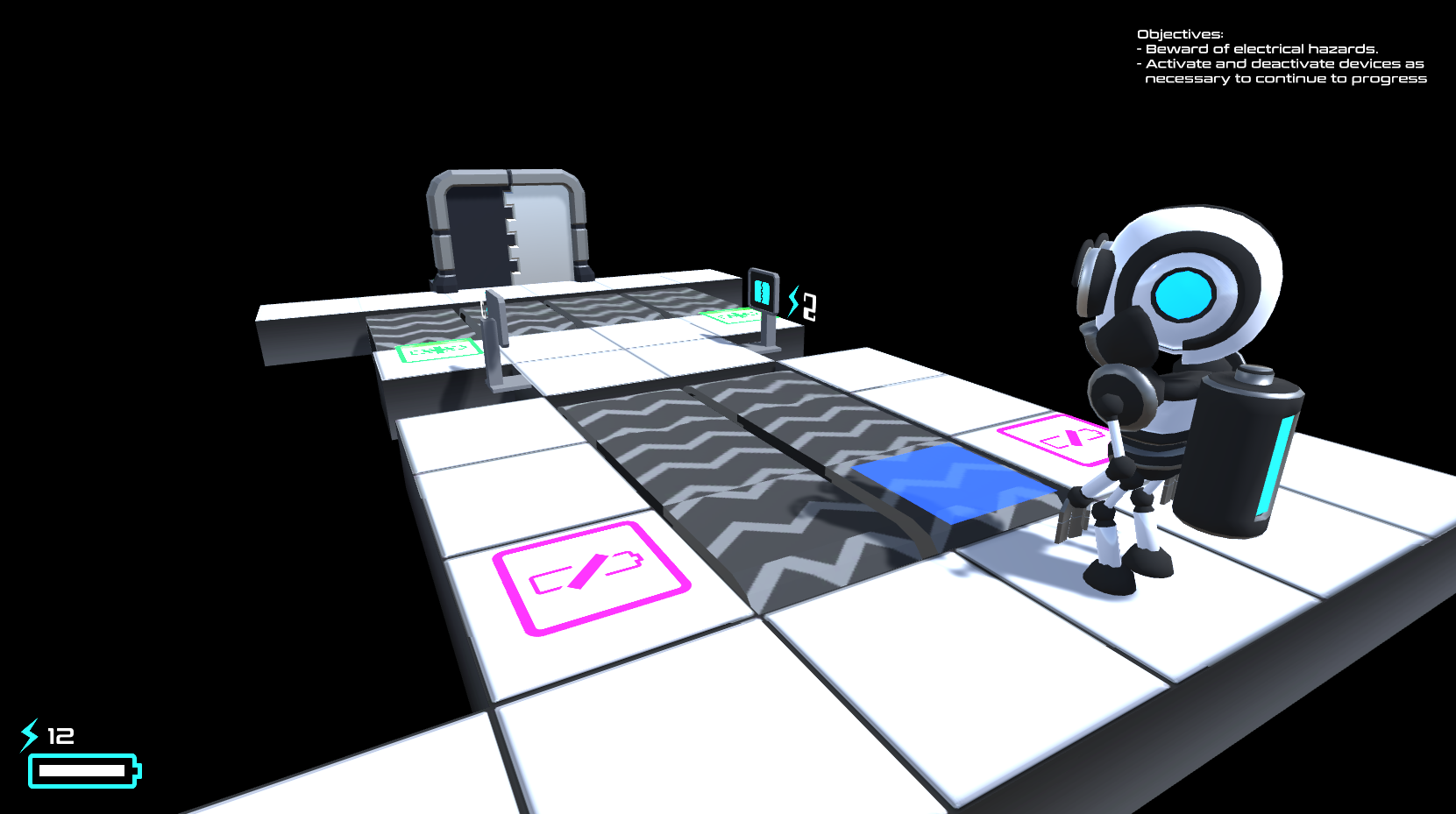
Use your battery's dwindling charge to move through the facility, to plan routes around hazards, and to deliver yourself to the scattered recharging stations that remain. Getting there will require restoring operation to the doors and mechanisms along the way that block the way to the heart of the facility.
Good luck, little prototype. It's time to for your real-world test.
Controls
Press TAB or Start at any time during gameplay to see the controls
Look/Move:
- Keyboard: WASD / Arrow Keys; then Spacebar to move to highlighted tile
- Mouse: Hover over tiles, then click to move
- Controller: Left Stick: move view, A Button to move to highlighted tile
Camera:
- Keyboard: WASD / Arrow Keys (Look); Q/E (Rotate View); Mousewheel (Zoom)
- Controller: Left Stick (look); Right Stick (Rotate View); Left/Right Bumpers (Fixed Angles); DPad Up/Down (Zoom)
Use:
- Stand in the same square as the panel or object
- Use Enter Key, X Button, or F Key to use the object
Restart Level
- Use the Delete (or Backspace) Key, or Back Button
Credits
All models, animations, designs, and code by Greg Lord
Stellar Door Studios
www.stellardoorstudios.com
Special thanks to the awesome friends at Stellar Door Studios, and to our Frederick Game Dev group! This was started (quite late) as a background project during a group game jam event, and only made its way to a submission (if not quite a finished one) with their support and encouragement.
Post-Jam
Now that things have calmed down after the jam weekend, I've had a chance to add some of the missing features that didn't make it in by the jam submission hour. So far this includes:
- Audio / Music (and hopefully more of this still to come)
- Improved controls and camera
- Bug fixes outside the scope of the normal jam bug fixing
I'd love to hear feedback about both versions, and I'll keep the changes rolling into the Post-Jam version at the links below. (Please remember that review scores should be based on the jam version!)
Important note: WebGL is probably the easiest way to play this, but the Windows version has audio features that WebGL doesn't support (whicih was pretty disappointing to learn)! If you want to hear some fancy audio effects dynamically interact with your little Proton's battery level, try the Windows version! (Mac might work too, although I can't currently test Mac builds!)
Play or Download the *Post-Jam* version with audio
- WebGL: https://s3.amazonaws.com/krowocstudios.com/LD44/Builds/WebGL/ProtonPostJam2/index.html
- Windows: https://s3.amazonaws.com/krowocstudios.com/LD44/Builds/Windows/ProtonPostJam2/PostJam2.zip
- Mac: https://s3.amazonaws.com/krowocstudios.com/LD44/Builds/Mac/ProtonPostJam2/PostJam2.app.zip
Official Jam version, for scoring:


Comments18
Great animation and attention to detail.
The previously added music also is pretty sweet btw (also the added new cam if I noticed correctly? seemed better afterwards?)
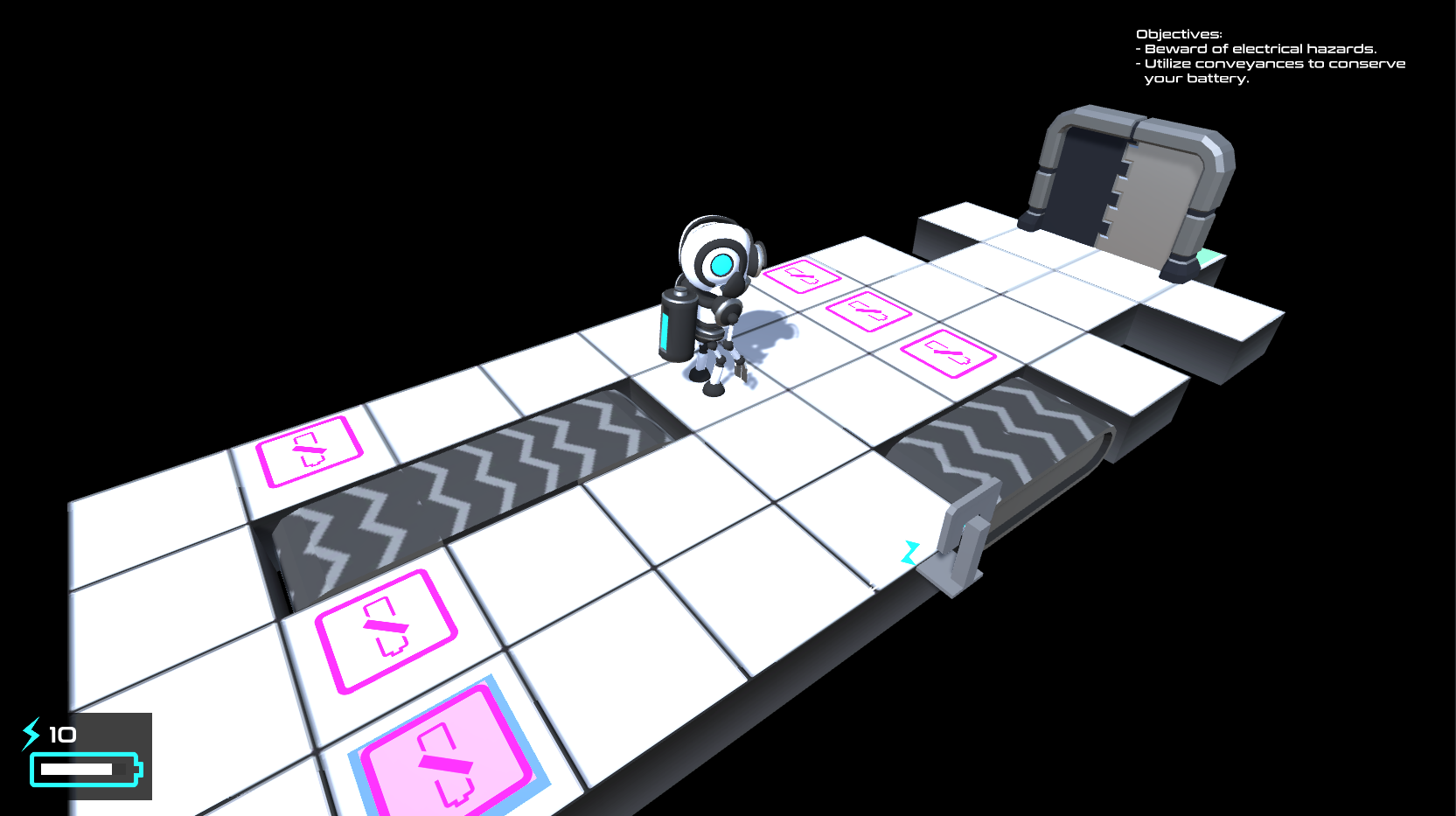
I just seem to be stuck on the third level :( The one with the conveyer belts. Once I walk over the last belt it takes 2 energy points and right before the eyit I'm 1 point too short.
Maye look into that, I can totally see that as a nice fun smartphone puzzle game :)
Overall good job, you can be proud of yourself! :)
Thank you again, all! I appreciate it!
I still missed a sound effect for when the robot walks, but all the other effects enhances the high tech theme and the music does that as well!
Aesthetics are great. All the assets are pretty well polished and cohesive. I did play the post-jam version, so I also got to enjoy the music you did there.
I am at odds as to whether the mouse-movement is helpful to the puzzle design. What it comes down to is that since you cannot predict the pathfinding algorithm, you are essentially forced to make small steps so you don't accidentally step on a conveyor belt or a depletion tile. When it comes to that, it almost feels like direct arrow key/stick movement would be preferable. At the very least, an indicator of where the pathfinder will take you I think would be wholly beneficial, especially for more intricate puzzles. Also, I'd love a way to move the camera further around the level--while zoom helps, you can't zoom out too far, so in the last level it was harder to see the layout of the very end.
Overall, good work. I always like me some conveyor belt puzzlers.