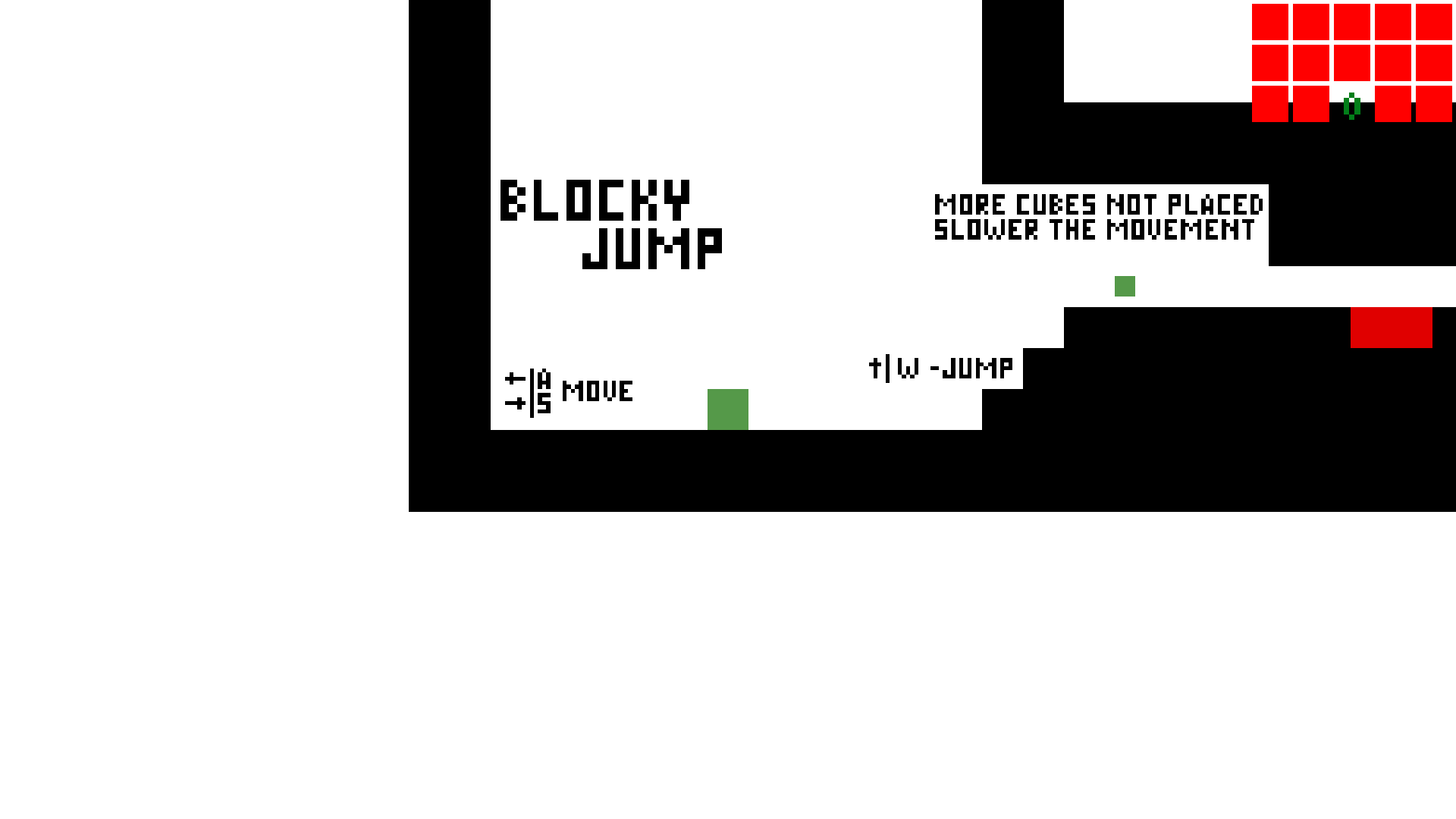
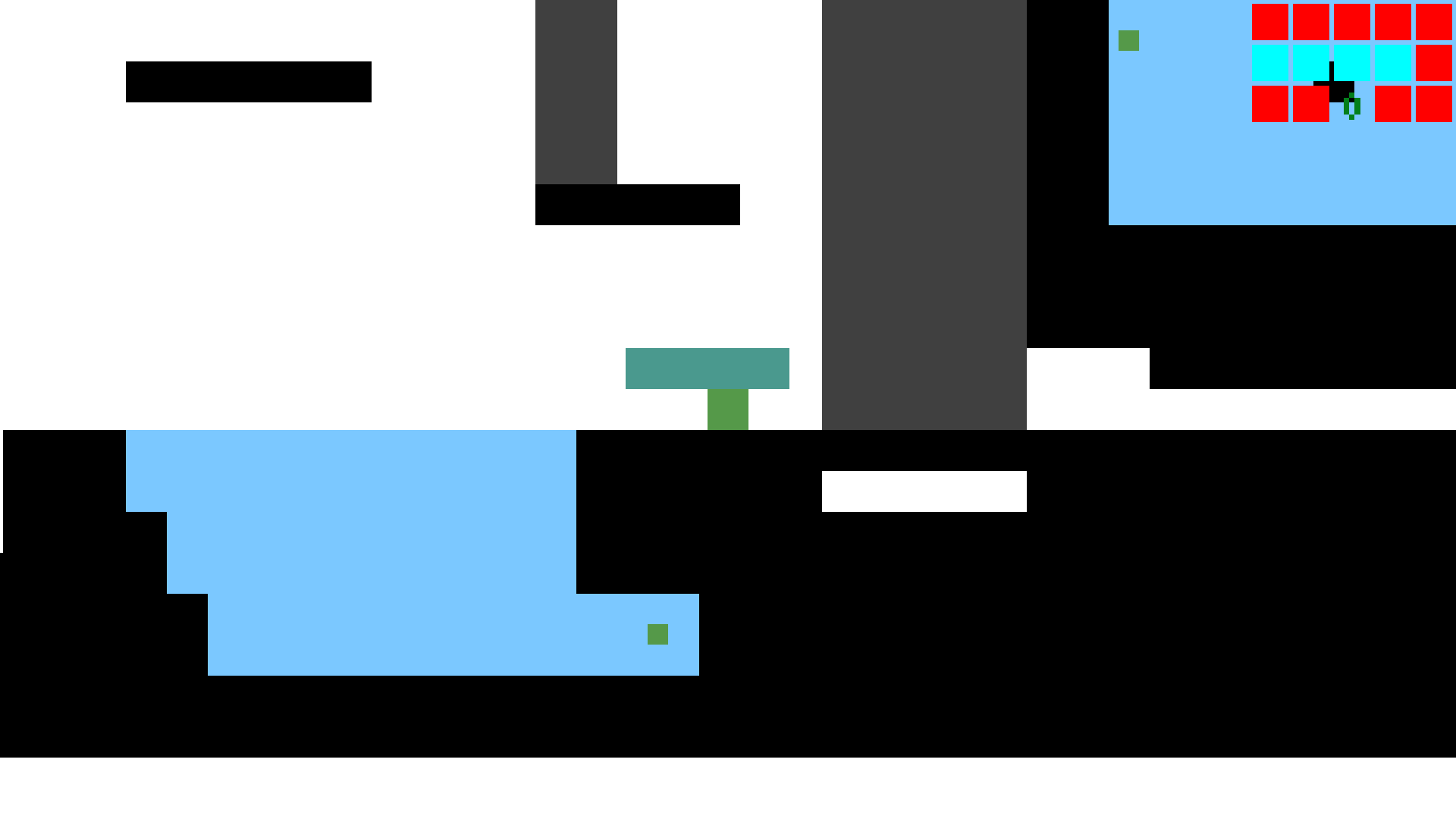
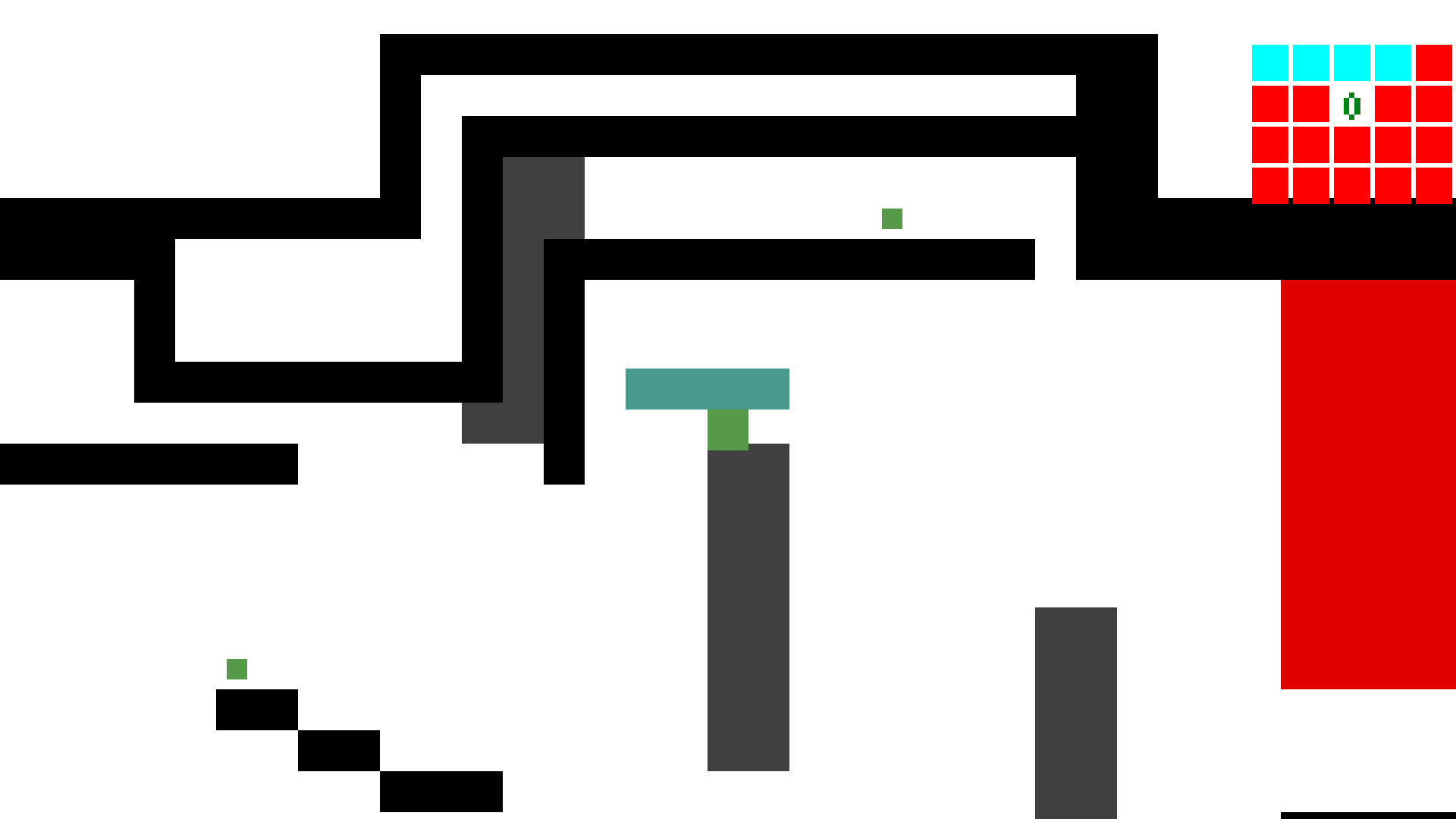
You start with nothing, you need to collect cubes to attach to yourself and overcome obstacles. Collect all 24 cubes, place them all and go to the finish.
I love the concept and while the graphics are simple, they do the job.
The audio provides solid feedback but gets repetitive. More variety or at least reducing the sharpness could help.
The increase in puzzle complexity could probably benefit from some balancing.
The controls becoming more sluggish when you have more unused cubes takes some getting used to, and I'm not sure I see how it improves the game.
For jumping, a fairly common feature is that if jump is released and pressed again before landing, it is treated as a new jump upon landing. This would improve the feel of the controls somewhat.
With some post-LD polish this could be a fun diversion in the vein of The Impossible Game.
@quin Thanks for the feedback :D I am aware I made few shortcuts just to finish the game in time. And the jump is detected few moments before landing, I probably should spend more time adjusting the delay.
Also I recommend the (currently preview) Pixel Perfect Camera package in Unity, this will avoid the occasional tearing on the tilemap. It took some work to make it behave but it prevents any sprites' pixels from being misaligned with the camera.


Comments8
The audio provides solid feedback but gets repetitive. More variety or at least reducing the sharpness could help.
The increase in puzzle complexity could probably benefit from some balancing.
The controls becoming more sluggish when you have more unused cubes takes some getting used to, and I'm not sure I see how it improves the game.
For jumping, a fairly common feature is that if jump is released and pressed again before landing, it is treated as a new jump upon landing. This would improve the feel of the controls somewhat.
With some post-LD polish this could be a fun diversion in the vein of The Impossible Game.
Thanks for the feedback :D
I am aware I made few shortcuts just to finish the game in time.
And the jump is detected few moments before landing, I probably should spend more time adjusting the delay.