Gardener 2.X

How to play
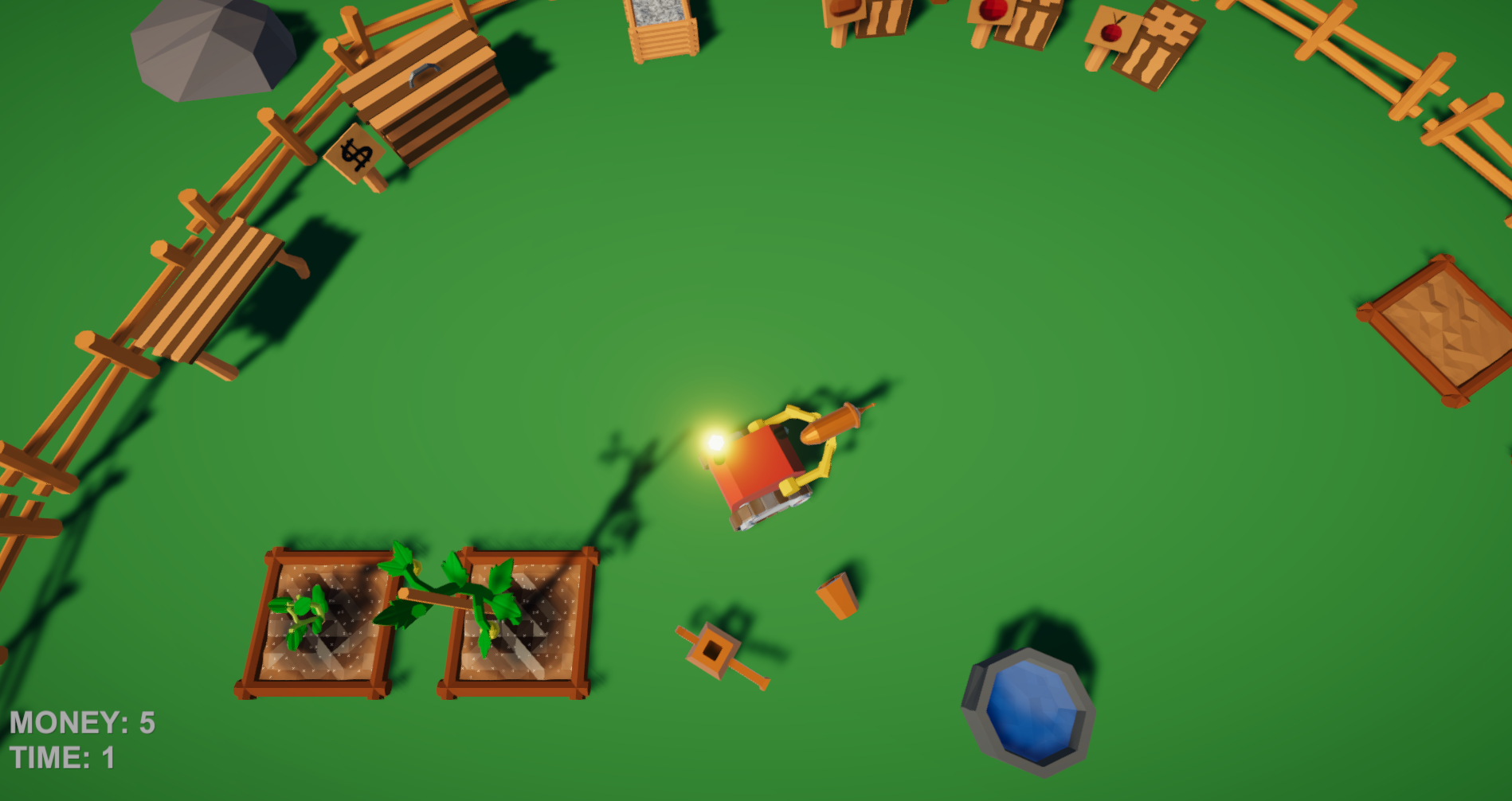
Keep your garden alive and well!Left click to pickup an object, right click to throw, spacebar to just drop the item.
Should your tools get lost, hold down "Q" for about four seconds to summon them back to you.
Buy seeds and fertilizer at the corresponding boxes, sell harvested fruit at the box with the dollar sign.
After planting the seed, keep the ground watered and fertilized to get the best result!
You should also keep those pesky bugs away from your plants, got to fry them with your laser gun!
If you accumulate enough money, try clicking the workbench with a tool to maybe get some upgrades…
Detailed How-To's
Planting
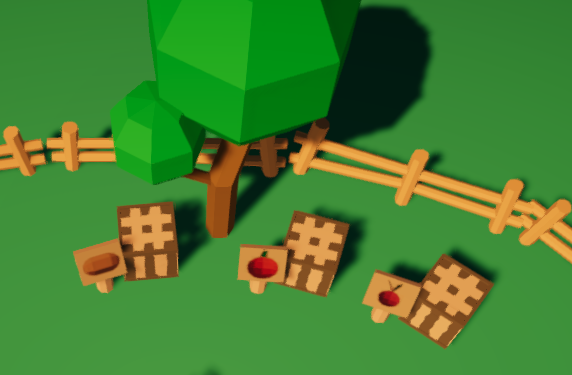
Buy seeds at one of the boxes, left to right: Potato (7 Money), Tomato (20 Money), Beet (13 Money)
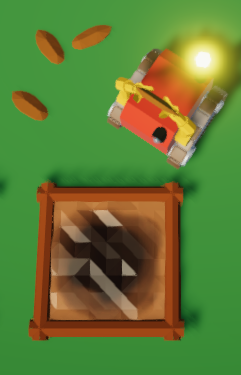
To plant a seed, click one of the planters with a seed in your hands.
Selling
You can sell the fruit you harvest at the box with the dollar sign next to it.Simply click the box with a fruit in your hands, or throw it at the box.
Watering Can
To know if you have water in your watering can, pay attention to the robots light.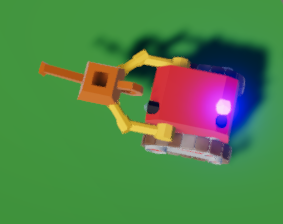
When its blue, you have water,
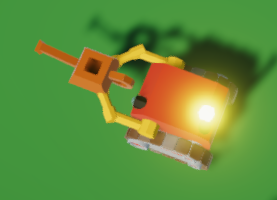
When its yellow, you don't, refill at the well!
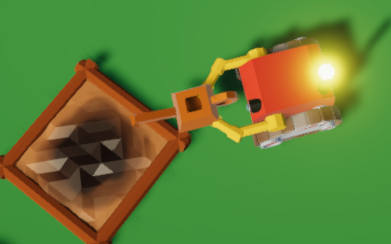
This is what a successful watered planter should look like.
Fertilizer
To help your plants growing, you should also keep the soil fertilized. Tomatoes flat out wont grow with out it.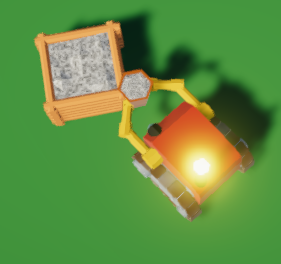
Buy a bucket of fertilizer, good for four uses, costs 8 Money.
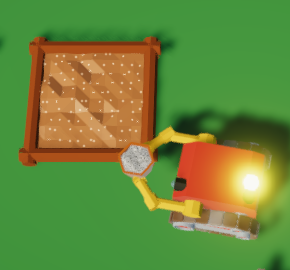
Using fertilizer works just as watering does.
Throwing
By right clicking, the robot will throw the item its currently carrying. You can use this to save time by throwing harvested fruits at the selling box for example.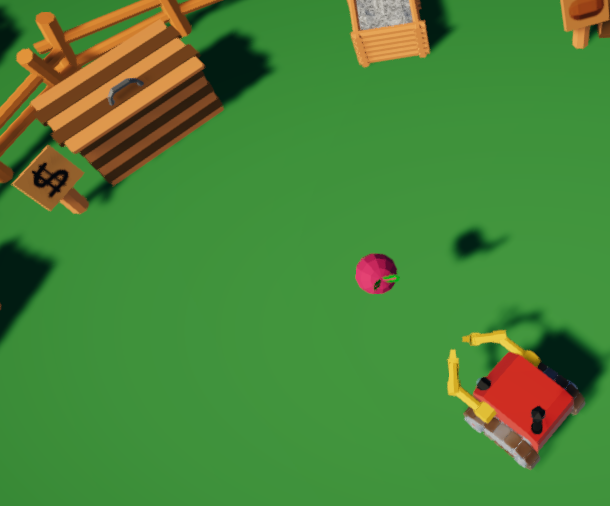
Dead Plants
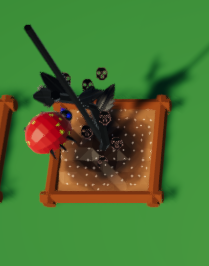
Remove dead plants by clicking them to regain the planting space.
Insects
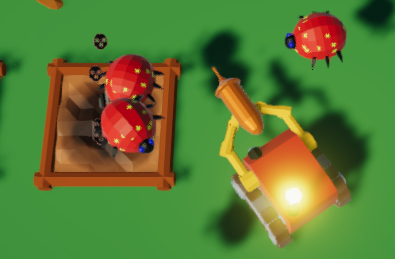
Use the laser gun to fry insects before they kill your plants!
Upgrading
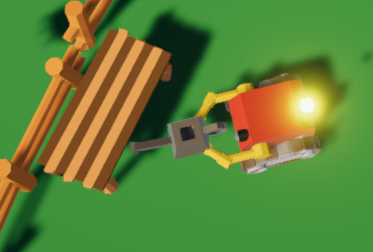
At the workbench you can upgrade your tools, just click it with the tool in your hand.
Each tool has three stages.
Watering can: Stage 2: 50 Money | Stage 3: 200 Money
Laser gun: Stage 2: 100 Money | Stage 3: 200 Money
Fertilizer: Stage 2: 30 Money | Stage 3: 50 Money
Upgrading tools (Right Click on the Bench while having enough Money) will greatly improve their performance. Water multiple planters or kill multiple insects at once.
Social Media
Twitter Harker and NerwerderUsed Tools
- Unity 2019.3.10f1 Personal- Visual Studio
- Blender
- Photoshop CC 2019
- SourceTree
Background Music:
Ambient guitar X1 - Loop mode, frankum, https://freesound.org/people/frankum/sounds/393520/Hint: If you want to disable the Music, press "m".
Tools: Blender


Comments26
I'm struggling to grab the seed in webGL version. But overall, I like relax mood of the game
It took me some time to figure out, why the robot didnt pick up, what his "hands" are touching.
Maybe you could add that feature for Notebook players like me :)
At one point my laser disappeard and it was overrun by ladybugs.
[EDIT] I played it again after reading the detailed instructions this time and it's even more well thought-out than it at first seemed. It's pretty hard to catch the seeds that the insects drop, I would maybe have them stay on the ground for a certain amount of time before dissappearing.
Also it took me until second playthrough to realise that you can just clik to drop fertiliser, rather than throwing the bucket of fertiliser onto the planter lmao. Maybe add a little popup UI element that sayd ("Left click to fertilise" and has a counter for the remaining uses, or something like that?" Great job!
Collisions sometimes launch the robot into the air. It is often difficult to understand what the plant needs. The ground appears to be wet but skulls still appear and disappear when the plant gets watered.
This was not intended, there was a Problem with the WebGl version of the Game.
We fixed it and now the seeds stay on the Ground.
Thank you for pointing this out.
Also there is a way to upgrade your Tools (right click on the bench with enough Money), that makes it easier to keep up with the Insects and to Water more Plants faster. Sadly we didn't have enough time left for a Tutorial or a nice Gui.