Linux Simulator 2020

IT and cloud hosting is a fast-growing business, and after spotting
a job offering at shoutr.io requiring no prior knowledge, you decided to apply.
Against all expectations, you actually got the job!
How to play
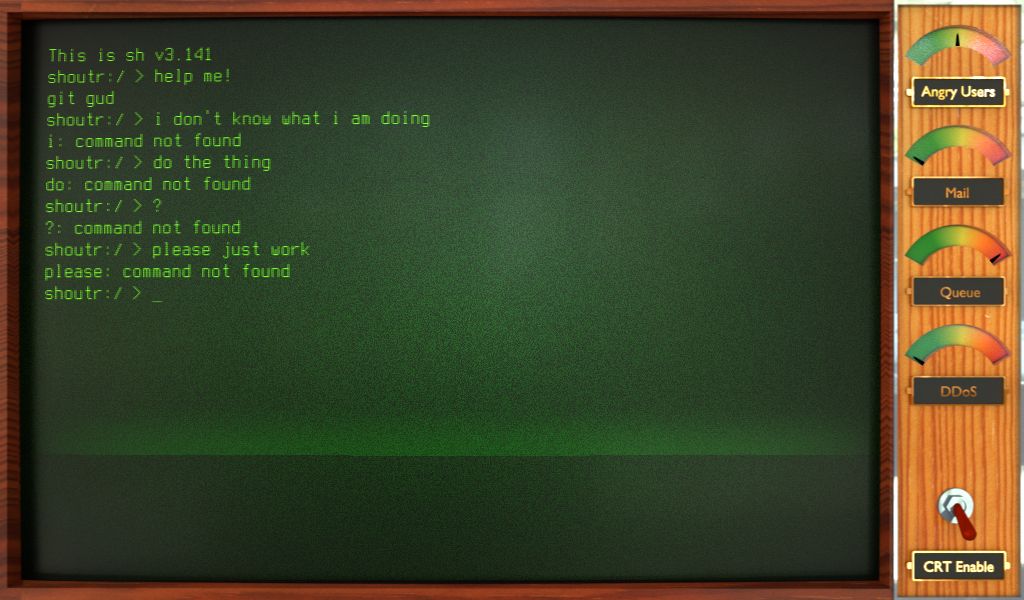
You interact with the system using a programmer's favourite tool: the terminal.
It is very simple: type a command and press return to execute it.
You can open the built-in tutorial by typing `tutorial` and pressing return.
If you are already familiar with UNIX-style command line interfaces, you might
already feel at home as the most-used commands are also available here.
Goals
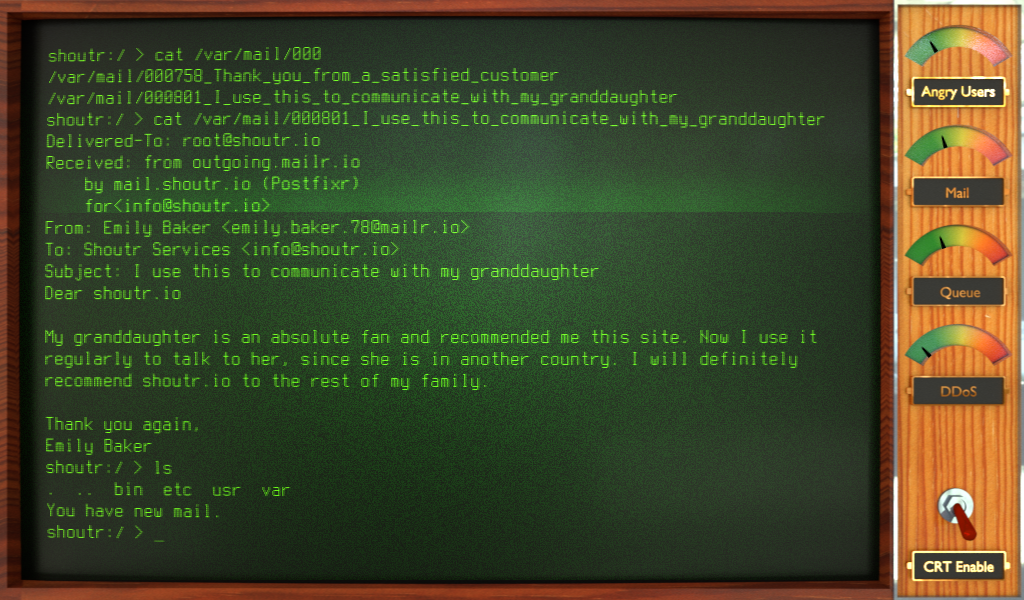
Your goal is to grow shoutr.io into a large and successful tech company, and to
eventually even provide a cloud platform to host other people's applications.
You start off with a small userbase, who each send requests to your infrastructure.
Keep ahead of the growing demand to avoid congestion, and the growth will continue.
If you encounter problems with the CRT monitor effect, you can turn it off
using the switch at the bottom right.
Hints
The game has many little commands that might help you out. First you should play through the tutorial. If `tutorial` doesn't give you what you're looking for, try pressing `TAB` in a new line to see a list of commands. Each command has a documentation that can be read using `man [command]`.
If you're wondering about services and requests, use `man list` to see all that you have unlocked. Then `man [request/service]` will tell you how to handle them.
Managing server load
Later in the game it is easy to struggle at getting the most out of upgraded servers. There are four resources on each server that all have to be scaled up correctly.
*CPU: *The CPU decides how many cycles are available per tick. If a service uses less than the number of cycles your CPU can provide, it is worth installing that service multiple times. A single service should be installed at most so many times that the sum of cycle requirements matches the CPU cycle capability. I.e. install 4 nginx services that each take 256 M Cycles on a server with a 1024 Mhz CPU.
*RAM: *RAM decides how many processes the server can run in parallel. Services only use RAM while they're processing requests. A server should have enough RAM to saturate the CPU usage. A server with 4 nginx services (4x0.25GB RAM) and 4 database services (4x1GB RAM) and a 1024 MHz CPU will require between 1 to 4 GB RAM under full load. So it should have at least 4GB RAM.
*HDD: *Hard disk space decides how many services can be installed on a server. Upgrade it as necessary when unable to install services required to saturate the server's other resources.
*Queue: *The queue not only decides how many requests the server can store, but also limits the bandwidth of incoming requests. See the Downloading Requests section when running the `queue` command. The maximum bandwidth can be calculated by dividing the queue size by the connection delay (find out using ping). As a rule of thumb, if the server is not at 100% CPU load nor 100% RAM load, yet the queue is full that means the bandwidth is too small.

Genres: simulation
Comments14
DeinFreund21 Apr 2020, 09:02
@gajop Thanks for playing it.
`ps` will tell you which services you have installed. Pipe into more when you have many services late game.
In general the `tutorial` command should be rather helpful with debugging your setup once you've played through the scripted part.
Balance is surely off, so good to have any feedback. Edit: Changed the reward formula so you should be able to afford the necessary disk upgrades now without going bankrupt right at the start. Keep in mind the idea is to have servers dedicated for specific tasks, not all tasks on one server.
`ps` will tell you which services you have installed. Pipe into more when you have many services late game.
In general the `tutorial` command should be rather helpful with debugging your setup once you've played through the scripted part.
Balance is surely off, so good to have any feedback. Edit: Changed the reward formula so you should be able to afford the necessary disk upgrades now without going bankrupt right at the start. Keep in mind the idea is to have servers dedicated for specific tasks, not all tasks on one server.

SlimBun21 Apr 2020, 13:33
Very cool :/
Bredian21 Apr 2020, 13:35
It is not a game in typical meaning. It is just another day in Linux terminal :)

Simply21 Apr 2020, 13:43
Well done bro! I thinks its a bit hard but still nice.

Kayahr21 Apr 2020, 13:45
Looks like I'm a terrible system administrator. Constantly running out of money, need more hardware! :D I really like it. But one game-breaking bug: When I delete all files in bin folder the commands can still be executed. That's not realistic ;-)
slam021 Apr 2020, 13:46
Nice retro look and feel for a real modern problem. Nicely done.
It's a bit on the hard side and feels like jet another workday for me.
It's a bit on the hard side and feels like jet another workday for me.

Elmos Minion21 Apr 2020, 13:46
This was a cool game! It was a bit hard to figure out what to do at first, but once I got it, it was a blast. The e-mails were hilarious.
Maybe you could make the `tutorial` a bit more comprehensive, and have a separate `progress` command to tell you what to do next
Maybe you could make the `tutorial` a bit more comprehensive, and have a separate `progress` command to tell you what to do next

IC Rainbow21 Apr 2020, 13:51
Realism is through the roof here. Make sure you shot some coffee before starting a new run.
PS: GUIs are for suckers. My mechanical keyboard agrees loudly.
PS: GUIs are for suckers. My mechanical keyboard agrees loudly.
DeinFreund21 Apr 2020, 13:51
@bredian May I refer you to issue #1: https://github.com/SmBe19/LD46/issues/1
Also thanks for the feedback everyone. It might still be a bit hard - I wouldn't expect somebody to get far on the first try, but sysadmins don't have it easy either :P
If there is some specific part of the game that seems impossible to pass, please let us know. Been using too many cheats for testing.
@kayahr Oh no, that's unplayable. Thanks for finding the issue.
@elmos-minion good idea.
Also thanks for the feedback everyone. It might still be a bit hard - I wouldn't expect somebody to get far on the first try, but sysadmins don't have it easy either :P
If there is some specific part of the game that seems impossible to pass, please let us know. Been using too many cheats for testing.
@kayahr Oh no, that's unplayable. Thanks for finding the issue.
@elmos-minion good idea.

Vedal21 Apr 2020, 13:55
Scarily accurate but very fun! It was a bit confusing at first but I spent a lot of time playing this once I got the hang of it. Great job!

Guilherme Oliveira21 Apr 2020, 14:02
That was interesting! It feels really hard and a lot of times I'm just typing commands and reading stats without really knowing what I have to do, replaying it probably will make me better at it, which is nice, I felt like knowing how to use a terminal really helped with the game, which is also nice. Reading emails was really interesting and I will probably come back to play more
Tesseract25 Apr 2020, 00:38
Great game, but a very steep learning curve. I found that I didn't have time to follow the tutorial, and if I start off well, then requests increase faster than I can afford hardware. I only felt able to get the hang of it when I was stuck at 1 user.
At that point, about 24 requests were succeeding each day and 8 were timing out, but I couldn't diagnose why requests were timing out (I tried blocking various request types with iptables, and that didn't help me).
At that point, about 24 requests were succeeding each day and 8 were timing out, but I couldn't diagnose why requests were timing out (I tried blocking various request types with iptables, and that didn't help me).

wheybags26 Apr 2020, 10:31
Nice idea, and I really liked the flavour text in the emails. It was a bit hard though, it was pretty difficult to tell what was actually causing things to go wrong. I kept getting to the point where I needed to install apache and qmail, and then I would not have enough space to install all the services I needed. It told me I needed more disk space, but I couldn't afford it. I'm not sure how I'm supposed to make more money before that point?


All in all, well done!