Commuter
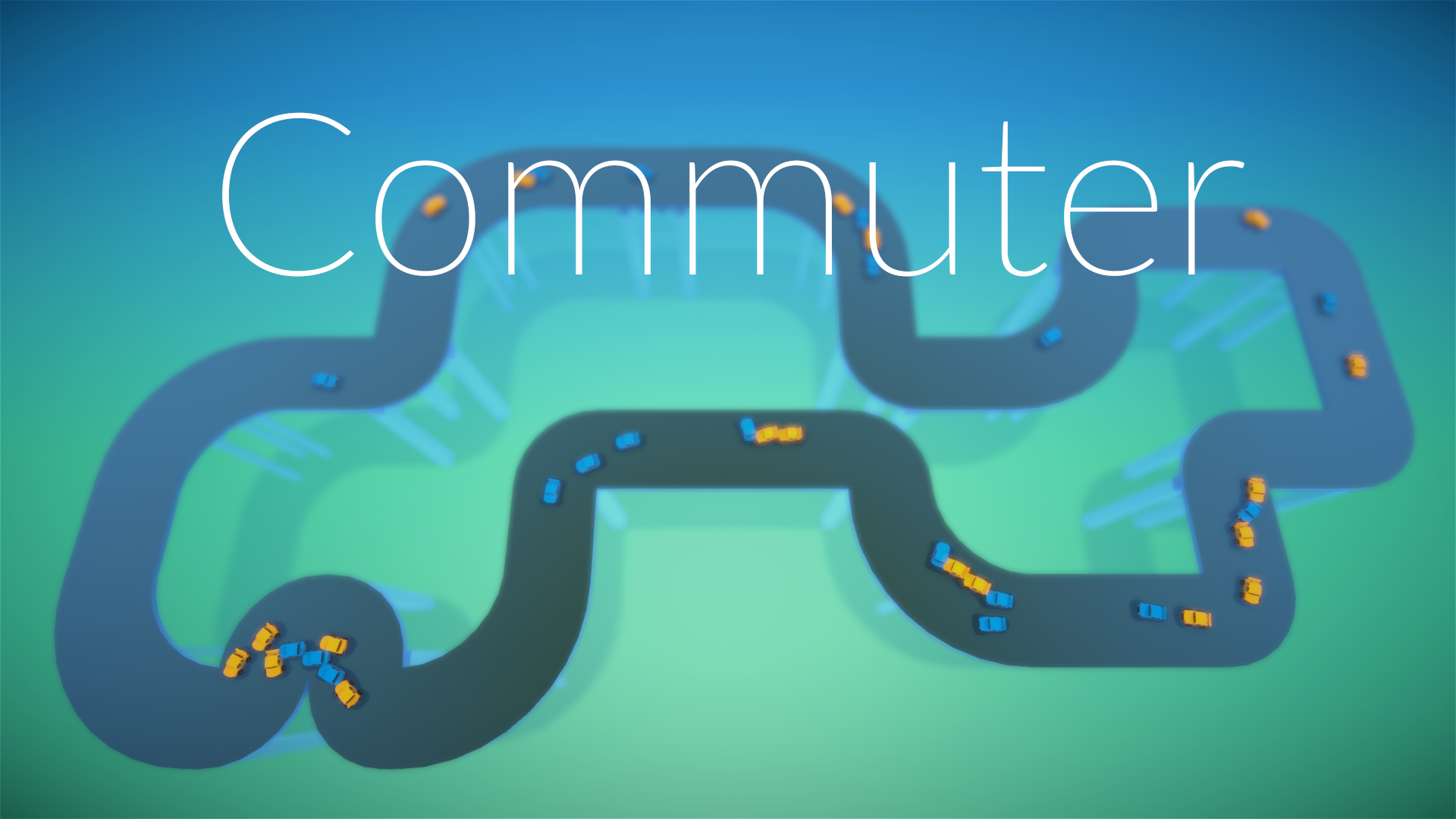
Do it fast enough, and you'll even earn yourself a gold medal! Shiny.
We've also included a level editor for you to make your own levels! Customize everything from the track to how hard it is and how many items players are allowed to use!
(Please note that custom levels are not saved between play sessions on the WebGL version!)
INSTRUCTIONS:
Press SPACE to open the pause menu in WebGL builds, or ESC in Windows or Mac builds. Level editing is also disabled in WebGL builds.
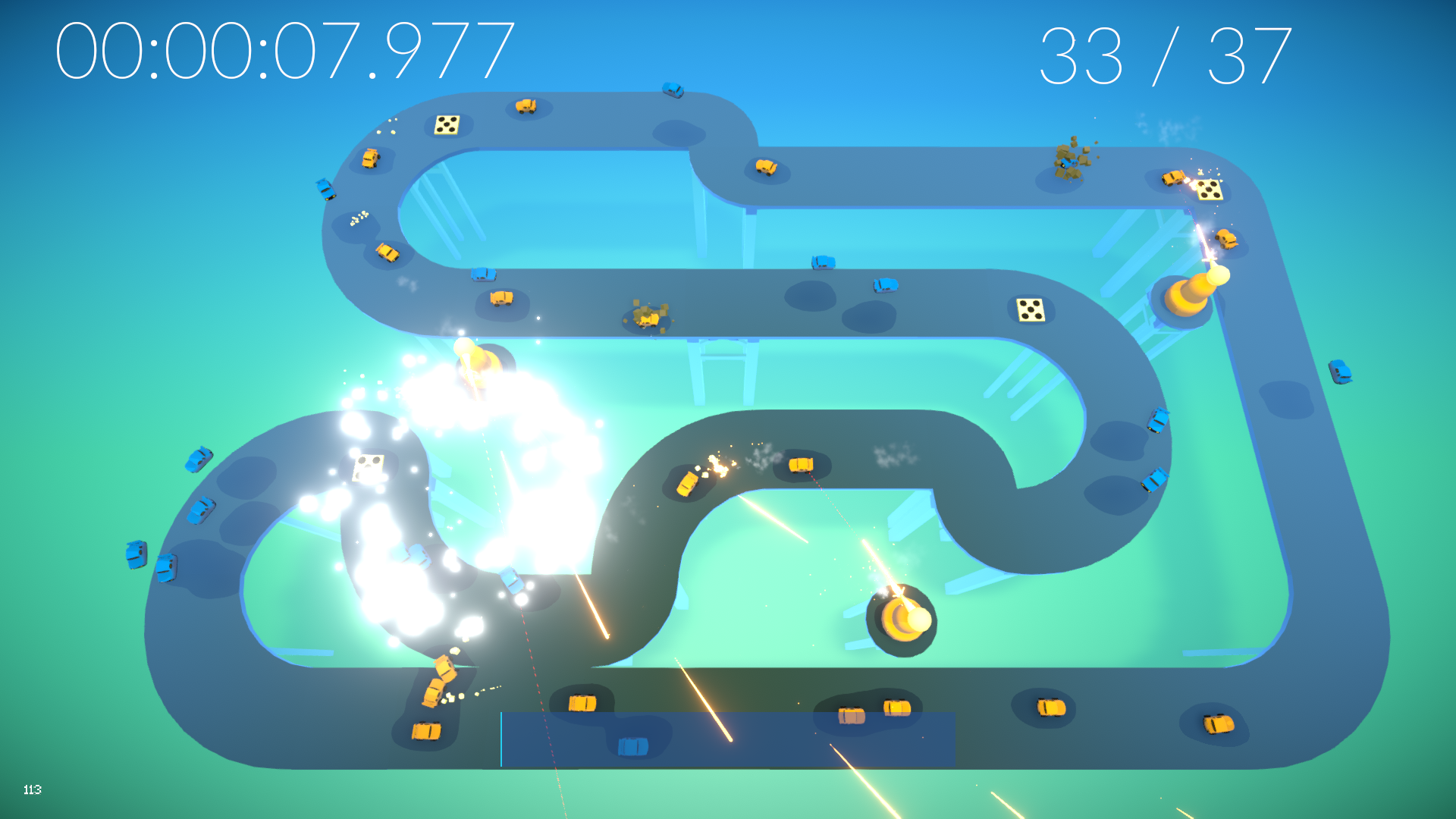
1. Before a level starts, place towers or traps by clicking the checkbox on the left, then click on the road for traps or in open space for towers. Each map will have a different max number of traps and towers which you can place.
2. Hit start level!
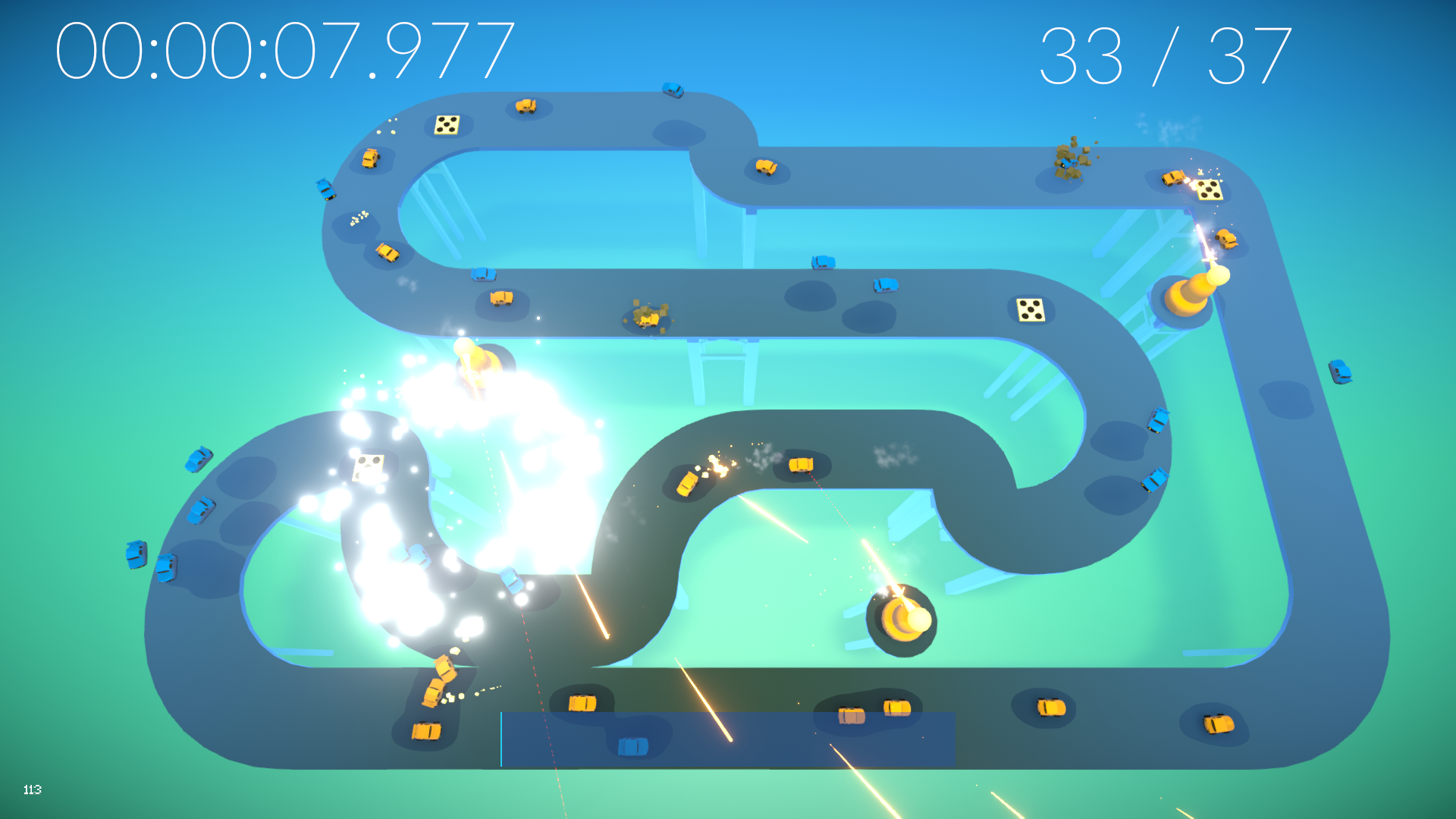
3. Click traps to activate them for a period of time. Click and drag the mouse to shove cars around with your awesome wind powers. Be careful not to run out of power!
Updates:
* 10/6/2020: Ported to WebGL
* 10/6/2020-2: Disable the level editor in WebGL, it's still broken. Sorry! We'll try to get a fix for this soon.
* 10/7/2020:
- Audio fixes -- WebGL build now correctly "filters" pre-level audio like the PC + Mac version do, and the volume sliders no longer reset when opening the pause menu. Sorry about that, folks with loud speakers! The WebGL audio fix also resulted in slightly more consistent music behavior when switching between levels and menus, which is included in all versions.
- Wind effects activate correctly if you start your drag on a tower.
- The original (Monday@6PM) builds are still available on the itch.io page at the bottom of the list.
* 10/11/2020:
- Level Editor added to the WebGL version, but levels won't be saved between play sessions.
Genres: action
Comments40
:purple_heart: :dart: :frog:
The one feature I found myself really wanting over and over again was the ability to replay the level from the point after I placed the traps, because I usually didn't change their position if I was just fractions of a second from gold.
Great job!
BTW WebGL seems to run much better when not in fullscreen.
Except for that minor thing, it was quite fun. The music works well with this kind of game. That's a very good job for a 72h jam.
But yeah, after I finally figured the controls out I had a pretty fun time blasting everything into pieces. I didn't find it all that engaging to chase the time limits for the medals, so I played it more like a sandbox game trying to beat the level with only spikes or with only a force push or even competing with my own turrets on who will be the fastest: me pushing the cars off or the turrets exploding them.
It also seems like there are a whole lot of really similar levels that has no meaningful difference between them, but yeah it's quite difficult to make a jam game be content rich.
Overall it's a really neat idea with quite a beautiful visual presentation. I found it at it's best when it's played like a sandbox, but right now it has too few toys in it to keep the player engaged for all the levels you have created.
Unfortunately it was confusing at the start because I didn't know how to place the objects. A tutorial or a few lines of text would of helped a lot.
The game play is fun and it's super cool to smash the cars into each other, off the road, and into oblivion.
Cool idea!
Here is my playtest: https://youtu.be/SZpYIYDWAJg
A TD with cars is a great pitch, surprised I haven't seen that concept before in retrospect. The cars are really satisfying to kill, since it gives off that Ding! on success. The wind mechanic is especially fun when you can send a whole train of cars off to their doom.
One thing about the game is that progression isn't too satisfying. I know it's the time limit of a jam, but after playing a few levels, I just skipped to the last level because I was just using the same skill set and knowledge every time.
The base of the game is solid though, and has a lot of potential paths for it to go in. You have a great presentation on top of everything as well, which makes this really attractive and giffable.
I really like the game, unfortunately one car does not get destroyed properly and I had to restart!
Still really amazing and thanks for the webgl build!