Its a game! Not a great one this time, but that is OK. It isn't an original idea either, but it was fun to implement. This was the first time we've used Unity for a Jam, and almost the first time that Tom had used Unity at all.
Goal:
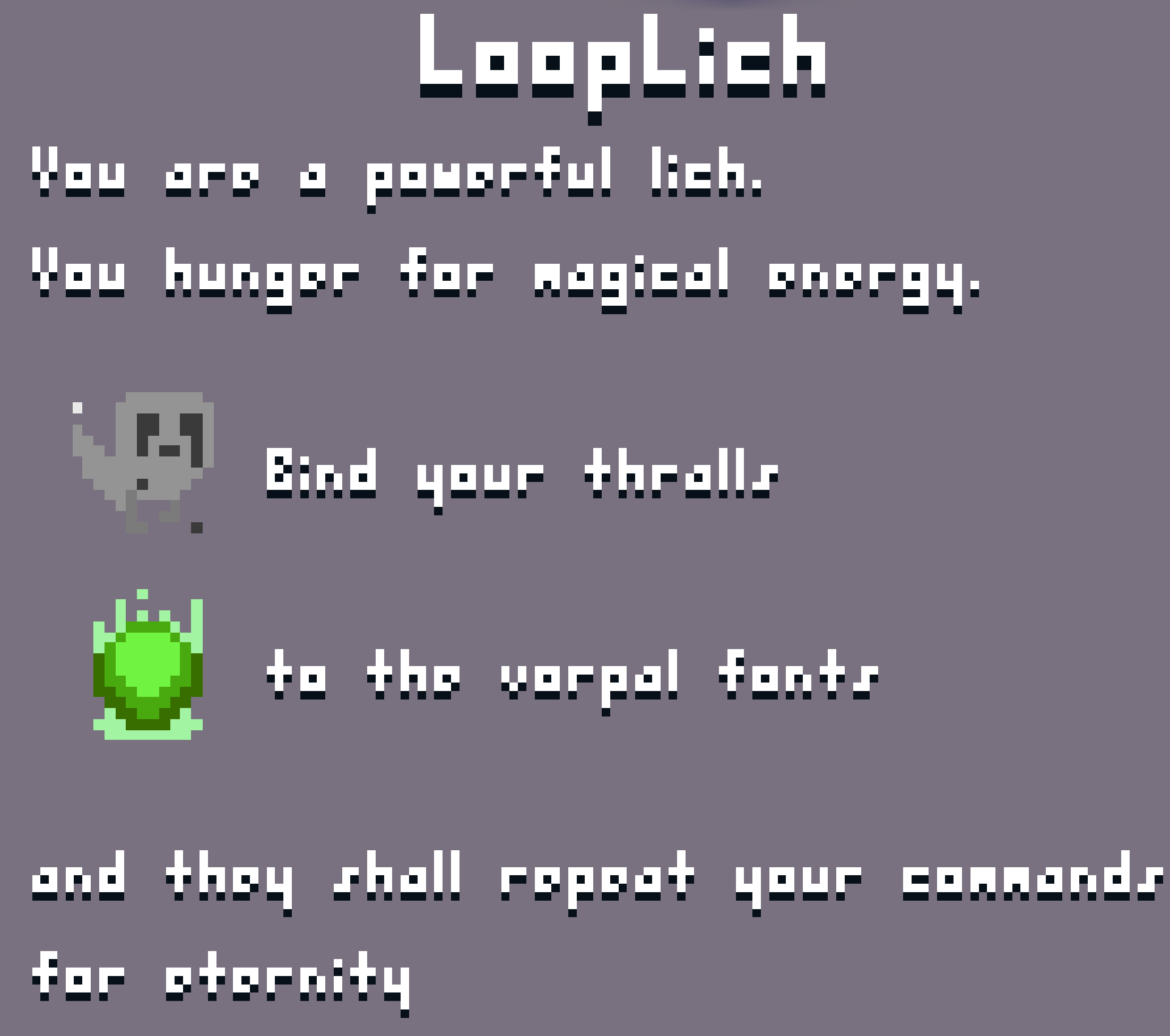
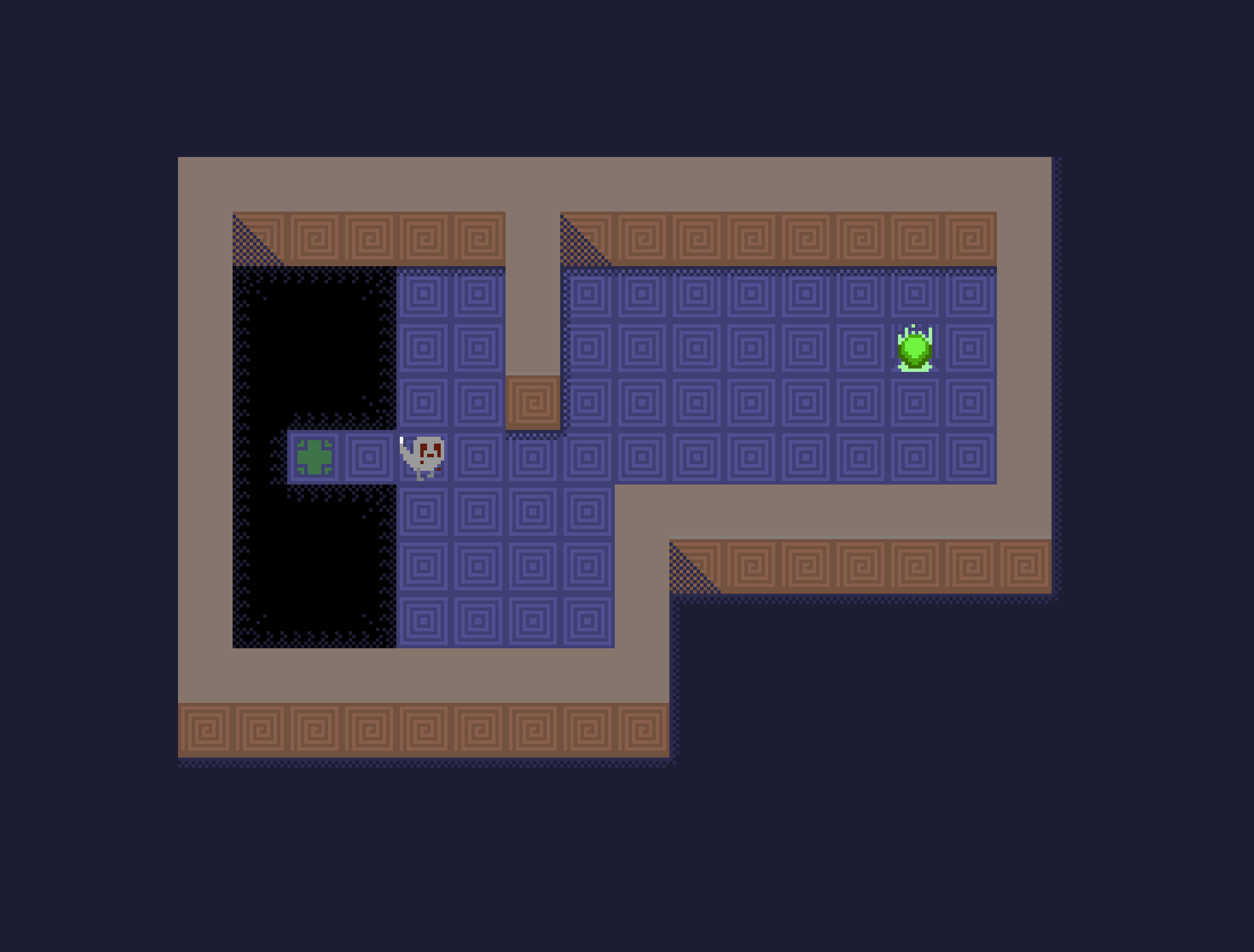
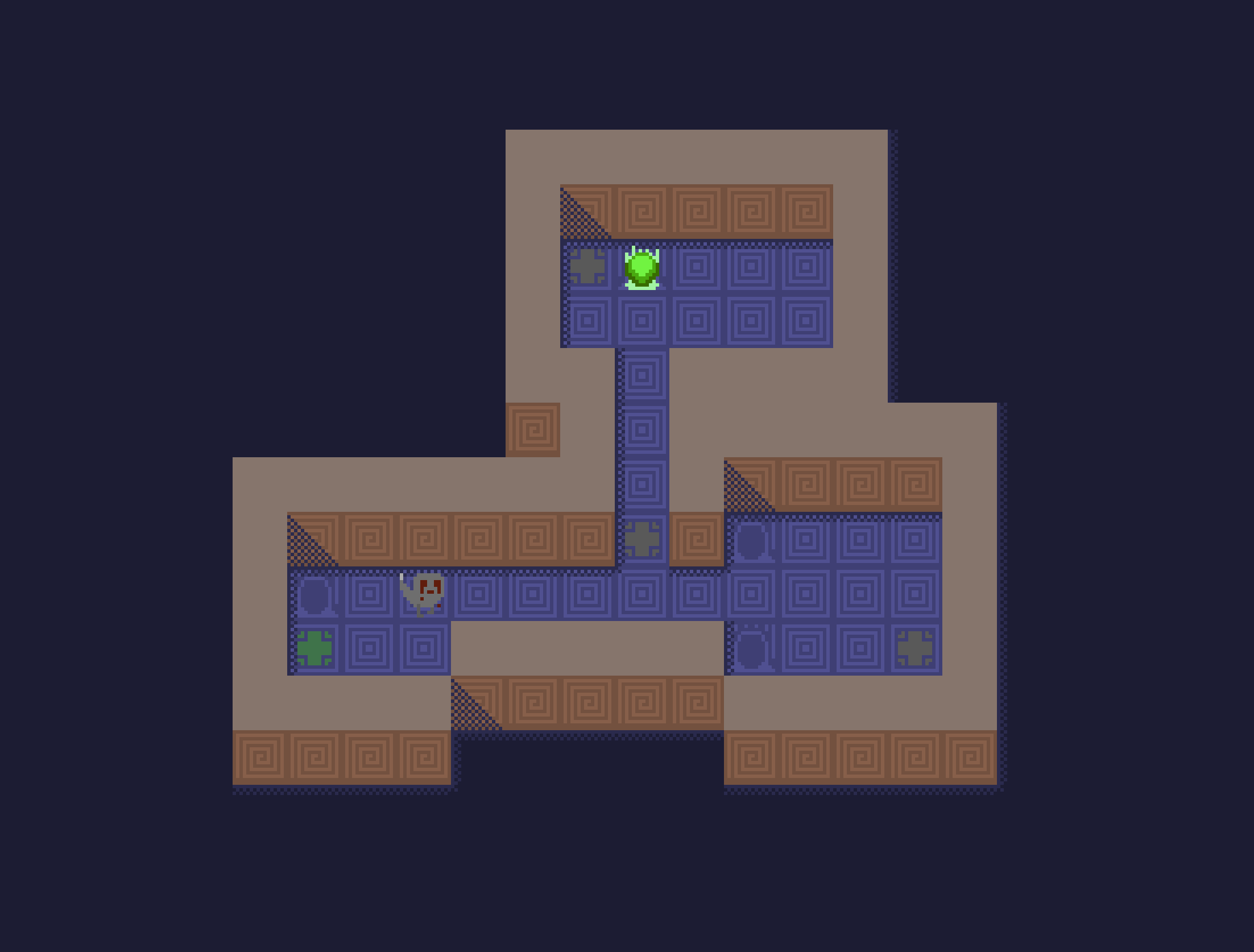
Use the thralls to collect the orbs. Make a stable loop and don't bump into other thralls or fall into pits. Complete the objective before your thralls run out of energy.
Controls:
- WASD or Arrows: Move thrall - Backspace or E: Undo last move - R: Restart current level - 1-4: Change to a different thrall (also resets that thrall's memory) - 5: Observe mode - N: Start next level (once you win)
Hints/Stuck?:
A lot of the strategy is just about choosing where to waste time, and for how long.
Ben: It was a healthy jam! I got enough sleep and managed jam stress well.
Tom: I really enjoyed making some pixel art for the jam. It's the first time I used my own pixel art in a jam, and I normally don't make any of the art so that was really nice. My sleep schedule wasn't as great as Ben's unfortunately. It was nice to get a feel for Unity too, as I've not used it much before.
What didn’t work:
Ben: I am still getting used to using Unity in a team with version control. There were a lot of times when prefabs, tilemaps and editor settings would change even when nobody pushed a change to that file. I'm sure there is an explanation.
Tom: Same as above. Also in general not that impressed by unity vs custom engine for a small project like this. Spent a lot of time messing around in GUIs for what would be a few simple lines of code with a basic rendering library.
Team:
- Programming, Design, Art: Tom Mason (wheybags) / https://wheybags.com - Programming, Design: Ben Buckton (abregado)
@aimainiac Yes, I think there's an issue where if one thrall is about to move off a tile, you can't move into that tile on the same turn because it's not empty yet. It should be that the thralls are processed in order, but I'm not sure if that's working right. Visualising each turn for each thrall could make that easier to understand.
This game is a well-executed implementation of an amazing concept. It took some time for me to get used to the mechanics, but I enjoyed every second of it. Very well done!
Fun game! Took some time for me to get used to the mechanics. Later on realized that you had to wait a bit with one of the thralls to allow the other one to pass safely. I found quite innovative. I would probably like more stronger feedback as to the fact that hitting the thralls on each other is not good. Nice job overall!
Had fun with puzzles. The collisions when thralls tried to move into a vacating tile was annoying. An indication of who will move first or allow parallel movement would be nice
Nice pixel art and nice puzzles. Rerouting thralls felt hard and it was better just to start over because the new ones just blocked everything. Good job overall though. 🙂
Nice puzzle! Music and presentation fit together. I would have liked to choose any thrall in any place any moment and not totally reset it, but maybe it would have become too easy.
Oh cool, I love the puzzles! I definitely think the second to last level was harder than the last level! I love the artwork and the music is great too! Wonderfully done all around.
An interesting concept, and consistent aesthetic. I enjoyed solving the puzzles up until the 5th, which I lost patience for. I noticed in the comments that this bug is already known, but it would be nice to be able to jump onto a square that another thrall is leaving in the same step. If you hadn't declared that the idea is not original, then I would have thought it was, I've not seen gameplay quite like this before. A great submission, which I enjoyed playing!
I like this kind of puzzle game. The fact that you are making paths for differents characters is perhaps not enough to match completely the theme, but this is a very good concept anyway. The retro style is clean. In level 4 I found this bug where the two characters knock out when they are close, even if the respective paths don't overlay. But whith some improvements it must be a nice small game.


Comments22