Temporal Objects
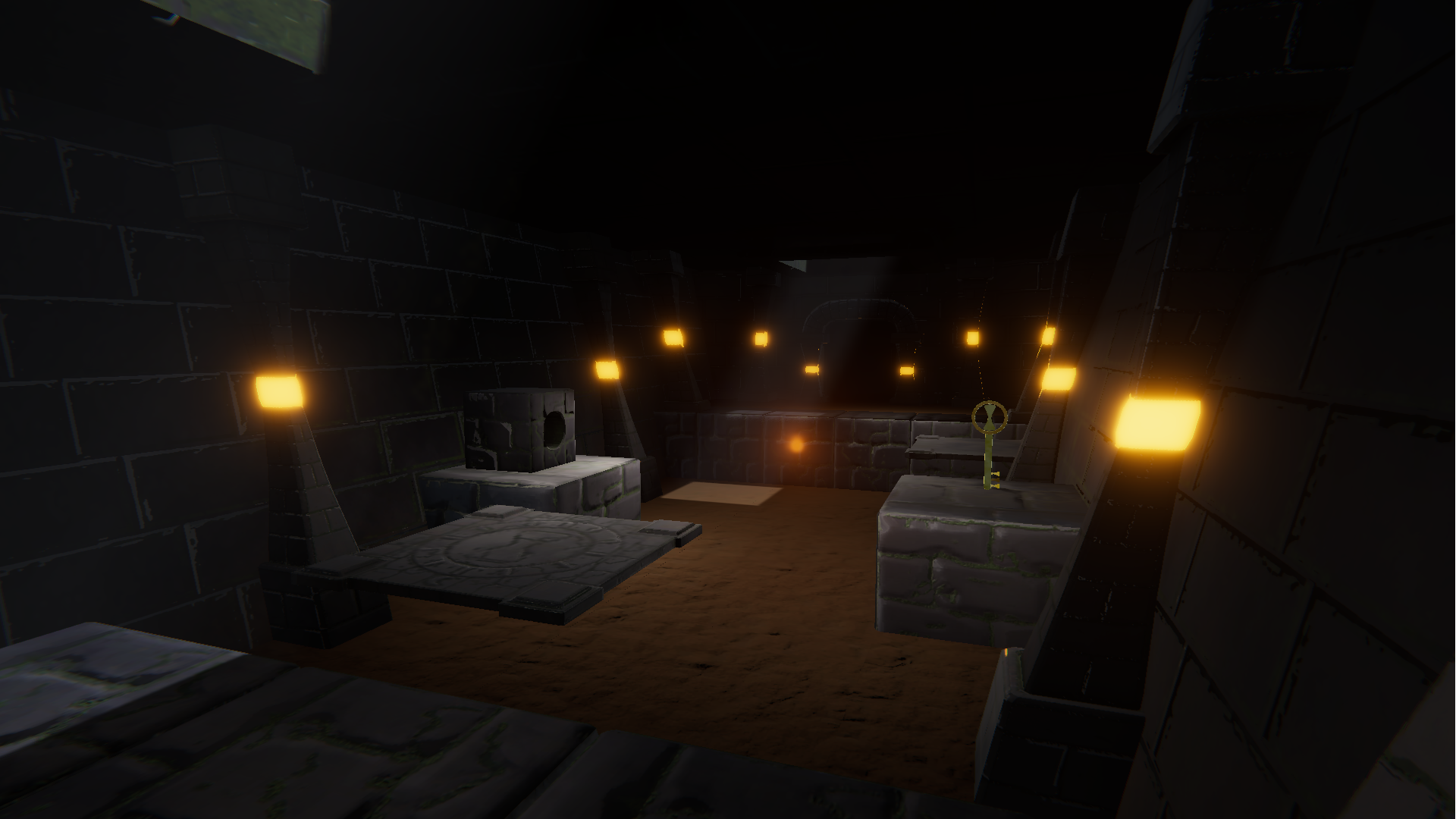
Temporal Objects is a puzzle platformer set in a temple of time where objects are stuck in a time loop. You have the power to look at an object and freeze it in time. Use this power to interact with obstacles and navigate through levels to grab the key. There are three levels in total.
How to Play:
- Move = WASD to move and Mouse to look (there is no jump)
- Some objects move in a time loop, they will stop and restart back at their original position once the loop is complete.
- Look directly at objects moving in time loops to freeze them in time.
- Getting to the key is your goal for each level.
- If a fireball touches you then you will 'die' and have to restart the level.
- If a fireball touches the key it will 'melt' and you will have to restart the level.
- Platforms will not automatically drag you along, you will have to move in order to stay on them.
- ESC = Quit Game
Tips:
- Keep your eyes trained on fireballs to effectively hold them in place and keep them from 'melting' keys.
- If you feel like you've randomly died odds are a fireball melted a key (we ran out of time to add something that indicates this)
- Try to memorize the looping patterns of objects. There are times where it might be difficult for you to turn your gaze away from something else.
Note:
After a busy weekend filled with a lot of stuff other than just this game jam we have completed something! We hope you enjoy this little game of ours at least a little bit. Thank you very much for taking a look at our game! :)
Install Instructions:
1. Download .zip file. (Windows version looks best but we have a LowSpec version if you need it.)
2. Unzip .zip file.
3. Run TemporalObjects.exe
4. Play game (maybe have fun?) To close the game while playing it press Escape.
Windows download looks much nicer but we also have a web browser version available. If you play the web browser version make sure you click on the center reticle when "entering" the game or it won't work right.
Credits:
- LemonLimeLife - Game Design, Art, Level Design
- MrCrazySci - Game Design, Programming
- Dividerline - Custom music, Listen to more music at https://dividerline.bandcamp.com/


Comments8
The platforms was very difficult to enter and the player doesn't stay on them so had to move along all the time.
Also remember to play and vote for others games so you also get more votes.
Edit: Now i succeded. Cool gameplay, but the platforms not carrying the player is a boomer and makes everything so much harder.
Spend ages getting confused on the second level until I eventually reread the instruction message - click ON the centre point or the picking doesn't work.
Spend ages getting confused on the second level until I eventually reread the instruction message - click ON the centre point or the picking doesn't work.
Spend ages getting confused on the second level until I eventually reread the instruction message - click ON the centre point or the picking doesn't work.
I made to level 3, but not further.
But I like the atmosphere, graphics and music.