Transport cargo between two space stations or just fly and explore empty space!
Your mission is to transport cargo between "Station Alpha" and "Station Beta", both stations are in near proximity to each other. If you get bored of transporting you can look into the darkness of space and think about life.
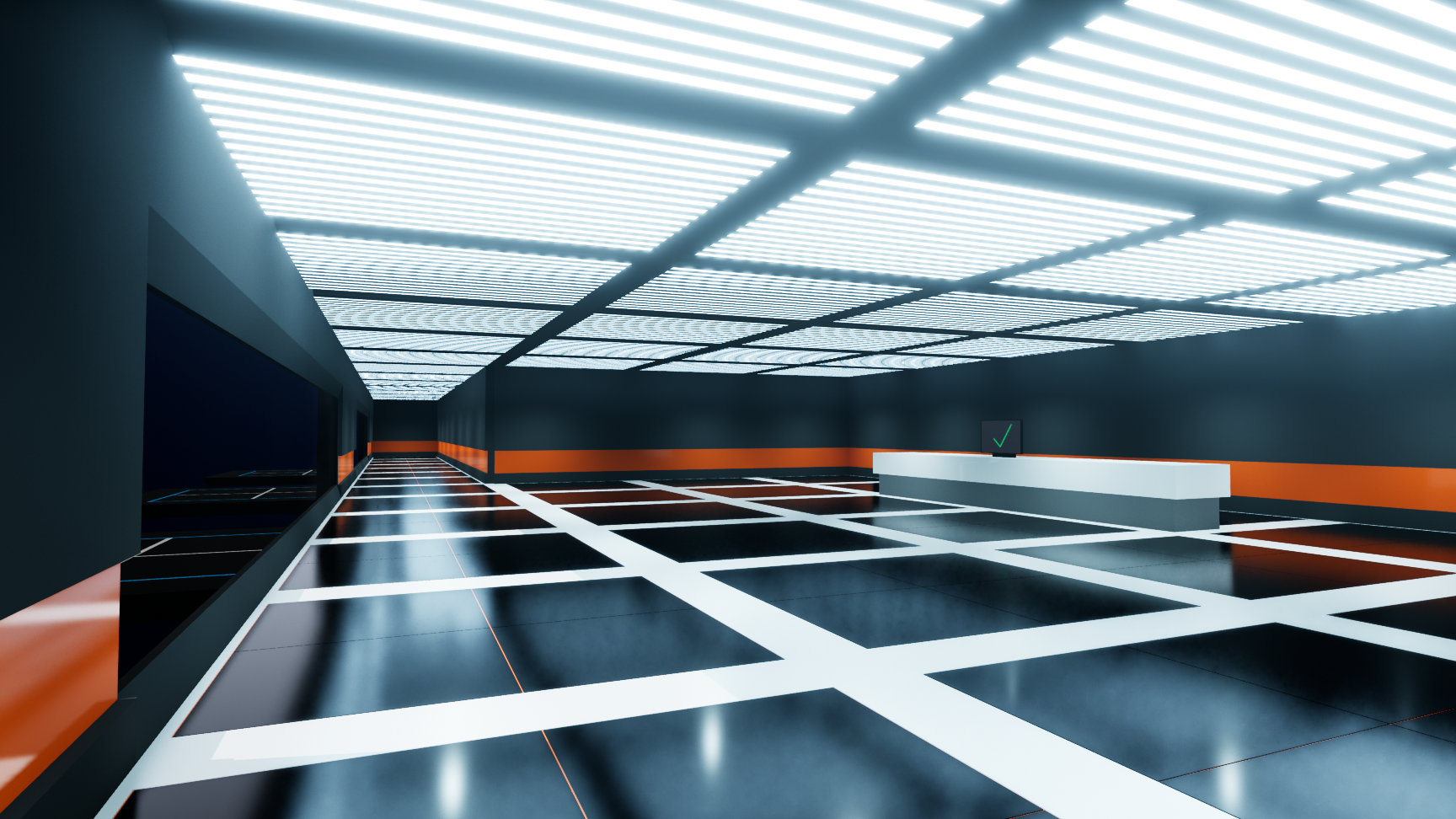
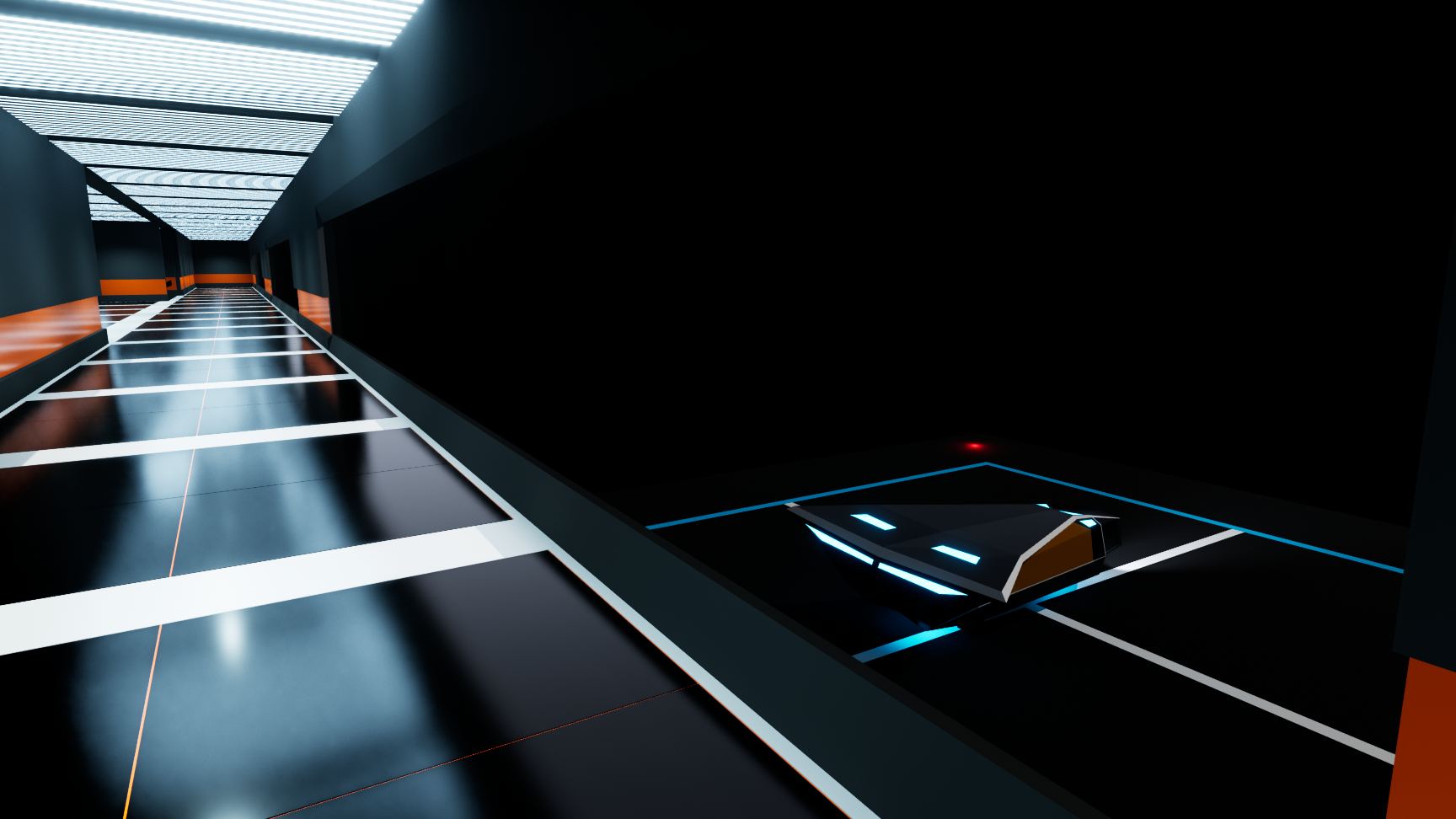
How to play: - Walk into one of the two space stations and press "F" while looking at it to interact with the terminal inside of it to accept your mission. - After that, walk to your ship and press "F" again while looking at it to enter the ship. - Fly to other space station, it is on the opposite site of the starting station. - Land on the landing pad far to the right, the one with red lights and head into the terminal, press "F" again while looking at the terminal to unload your cargo. - You now can accept another cargo from the terminal.
Be careful: - The spaceship controls are very direct (and not good at all) so be a bit careful. - You can speed up and down by scrolling the mouse wheel - DON'T LEAVE THE SHIP WHEN NOT LANDED PROPERLY! (You will fall into space and need to restart the game)
Quality settings: Check out the included ReadMe file to reduce quality settings to improve performance!
Hello mipa111 what an epic submission! Thank you for submitting your game. This space flight simulator felt really good to control with the mouse and i scared myself when i crashed at light speed into a wall. It is unfortunate you did not have audio but it was good that you focused on the gameplay because the starship flying is a lot of fun. One complaint from me is why I have to walk up 12 flights of stairs to accept a mission?? Its the future but we don't have elevators. :)
I couldn't find the terminal to get cargo. I was able to fly around, and I like the mouse wheel speed control. The super minimal/clean environment had a cool feel. Some cyberpunk type music would add a lot. Nice work.
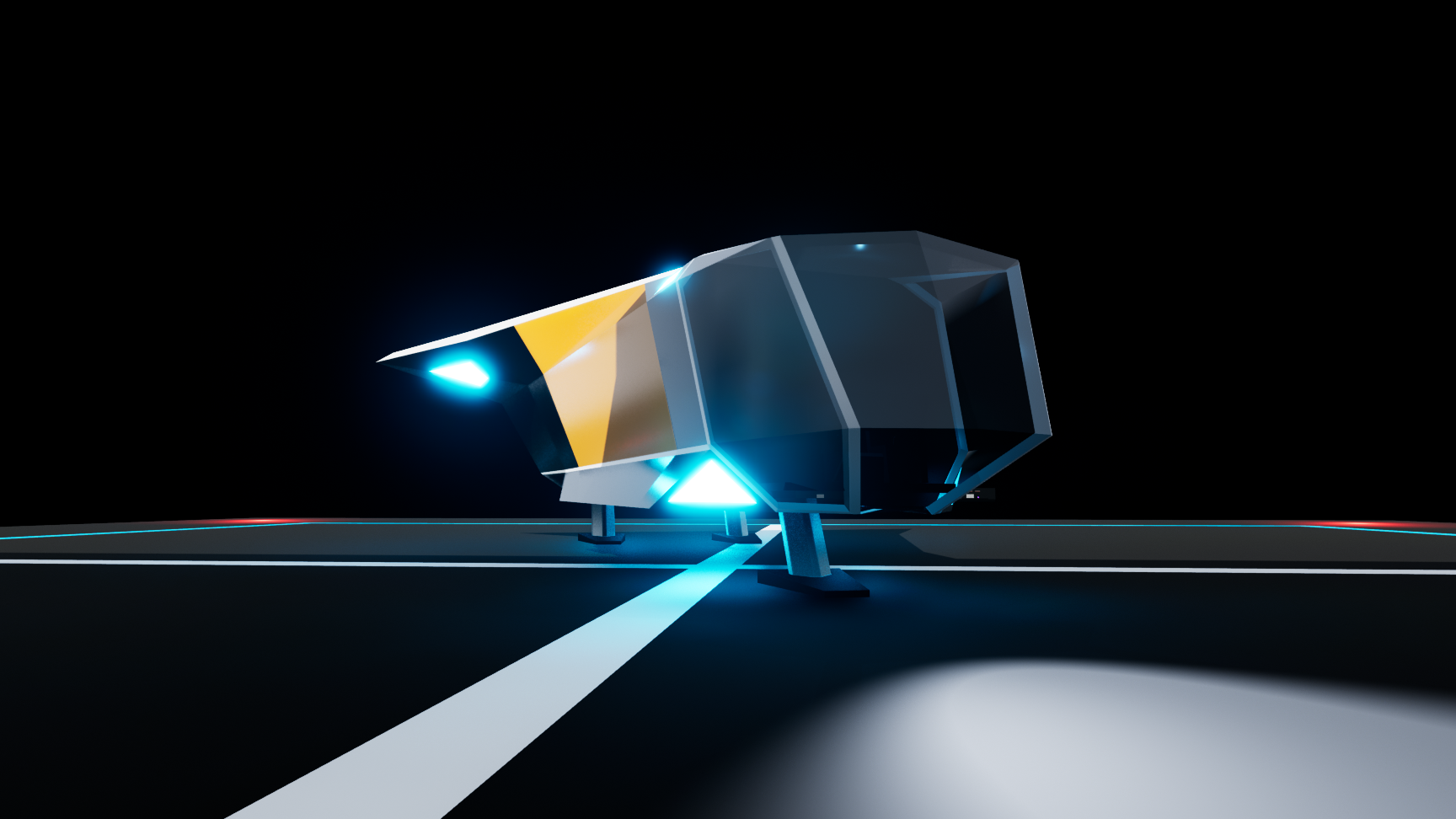
Pretty game, the space trucker bit was pretty thin though - I spent longer climbing stairs to the terminals than I spent flying between the station. I definitely liked the ship design though, pretty little angular beast.
Good idea to do a space delivery. The minimalist art is nice, I think what the game lacks the most is sounds. A little music, ambient sounds and effects for the ship would greatly improve the immersion.. Seeing visually that we deliver a package would be nice, like a small box that we would carry, but I understand that in such a short time it is difficult. In any case good game, I love games in space!
This was certainly ambitious. The art was definitely the best part, I like the ships design.
Some more destinations, with a choice of which package to deliver would go a long way to making the gameplay a little more interesting, without changing the core too much.




This space flight simulator felt really good to control with the mouse and i scared myself when i crashed at light speed into a wall.
It is unfortunate you did not have audio but it was good that you focused on the gameplay because the starship flying is a lot of fun.
One complaint from me is why I have to walk up 12 flights of stairs to accept a mission?? Its the future but we don't have elevators. :)