Ludum Dare #55compo
Unfamiliar

---
You are applying to the WARLOCK ACADEMY.
DISCOVER the workings of summoning magic.
PROVE YOUR METTLE in the field of battle.
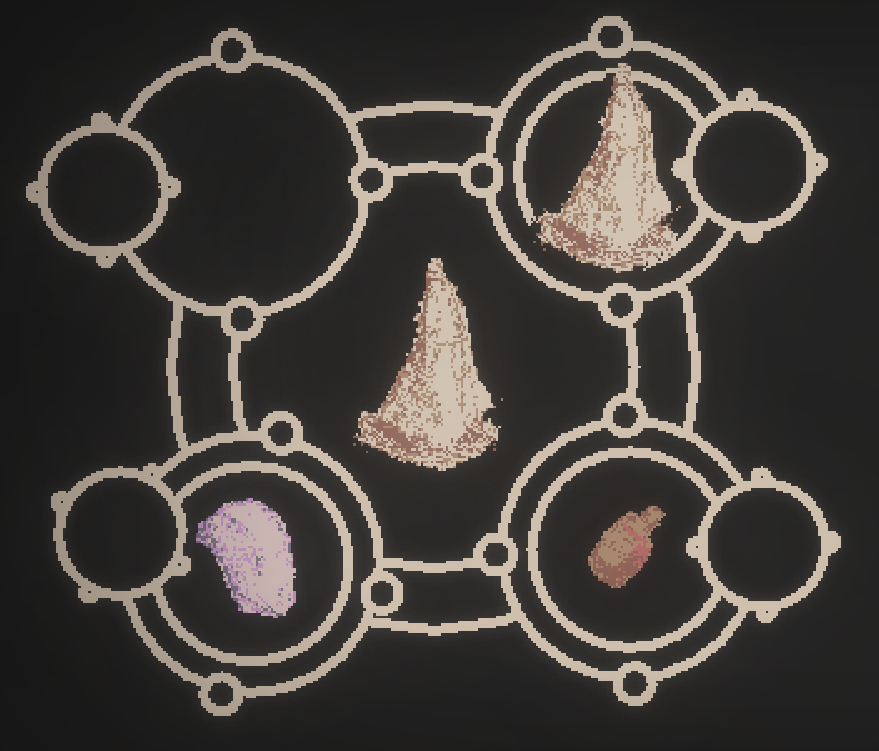
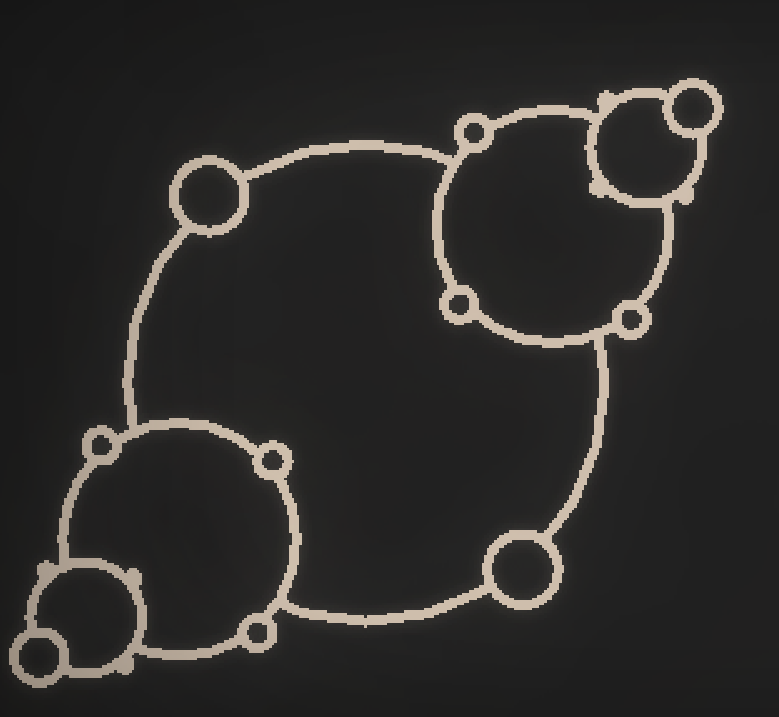
Draw DIAGRAMS and use INGREDIENTS to summon creatures to your side.
GET ADMITTED to warlock school.
---
🎮 CONTROLS 🎮
Use MOUSE to navigate.
CLICK AND DRAG on empty space in a diagram to draw a new circle.
DRAG items into circles to add them to your diagram.
DRAG creatures to rearrange or delete them.
Hold LMB or ANY KEY to speed up battles.
---
🕹 HOW TO PLAY 🕹
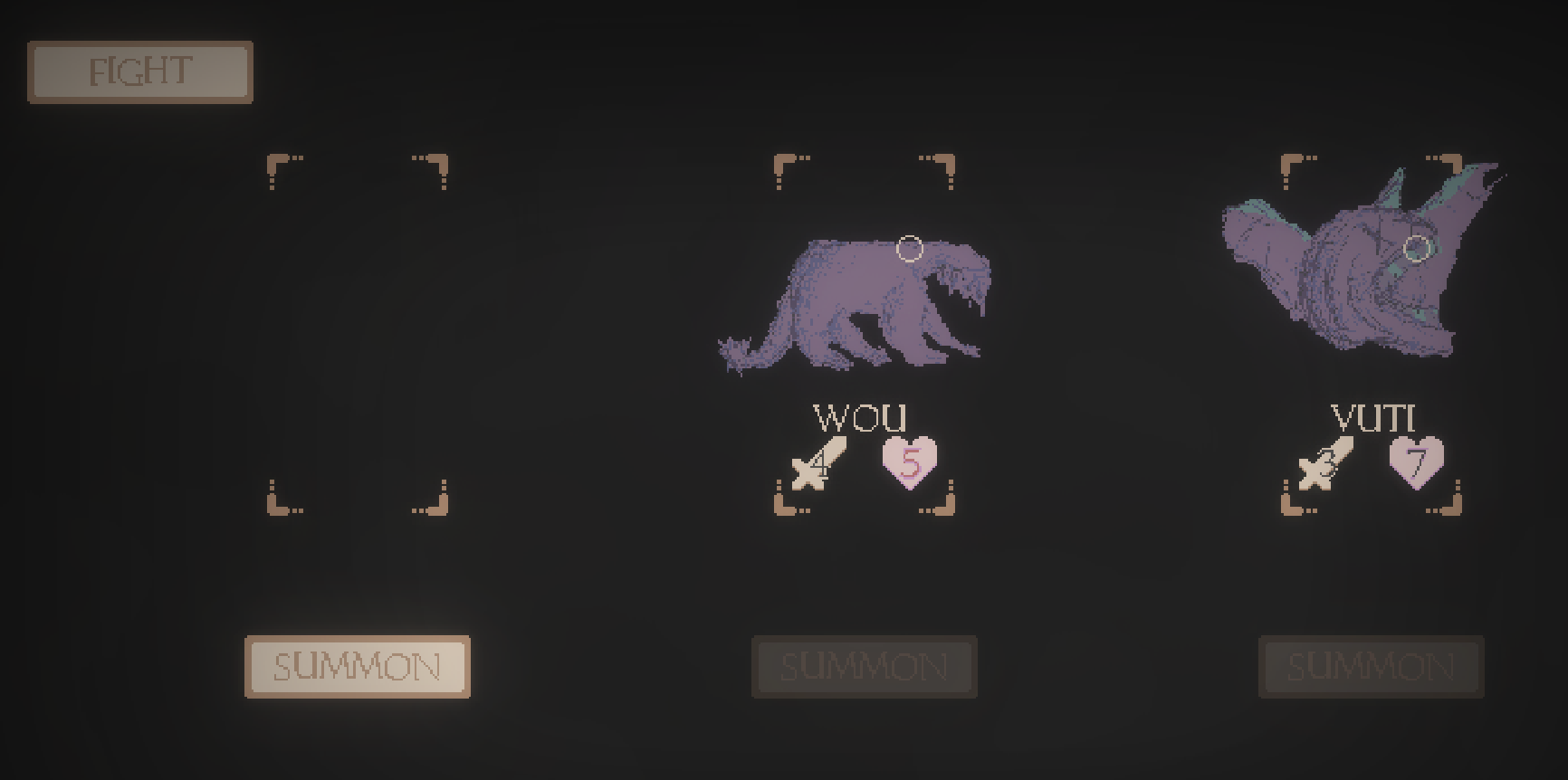
Create DIAGRAMS to summon CREATURES
Creatures will fight AUTOMATICALLY.
DRAG your creatures to rearrange them.
COLLECT INGREDIENTS after winning battles.
---
📷 SCREENSHOTS 📷
---
🖌 TOOLS USED 🛠
* Gamemaker Studio 2
* Photoshop
* A pencil n' paper
* Aseprite
* Ableton
---
⚠ TIPS ⚠
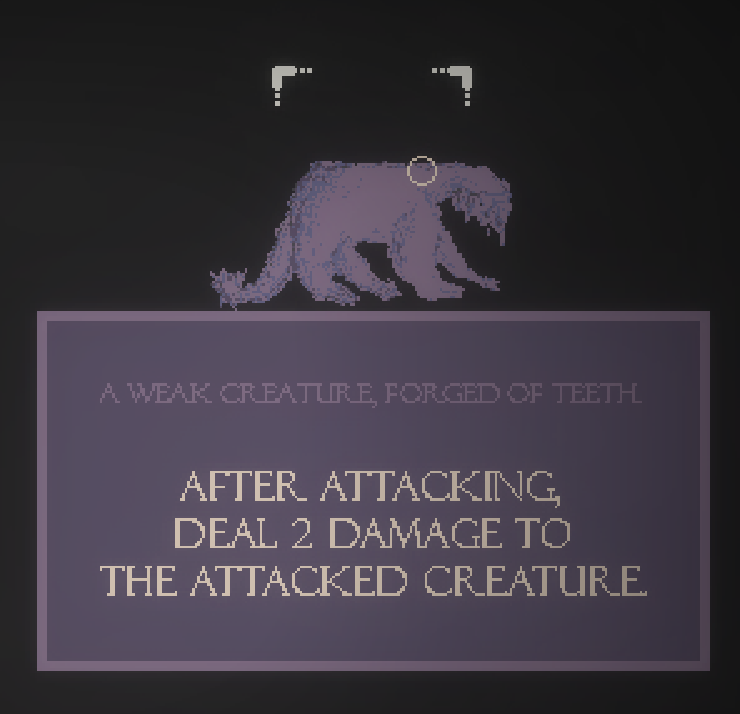
* Pay close attention to the descriptions of your creatures.
* Try looking at the descriptions of enemy creatures for inspiration.
---
⚙ Changelog ⚙
V0.1: Added app icon, fixed fullscreen switching.
V0.2: Fixed issue where some sounds would play irritatingly loudly.
V0.3: Quit button no longer says “play”
V0.4: Music now loops correctly.
V0.5: Fixed bug where enemy team would attack itself, making the game impossible after a while.


Comments18
It was really cool exploring the different creature builds. I had a REALLY good team going in my winning run, starting with Yetis who could boost HP and strength every round. I felt unstoppable... until...
I went ALL-IN on making a "fabled" creature which ended up being cursed... I used ALL my resources to summon him and couldn't really recover from that - it was all downhill from here.
In my entire playthrough I didn't fully understand how the sigils affected the outcome. I was starting to get an intuitive feeling that plants = health regain, teeth = attack, bone = ???, ??? = strength gain, ??? = strength loss? It got a bit confusing and I would have loved a spellbook to explicitly tell me the properties of each ingredient so I could know for certain what I was going for in my recipe.
I had a REALLY great time playing though and getting to level 16 felt very satisfying. The battling had a really nice rhythm to it. Love the music, the graphics and making the sigils was really nice and responsive. The pace was perfect throughout going between the different game screens. The creature illustrations were also really nice! Maybe could have used a slightly less jagged edges and higher fidelity because it had a more hand drawn look than pixel-art. But it was still really nice. Amazing work!!
The game was very well made and the visuals and audio were nice.
I managed a few rounds then tried again too! :D
Nice job!
Please can you vote on my game too? :)
Well done!
did and went to check the source code. I
regretted it immediately, though, since the mechanics are actually quite well-considered,
and I would have had a great time trying to figure them out. After spoiling them, I still
wanted to play for quite a while afterwards and managed to get a high score of 33. Maybe
a hint or an explanation of the basics with a big `SPOILER WARNING` above it might be helpful
for the less patient, since I think the game is still fun, stregy-wise, even when you know the mechanics.
All in all, a great entry!
I found that the infinite loop soft-lock happens fairly often unless you use damage buffing effects, since there are a lot of damage reduction effects. I also had the game crash with this error message, which happens when trying to perform an invalid swap between a small and large item:
```xml
___________________________________________
############################################################################################
ERROR in
action number 1
of Step Event2
for object cSummoningIngredient_Draggable:
Unable to find instance for object index 104393
at gml_Object_cSummoningIngredient_Draggable_Step_2
############################################################################################
gml_Object_cSummoningIngredient_Draggable_Step_2 (line -1)
```
Overall great game. It has a nice magic-tinker and chill vibe that I really liked. Nice work!
In all honesty, the complexity went a bit over my head, but this is the type of game I could see myself wanting to master if it was a full game. I think a little more handholding on what the ingredients do (atleast some solid hints) would have made this much easier to pick up quickly.
I like the gritty art style, and the audio was quite well done.
Overall great work, keep it up! :D