
Invert!
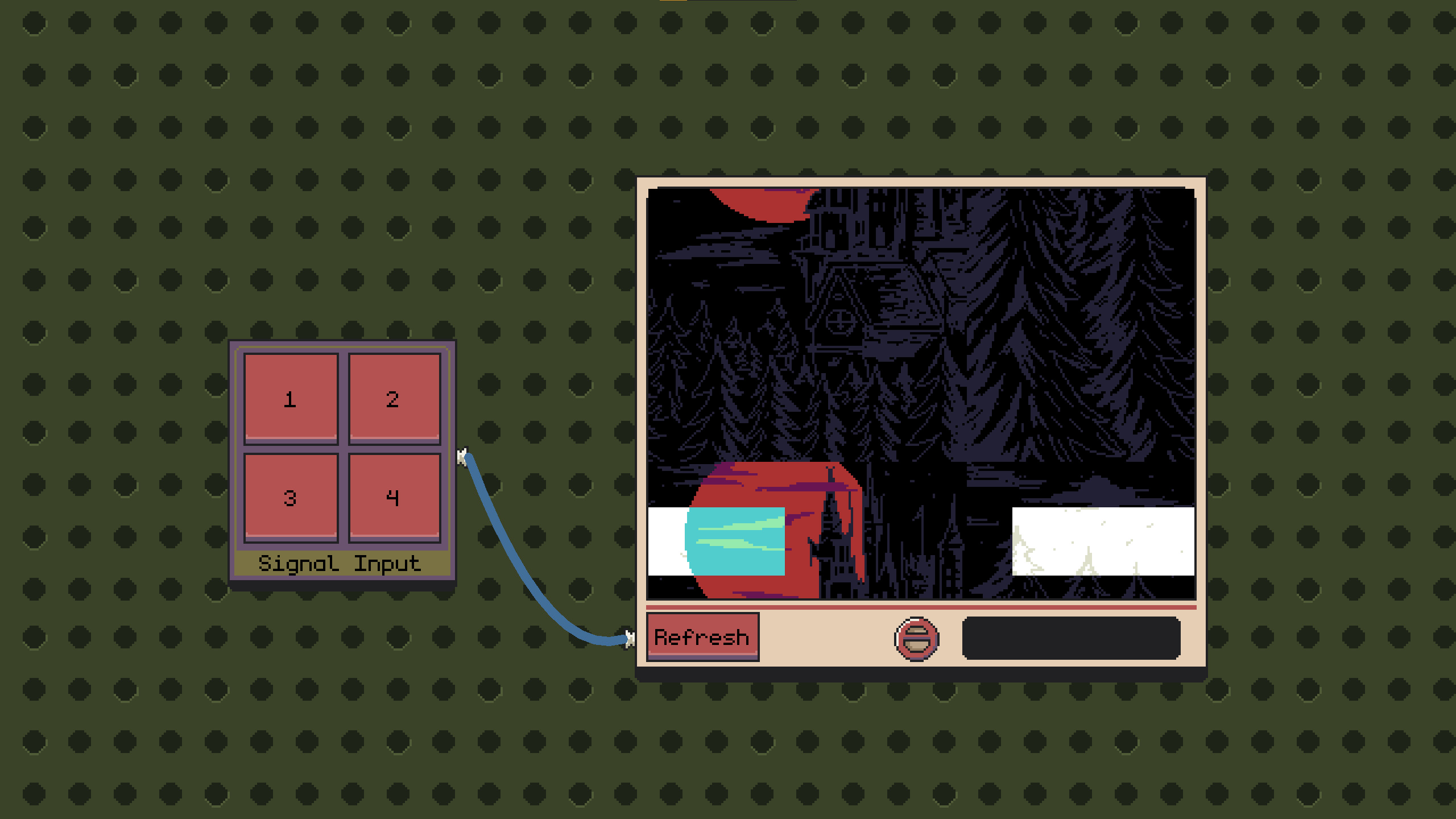
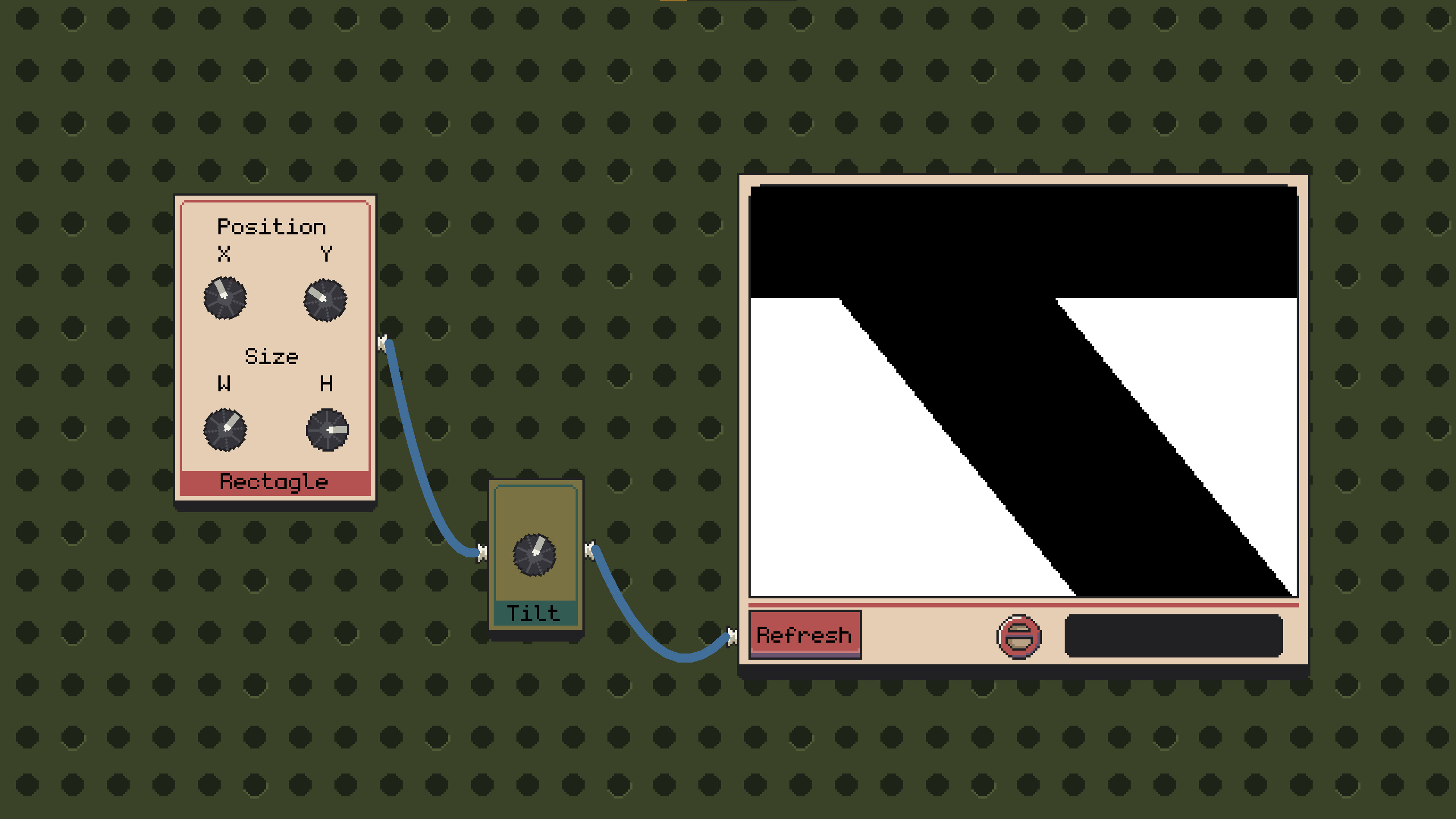
Invert! is a puzzle game where your task is to decode encrypted visual signals. There are 6 puzzles available, which you can freely choose from the panel called Signal Input.
Controls:
* To move the camera, press and hold the right mouse button.
* To connect cables, left-click on a port on the right side of any panel, then drag the cable to a port on the left side of another panel.
* All actions must be confirmed using the REFRESH button below the screen.
* To remove a cable, disconnect it and drag it back to the port it originally came from.
To start playing, press any number on the Signal Input panel. Then connect a cable by left-clicking on a port (to pull the cable out) and dragging it to the port in the bottom-left corner of the TV. After connecting and pressing the Refresh button, an image will appear on the screen that you must decode.
Note – EVERY ACTION MUST BE CONFIRMED BY PRESSING THE REFRESH BUTTON IN ORDER TO BE DISPLAYED ON SCREEN!
Module descriptions:
* Signal Input – Allows you to select an image (signal) to decode. When connected to the screen, it displays the image.
* Rectangle – Creates a white rectangle on the screen and lets you adjust its parameters, such as width, height, and position on the screen.
* Splitter – Allows you to duplicate the input signal (1 input → 2 outputs).
* Comparator – Lets you check how close (in percentage) you are to solving the puzzle. It compares the target image with the current image on the screen.
* Invert – Inverts colors – For example swaps white with black and black with white.
Comments2
23edsa21 Apr 2026, 22:00
I think this one is a bit too specific, while I thoroughly enjoyed the interactions, I still could not figure out what is the mixer functionality, so I failed to decode anything


I feel like it would have been a lot more engaging if I didn't need to press "Refresh" every time I changed something. It added *just enough* friction to everything that it tipped the balance from "fun" into "tedious"...