
The lost signal
How to play:
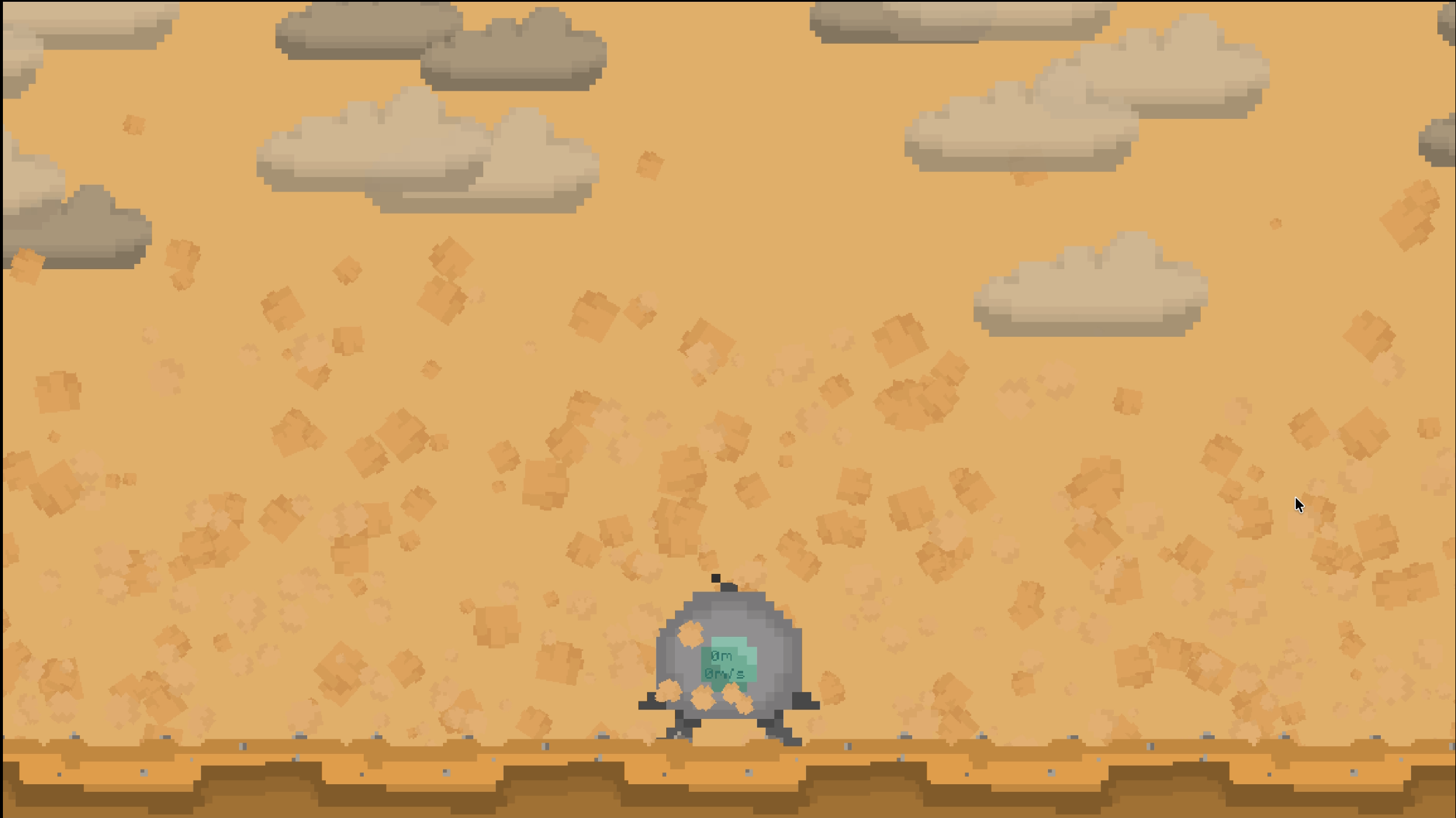
In the landing scene, use the left and right mouse clicks to activate the respective thrusters and land safely.
After landing on planet Earth, use W and S to move forward and backward, and A and D to turn left and right.
Right and left clicks or E and Q to change the radio frequency.
C or SPACE to dig.
F to interact with tapes - You have to align the radio with the little red dot on the tape.
Right click or SPACE to speed up the text.
R to reset on landing and takeoff.
Credits:
kristofer_4521, fuertonargentino
CHANGELOG:
v1.1 (04/21/2026)
• Tape bug fixedㅤㅤㅤㅤㅤㅤㅤㅤㅤㅤㅤㅤㅤㅤㅤㅤㅤㅤㅤㅤㅤㅤㅤㅤㅤㅤㅤㅤㅤㅤㅤㅤㅤㅤㅤㅤㅤㅤㅤㅤㅤㅤㅤㅤㅤㅤㅤㅤㅤㅤㅤㅤ • Executables running
v1.2 (04/21/2026)
• Resolution bug fixed
• Final takeoff scene nerfed
• Repeated text bug fixed
Comments13

Emaigualmc2_art21 Apr 2026, 15:02
The game takes too long to start; maybe it's a problem with my PC, but it takes forever to get to the play screen. It took me ages to land in the first thousand tries, jajaja! The distance and speed metrics aren't very clear; a little UI tweaking could improve that and enhance the gameplay. The sound is way too loud; when I finally landed, the noise was really annoying. Good job for a jam! XD

Prismapunch22 Apr 2026, 21:52
I like the drop pod spawn and how you need to change radio frequency to stay in contact, very different kind of game. The art was cute and the writing was interesting! Great job
JamesGames100025 Apr 2026, 21:37
Pressing f to interact with the tapes didn't work.
Scaredy Cat26 Apr 2026, 16:55
Hey, great job on this game, it's a really neat idea needing to stay in touch with the rover by adjusting the radio signals! Most of the feedback I have probably leans more "if there was more time..." variety, but I'll give it anyway just so you know.
Not sure if it's just me, but running in the browser (on not great internet) the UI elements were fairly small and hard to see, particularly the text, and the text scroll for the tapes was very slow. Could be a me issue, but that was just something I noticed.
It was not initially clear to me that you had to align the tape indicator with your onboard radio until I read the description. That's fine, though my rule of thumb, even for jams, is that you should aim to have some in-game indicator that makes it obvious what you're supposed to do. So even a little popup for the first tape you fine that's like "Adjust radio to align with tape" would be good.
I do think it needs music or some kind of ambiance.
It also took me a couple of minutes to realize the compass in the bottom right was pointing you toward the next tape. Again, maybe just me, but I think you can never make things too obvious, especially with UI.
Overall, really solid entry! You guys did a great job and I hope you had fun working on it :)
Not sure if it's just me, but running in the browser (on not great internet) the UI elements were fairly small and hard to see, particularly the text, and the text scroll for the tapes was very slow. Could be a me issue, but that was just something I noticed.
It was not initially clear to me that you had to align the tape indicator with your onboard radio until I read the description. That's fine, though my rule of thumb, even for jams, is that you should aim to have some in-game indicator that makes it obvious what you're supposed to do. So even a little popup for the first tape you fine that's like "Adjust radio to align with tape" would be good.
I do think it needs music or some kind of ambiance.
It also took me a couple of minutes to realize the compass in the bottom right was pointing you toward the next tape. Again, maybe just me, but I think you can never make things too obvious, especially with UI.
Overall, really solid entry! You guys did a great job and I hope you had fun working on it :)

Cazik2126 Apr 2026, 20:56
The browser version of the game is really buggy and strange; we'll fix it and make everything clearer in the interface. Thank you for your feedback.

Meta-link27 Apr 2026, 19:32
Cool game ! A bit hard to pickup at first, but then there's a lot to do and it feels like a real game.
Good job 🙂
Good job 🙂
Allax29 Apr 2026, 20:38
Unfortunately, I still haven't figured out how to land. No matter what I do, the ship lands incorrectly.
zhangzhimu1 May 2026, 10:33
These small settings in the game still show that the developers have put a lot of effort into it, considering how the players can feel the most comfortable. However, I do think the sound effects during the dialogues are a bit too loud?
At first, it might be a bit confusing, but after playing it a few more times, you'll eventually understand. The playability is still very high. I'm looking forward to the next installment!
At first, it might be a bit confusing, but after playing it a few more times, you'll eventually understand. The playability is still very high. I'm looking forward to the next installment!

Theg1 May 2026, 23:43
yeah i got confused at first too, but i figured it out! theme well incorporated into gameplay and the story was cool to see too. good job!

kkkyia2 May 2026, 14:56
Interesting! But it was bit hard for me to control at first time. Nice game after all!

VenomousMouse4 May 2026, 14:43
Cool story, nice visuals. Great game.
The gameplay was simplistic but I think it served its purpose in such a story-driven game. Taking off from the planet was brutal as you couldn't see that far ahead and there was so little margin for error. In the end you really had to take your time to crawl forward in order not to hit all the debris floating around.