traceroute
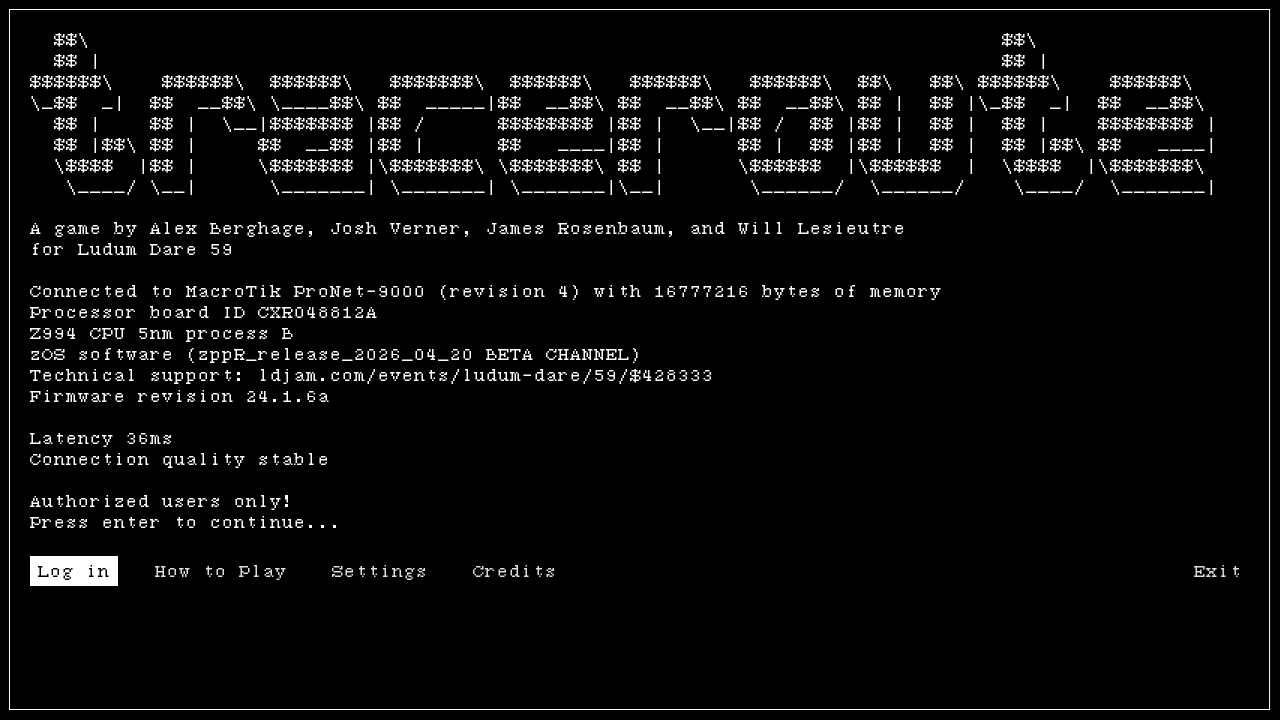
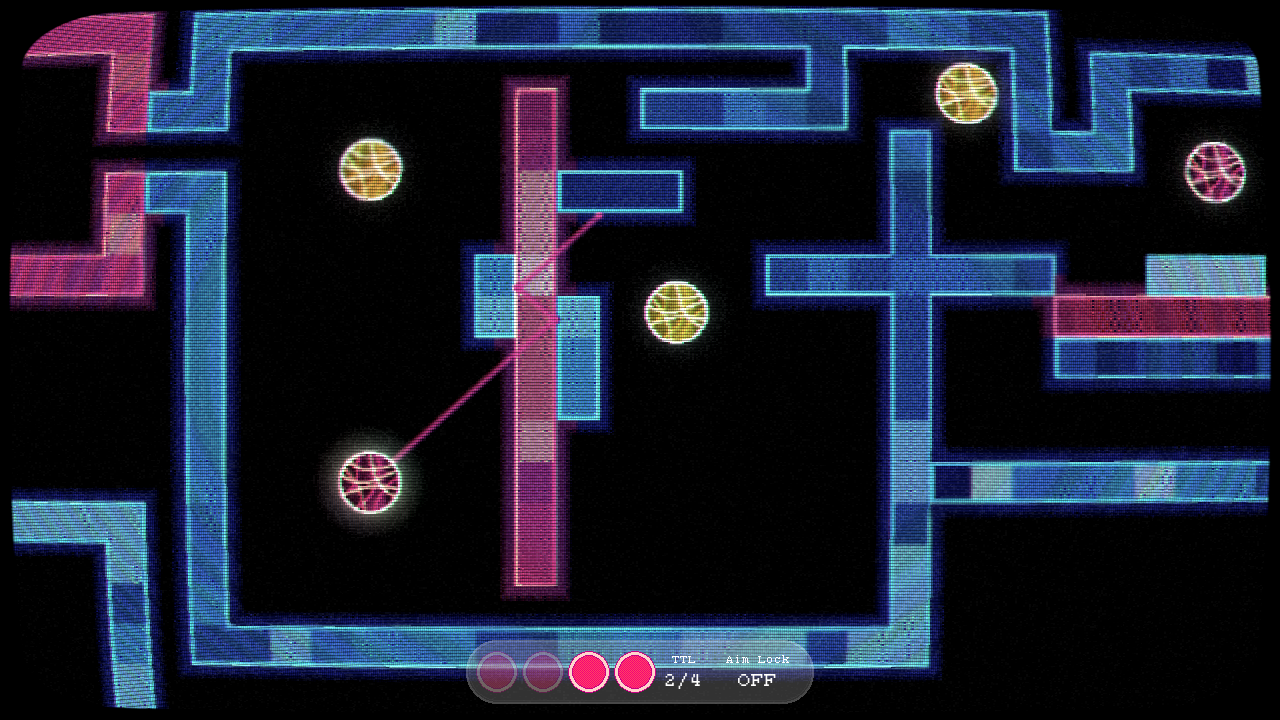
Navigate the signal through cyberspace, bouncing through switches, routers, and firewalls.
- Switches are cyan, the signal bounces off of them.
- Routers are yellow, they redirect you to always bounce perpendicularly.
- Firewalls are red, they drain your remaining bounces.
Connect the signal to a node and hold for three seconds to inhabit it, then relaunch from the
new terminal.
Each node has maximum number of bounces that it can transmit through, displayed at the bottom
of the screen.
Your signal color will change depending on the node you transmit from, and will travel
through walls of matching color.
Compatibility Notes
- The CRT shader doesn't display correctly in Safari
- If playing the web version please use a different browser for best experience.
- Firefox is not working on Windows but should work on Mac
- Chrome (and Chrome derivatives like Edge) works on either
- For best experience we recommend the native Windows version
- Some audio effects don't work in the browser export
- Windows version is also tested to run under WINE
For updates since the jam submission, including a workaround for the CRT shader in Safari, see the "Director's Cut" linked below. This contains work done after the jam deadline so please don't use it for scoring.
Director's Cut
We've added another link to a build with any work done after the jam deadline. Currently this includes:
- Option to disable CRT shader


Comments25
But on other hand if I managed to pass level with less steps than available - it is great, isn't it? In any case it would be nice to have a clear "rewarding" feedback
Other than that this is pretty unique, and the style is great
If we do a post-jam update it's on the to-do list to add an option to disable the CRT visuals.
There were some puzzles where I felt frustrated with how long I had to wait - any time where something was spinning was especially rough - but I did get all the way to the end, and did thoroughly enjoy my experience getting there. Great work!
playthrough: https://youtu.be/pG4UEXnSwVw
Probably won't be able to fix this on our end, but I hope you were able to check it out in another browser or with the Windows version!
In other browser compatibility news: for Safari users getting large black areas from the CRT shader, you can try the Director's Cut version where so far the only change is an option in the video settings to disable the CRT shader. Wanted to add that on Monday night but ran out of time.
Do think you’re closer to the theme.