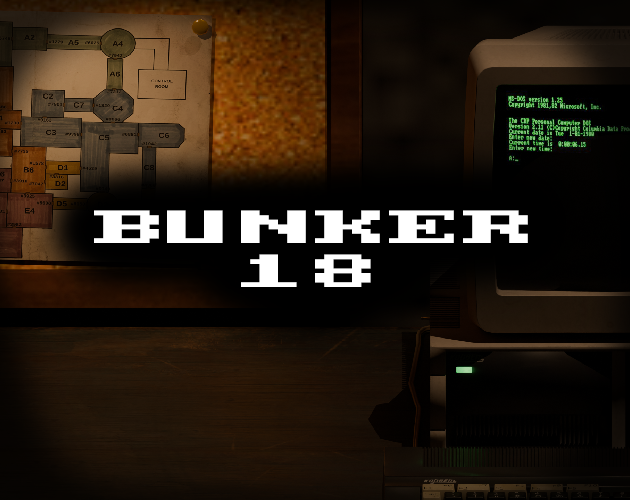
BUNKER 18
```text
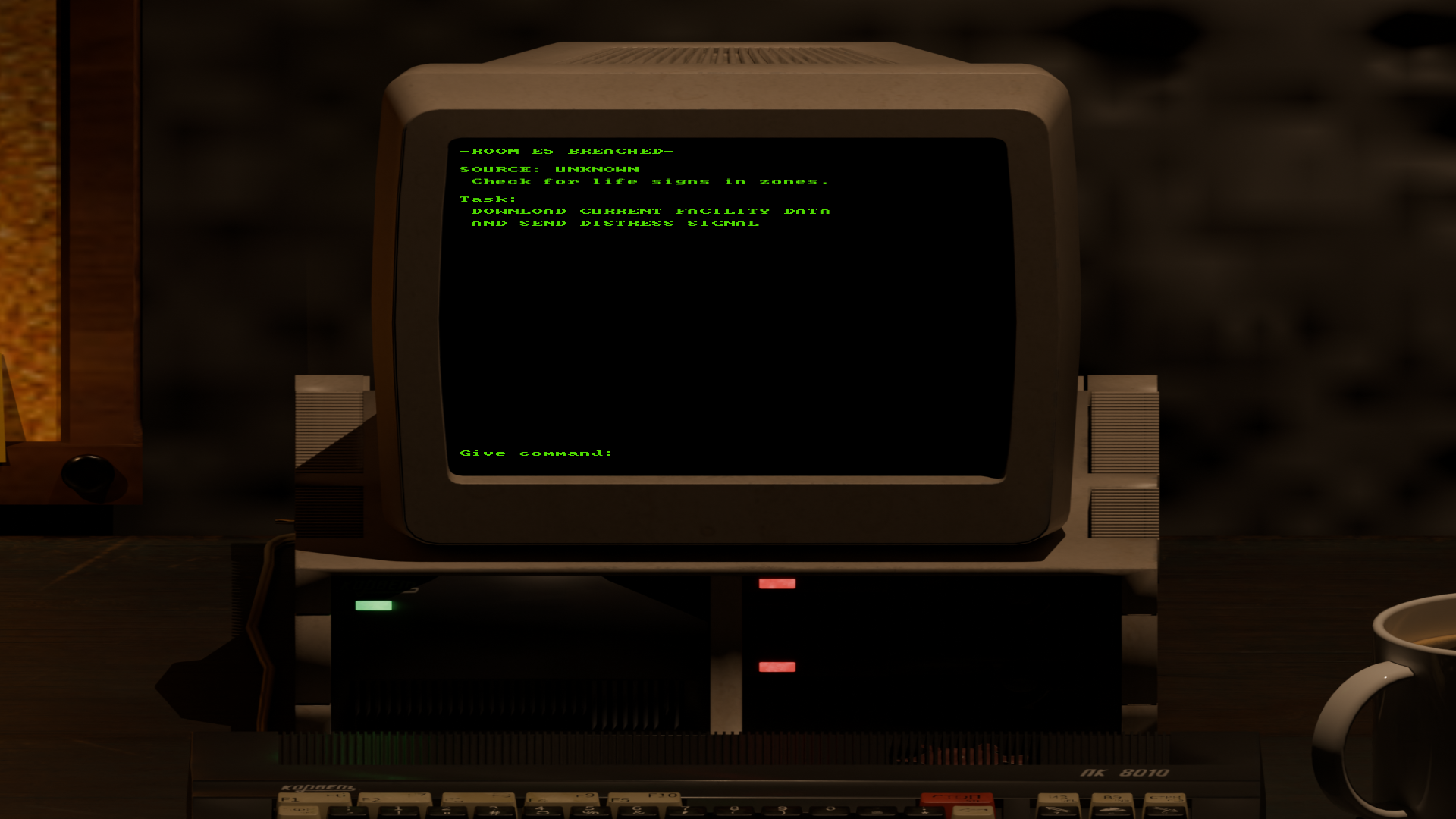
[!] ALERT: -ROOM E5 BREACHED-
> SOURCE: UNKNOWN
> DIRECTIVE: Check for life signs in facility zones.
> TASK: DOWNLOAD CURRENT FACILITY DATA AND SEND DISTRESS SIGNAL
```
Experience a vintage computer-inspired horror jaunt deep within a bunker where something sinister lurks in the darkness.
Downloading data may be easy... *but can you send the distress message before it's too late?*
---
Features
* Retro Terminal Interface: Control the entire facility through an old-school computer command prompt.* High-Stakes Tension: Navigate tense moments where a single risky choice will make or break your run.
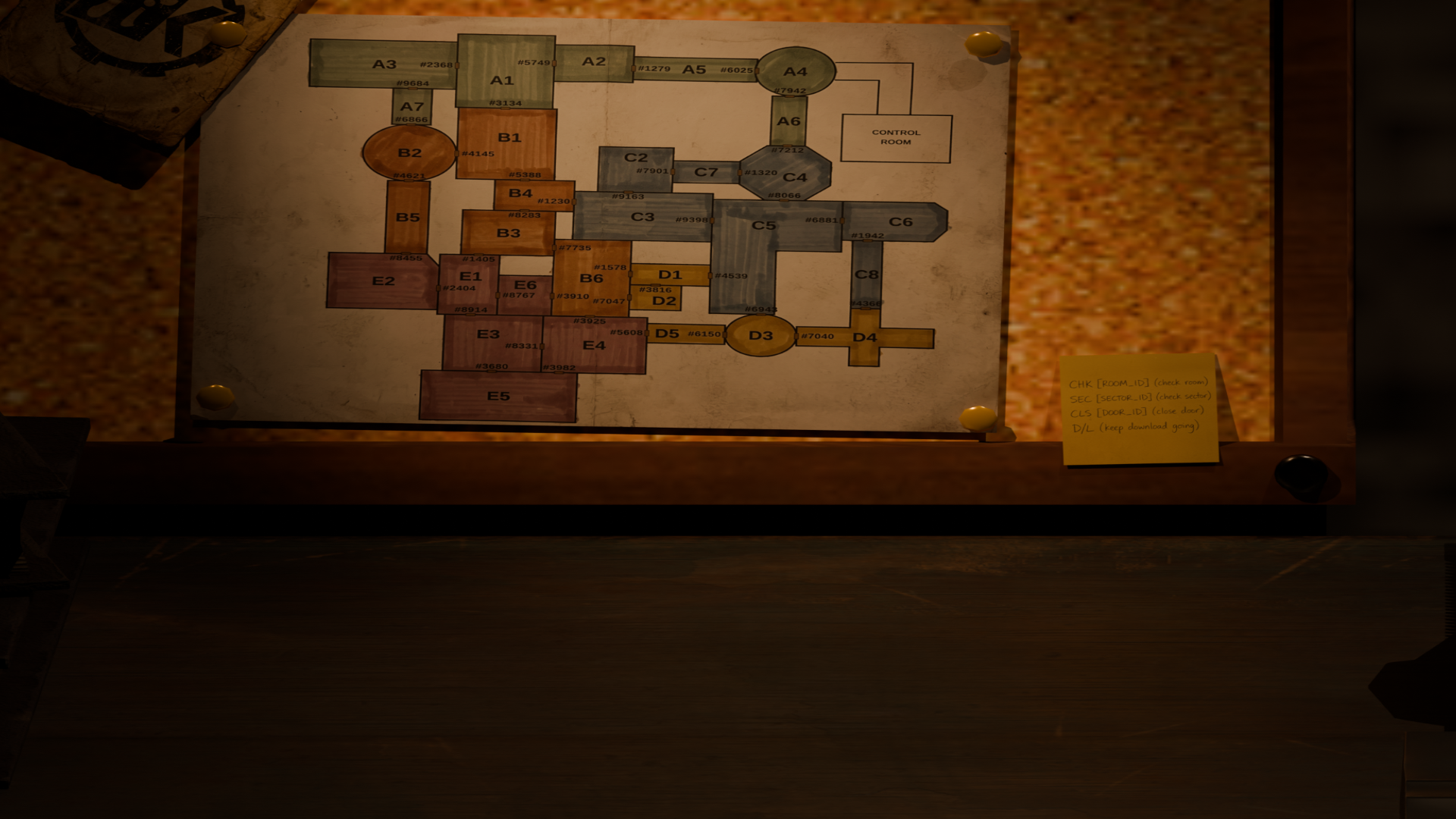
* Split-Attention Gameplay: Pan between the facility map and your computer monitor—never able to see all the information at once.
---
How to Play
1. Start: Open a new game to initialize the terminal.
2. Camera Control: Left-click and drag right to pan to your computer terminal. Drag left to return to the facility map view.
3. Terminal Input: Use your keyboard to type commands directly into the computer.
4. Track the Threat: The entity moves between sectors. Check the map for `Sector_IDs`, `Room_IDs`, and `Door_IDs`.
* A return reading of `1` means something is occupying that sector or room.
* A return reading of `0` means it is empty.
5. Defense: Closing a door blocks the threat from moving through it. Warning: *You can only have one door closed at a time.*
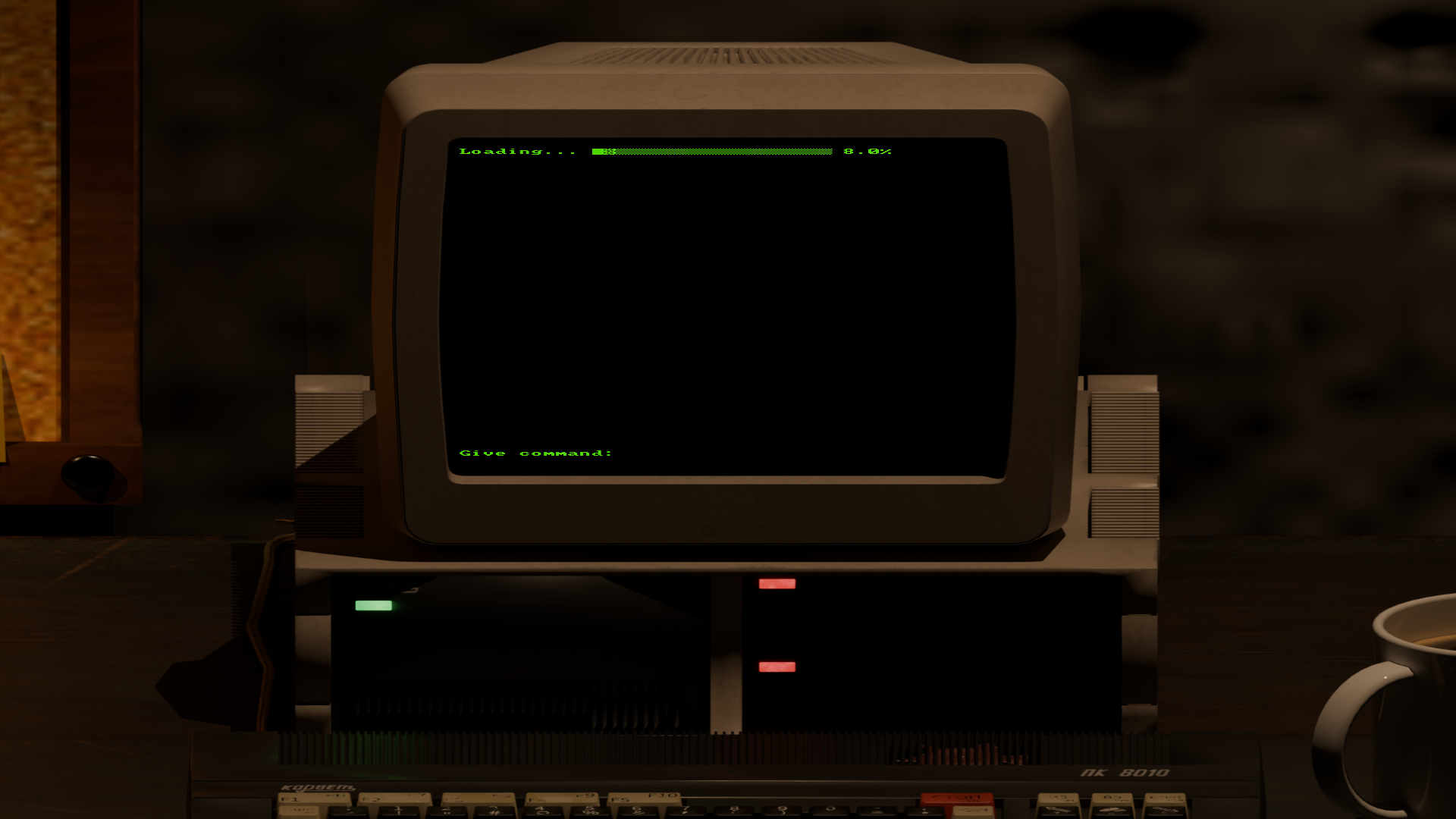
6. Win Condition: When you feel safe enough, initiate the data download. Complete the download and send the distress signal to survive.
---
Terminal Command Reference
| Action | Command Syntax | Example |
|---|---|---|
| Scan a Sector | `SEC [Sector_ID]` | `SEC E` |
| Check a Room | `CHK [Room_ID]` | `CHK A4` |
| Close a Door | `CLS [Door_ID]` | `CLS 6025` |
| Download Data | `D/L` | `D/L` |
Screenshots:
Made with ❤️ using Godot
Comments4