Repair your damaged spacecraft, complete the pre-flight checks, and launch from Mars.
Control
Action
Hold Right Mouse + Move Mouse
Look around the cockpit in free view
Left-click a screen
Enter its close-up view
Right-click
Leave the close-up view
Left Mouse
Select dialogue options and interact with buttons
Esc
Pause, resume, or open settings
Space
Lock onto a salvage signal; hold to raise the recovery zone, release to lower it
Left-click a part
Select an assembly component
Left Mouse Drag
Move the selected component
W / A / S / D
Move the selected component
Q / E
Rotate the selected component
Hold Shift
Make finer keyboard movements and rotations
1–4
Select an assembly component
Tab
Cycle through assembly components
X
Detach the selected component
R
Reset the current assembly puzzle
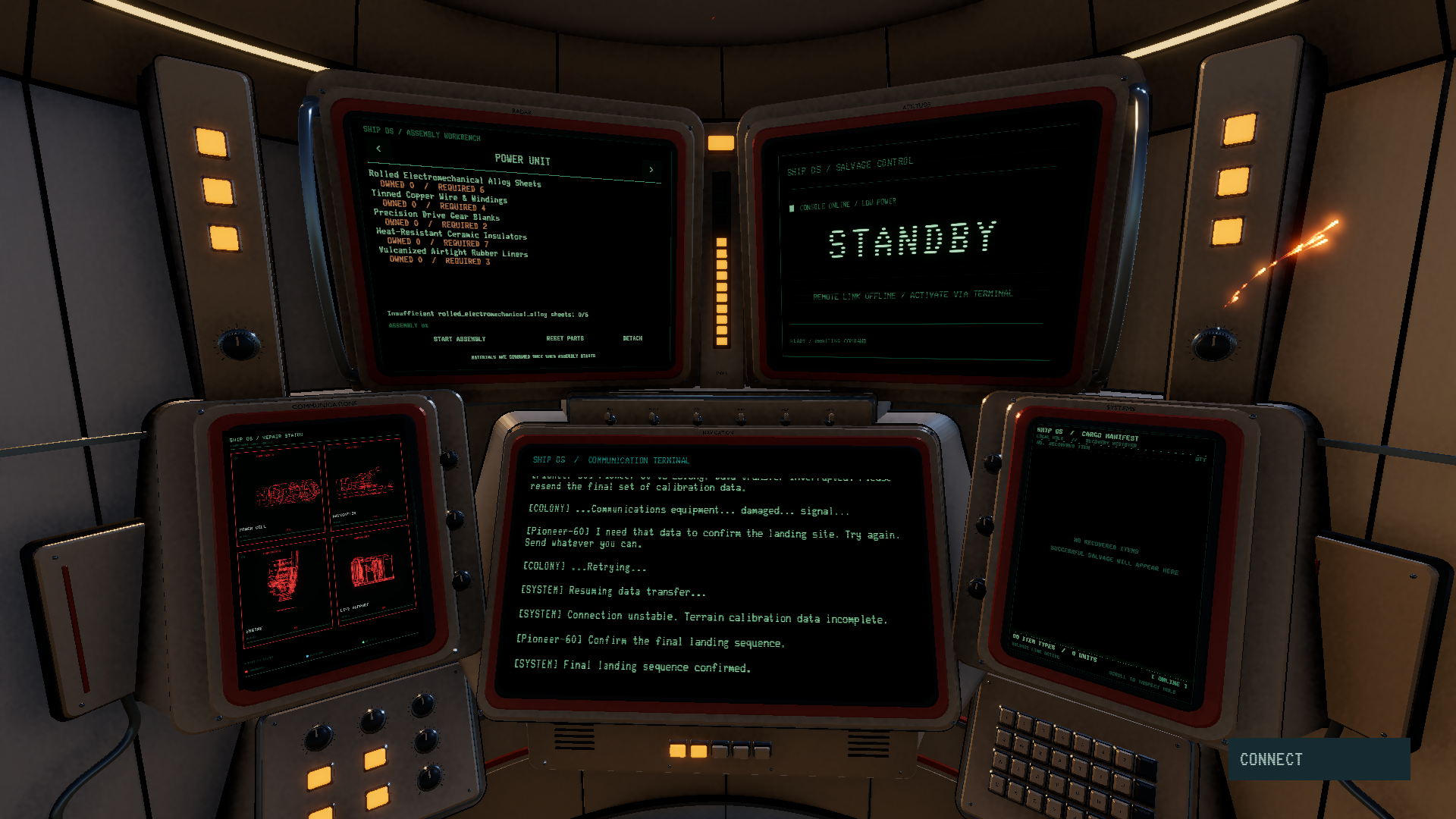
1. Begin the mission. Follow the opening terminal dialogue and select BEGIN LANDING when prompted. SKIP reveals the current sentence immediately; CONTINUE advances the conversation. After landing, follow the AI’s briefing and select ACTIVATE SALVAGE. 2. Recover materials. Watch the salvage screen and wait for SIGNAL LOCK — PRESS NOW. Press Space to lock onto the target. Hold Space to raise the recovery zone and release it to lower the zone. Keep the moving target inside it until the progress bar fills. You can also press and hold the salvage panel with the left mouse button. If you were holding the control before the signal appeared, release it and press again. New attempts begin automatically. 3. Repair the ship. Use the workbench’s left and right arrows to choose Power, Navigation, Propulsion, or Life Support. Compare your materials with the requirements, then select START ASSEMBLY. Click inside the puzzle area to activate its controls. Move and rotate the parts until their connectors align and snap together. Repair the four systems in any order; switching between them preserves your progress during the current session. Resetting a puzzle does not consume additional materials. 4. Run the checks. Once all four systems are repaired, return to the dialogue terminal and select RUN PRE-FLIGHT CHECKS. Authorize each system test and wait for it to pass. 5. Launch. Select LAUNCH after all checks pass. Watch the countdown, ignition, and ascent from your cockpit as the ship leaves Mars.
Story
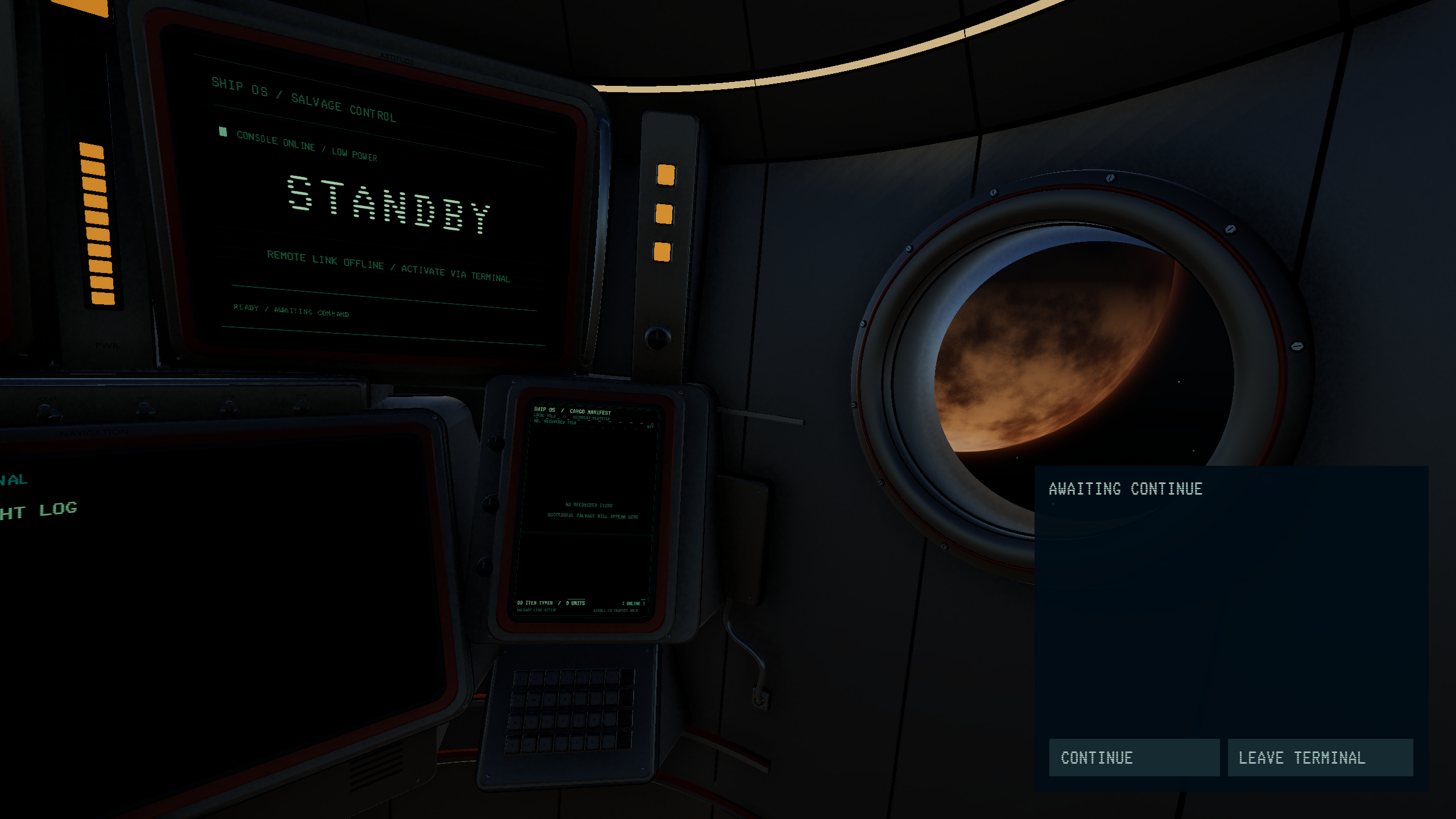
The year is 1981, in a future that never was. When a Martian colony falls silent, your mission becomes an investigation. But a disastrous landing leaves your spacecraft badly damaged—and you trapped inside. Your only contact is the colony’s mysterious AI, whose questionable bedside manner does little to inspire confidence.
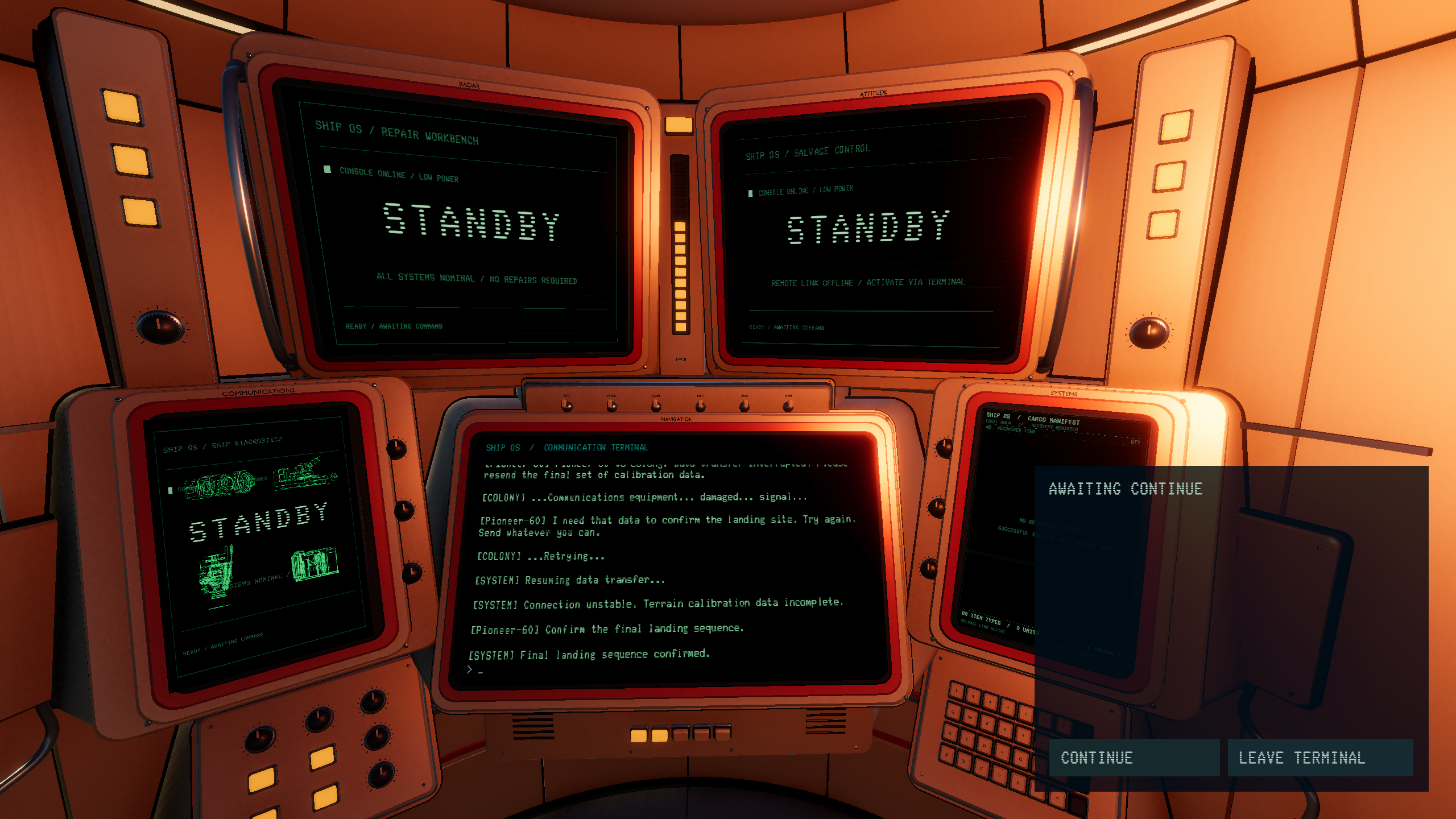
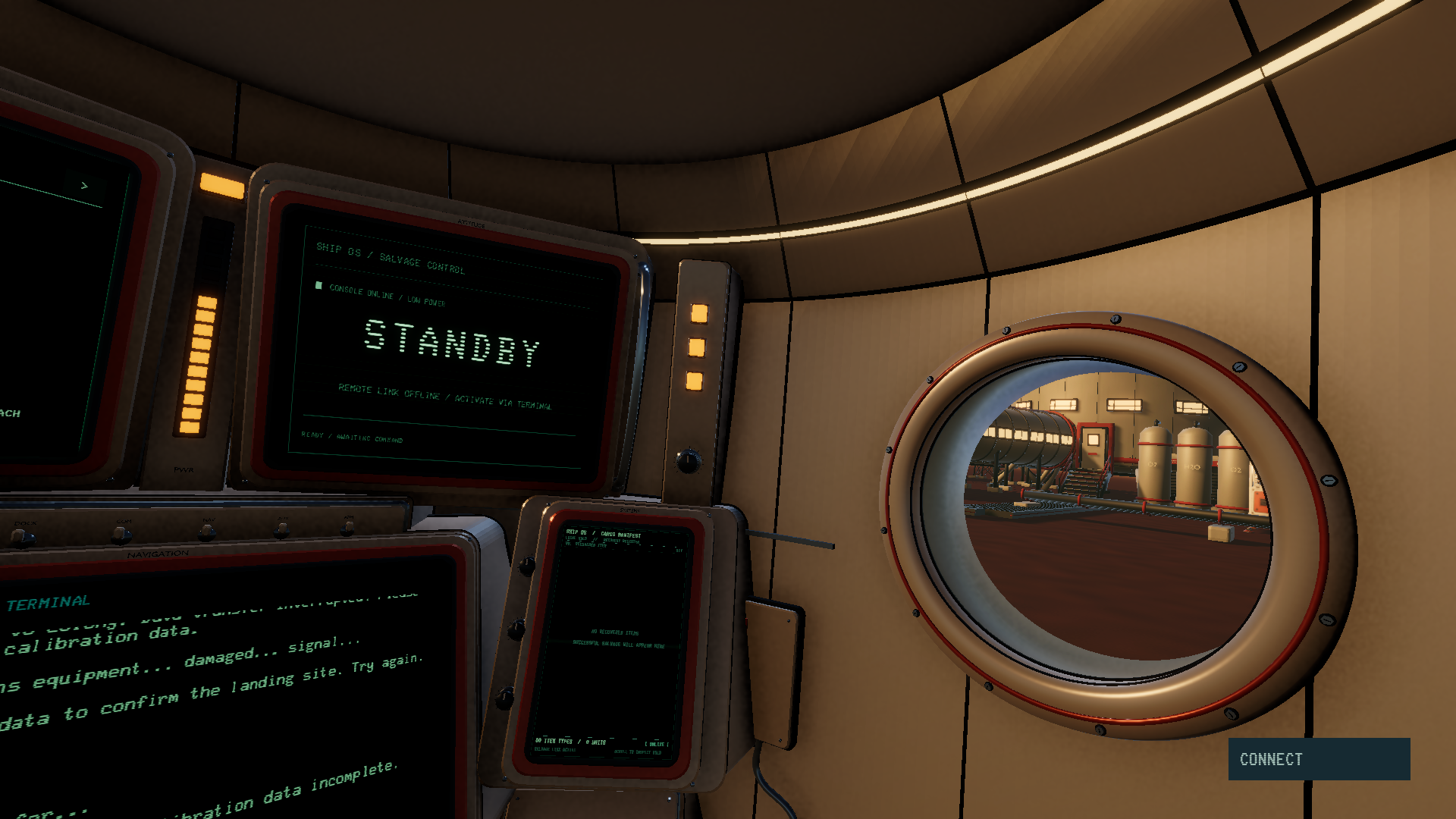
PIONEER 60 is an atmospheric sci-fi puzzle adventure set inside a retro-futuristic cockpit. Work through glowing terminals to recover discarded equipment, gather materials, and rebuild the systems that will carry you home. Master a salvage minigame, then move and rotate mechanical components into place to restore power, navigation, propulsion, and life support.
You guys did an amazing job! The concept is absolutely genius, and the modeling and interface design are incredibly polished. It's just a shame that text-based games are still a bit niche.
What I liked: - Graphics (models and effects) - Sounds and the feeling of takeoff
What I would improve: - It's a shame there's only one type of puzzle, and once you understand what's required of you (though it's not simple), it becomes too easy and obvious afterward - There's a lot of text for the beginning, and for such a small game
Overall, it's cool. Good luck with further development.
Lot of text to read :P but I definitely enjoyed this one. The landing sequence in the beginning was really good. Assembling the ship parts was surprisingly satisfying.
Graphics is good. Take off and fall sequences are very good. But to be honest I feel like theme is a shoehorned in (when AI calls itself "old tech"). It's really about future tech, not old tech.
Other people wrote that gameplay lacks, but it is good enough for the jam. It just that the graphical part of the game sets a bar very high, so some may subconsciously feel like gameplay lack in comparison.
@emeraldrat,First of all, thank you for playing! Regarding whether AI is an old technology, given that the background setting is an imaginary world with a retro-futuristic theme, the timeline is set in a very distant future. So, to us now, AI is a new technology, but to the future, AI is actually old technology. In fact, we had originally envisioned creating a game like a cyber bar, where people complain about how modern technologies (which are old technology to the future) have reduced people's work. And these situations will still occur in the future, just like the emergence of the Jenny machine reducing manual labor jobs. This anxiety has always existed. So we want to tell everyone that times are constantly changing, and our lives will get better and better. In summary, thank you for playing and for carefully reading the plot!
Beautiful game. I played it to the end and the final takeoff is very satisfying.
To my taste there is a bit too much text, plus the text is a bit confusing (in a couple of places I could not understand what is meant), maybe translation problems.
Retro UI is great, sounds, effects are beautiful and create the right atmosphere. Great job for the Jam! Congrats!
Repairing a spacecraft on Mars with a terminal AI and assembly puzzles is a great setup, and the cockpit and takeoff sequence look really polished. A bit text heavy at the start, but a very impressive jam entry!
Comments15
- Graphics (models and effects)
- Sounds and the feeling of takeoff
What I would improve:
- It's a shame there's only one type of puzzle, and once you understand what's required of you (though it's not simple), it becomes too easy and obvious afterward
- There's a lot of text for the beginning, and for such a small game
Overall, it's cool. Good luck with further development.
Other people wrote that gameplay lacks, but it is good enough for the jam. It just that the graphical part of the game sets a bar very high, so some may subconsciously feel like gameplay lack in comparison.
To my taste there is a bit too much text, plus the text is a bit confusing (in a couple of places I could not understand what is meant), maybe translation problems.
Retro UI is great, sounds, effects are beautiful and create the right atmosphere. Great job for the Jam! Congrats!