'System Command'(c) by Callum 'Terrorcell' Nichols, 2013. 'C&C Red Alert (INET)'(c) font by N3tRunn3r, 2007.
This game was made for the 7dRTS competition held by Ludum Dare as a part of the MiniLD series (#44). It was made using Slick2D and LWJGL. Links to both can be found at the end. It is a kind of (simpler) clone of the online game 'Neptune's Pride'. The source has not been supplied because it is absolutely filthy. Very rushed. I might provide it if there is enough interest. Please make sure that you have the latest version of Java.
====== HOW TO PLAY ===========================================
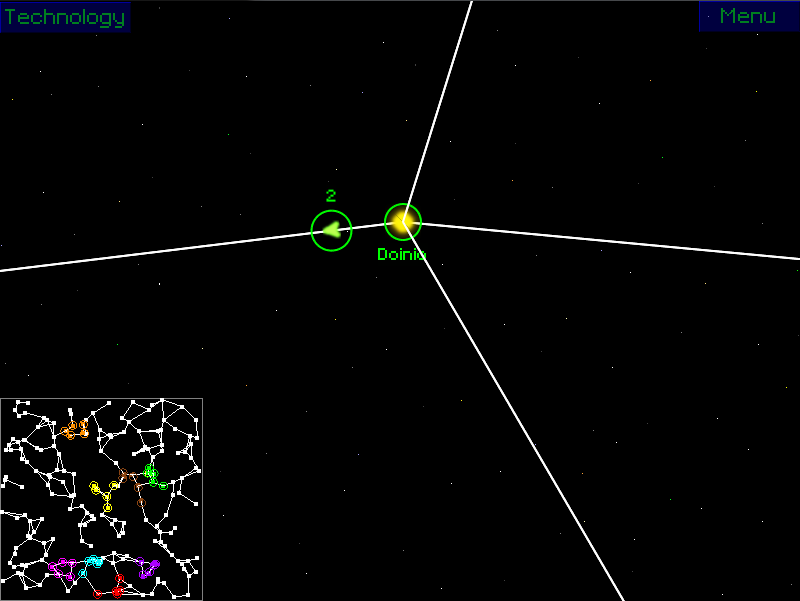
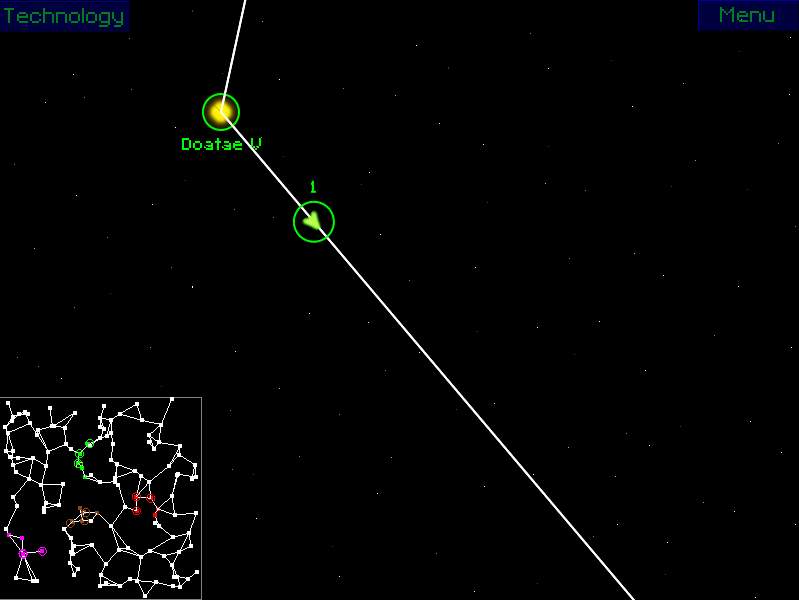
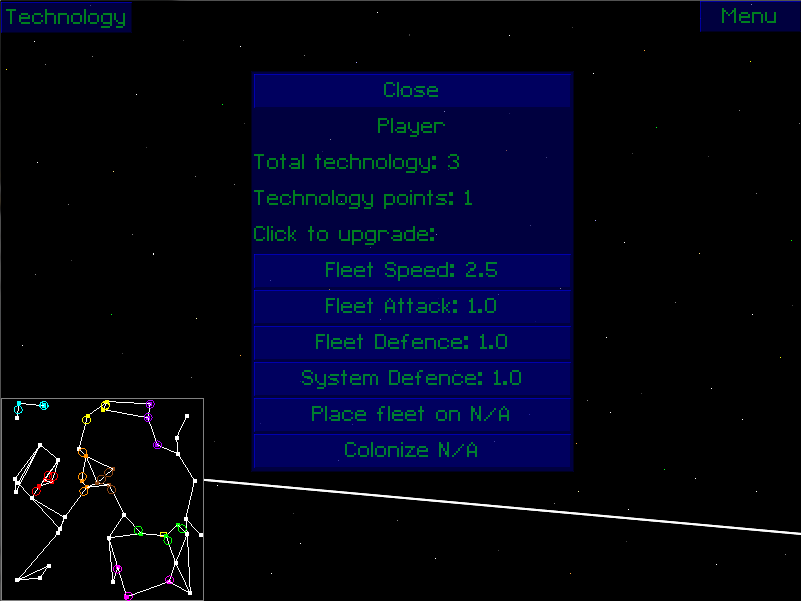
The game centres around collecting star systems to increase your overall technology count, and the main goal is to defeat every opponent in the map. Left click to select things, and right click to move fleets. You can also right click on stars on the minimap to move fleets (as long as you have them selected). Hover your mouse over a system to see its quick stats (left number is population, right number is technology). The more population a star has, the faster its technology grows. And the more technology that you have overall, the faster you will gain technology points. You can spend technology points by clicking on the Technology button in the top left corner of the screen. To place a new fleet onto a system, select the system (its details will appear at the bottom of the screen), and then click on the 'Place fleet on ...' button. To increase the population of a system (colonize, very much worth it), make sure you have a fleet stationed on the system that you wish to colonize. Select the system, and click on the 'Colonize ...' button in the technology window. Please note that this will consume a single ship from the fleet. You can move around the map by using the arrow keys on your keyboard, by clicking and dragging on the minimap, or by clicking and dragging the main screen.
====== NOTES v1.2 ============================================== * Added zooming * Press TAB to view players * Press H to return to your home star
====== NOTES v1.1 ============================================== * Right click and drag to drag around the map. * Left clicking on the minimap no longer deselects your selected fleet . * The AI now focuses on building up its fleets when it's low, and also tries to build up fleet sizes before attacking. * Technology point speed has been tweaked a bit, should now be faster and a bit more constant .
There are a few bugs still left in the game: * Opening the technology window may stop the minimap from working - quick fix: select any of your fleets, deselect them, and the minimap should then work. * Fleets may sometimes disappear when passing through a system - quick fix: avoid that system, it's a horrible bug (if it doesn't appear, hooray!) * Some strands of systems may not be connected to the rest of the map - quick fix: start a new game and/or change the seed * Total technology may not show the actual total technology that you own * A bunch of others that aren't really game breaking * Also note that the Load button on the main menu doesn't do anything. This was a planned feature that I did not have time to complete. * Finally, if the game seems to freeze on the loading screen when entering a new game, that's just the random name generator being slow. I consider it a bug.
If you find any more, or the game crashes, please let me know at either [email protected] or on my blog (linked below).
Played fine on a win8 laptop. Really liked the music and the theam... the controls where a little hard for me as my planets where getting attacked I could no longer use the mini map... But it was so cool you even had a mini map! The ships moved so slow I was screaming at them... I wasn't sure how to get more technology points but the upgrading was cool. and I liked the game setup but it was a little intimidating.
@AVataRR I hope you had the fleets selected, otherwise I'd never come across that problem before :P If the log.txt file isn't empty, would you mind sending it to me?
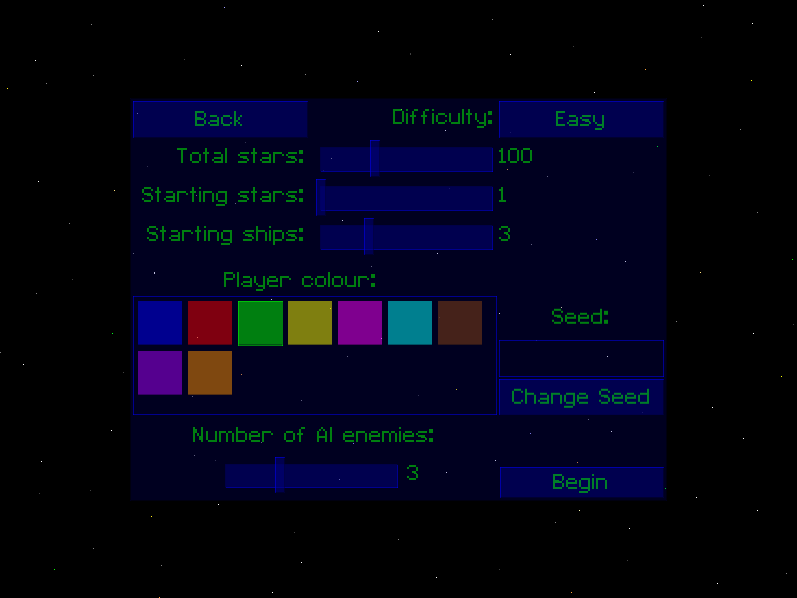
@vincepascoe All was explained in the readme file, and above. As for the game setup, I wanted the player to have a decent level of control over how they wanted to play :)
@AVataRR I think I know what's up. Select the fleet and then either use the arrow keys to move to the system you wish to attack, or right click on the system on the minimap.
Neat game, but I think the accumulation of the research points is a bit too slow. It feels like most of the time I spend waiting for more points, especially if I only start with one planet.
@James Daniello & Nicolas Ickovic update to the latest version of Java, if that doesn't solve it then could you send me the log.txt file if it has anything in it?
@DogShitEmpire Yeah the technology rate is a bit hard to balance. On one hand, you can gain it too quickly by starting with 5 systems and 200 total systems, but on the other it can be really slow when starting with 1 system and 50 total.
1)that left-click scrolling issue that made me think there was a game breaking bug; turns out i just lost all my selections when i left clicked. even if i was just scrolling on the map.
2)i don't think the minimap + zoomed in game vew combo works very well for this kind of game. from a gameplay perspective, it would've been much more feasible to adopt supreme commander's strategic zoom mechanic. it was really quite jarring for me to navigate between my systems.
3)i also agree that tech points accumulate waaay too slowly. i bumped up the game speed int he options to 10 and it was still quite slow. i think the issue here is, i have no idea what kind of scale im working with - so picking the number 10 was a complete guess. also, once you're in the game, where you do have a sense of the speed's scale: it appears you're not able to edit the speed? be cool if we could change the game speed in-game.
4) so much clicking and moving! i would've preferred to have just been able to select a system, then set a quota for how many fleets it should have - then get the game to redistribute your fleets in the best way possible. it was a challenge to look around my empire for fleets so i could de-fleet my central systems and fortify my border systems. this was especially hard because of the #2 issue that i raised.
not all bad: i love this kind of risk-based game. highly commend you for making a random map generator that mostly works. (i found some instances where there would be starjump islands - like two systems connected to each other, but nowhere else within the galaxy). i think this concept has real potential, so don't let my 4 criticisms discourage you! great audio; great mood. keep it upp!
@AVataRR I fixed #1 just after the deadline, and it would be cheating to upload the newest version. #2 and #4 were on a list of things I intended to add, but ran out of time to complete. I'm not quite sure I understand #3, there is no game speed. I had changed the technology point rates previously because you gained them too quickly :P But it's still something that needs working on.
I agree with the earlier comments about left clicking deselecting units when scrolling. I also thought it was broken at first! I started it up (after reading through the readme more carefully!) and took over a couple systems before I had something weird happen. I owned three systems and had a set of three fleets on one side and one fleet on the other. My main planet then gets taken by the enemy. So I send my fleets back to retake teh homeland. First, the single fleet makes it back and it retakes the planet but disappears (maybe it was supposed to do that?). Then the three fleets arrive to my recaptured planet and... also disappear. So I'm totally stuck with no technology and no fleets.
Just wanted to report it! I love the concept and the overall game, just the UI needs a little work (and give me back my fleets! ;)
I can't seem to run in on my Mac. "no main manifest attribute, in 7drts.jar" when I try to run the jar file, and the sh file doesn't work for me either.
It's so slow... it takes so much time until you are able to do something, but then when you start to get every 10 sec tech-points you don't know what to do with them all, because the enemies have no chance anymore anyways. (at least on easy) Sound and graphics are really very nice, but the bugs and speed-balancing issues stop it from being a really great game.
Apparently we are allowed to upload updates. So: * right click and drag to drag around the map * clicking on the minimap no longer deselects your selected fleet * the AI now focuses on building up its fleets when it's low, and also builds up fleet sizes before attacking * technology point speed has been tweaked a bit, should now be faster and a bit more constant * fixed the minimap bug
Awesome! Spent more than hour in this game instead on doing somtheing useful! There are some issues: 1) Game is too slow and boring in first few minutes. 2) Only windows version worked for me. Couldn't run on other platforms.
@w23 Thanks! It's supposed to be slow to begin with (I was hoping to add multiplayer later on, so I think it would become much more interesting then). I hoped for the best with Mac and Linux. Maybe eventually I will be able to get it to work for Linux, but I don't have access to a Mac at all.
...So when do I get more tech? I had 57 total tech, but I only had the ONE tech point from the beginning of the game. The empire I was attacking upgraded... meaning that they had tech. So how does this work exactly?? Apart from that, the gameplay is awkward, the music is actually kinda annoying after a short bit, but you can mute it, and things take too long.
@Halleflux The game is meant to be slow to start with. 57 total tech is not very much at all. If you wanted it to be a bit faster, start with more systems. They could have gotten tech faster by capturing other systems that happened to have a large amount of tech on them. I guess you got unlucky...

Comments27
I haven't rated this yet because of this...
@vincepascoe All was explained in the readme file, and above. As for the game setup, I wanted the player to have a decent level of control over how they wanted to play :)
@DogShitEmpire Yeah the technology rate is a bit hard to balance. On one hand, you can gain it too quickly by starting with 5 systems and 200 total systems, but on the other it can be really slow when starting with 1 system and 50 total.
1)that left-click scrolling issue that made me think there was a game breaking bug; turns out i just lost all my selections when i left clicked. even if i was just scrolling on the map.
2)i don't think the minimap + zoomed in game vew combo works very well for this kind of game. from a gameplay perspective, it would've been much more feasible to adopt supreme commander's strategic zoom mechanic. it was really quite jarring for me to navigate between my systems.
3)i also agree that tech points accumulate waaay too slowly. i bumped up the game speed int he options to 10 and it was still quite slow. i think the issue here is, i have no idea what kind of scale im working with - so picking the number 10 was a complete guess. also, once you're in the game, where you do have a sense of the speed's scale: it appears you're not able to edit the speed? be cool if we could change the game speed in-game.
4) so much clicking and moving! i would've preferred to have just been able to select a system, then set a quota for how many fleets it should have - then get the game to redistribute your fleets in the best way possible. it was a challenge to look around my empire for fleets so i could de-fleet my central systems and fortify my border systems. this was especially hard because of the #2 issue that i raised.
not all bad: i love this kind of risk-based game. highly commend you for making a random map generator that mostly works. (i found some instances where there would be starjump islands - like two systems connected to each other, but nowhere else within the galaxy). i think this concept has real potential, so don't let my 4 criticisms discourage you! great audio; great mood. keep it upp!
I owned three systems and had a set of three fleets on one side and one fleet on the other. My main planet then gets taken by the enemy. So I send my fleets back to retake teh homeland. First, the single fleet makes it back and it retakes the planet but disappears (maybe it was supposed to do that?). Then the three fleets arrive to my recaptured planet and... also disappear. So I'm totally stuck with no technology and no fleets.
Just wanted to report it! I love the concept and the overall game, just the UI needs a little work (and give me back my fleets! ;)
Sound and graphics are really very nice, but the bugs and speed-balancing issues stop it from being a really great game.
* right click and drag to drag around the map
* clicking on the minimap no longer deselects your selected fleet
* the AI now focuses on building up its fleets when it's low, and also builds up fleet sizes before attacking
* technology point speed has been tweaked a bit, should now be faster and a bit more constant
* fixed the minimap bug
There are some issues: 1) Game is too slow and boring in first few minutes. 2) Only windows version worked for me. Couldn't run on other platforms.