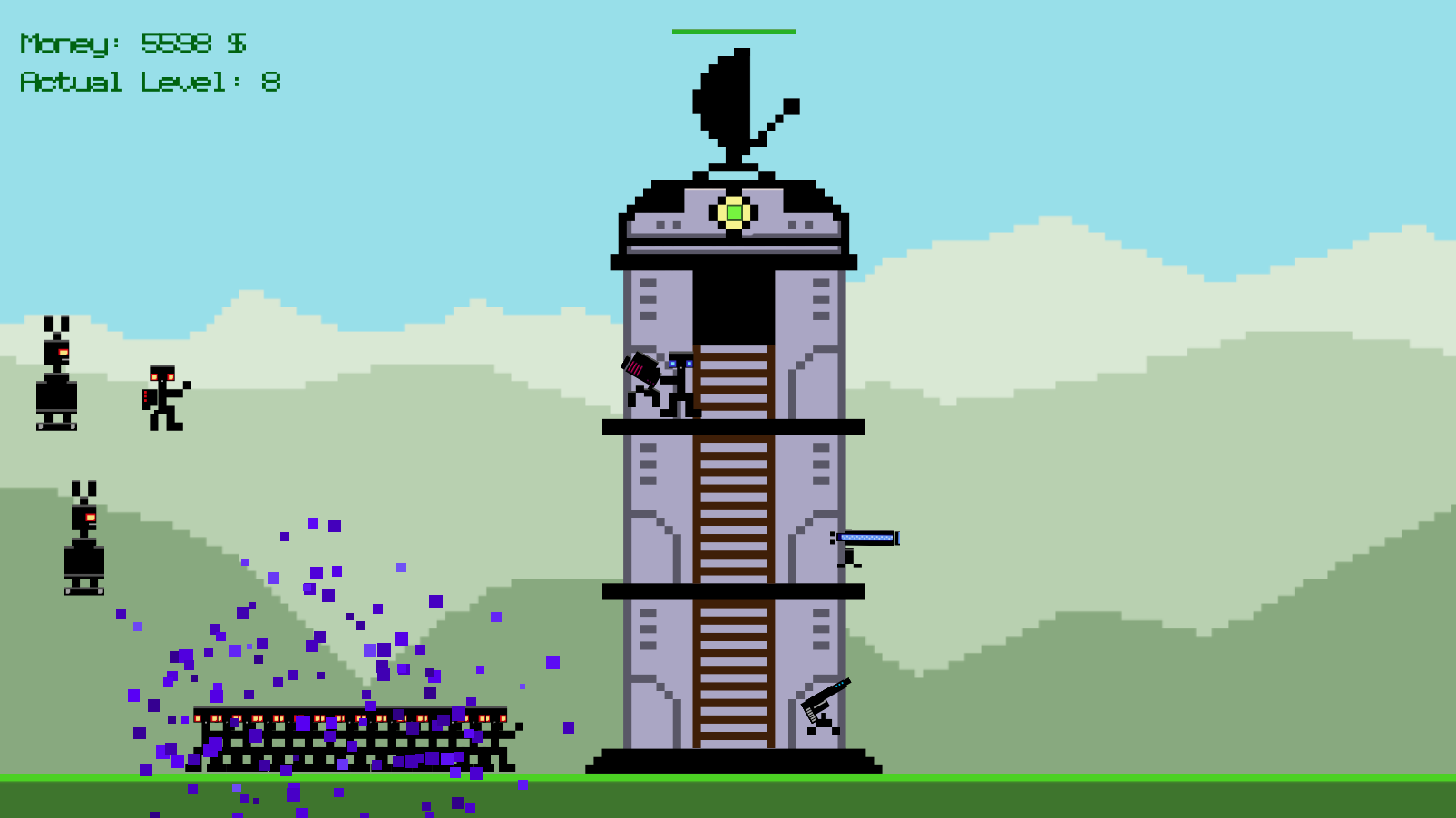
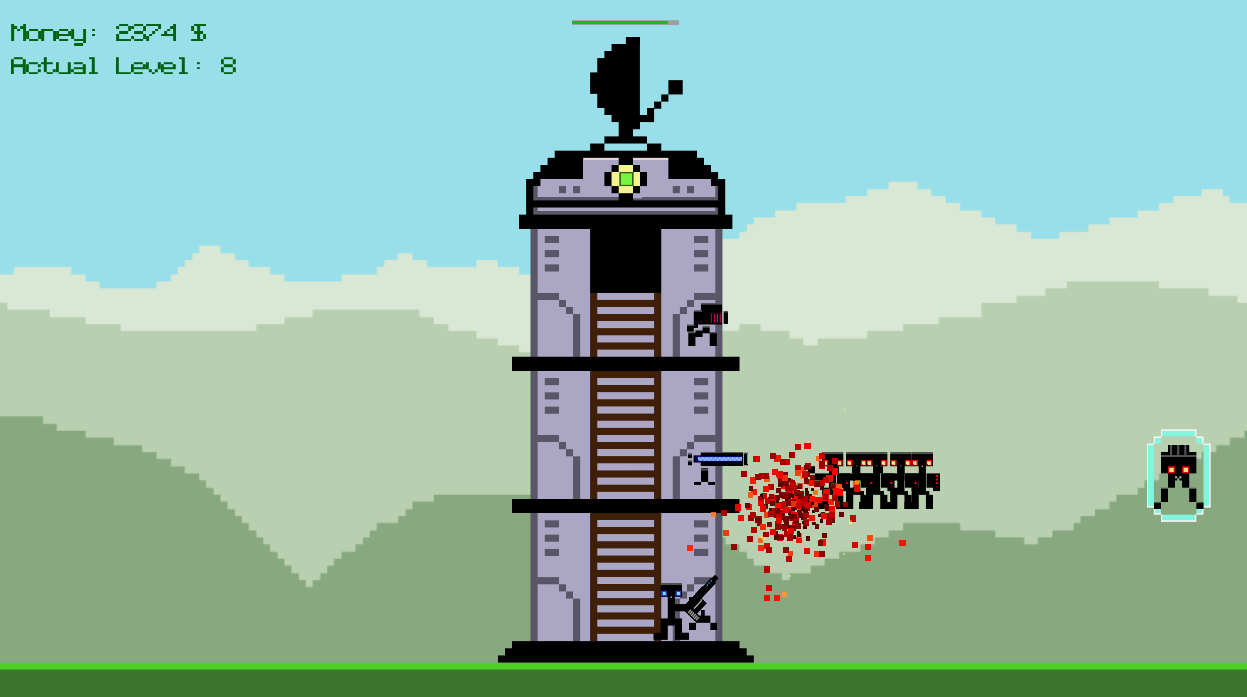
Boom Boom Boom

by 25games
Buttons: WASD, Left/Right mouse button
Escape: Return to shop / Go one level back

ATTENTION: The right mouse button is also mapped to 'F' and 'Space'! For all, who have no right mouse button ;)

-------------
Shop-Controls
-------------

CHECK: which enemies'll come in the next 2 levels
and prepare your weapons wisely.

BUY: a weapon by clicking on the buttons on the top
and place it into a slot of the tower

SELL: your weapons by right clicking on the weapon
to get money and space back!

---------------
Ingame Controls
---------------

AD - Move char left/right
WS - Climb the ladder up/down
Right mouse Button - Take control over near weapon

--------------
Weapon control
--------------

AD - Move weapon to the left/right side of the tower
Mouse - Aim
Left mouse button - Shoot
Right mouse button - Release player from weapon

Comments9

Blooker1 Dec 2014, 07:58
Upon playing, my character falls through the ground?
25gamesauthor1 Dec 2014, 12:55
Thank's for trying the game ;)
We had a damn small bug, which only appears if there's no savegame. And since I already had a savegame created during development, I never ran into this situation
NiloFV2 Dec 2014, 01:33
nice take on TD... good job...
25gamesauthor2 Dec 2014, 12:00
Thanks a lot! Nice to see that you liked it ;)
florg2 Dec 2014, 13:12
I'm currently on the road with a mac and without a mouse - no right mouse button available. Any hidden keyboard substitute for the right click?
25gamesauthor2 Dec 2014, 15:46
Hey florg, thank's for trying the game. I just uploaded a new version where you can use "F" or "Space" instead of the right mouse button ;)
25gamesauthor3 Dec 2014, 09:03
Great! Thank's for making vids of all the small games. It's pretty motivating for us developers! It also clearly shows us how players react when they start the game the first time. That's pretty awesome to see and I learned a lot just to watch you 1 min playing our game :) Thank's for that!
Found a bug?
Tell us on Discord