Some remarks: - msvcp120.dll and msvcr120.dll are missing! (in 64Bits version). I assume you have compiled your .exe with Visual Studio. To avoid this kind of issues check "use_static_std_libs" and "build_static_libs" (use /MT option in visual studio) in CMAKE when compiling SFML. No more dll will be needed - You don't need to bundle debug versions (msvcp120d.dll and msvcr120d.dll) - Use sf::RectangleShape instead of sf::Sprite and avoid Pad1.png and Pad2.png You can paint your rectangle with setFillColor(sf::Color::White); - Use sf::Text instead of sf::Sprites for the text, you will be able to put your light effect on the text.





Comments7
Nice to see that someone else is finally giving the ball a chance to fight back against those damned paddles! :D
Some remarks:
- msvcp120.dll and msvcr120.dll are missing! (in 64Bits version). I assume you have compiled your .exe with Visual Studio. To avoid this kind of issues check "use_static_std_libs" and "build_static_libs" (use /MT option in visual studio) in CMAKE when compiling SFML. No more dll will be needed
- You don't need to bundle debug versions (msvcp120d.dll and msvcr120d.dll)
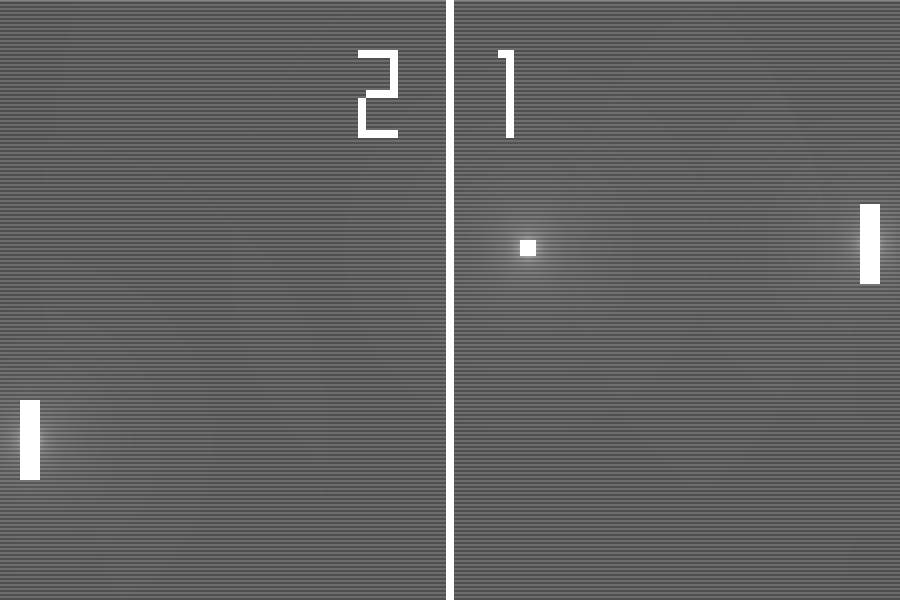
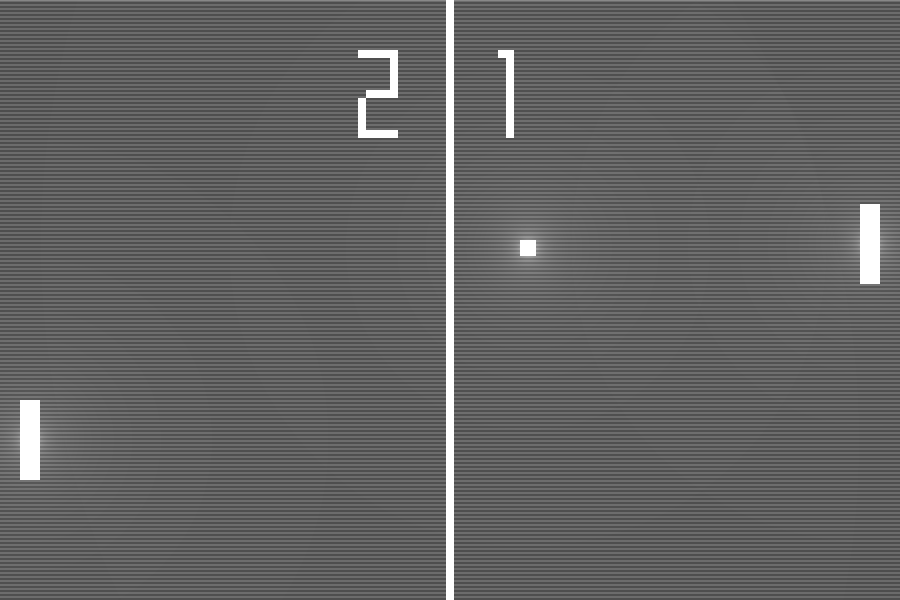
- Use sf::RectangleShape instead of sf::Sprite and avoid Pad1.png and Pad2.png You can paint your rectangle with setFillColor(sf::Color::White);
- Use sf::Text instead of sf::Sprites for the text, you will be able to put your light effect on the text.
I didn't know for the .dll, thanks again :)