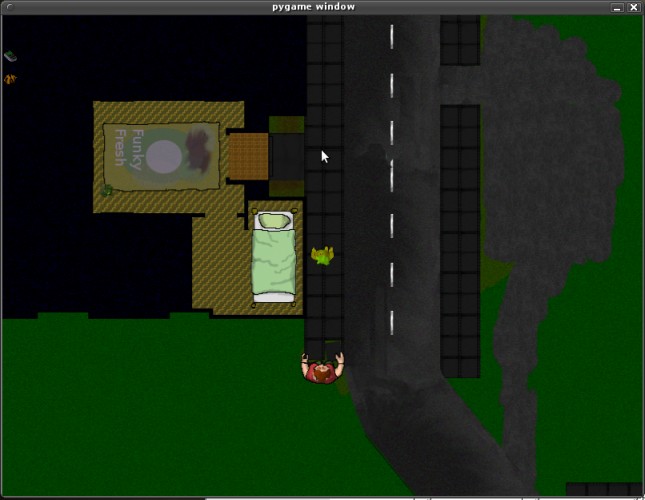
You have just been out all night. You get home drunk late at night, when you notice that you are not wearing your jacket! oh no!
Now begins hunt for your lost valuables in a early morning town filled with hungover zombies that wants your precious blood!
anyway.. since its python, it should be able to run on both windows and linux, but i have only testet throughly on ubuntu 9.10 64bit.
reguires pyopengl and pygame - maybe i can get an exe if py2exe will work on win.
Update: Didnt get py2exe to work.. but now there is a windows version that works.
Upupdate: grrrr... after having spend hours with py2exe complaining about opengl and pygame I decide that i will make a simple c-interface/library/extension for python so i dont have to include the OpenGL and pygame libs that give problems. I will try to make a exe file during the weekend
I also realize that while I'm used to doing everything command line style the majority of this forum might not. So while I'm trying to conjure up this exe here is a step-by-step guide for the extremely impatient :) : 1. installing python: get python 2.6.4(not 3.x!) from http://python.org 2. Add the python directory to the PATH env in "Control Panel"->system->dont remember 3.install pyOpenGL from http://pypi.python.org/pypi/PyOpenGL 4. install pygame from http://www.pygame.org/download.shtml and you should be ready to go. still you need to use cmd to navigate to the game folder and do "python main.py"


Comments5
[cache: storing page]