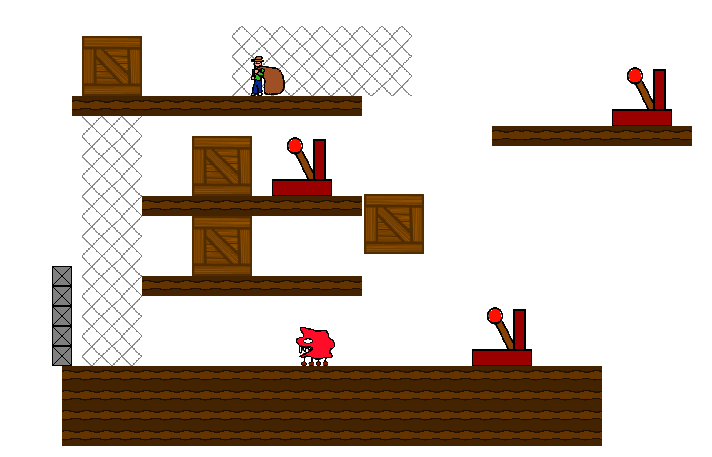
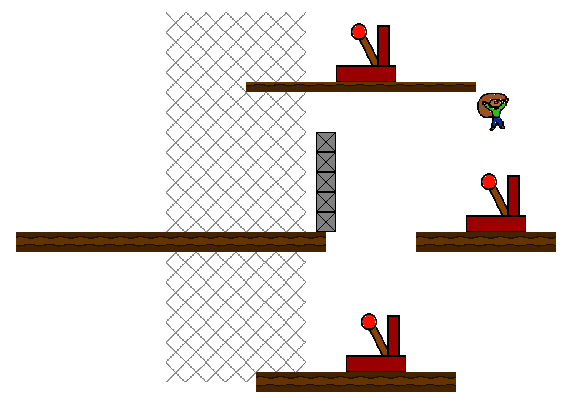
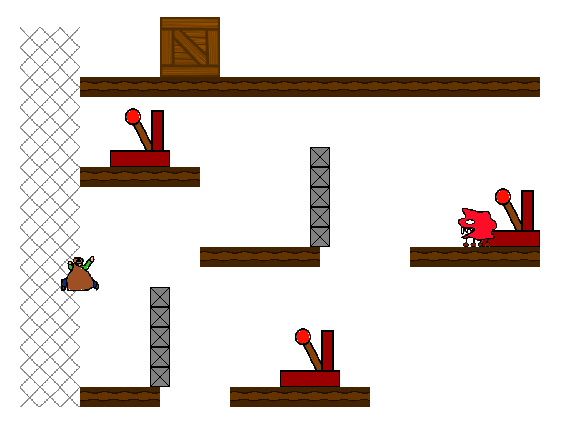
Bob the bloke with the silly hat and a sack of potatoes is a bit of a minimalist and wants to just sit there and eat his potatoes in peace. Unfortunately there are a load of pesky levels with platforms, mesh things, bridges, boxes and other stuff preventing him from finding happiness.
Luckily there are some handy magic levers of handiness +3 to help out. Activate the levers to remove parts of the level and make bob happy, activate all the levers on a level to proceed to the next level.
Controls:
WASD/Arrow keys : Move around (up or down only work when on climbing meshes). Space : Activate a lever / Start the game. ESC/R : Reset the current level (you'll need to do this so remember the button!). +/- : Cheat like a cheating person and jump between levels using a debug feature that I figured was probably worth leaving in.
Game uses WebGL so you'll need a browser that supports it (I'm looking at you, Internet Explorer). I suggest using Chrome since that's what I tested it in but most non-Microsoft browsers support WebGL these days so take your pick.
Glad you're all liking it, I intended to make some of the levers do non-gameplay related things like remove background images or turn sound off. Ended up not having any backgrounds or sounds to remove though!
@pighead10 : Did the browser crash or just hit an error? Which browser are you using? @FloatingGhost : Are you using a WebGL compatible browser? I suggest trying with Chrome.
A little simple and easy. Graphics weren't too bad, and was a little puzzling. Not bad for 48 hours, but some audio and a bit more polish would be nice.


Comments19
@pighead10 : Did the browser crash or just hit an error? Which browser are you using?
@FloatingGhost : Are you using a WebGL compatible browser? I suggest trying with Chrome.
Otherwise a pleasant puzzle platformer with a whole lotta levels.
- SEPHY (@sephyka)