=================================== = C O N N E C T E D W O R L D S = ===================================
---------------------- readme -----
> Description
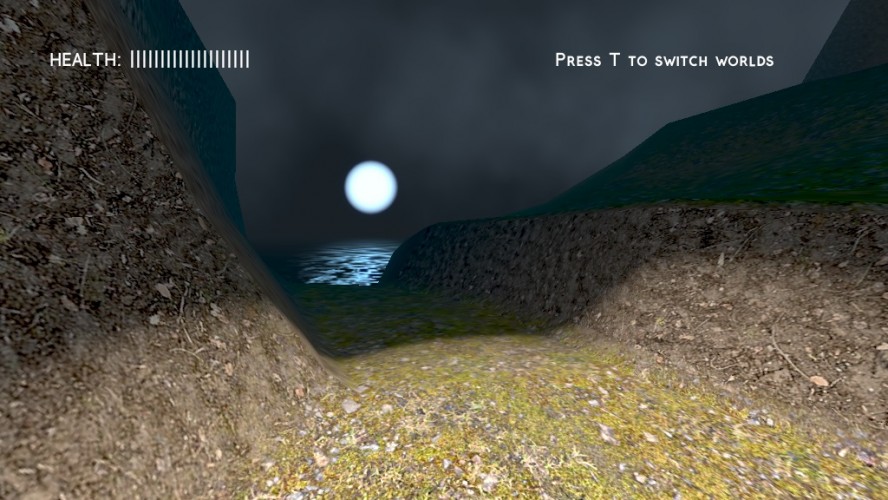
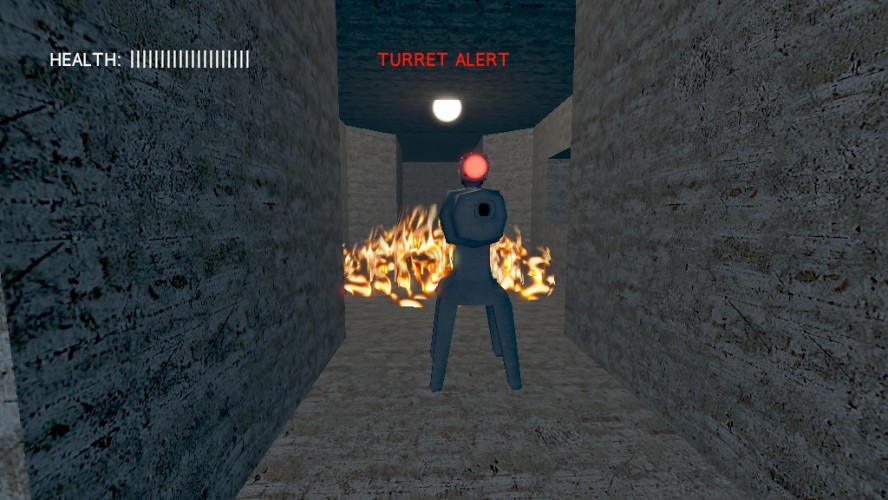
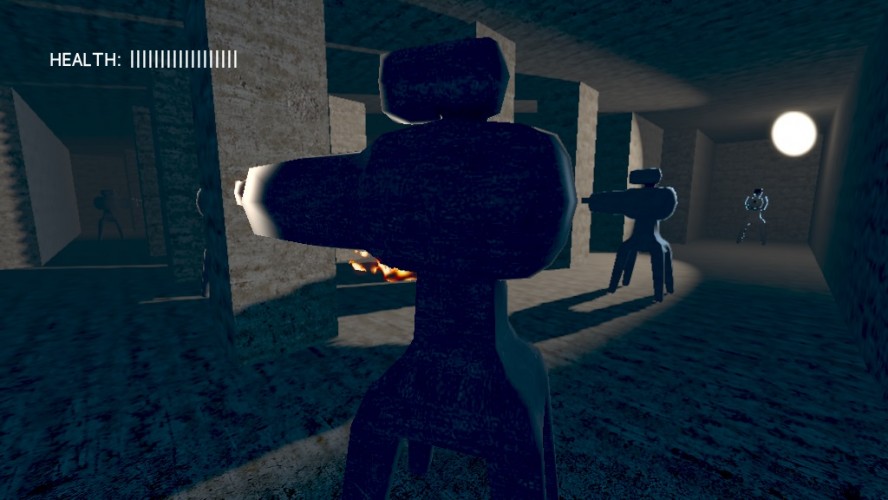
- This is a stealth game, so you must find a way around turrets to your objective that is the end of the level.
> Requirements
- To play the game, you should have a graphics card that fully supports DirectX 9.
> Controls
W/A/S/D - move around E - disable turret (only near turrets) T - switch worlds (only on portals) Q - quit game (in pause menu) R - restart game (in pause menu) Escape/P - pause/unpause the game
- The goal of the game is *not* to be hidden from turrets, and sometimes the game requires you to run in front of them. - There's usually more than one path towards the end. Look around before proceeding. - Turrets give about a second until they start shooting and following. After that, break line of sight or increase distance to get them off your back.
> Technical tips
- If you want to change the resolution, here's your options: -- resize the window while the game is paused -- modify game/config.cfg --- same thing goes for volume control, fullscreen mode, vsync
gene-z: are there any specific errors or does the game just not work? It would also help if you could tell me which OS and graphics card you're trying to run it on. :)
The concept was pretty cool though I feel the execution could have been done a bit better. I never really felt in control or like I planned my path, I just sort of ended up taking it. Main suggestion would be to have a different method of determining when you were targeted by a turret-I think if you had to actively try and see were turrets were instead of just having a warning pop up regardless of the turrets location it could have increased the atmosphere a lot more, though to make the result of that (being hit more) less frustrating checkpoints would definitely be necessary-the underground areas would be perfect for them.
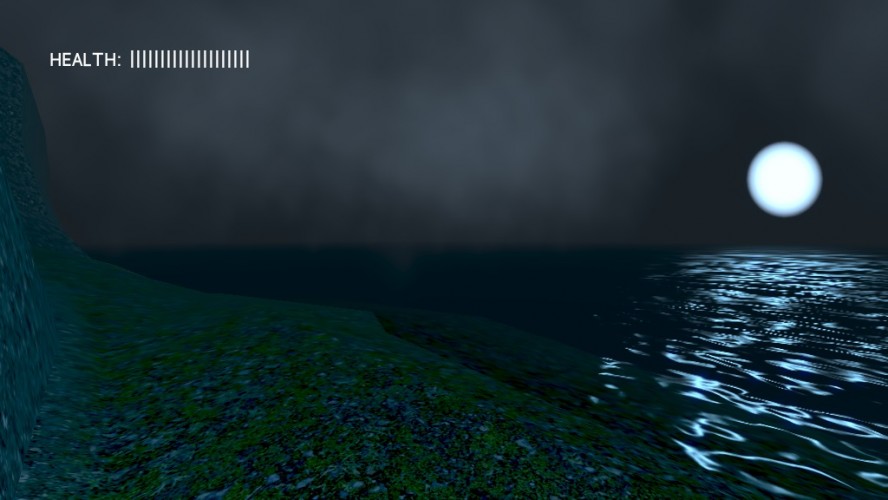
Nice concept for a game, being able to sneak past turrets and all that although there was only one issue that I had to deal with when playing this. The map looks the same everywhere so it is kinda easy to get lost. It was a nice idea to make the other world underground to solve that issue. Perhaps some random foliage on the surface would be cool.
Wow, you programmed all these by yourself? That's amazing! However, the game was a little bit too laggy for me to play, but I got through anyway. Well, a very nice game, but I wished there would be more... :P
Pretty impressed about how much you have managed to pull of in the short time frame. Having the camera control taken away from the player is something I generally dislike in games, but in the case LD it does make the game feel more "legit" somehow.
Impressive! It would be lovely if there were checkpoints, so I didn't have to start at the beginning if I died. I love the tutorials, and it's nice that you can skip them. It's easy to get disoriented in this game.
not much difference between worlds, it's more like walking into another room or teleporting around the same world, there's also not much planning your route as you can't see much or maintain a position in your head as everything looks so similar and you jump around in portals. It would have been better if you could teleport to a high point to look down on the map or something.
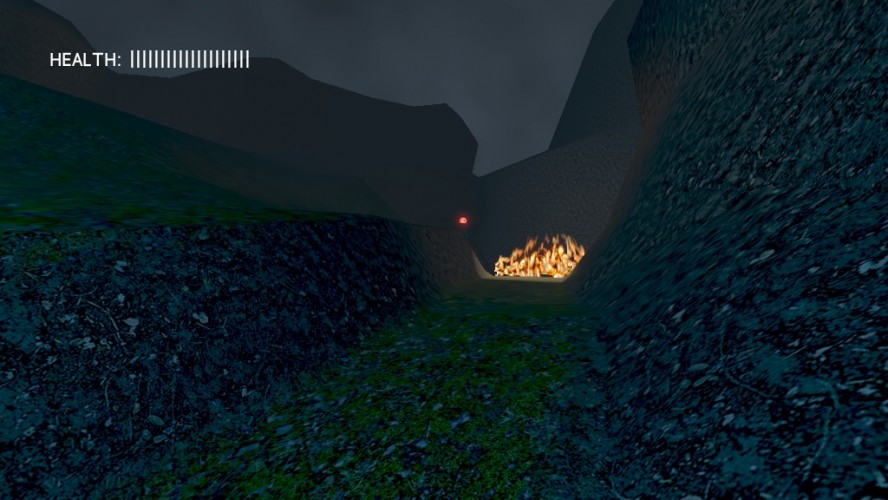
Cool world, though I thought the portals were fire... XD I included it in part 22 of my Ludum Dare 30 compilation video series, if you’d like to take a look :) http://youtu.be/_5a2Oj9U9sk


Comments31
neosam: thanks, fixed!
Movement was far too slow. It takes forever to get anywhere.
I never really felt in control or like I planned my path, I just sort of ended up taking it.
Main suggestion would be to have a different method of determining when you were targeted by a turret-I think if you had to actively try and see were turrets were instead of just having a warning pop up regardless of the turrets location it could have increased the atmosphere a lot more, though to make the result of that (being hit more) less frustrating checkpoints would definitely be necessary-the underground areas would be perfect for them.
Nicely done and pretty shaders.