READ ME!!! If you are frustrated with the mouse disappearing, or game being too hard, I strongly recommend playing the "Not So Hard" Edition. In exchange I removed level shortcuts that exist in compo version. -----------------------------------------------------------------------------
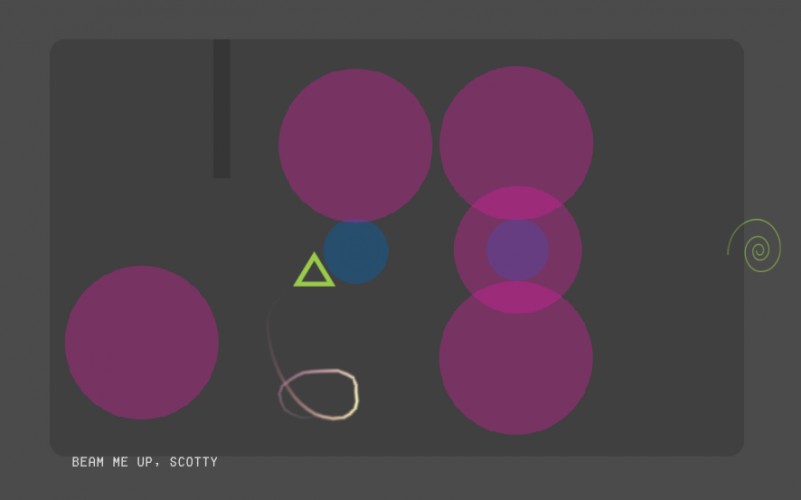
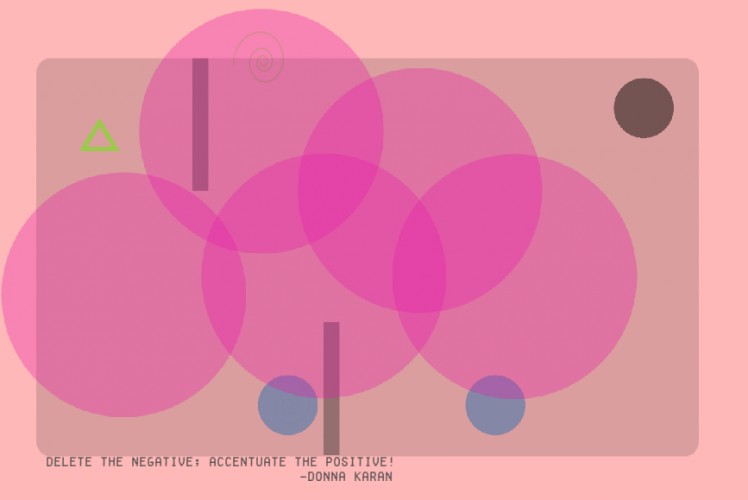
Growing Orbs is a single screen puzzle game where you avoid nasty growing orbs. The game uses 2 buttons. Hold Mouse click to move and Escape key to quit. The game is HARD! (Both intentionally and sometimes unintentionally.. Please check known problems)
It has a Cheat level (well it is not exactly cheating, just figuring some design decisions) The game has two ends :)
I only had little more than 24 hours to finish the game. That's why I couldn't add any more levels. Hope you like the ones that exist.. - @icereci
Instructions: Click and hold left mouse button and move your mouse to navigate on the screen. You can also click to move, but beware.. the cursor will disappear after a short period of time. Press Escape key to close the game.
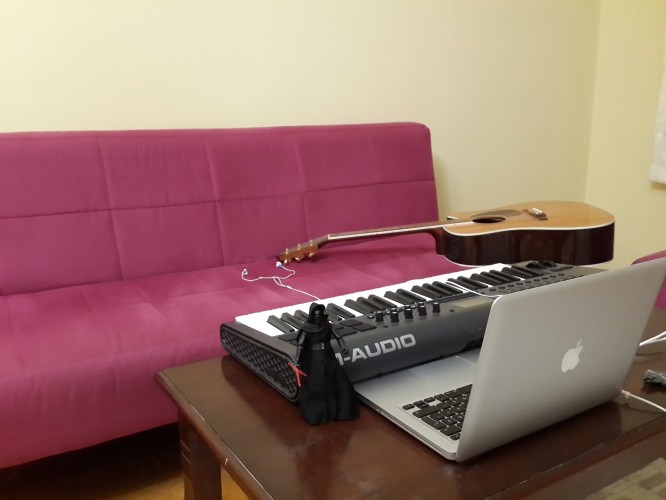
Used Technologies: Engine - Unity 5 Sprites - Photoshop Music - GarageBand
Known Problems: Since Unity does not let me to change mouse position on screen, previous mouse positions become problematic when the player suddenly changes its location.
I advise playing on the Windows build. Since HTML5 player does not let any kind of mouse control. Some of the "mouse disable" quick fixes I put for stability are completely ignored there :( Hence instant deaths on level reloads.
Disappearing the mouse is a feature, but it seems to have confused a lot of people. Holding left mouse click and moving is preferable in most cases. It helps you track the location of the character at any given time.
Ouch that was brutal :) Very atmospheric and has the potential to be a relaxing game if it was just a little bit easier. I get stuck on the level with 4 orbs and a pulsating green circle that doesn't seem to kill me. It seems impossible... Maybe there's something I'm not getting?
I spent way to long playing this! I'm not sure if this was intentional but after a few seconds the mouse courser would disappear. Also I could never actually finish the levels the way they were supposed to be done, I always went behind the circles :P.
Wow that game was hard. I got to the end (most of the time by going what seemed like an unintended route behind the orbs). I would have put an easier levels at the start because I did feel like I was thrown in at the deep end.
I tried to do a no deaths run but got frustrated because as your known problem says on the later levels the triangle tries to zoom towards the mouse when you just finish a level often causing a death you cant help.
I'm unable to get past "gotta go fast". Would be easier if mouse cursor didn't disappear after few seconds into level, and I'm not sure how it makes for a feature. Regardless, biggest problem I see is the theme. Not sure which one it's supposed to represent.
The not so hard edition was still super hard. Music restarting on every reset was quite annoying. And I would've preferred if the triangle was just directly tied to mouse movement rather than having to click/hold.
no kidding, it's not easy. I think from a technical viewpoint not capturing the mouse in the web version would have made it a bit better experience. But it totally was playable.
I like, that you used the grow theme not on the playable character but on the obstacles :)
Really loved the difficulty level - the music was good but I got sick of the first two notes very quickly. Left myself at the beginning of a level so I could appreciate more of it. A really cool concept, and I could see it going far as a mobile game. The graphical style was simple but neat, there were some nice visual touches like the trail. Though frustrating at times, it was very enjoyable to play.

Comments23
Absolutely loved it!
I tried to do a no deaths run but got frustrated because as your known problem says on the later levels the triangle tries to zoom towards the mouse when you just finish a level often causing a death you cant help.
Music restarting on every reset was quite annoying.
And I would've preferred if the triangle was just directly tied to mouse movement rather than having to click/hold.
I think from a technical viewpoint not capturing the mouse in the web version would have made it a bit better experience. But it totally was playable.
I like, that you used the grow theme not on the playable character but on the obstacles :)