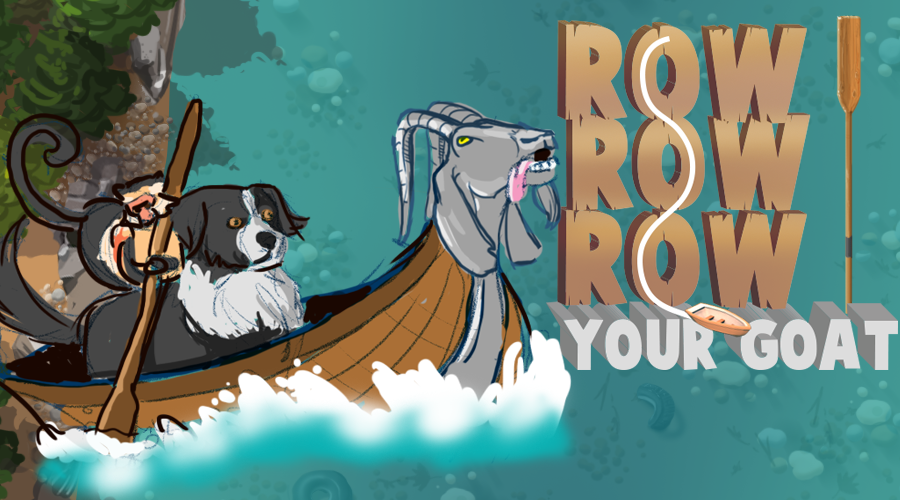
Looks like Monkey is up goat creek without a paddle. Turns out hungry goats aren’t the best navigators in the world. Now with only one oar, poor Monkey is going to have a difficult time maneuvering the rapids.
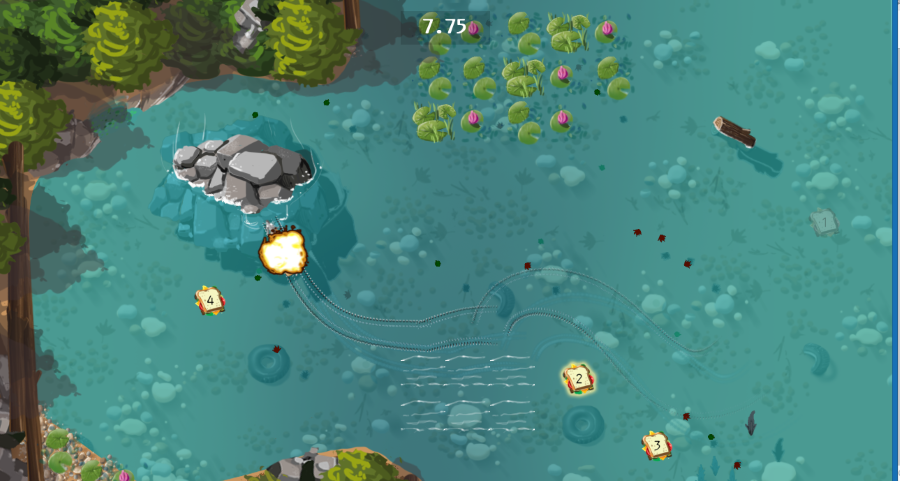
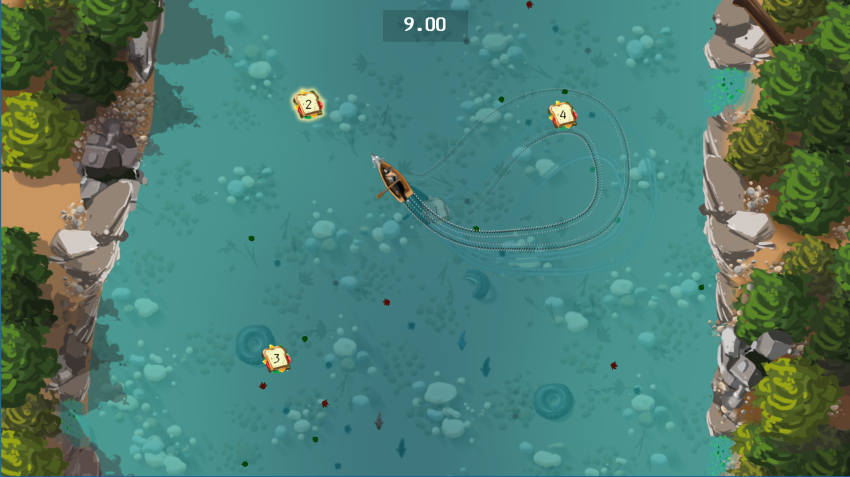
Guide the goat-boat around the river and feed him sandwiches before he eats your last oar! Watch out for obstacles, swift currents, bears and of course, explosions!
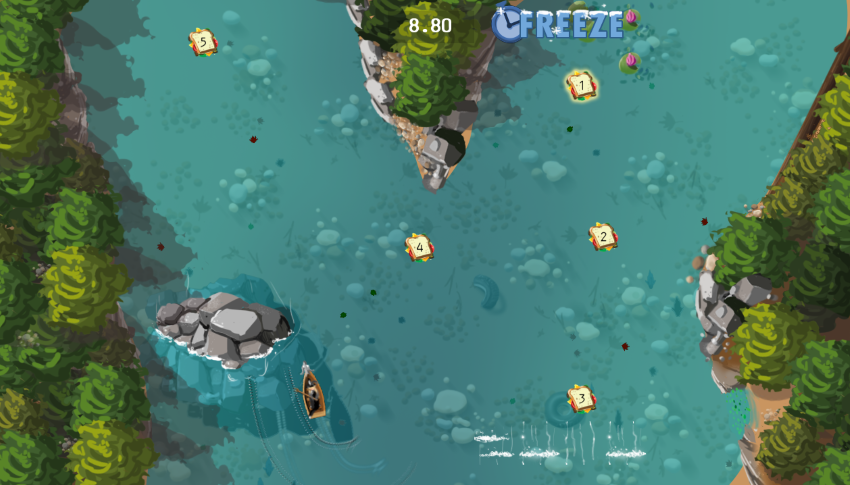
Use Left and Right arrows to move and keep an eye out for the clock power-up to cut down on your time. How fast can you get through the five courses?
Controls: The entire game CAN be controlled using the left and right arrow keys. To row left, use the left arrow key. To row right, use the right arrow key.
To advance from the title screen, use the right arrow key. On the course select menu, use the arrow keys to change which course is selected and star the course by pushing both arrow keys at the same time (you may also select a course using the mouse).
In addition, we offer alternate controls if you do not wish to use the arrow keys. You may use 'a'/'d', 'z'/'x', or 'q'/'p' in place of the left/right arrows.
This looks fantastic! It took awhile to feel like I got the hang of the best way to move the boat, but I think it was manageable. (and I felt like I learned something : )
Very nice graphics with lots of nice details like the fish swimming against the current. Took a while to become comfortable with the controls, but I like who the current of the river was different on different levels, and how that affected the boat.
The graphics and music fit the humor of the game perfectly. Naturally, the mood is also perfect. I find the rowing mechanic to be hilarious and fitting for the two buttons theme, and it's quite innovative too. The game itself is fun to play and I like that despite the implied threat, the goat does not seem to ever eat your last oar, letting me play at my own pace.
Overall, an incredible and well-polished game. It looks like it was developed professionally, and you even have a website to download it from! I'm impressed (and envious), great work!
The art and presentation are top notch! And the look of that water! Oh, that water! The boat was quite difficult to control, I would've liked that to be toned down a notch. You got me to laugh though, so points for that!
The assets look really good! Nice universe and atmosphere, it's also pretty fun to play and I liked the variety of levels you were able to propose for a jam game. Good job!
I'll start by saying that I was absolutely awful at this game. The controls are difficult but I guess that's the point and it's quite fun desperately trying to get back on course.
There is a lot of content here too, enough to spend a fair amount of time on. My favourite part though is the art. It's the first thing I noticed about this game because it looks absolutely amazing. Easily the best looking entry I've seen so far.
Nice. Definitely a lot of content. I like the style, though there are some oddly inconsistent elements, e.g., the SFXR sound effects against the more instrumental music, or the unique font for the FREEZE text.
The graphics were really stunning, and I played it a few levels. Mostly to see more of the graphics. The dialog and such was also nice. The controls however I simply never got to get a grip on. And fighting the controls felt frustrating rather than fun. Sure I understood their premise, but the way the boat reacted if doing e.g. left and right in swift succession... Also with the controls frustrating, I think it would have been nice with the triggers for the checkpoints a bit larger. So while I like the idea and almost all the stuff you implemented... it is a really very well made entry, I don't feel like the theme at all helped the game you made. Not complaining at all about you not using the theme, just saying that I think your game would have been much better without the theme.
Beautiful game. Very clear to see the difference of experience and teamwork that went into it. Gameplay is smooth, audio is great, and those pesky bears punch with rocket arms.
I will never come up with anything as witty as "Row, row, Row your goat." The controls definitely take some getting used to, but I feel like the boat/goat handles exactly as it would/should. Looks great!


Comments28
I loved the humor in the game and the personality that you gave the characters.
If there's one thing that I didn't like about the game, it's that turning away from an obstacle once you hit it doesn't feel very smooth.
But overall, this is a really impressive game!
Overall, an incredible and well-polished game. It looks like it was developed professionally, and you even have a website to download it from! I'm impressed (and envious), great work!
There is a lot of content here too, enough to spend a fair amount of time on. My favourite part though is the art. It's the first thing I noticed about this game because it looks absolutely amazing. Easily the best looking entry I've seen so far.
Great graphics, crazy idea and nice controls. Make more levels.
Michal bay pun +1
5/5
Now being serious. This is the most polished and well finished game i found so far. Im jealous tbh
everything its perfect on this game!!
congratulations!!!!!!! =]