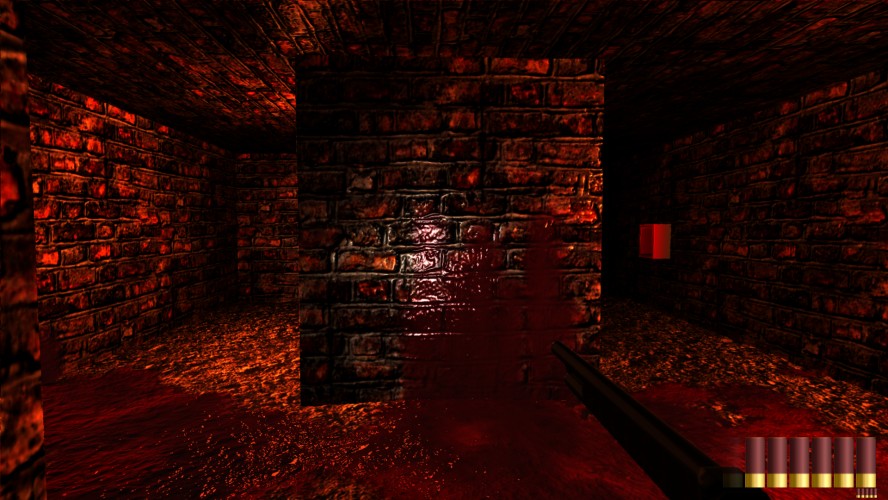
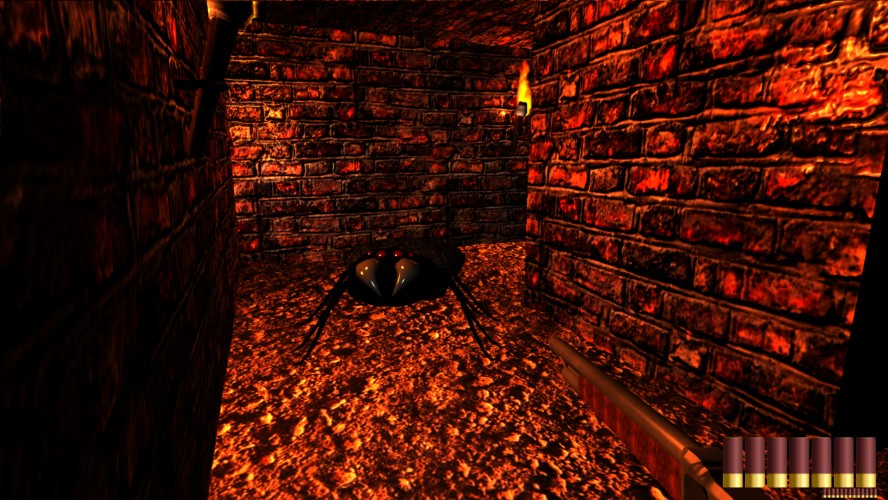
Can you survive in a dark shape-shifting maze full of evil monsters seeking for your death? With few ammo and only one weapon you have to fight your way through the labyrinth.
Will you survive?
Controls:
Move - [W][A][S][D] Reload - [R] Shoot - Left Mouse Button Look Around - move Mouse Adjust flash light - Mouse Wheel Set Ambient Light - [Up][Down]
For better game experience turn off the lights. You have a flashlight, which you can (or must) adjust using your Mouse Wheel so you can see where you're going.
If you don't see anything then you can increase the ambient light in the game. But still this is meant to be played as dark as possible.
This game uses - DirectX 9 - .Net Framework 4 - Pixel/Vertexshader 3.0
If one of these is not installed the game might not work.
Well, the darkness is actually the point of this game :D It would be nice to know, when exactly it crashed and what failure message you've got. We can maybe fix it then.
if you have a complete black screen you maybe have problems with your DirectX. But we added a little feature to increase ambient lighting for people who see absolutely nothing. On every computer/screen combo we tested this on it worked perfectly.
Everything is very well textured/shiny. I couldn't get out of the maze, the mouse sensitivity was too high for me, and sometimes there was a bit a lag making it hard to navigate.


Comments20
... and then it crashed...
It would be nice to know, when exactly it crashed and what failure message you've got. We can maybe fix it then.
"The darkness is the point of the game!" is not an excuse.
The game is literally just a black screen.
I took a screen shot and loaded it into photoshop to adjust the brightness manually. All completely black.
Are you sure your system can run Pixelshader 3.0?
The error occurs dirctly after clicking the play button. before you even see graphics.