Followed the instructions up until 'Launch the missile' - nothing happened. All I could do was build new launchers and open/close them. Not sure if I'm missing something?
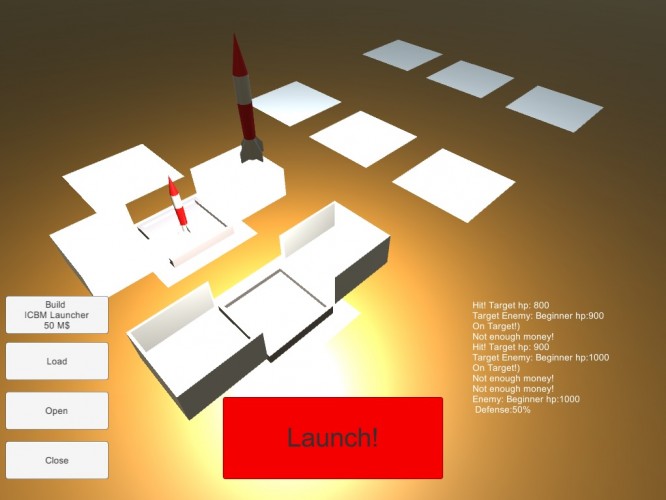
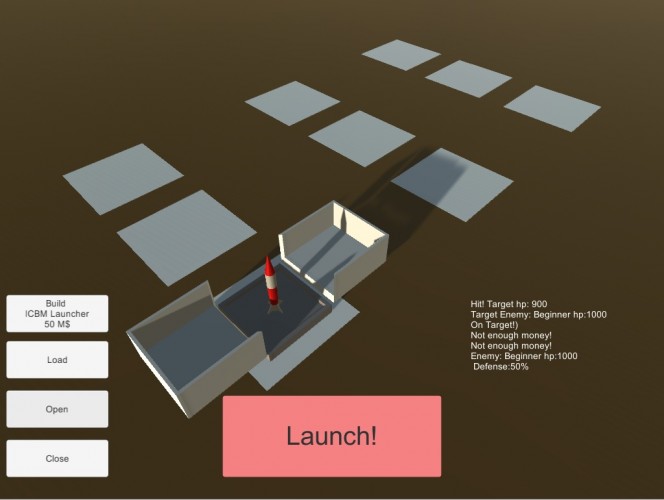
It would be really helpful if selections were indicated, whether via a color difference on the selected object or a little window that tells you what you had selected. It was very hard to tell what my button presses were acting on!
When I finally understand how to play, I launched a lot of missiles but I didnt damage the enemy. I think that the game need more feedback to help the player.
I'm guessing from reading the description that your launcher is vulnerable when open, so you have to time your launches so as to catch the enemy with open pads but not be open yourself?
It'd be really useful to have something to indicate which launcher is selected at the moment (like a colour change, arrow above it or highlight).
Also I found quite often I was clicking the buttons first, then thinking "ok, I've clicked open, now I want to click on this, this and this launcher to open them all at once". Rather than having to click individually back and forth between button and launcher. Also that way around, I can instantly see the result of my action (perhaps negating the need to have selection highlighting).
The good: Graphics were nice, animation was good, and the layout/perspective was nice. The bad: It was impossible to know when something was selected, so that leads to a lot of confusion. I eventually figured out that you needed to select a box, then close, load, open, then click the rocket, and launch... but if there was a way to highlight the selection, that would help greatly.




Comments12
It'd be really useful to have something to indicate which launcher is selected at the moment (like a colour change, arrow above it or highlight).
Also I found quite often I was clicking the buttons first, then thinking "ok, I've clicked open, now I want to click on this, this and this launcher to open them all at once". Rather than having to click individually back and forth between button and launcher. Also that way around, I can instantly see the result of my action (perhaps negating the need to have selection highlighting).
The bad: It was impossible to know when something was selected, so that leads to a lot of confusion. I eventually figured out that you needed to select a box, then close, load, open, then click the rocket, and launch... but if there was a way to highlight the selection, that would help greatly.