420 Planets
420 Planets
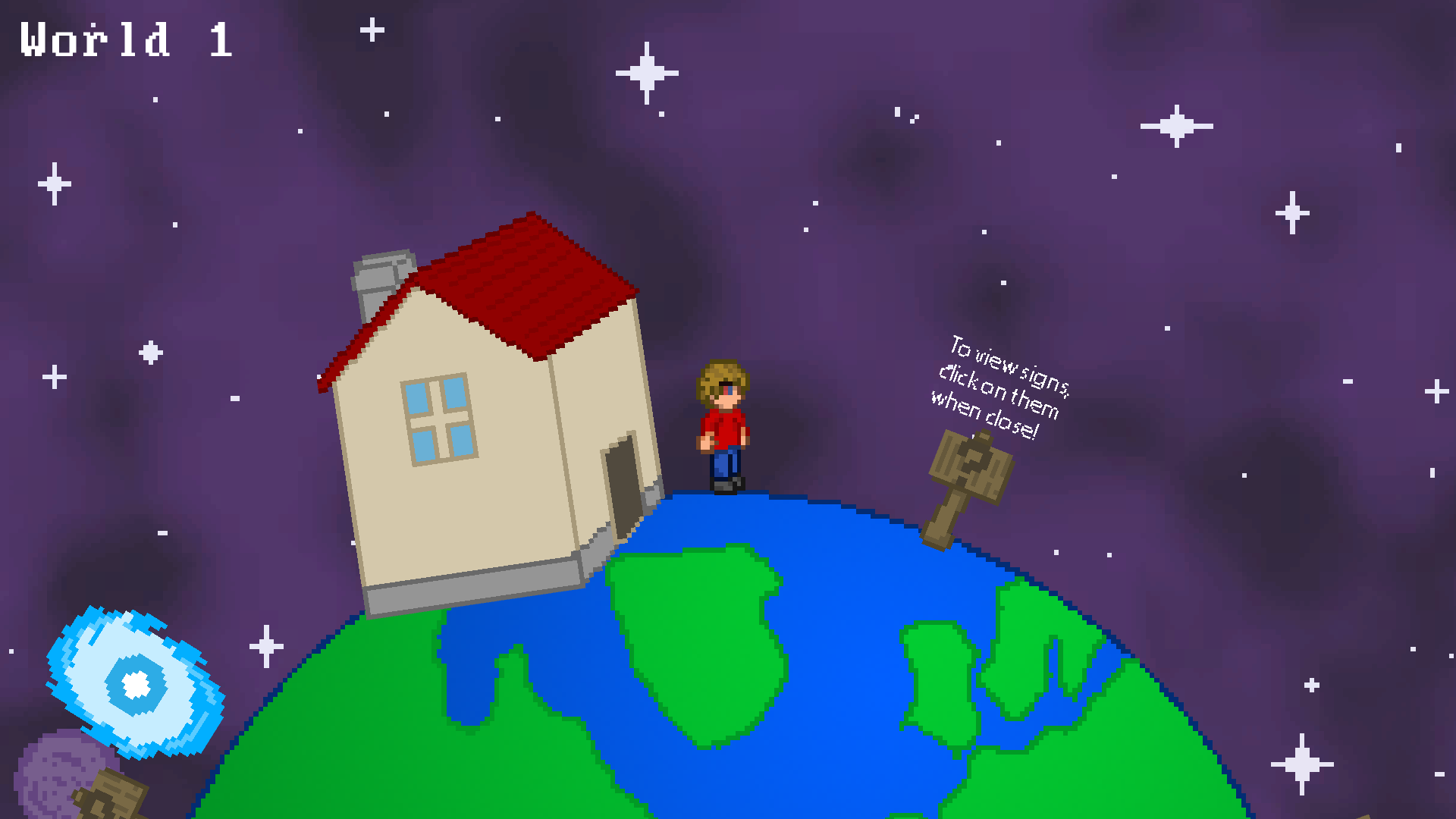
Controls: Use the A and D keys to move and the space bar to jump. Clicking with the left mouse button will allow you to interact with certain objects (such as signs or doors).
Links:
- Web: http://www.kongregate.com/games/Dito_3/420-planets- Windows: https://www.dropbox.com/s/my32dce1b3u5g32/420PlanetsKakureta%26NightEdgeLD38.zip?dl=0
- Mac: https://www.dropbox.com/s/o97ezv96a7gnvzy/420PlanetsKakureta%26NightEdgeLD38Mac.zip?dl=0
- Linux: https://www.dropbox.com/s/b08hwqctwu0sxqo/420PlanetsKakureta%26NightEdgeLD38Linux.zip?dl=0
Known Issues:
- Sometimes, the planet will not stop rotating when the player collides with a wall, causing the character to fall into the endless void- You can click on doors from anywhere on the map
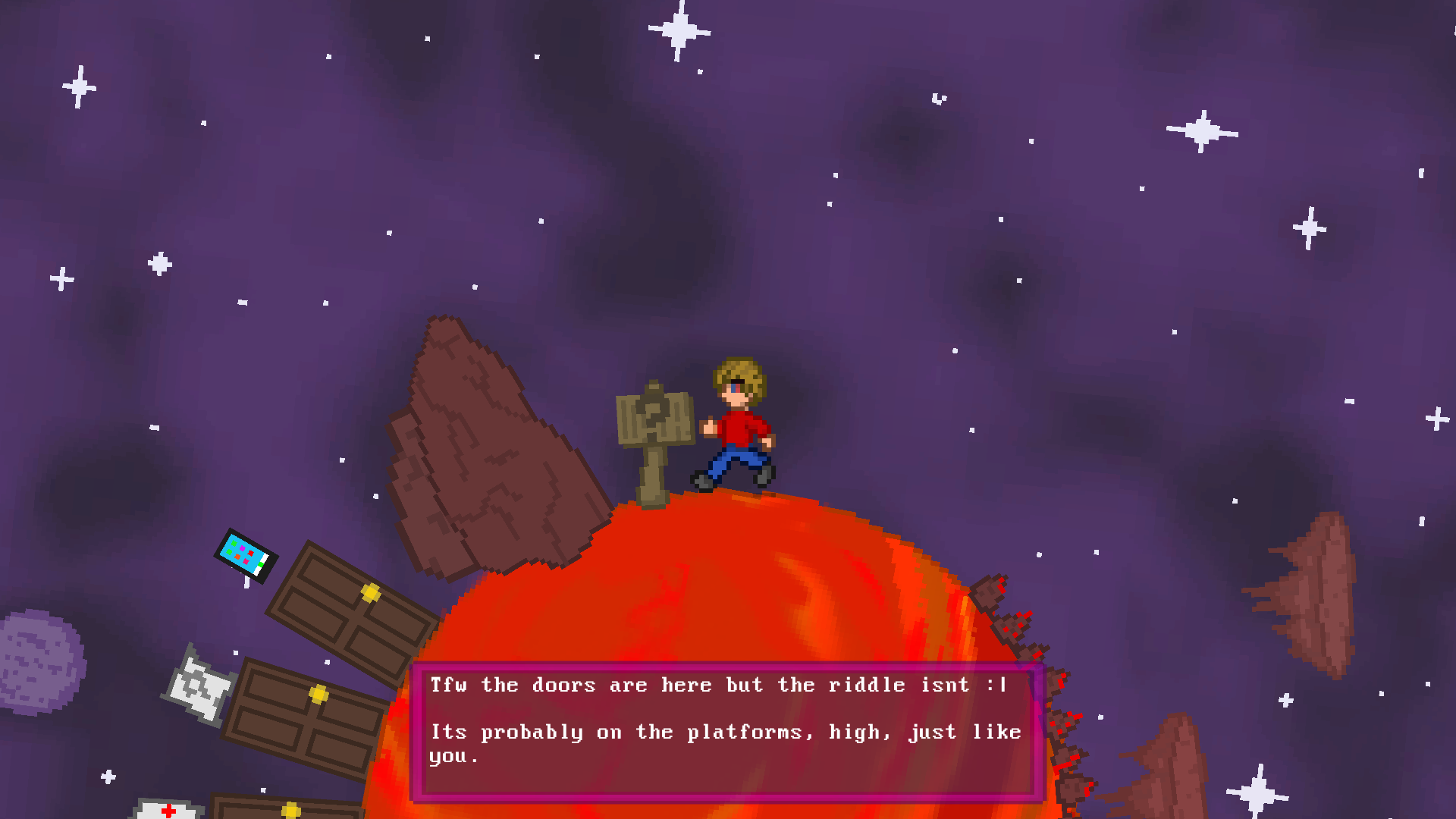
- The background doesn't extend far enough on the grasslands planet (world 6)
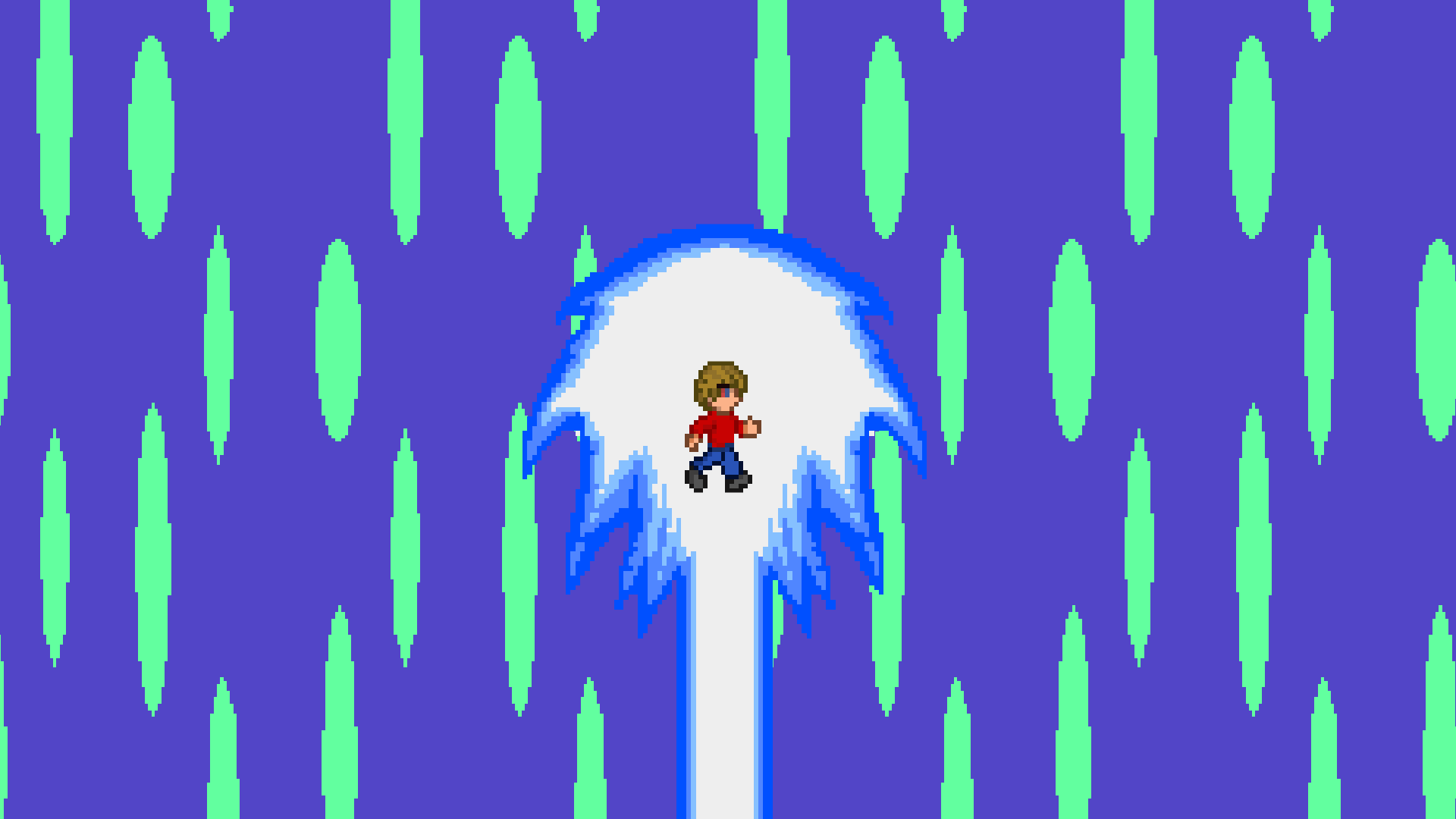
- The animation at the end of a level will not always be centered on the player
- In certain instances, clicking the "next level" button at the end of a level will click on the "quit" button instead
Programming, graphics and audio: @Kakureta
Game design and ideas: @nightedge3141
Song Because I got high by Afroman.
Tags: #funny


Comments19
On a side note, nice humor.
That aside, the mechanics are awesome and the riddles are clever, unfortunately i dindt see the story evolve sadly. Great Job!!
Other than that little bug, it was a fun game! The art had a sense of direction, but wasn't repetitive. I do wish there were more levels, though.