Gravity Architect (Vive, Oculus, and Daydream only)

Gravity Architect is a Virtual Reality 3D puzzle game where every tiny voxel of matter has a gravitational pull. This is the first game built with the SculptrVR Engine! Place mass into the universe to guide a stream of particles through each of the goals.
Supported platforms: HTC Vive, Oculus Touch, & Google Daydream
Download link: https://nathansculptrvr.itch.io/gravity-architect
Gravity Architect has 11 levels and 3 difficulty settings. The three difficulty settings change the size of the target spheres.
Estimated play time on easy: ~1 hour.
Estimated play time on medium: ~2 hours.
Estimated play time on hard: good luck..
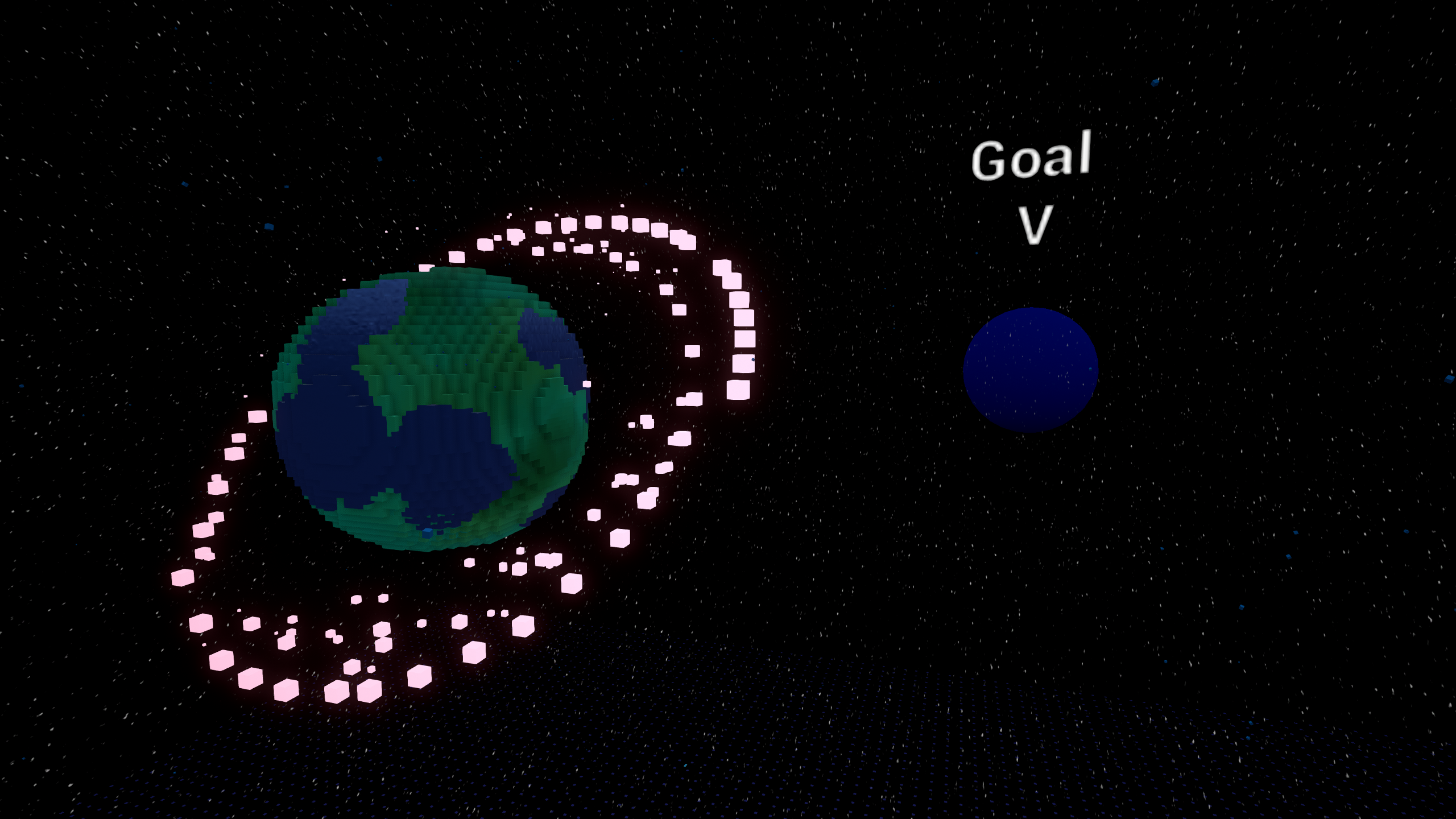
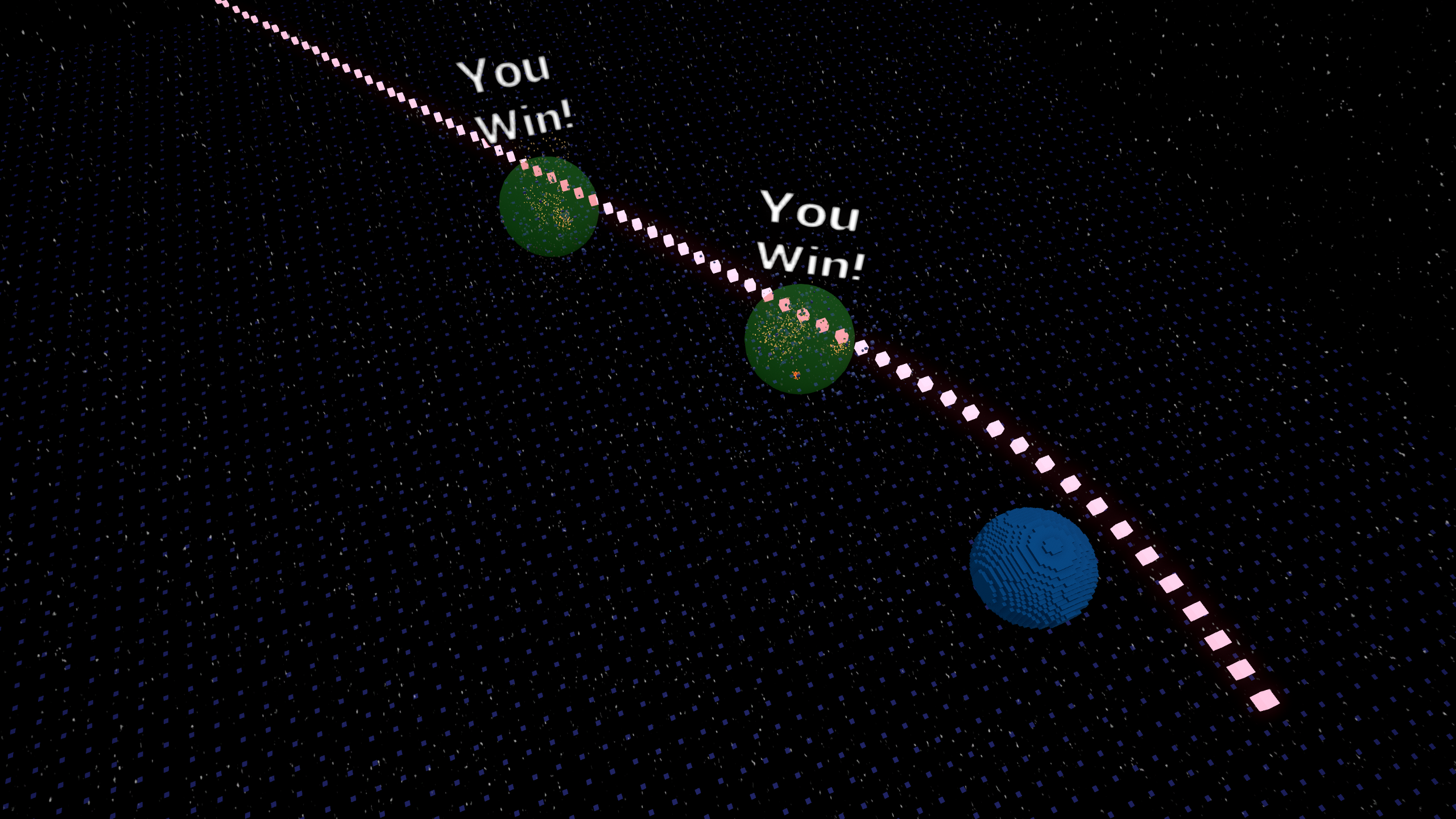
Vive Instructions:
-Trigger: Place material
-Grip: Reposition universe
-App button: toggle delete mode on your sphere
-Point your right-hand lasers at the panel behind your left hand to change levels.
Oculus Instructions:
-Trigger: Place material
-Grip: Reposition universe
-A/X: toggle delete mode on your sphere
-Point your right-hand lasers at the panel behind your left hand to change levels.
Daydream Instructions:
-The touchpad is partitioned into 5 buttons (left, right, top, bottom, center)
-Rotate your wrist to adjust the depth of the sculpting ball
-Center press: Place material
-Top press: Toggle delete mode
-Left/Right press: Undo/Redo
-Bottom Press: teleport 0.5m in the direction you're pointing
-App button: bring up level selection menu
Genres: puzzle

Comments3