Hamsterscape!

by dzik
co-authored: @nettleflap
Overall★★★★★★★★★★3.60
Fun★★★★★★★★★★2.90
Innovation★★★★★★★★★★3.30
Theme★★★★★★★★★★3.00
Graphics★★★★★★★★★★4.46
Audio★★★★★★★★★★3.50
Humor★★★★★★★★★★3.50
Mood★★★★★★★★★★3.44
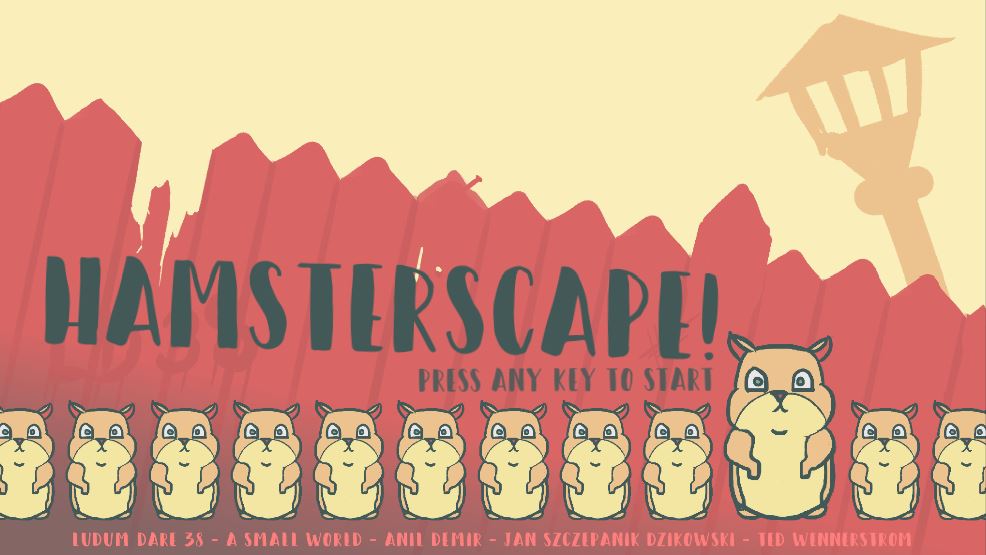
MainMenu.JPG
DOWNLOAD HERE ======>>> https://nettleflap.itch.io/hamsterscape

PLEASE READ THE CONTROLS BELOW!

Two best hamster friends, Jack and Joe have decided to take the matters into their own hands and to escape from their cruel master Johnny. They came up with a cunning plan of escape! It is a crazy plan, involving trousers buttons, hamster wheels and balloons... but, it has to work. Try to see if you will manage to fulfill it :D


FEATURES:
- 2 player local co-op!
- 10 levels to beat!
- Crazy physics!

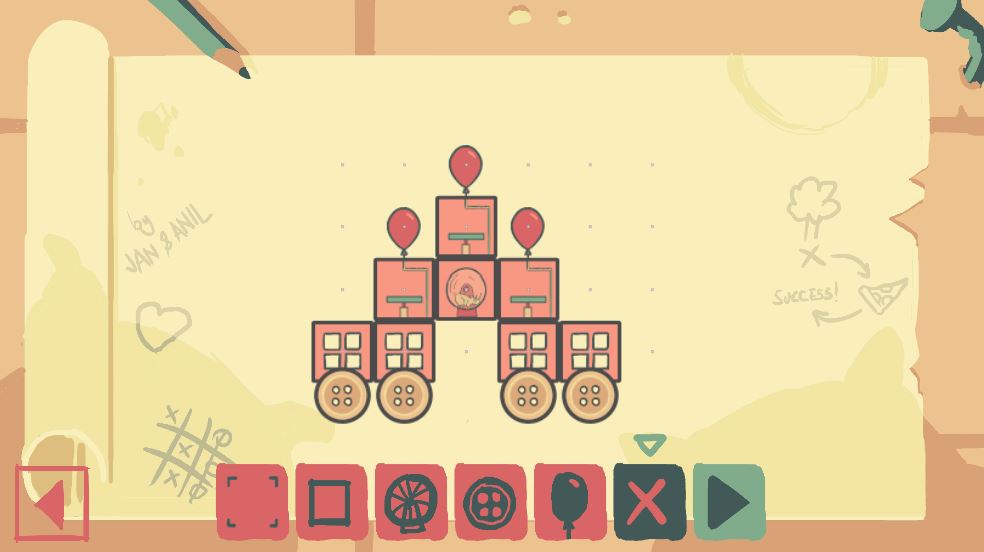
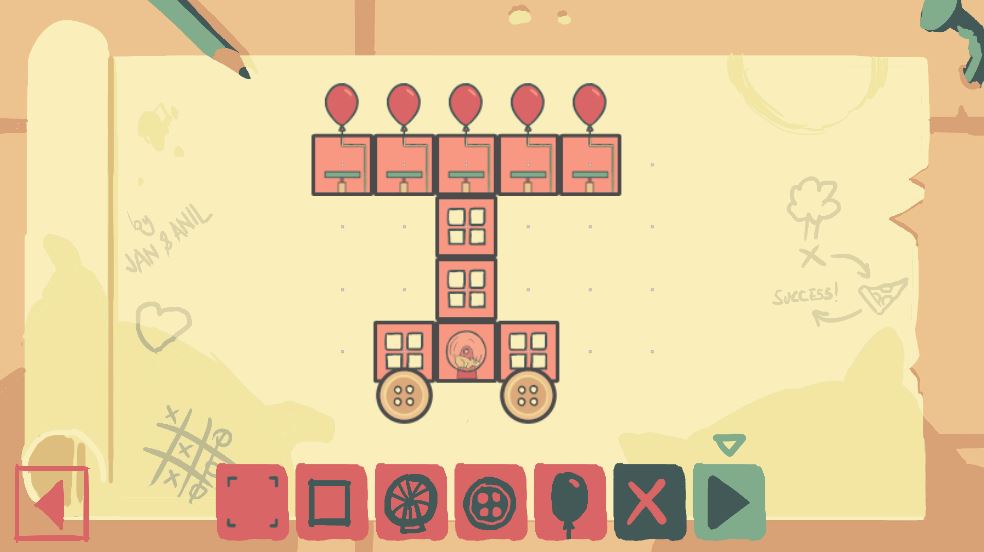
LevelSelection.JPG

CONTROLS:

Use mouse in level selection.

Player 1 - Arrows + Right Shift + Right CTRL

Player 2 - WASD + Left Shift + Left CTRL

HOW TO PLAY:

Movement is straightforward. To control a module, press first button (Right Shift / Left Shift), to regulate speed / balloon size, use up&down. Once you regulate, you don't have to stay in control. To leave the control, press second button (Right CTRL / Left CTRL). When you get stuck, hold right CTRL for 3 seconds to go back to level selection.

Level 8 and 9 are hard but beatable. We did it.
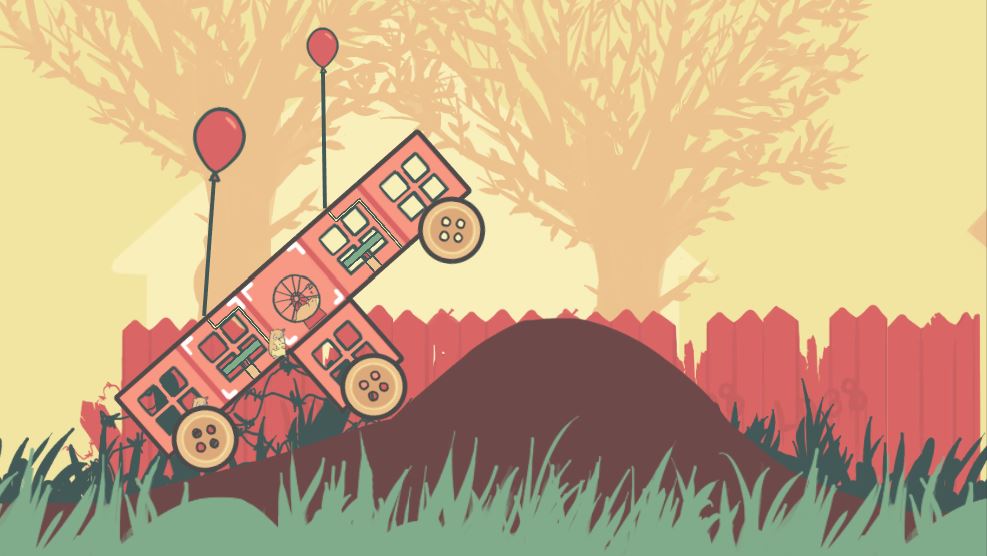
Driving2.JPG

Level 10 remains unbeaten as at this moment!

Driving5.JPG

Good luck and have fun! :)


PS.
Apologies for the inconsistent menu controls. We didn't manage to finish it in time.

Comments19

GhostAndShell25 Apr 2017, 07:16
hahahahaha! Very cute! Share it on indiexpo! It can work very good with the indiepad support!
Takusan
Takusan25 Apr 2017, 10:54
How does it work after choosing level? I can't get it to do anything after choosing level 1, except go back to menu... nothing reacts. There's a small arrow over the squares which can be moved by arrow keys, though no other keys you listed seem to do anything. Halp :)
Dzikauthor25 Apr 2017, 11:22
Ok so we just figured out that Input we setup works good with old gamepad (we happened to have that one), but not with xBox360 pad. So I suggest you use keyboard. In editor, try using keyboard arrow keys and right shift and ctrl. That will give you a hint how to play.
Takusan
Takusan25 Apr 2017, 15:54
@dzik yes, I was playing with keyboard and those keys (except arrows) did nothing... Since arrows work, it's not the antivirus containing the application. I'll try again later ;)
jamgrrl28 Apr 2017, 23:24
Well polished, good art. I love being able to make my own hamster car. I played as single player. I can see a high chance of goofy co-op fun with another player. The controls seemed a little overly-complicated, but I started getting the hang of it after a few minutes. This is a pretty great game that I'd like to see developed into a full-blown game.

Reviewed on live stream at https://www.twitch.tv/jamgrrl
intxparts
intxparts30 Apr 2017, 23:37
Hamsterscape gave me quite the chuckle. I really enjoyed the playfulness of the gameplay and how it tied in with everything physics, artwork, music. Being able to build your own hamster car was icing on the cake. The controls were a bit of a pain point but once you got the hang of them it wasn't too bad. Very well done!
Dave Lloyd
Dave Lloyd1 May 2017, 13:16
Love the art style, works so well! I was a bit confused by the UI until I read the controls, but it's a really fun idea!
blacksheepza1 May 2017, 20:03
I honestly cannot believe you managed to pull this game off in such a short time! It is excellent! The style, mechanics, art are awesome! I do wish there was mouse controls for the building phase and unfortunately moving the hamsters in the machine felt quite clunky at times. But overall I bow down to what you achieved in this game :D
nettleflap
nettleflap1 May 2017, 20:35
@OccultOne
The controls are not so difficult actually.
Player 1: Arrow keys + Right Shift + Right CTRL
Player 2: WASD + Left Shift + Left CTRL

Thanks for including us in the stream :)
ArcticMattekar
ArcticMattekar2 May 2017, 19:04
Very beautiful art style. The controls are a bit unintuitive. I think it would be awesome if the mouse could be used for the building phase. Is there a button to restart the game?

I think I created a unconnected hover car :D Love the idea
Dzikauthor3 May 2017, 07:44
@arcticmattekar Yes you can. Just hold right CTRL for 3 seconds and you will go back to level selection.
Sorry, we lost that instruction line somewhere during edit time and now I can't add it in from the phone.
hekst3 May 2017, 19:01
Nooooo another entry I really wanted to try but is Windows only :'( Judging from the gif, looks impressive that this was done in 3 days. Also very VERY nice artwork :)
nettleflap
nettleflap3 May 2017, 21:16
@hekst Oh no! I will try to create Linux and MacOSX builds sometime soon!
dennyrocketdev
dennyrocketdev3 May 2017, 21:37
I only tested it alone, but as far as I can tell, it is a darn good entry.

The art is great, the physics are spot on and the whole game seems to be fun. The menu is a bit fiddly though.
doppelgunner
doppelgunner5 May 2017, 08:24
I watched a playthrough and I'll play it now.
Jupiter Hadley
Jupiter Hadley17 May 2017, 11:53
Really funny, nice game. I included it in my Ludum Dare 38 compilation video series, if you’d like to take a look :)
Harry Alissavakis
Harry Alissavakis20 May 2017, 14:48
:O Why does this game has so little ratings?? It's freaking amazing! The technical aspect of creating the vehicle is really great (remind me a bit of besiege) and the co-op part looks like it's really fun!! I tried it on my own, since I have no friends, but still I thought it was really enjoyable! The art was also really unique and amazing, while the silly soundtrack perfectly fitted the whole aesthetic of the game. This is an amazingly good entry! Great job!!

P.S.: I didn't read the part that I needed to hold ctrl to go back, hence I restarted the game a couple of times. Maybe next time assign it just to a button like Esc, or R, or something that somebody can find while mashing random buttons, since usually people don't try long-pressing every button.

Other games by @dzik

Noah's Balloon
jam
co-authored
Found a bug?
Tell us on Discord