BeerFight!
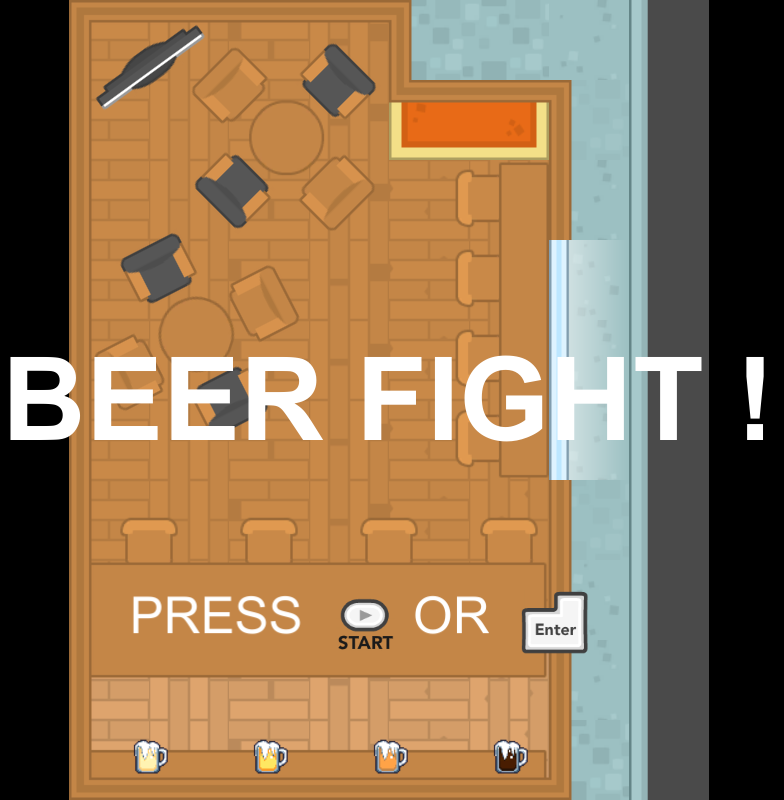
A game about throwing beers at people to prevent them from fighting in your bar (but the more they drink, the faster they'll start a fight...).
Inputs supported
- *Mouse + Keyboard (Press F1)*
- G > Throw white beer
- H > Throw lager
- J > Throw bitter
- K > Throw black beer
- P > Pause game
- Mouse translation > Aim the throw
- *Gamepad Xbox360/XboxOne (Press F2)*
- X > Throw white beer
- A > Throw lager
- B > Throw bitter
- Y > Throw black beer
- Start > Pause game
- Left Joystick > Aim the throw
OS supported
- Windows
- MacOSX
- Linux
Updates
*MacOSX & Linux port - 06/12/2017*
The differences with the Windows build concerns only the Xbox gamepads support. I can't test these builds though so if you encouter a problem with them I'll need your help to fix it.
I'm using the built-in input manager of Unity and this reference: http://wiki.unity3d.com/index.php?title=Xbox360Controller
*0.2 - 06/12/2017*
- Added all licences attributions to the credits screen (yeah CC0 FTW!)
- Filled input instructions on the input settings screen.
- The gamepad support and input settings screen were already implemented but I didn't had time to write down the controls mapping. ;x
- Marked a bunch of gameobjects as static in UnityEditor to reduce draw calls.
- Changed archive format from .rar to .zip

Comments20
I think a bit of auto-aim would help (with the option to switch it on) but it was far out of scope of this jam :D
@parker8283
I tried to download the 4 builds right now and everything works fine. The website isn't down either. I can think of 2 problems to look at:
1. Maybe it comes from your browser? Try with another one (currently I'm using Firefox 57 on Windows 10)
2. I host my website at OVH Paris datacenter, maybe there's a problem of distribution specific to your region (you're using a proxy or there's some places not covered by OVH). That said, I never had any feedback of OVH blacklisting geographical zones or proxies but if it's the case I'm sincerely sorry as I've got no control over this.
My only gripe would be with how the white and blonde beers are hard to differentiate on the fly for the layman.
@awerar The difficulty is clearly off (my bad :p). For the art I only did the smileys and rotate sprites.
- Beers: James Cabello (https://thekingphoenix.deviantart.com/)
- Input mapping icons: Nicolae Berbece (https://twitter.com/xelubest)
- Everything else: Kenney Vleugels (http://kenney.nl/)
Some issues I encountered:
The first two beers look a lot like each other. Also, customers spawning at the bar will not only intercept beers already thrown before they spawn, sulually resulting in an unhappy customer, but also block most of the customers behind them until the despawn.
Good game. Keep it up.
Some thoughts and comments:
* It was easy to distinguish the darkest and fairly easy the lightest but the in-between could probably have been more distinct. Not only the hue but depending on what type of establishment this bar is you could expect to have different glasses for some special beers.
* It wasn't really clear what the meter was showing at the top and if it even was a good or bad meter. The red color and name of the game kind of hinted that it showed the general level of rowdiness from getting wrong beer. But then I would have wanted a clearer feedback/connection to the times I did bad servings. The worst case should of course be when I served nothing at all. But since the angry customers left just like the happy, the game didn't really convey that narrative either. So one thing would be to have customers stay until the get satisfied. That would also definitely make it worse the more angry customers you have.
* Now as the game is right now, that suggestion would be a problem due to the waiter only shooting beer in straight lines. It was already a problem in the game some times when I had served a customer a correct beer and the customer took their sweet time drinking it and behind them were another customer wanting a beer and getting upset before I even got a chance... So first simple solution would be to let the waiter move along the bar sideways. Second alternative option would be to allow non straight line-throws.
However some of these suggestions might actually not be that good since they could make the interaction/control scheme more complicated 🤷
Anyways, this became a long comment. But in general, fun game. Made it to 1:30. If that is good or bad I don't know.
@thijs-tak Thanks for the feedback, I think I'll decrease the drinking time of customers and encourage use of beers bouncing on walls (in the manner of Bust-a-move).
@fluidvolt Thank you, I'm glad that you enjoyed throwing beers everywhere :)
@local-minimum Thanks for your time.
The different kind of glasses is a really good idea!
I totally aggree with you on the game interface and feedbacks, I messed my time schedule and they came far too late in the project.
I too find that moving the waiter / make special throws would complicate the controls more than they already are, I think that solution lies in making the beers bounce against walls with predictable angles and reworking level design and game balance.
One thing, maybe it would be a bit more challenging if you would hide the mouse cursor, because at the moment i can just point at a target ;)
@wowa Good remark. On PC I'll consider locking & hiding the cursor, it could open the possibility of a 'sniper' bonus displaying the trajectory of the beer for a limited time.
@joror In the balance skill / luck I prefered to tip it a bit in direction of luck: this game has a second theme of 'chaos' and an absolute perfect play wouldn't fit this perspective (and maybe cut a part of the humor). Sorry for the ergonomic keyboard, didn't see that coming. ;D
@prodigalson
I'm right-handed and did not design specifically for one hand but I can see why you feel like this: the mouse isn't that much sollicited due to the field being narrow, putting an emphasis on throwing beer buttons.
Sorry for the ergonomic keyboard, I chose GHJK to cover AZERTY & QWERTY keyboards at once. I'll add a key remapping interface in input settings to solve that.
You're totally right that this game should be on phone using taps & swipes, my inclusion of android as a target has really affected all places of the design more than I anticipated. This will be an excellent occasion to learn mobile development for me but a 1st version won't see the day before few months.
@sgadrat Thank you that's kind! I'm gonna juice this game to death ;p