Ludum Dare #44compo
Neon Caverns
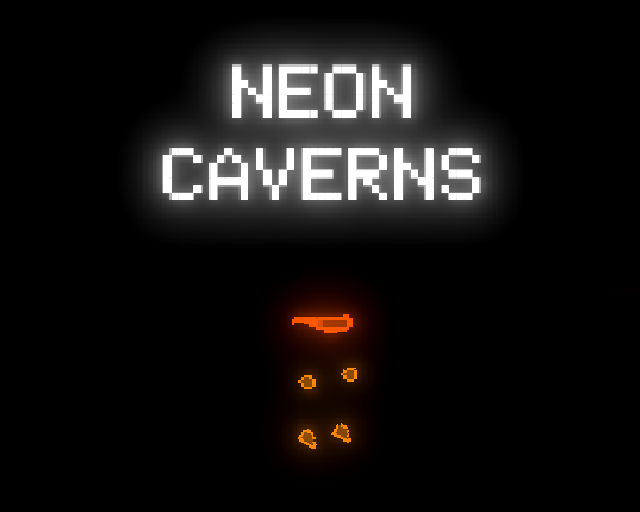
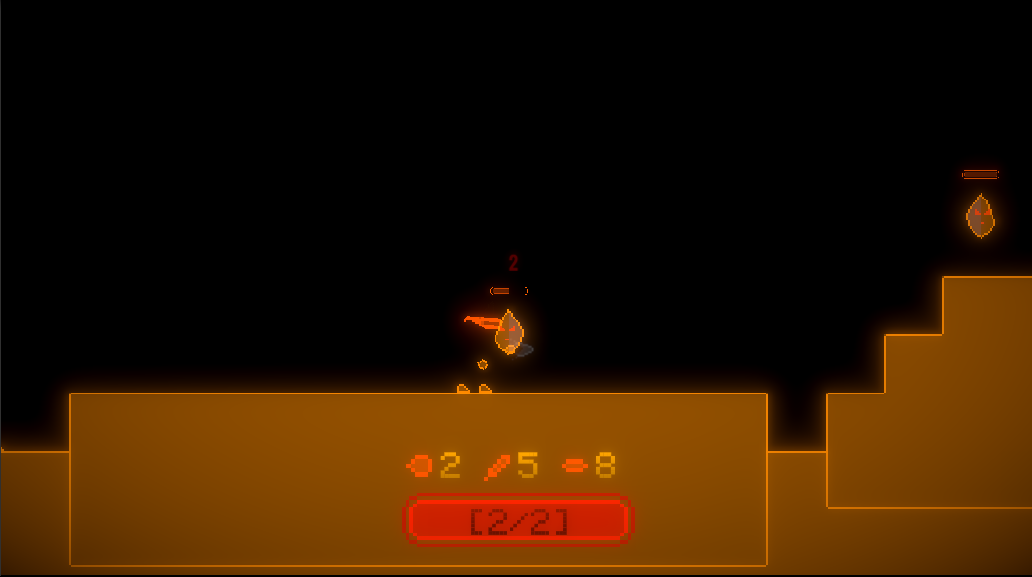
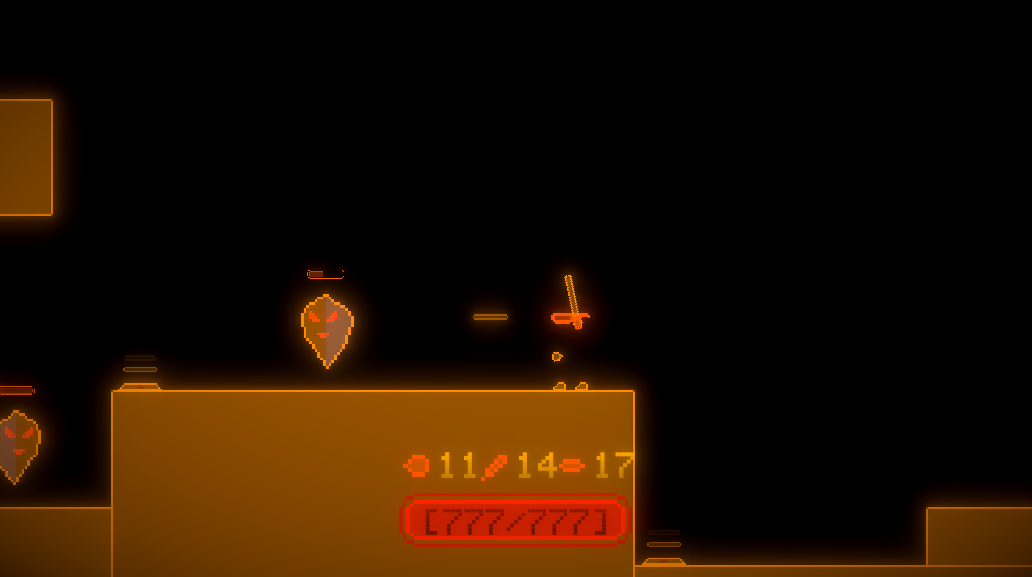
Explore deep, dark - errr, scratch that - bright caverns and eradicate the evil enemies.
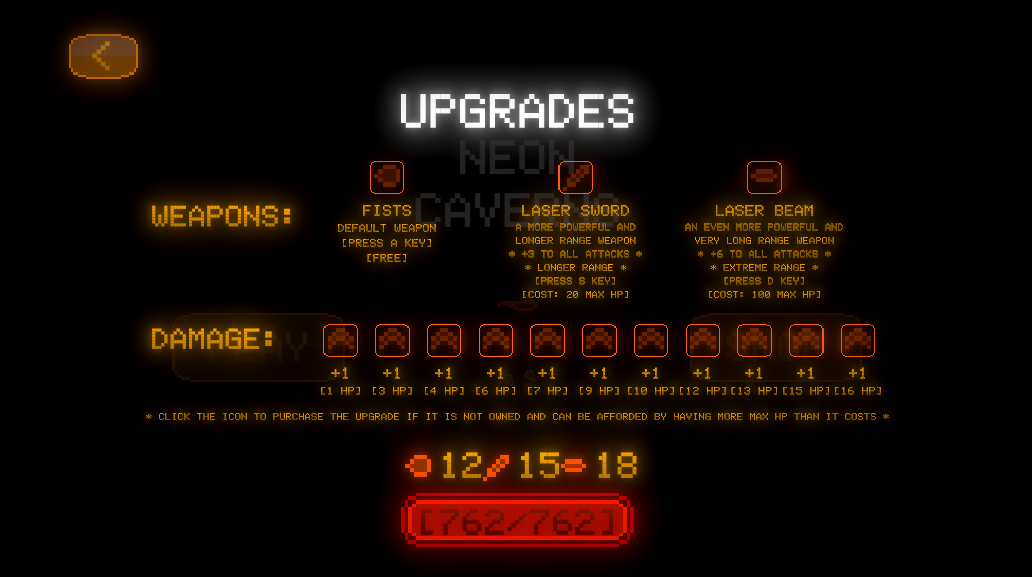
Gain health each time you clear a stage (which can be repeated if more health is necessary). Dodge attacks from enemies while dishing out damage to prove your worth. Upgrade your possible total damage and weaponry through the sacrifice of your health to become the best like no one ever was.
Controls: Arrow keys/Space to move. A to punch. S to swing the laser sword. D to fire lasers.
Want ultimate control and extreme power? Well then you've come to the right place. I've decided to keep hotkeys in the build (yes, intentionally.. don't you worry) so players can experience end game without the glory of progressing to it! These shortcuts only work in the main menu. Hard reset: J, K, and either backspace or delete. Unlock every upgrade and gain a ton of health: J and insert.
Comments8

notb29 Apr 2019, 06:15
Ooooh pretty! Love the glow effects. Fun game too :) well done

b3agz29 Apr 2019, 06:22
I'm a sucker for neon :)
I agree with above about the game feeling floaty but that feels like a minor issue for a game made in such a short time.
I agree with above about the game feeling floaty but that feels like a minor issue for a game made in such a short time.

khaotom29 Apr 2019, 06:24
I was wondering if it was a bandanna or a cyclops style goggles. My questions were answered once I got laser. 😽
HEYitsLEO29 Apr 2019, 06:34
Great graphics.

Furtive Pygmy29 Apr 2019, 06:56
Really nice, could have done with some sound effects but I played it for a while anyway :p

Echo GameWorks3 May 2019, 02:09
The smooth player animation and glowy graphics are really cool. A little floating - but no a show stopper. Great work!

DataGreed5 May 2019, 15:52
The graphics are nice, although the movement felt a little slow. Hope you will continue the work on a game after the compo :)

It looks really good though!
Oh and, it's a little annoying to have to take my hands off the keyboard to select something on the UI, then place both of them back on the keyboard to play