
Color Space

And here is a word from our sponsor:
"Seriously Andrew, do I really have to say this bullsh_t ? What do you mean it’s 'on air' ?"
*Oh, you’re there hehe ! I was just catching my breath before showing you this exceptional new technology.
We’ve all been facing difficulties with our printing machines, you know 'it misses colors' or 'this is not the same Color Space'.
Well don’t you worry, with this unique Color Space you will be able to join every Color Space you ever need, from CMYK to AdobeRGB or even sRGB (it doesn’t make sense please). Before printing anything just go through our new technology and you will see your print going out in one and beautiful piece.*
To go through this, Andrew, our Product Manager gave you some good advices :
- Use our special keymaps WASD, or the normal ARROW KEYS to move around, this is a bit frustrating not going on your own but hey, technologies have their own difficulties.
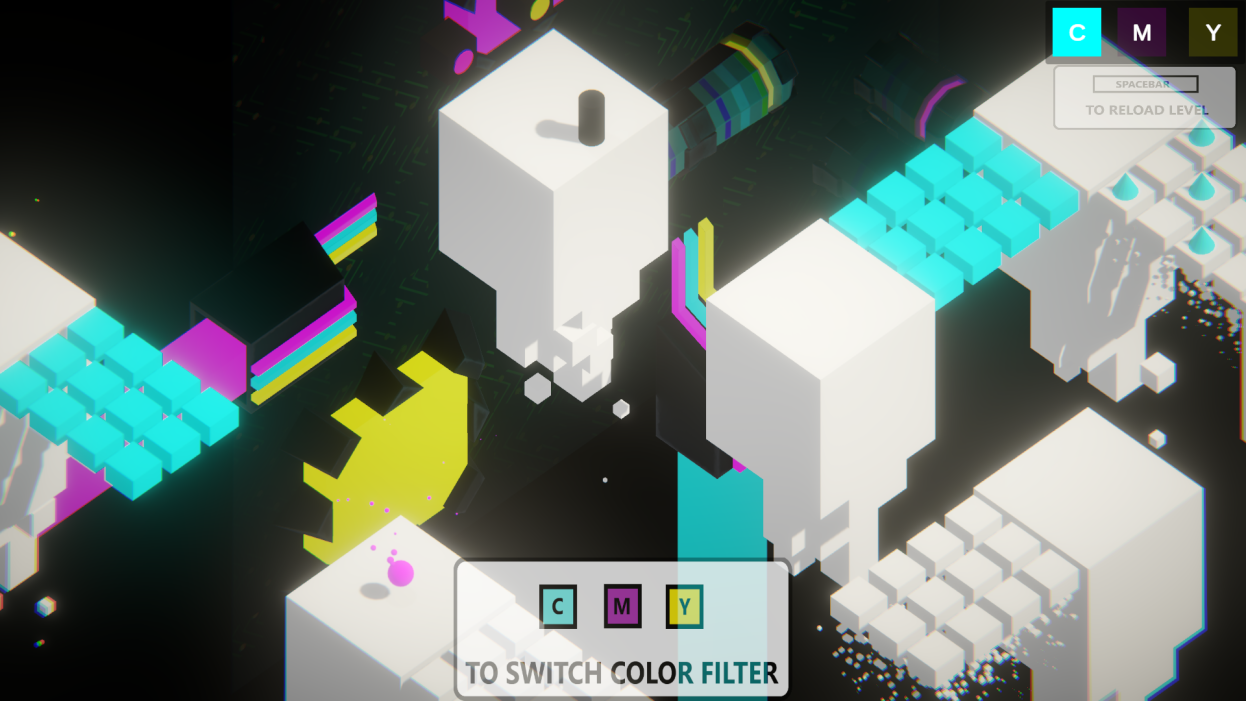
- Use the keymaps C, M and Y to swap color, who would have thought huh ? (C for Cyan, M for Ma... Andrew am I seriously saying this I mean they are not that dumb) *clearing throat* M for Magenta and Y for Yellow)
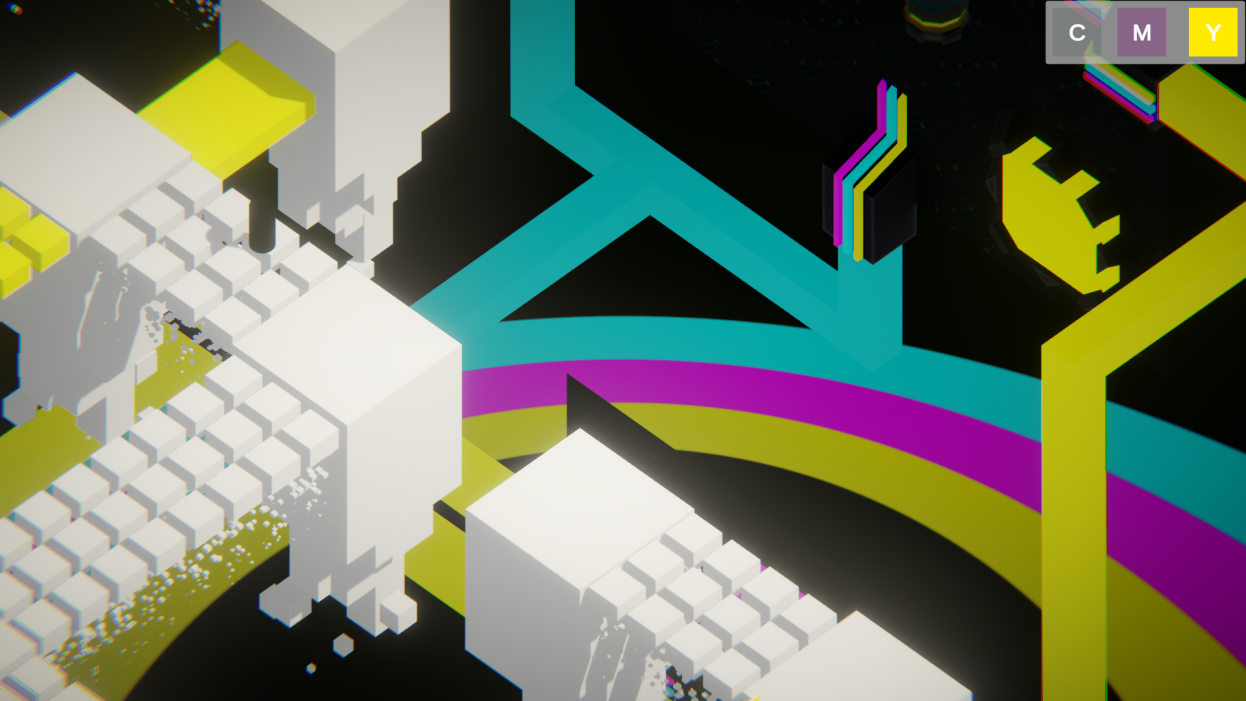
- You need to gather the colors in the right order, you can see the inkjet’s order at the beginning.
*This is purely revolutionnary, with few inputs you will have the best Black and White printing ever made...
Wait... Black and White Andrew you little Bas... You didn’t solve anything right ? Do you honestly think people will order this ? What do you mean they’ve already pre ordered this ? This is bulls... oh my god thank the lord that much pre order.*
Well, sorry, I thought you would be smarter than that but hey, that’s fine for me.
Anyway here is our staff list, enjoy :"

- Gregory Largange : Progammer - Level Design
- Élodie Vasseur : Level Design
- Yemi Bosia: 3D Artist
- Tom Bonnot: 3D Artist - UI Artist

External uses : All musics were taken from this website https://pixabay.com/ and most of them were made by this artist https://pixabay.com/users/sergequadrado-24990007/

THE ONE AND UNIQUE VERSION AVAILAIBLE FOR THE JAM. This Version count for the final rating of the Jam, and ONLY this one.
v0.4: JAM VERSION Rate base on this version !
DISCLAIMER : Following Update AFTER the v04 are done AFTER the jam, and doesn’t count for the final rating of the Jam, please note this carefully, both version are different in so many aspect. We are proud to continue this work as much as it pleases us, do note that we want to work further onto this.
v0.5:
- New UI: Title Menu, in game pause menu, credits
- New controls: player can now hold the move keys down to continuously move. Color switch moved to left click and right click of the mouse.
- Reworked All levels. Levels are now much smaller, which makes for faster gameplay and better performances.
- Creation of a GameManager, LevelManager, SoundManager. This all account for better modularity, better gameflow and better bug handling.
- Optimisation : Instead of re baking every cell of the map at every Update, it now checks only when the player use an input and only cells that are accessible to the player.
- Surpression of outdated codes
- Surpression of outdated assets
v0.5.1:
- Corrected bug where Title screen incorrectly scaled depending on screen resolution

Comments17

Kippp3 Oct 2023, 04:37
The design and the colors are really cool! Kind of reminds me of an old game called EDGE. I did get stuck on a few platforms and it initially took me a while to figure out even if I die my progress is saved.
Routard3 Oct 2023, 15:37
Thank you two for your reviews, we wanted it to be a bit funnier with those weird key mapping but you are right I think that with a kind of wheel, and right and left click we could roll through the different colors would be better.
When you are stuck, just spam the colors and the directions, there is some kind of weird behavior with the ragdoll thing. Thank you for those positives reviews
When you are stuck, just spam the colors and the directions, there is some kind of weird behavior with the ragdoll thing. Thank you for those positives reviews

Janinna213 Oct 2023, 19:53
Absolutely captivated by the graphics! 🎨 The game emanates such a fun vibe. I really admired the innovative concept of switching between colors to progress. A tiny suggestion: it'd be great if we could just hold down the arrow keys for movement. And perhaps a simple button or click mechanism to cycle between colors? I believe it'd make the gameplay even smoother.

mahalis6 Oct 2023, 02:56
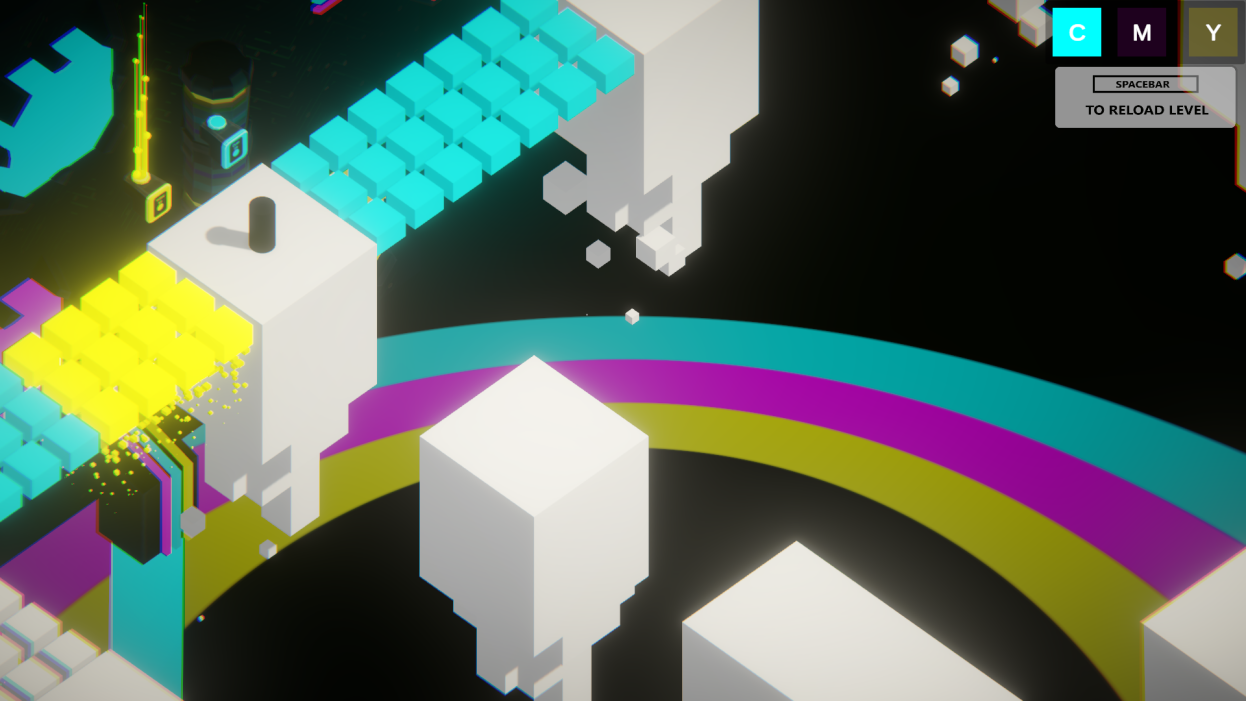
The puzzle exploration is fun and I love the visual style—really striking and illustrative. The particle bits coming off the bottom of the platforms are a nice touch. Well done.

JKazuk6 Oct 2023, 03:03
gorgeous gorgeous game

khaotom6 Oct 2023, 03:10
Very beautiful and serene. My troubled heart was soothed for a moment. Love the choice of colors. I think the way the blocky world appeared to endlessly crumble with the cube particles was just lovely. The puzzles were pretty chill. I'm not sure If I was meant to hit the spikes in order to warp back to the start or if that was me exploiting. Lovely little game!
Kilthorne6 Oct 2023, 03:10
Aesthetically beautiful. I'd definitely recommend tightening up the controls as your fingers get a little cramped from control scheme. Interested to see how this develops with other conflicts you can add to the puzzles.

fan6 Oct 2023, 08:44
Very interesting gameplay, harmonious music and graphics, I enjoy it very much but the operation is a bit weird, the isometric graphics corresponding to the keyboard operation are a bit difficult to adapt to. Secondly, there are still some bugs, such as there is no response when stepping on the mechanism, and it will fall off the edge and become a two-dimensional form.

Bassilij7 Oct 2023, 11:31
Very interesting game, had to replay several times in some places! Great job!)
LarsDu8 Oct 2023, 04:22
Very polished and great use of post processing and minimlism. Love the aesthetic

raddishradish9 Oct 2023, 17:51
Really beautiful game -- love the ambient music, clean visual style, and the particles coming off the platforms! I like the puzzle design, especially how old areas being blocked off with spikes once a color orb was collected pushed me to explore new areas.
The key bindings for isometric movement felt odd, and I did not like having to hit the C, M, Y keys to swap colors. Since the buttons for raising platforms look the same before and after pressing, I would not be sure whether I hit a button before or not. In one level, there was a color platform that was raised a bit higher than the surrounding platforms, so it was hard to get off of it. It also wasn't clear to me when I completed a level -- new music would play, and I would abruptly cut to a new level. At first, I wasn't sure if I accidentally hit restart on the level or if I progressed.
The key bindings for isometric movement felt odd, and I did not like having to hit the C, M, Y keys to swap colors. Since the buttons for raising platforms look the same before and after pressing, I would not be sure whether I hit a button before or not. In one level, there was a color platform that was raised a bit higher than the surrounding platforms, so it was hard to get off of it. It also wasn't clear to me when I completed a level -- new music would play, and I would abruptly cut to a new level. At first, I wasn't sure if I accidentally hit restart on the level or if I progressed.

digital bacon11 Oct 2023, 10:01
Lovely game, beautiful art style. And the music helped set a suitably surreal mood.
My only complaint is using the `C`, `M` and `Y` keys to select between the different colours. I know *why* you chose those keys, but they're not close together on a standard QWERTY keyboard, so trying to select between them often required looking down at the keyboard. I'd suggest using three keys that are in a row on the keyboard (maybe `B`-`N`-`M`) so that the player's hands can rest on them, but also being suitable for left- and right-handed players.
But very well done, I enjoyed playing this!
My only complaint is using the `C`, `M` and `Y` keys to select between the different colours. I know *why* you chose those keys, but they're not close together on a standard QWERTY keyboard, so trying to select between them often required looking down at the keyboard. I'd suggest using three keys that are in a row on the keyboard (maybe `B`-`N`-`M`) so that the player's hands can rest on them, but also being suitable for left- and right-handed players.
But very well done, I enjoyed playing this!
Sentmoraap12 Oct 2023, 20:29
In the v04, in the third level, I keep getting stuck on this platform:
Routard15 Oct 2023, 13:58
Thank you all for your kind reviews and for testing our game
From now on, before commenting I’ll invite you to say in your comment which version you did play, as a reminder :
v0.4 is for the JAM
v0.5.1 is after the JAM so it doesn’t count for the jam
Thank you again !
From now on, before commenting I’ll invite you to say in your comment which version you did play, as a reminder :
v0.4 is for the JAM
v0.5.1 is after the JAM so it doesn’t count for the jam
Thank you again !
Sabi19 Oct 2023, 12:51
Nice concept!

ThunderChief25 Oct 2023, 17:52
@derek-glennon , @kippp, @janinna21, @mahalis, @khaotom, @kilthorne, @fan, @bassilij, @raddishradish, @digital-bacon,
We would like to thank you all again for your constructive critcism and overall enthousiastic feedback. All of your comments are being taken into account as we keep working on the game. If you want to keep up with the game, you can do so here, on our newly created studio page, Ex Nihilo Games.
We would be more than pleased to hear from you again !
We would like to thank you all again for your constructive critcism and overall enthousiastic feedback. All of your comments are being taken into account as we keep working on the game. If you want to keep up with the game, you can do so here, on our newly created studio page, Ex Nihilo Games.
We would be more than pleased to hear from you again !


Sadly, I did get stuck on one of the elevators, but overall I enjoyed my time playing this! Nice job!