Please check the updated (and less buggy) version on our itch.io.
THE GAME SHOULD BE PLAYED WITH KEYBOARD OR GAMEPAD. MOUSE CONTROL IS NOT POSSIBLE
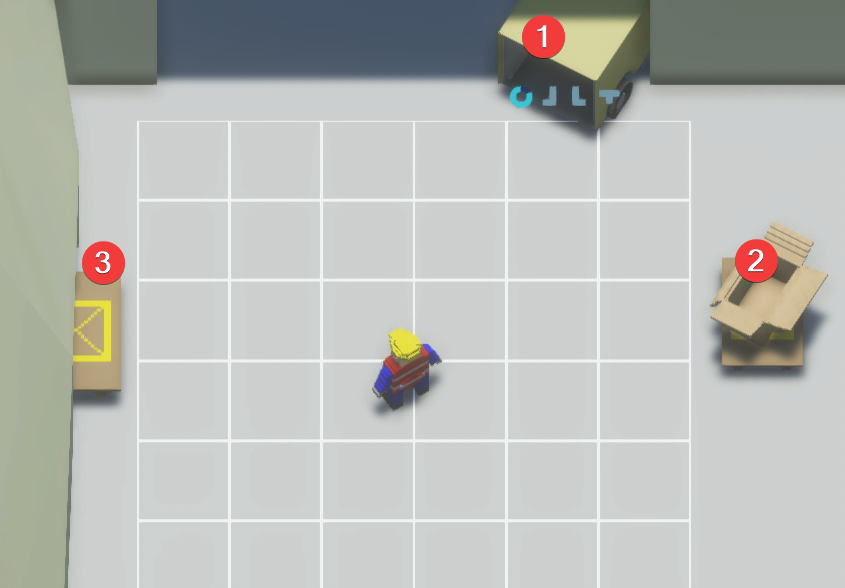
Take the place of a dockworker in a warehouse, where your goal is to receive items, and stack them in boxes in a Tetris-style puzzle minigame. Then, ship the boxes out. The more efficient you stack the boxes, the higher your score.
In either a timed mode, or and endless mode. pick up boxes from the arriving trucks, and either place them on the floor, or in the box. Place the puzzle pieces such so that a minimum amount of them fits in the box. Pack the box and sent it to the pallets to ship it off.
Joystick - Move Character / Move (Hold) Puzzle Piece
A - Confirm / Pick Up / Drop / Interact
Left Bumper (LB) - Rotate Puzzle Piece Counter-Clockwise
Right Bumper (RB) - Rotate Puzzle Piece Clockwise
B - Cancel / Exit Puzzle Workbench
X - Pack Box
How to play
1- Objective: Earn points by delivering packed boxes. Lose points by not unloading trucks on time.
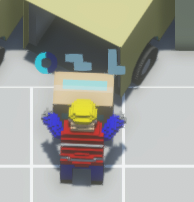
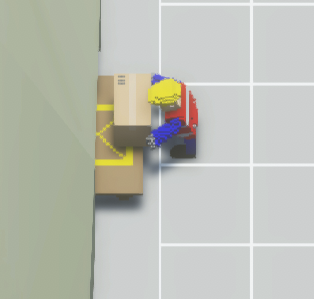
2- Unloading: the truck by going next to it and pressing the "Pick" button.
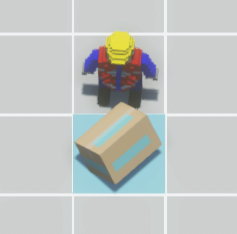
3- Drop: You can drop and pickup boxes by pressing "Pick". Boxes act as obstacles.
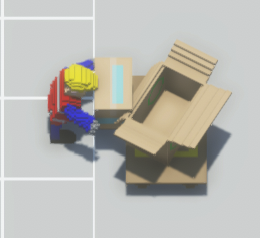
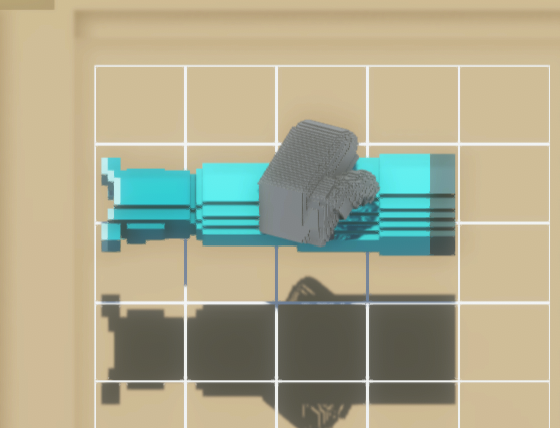
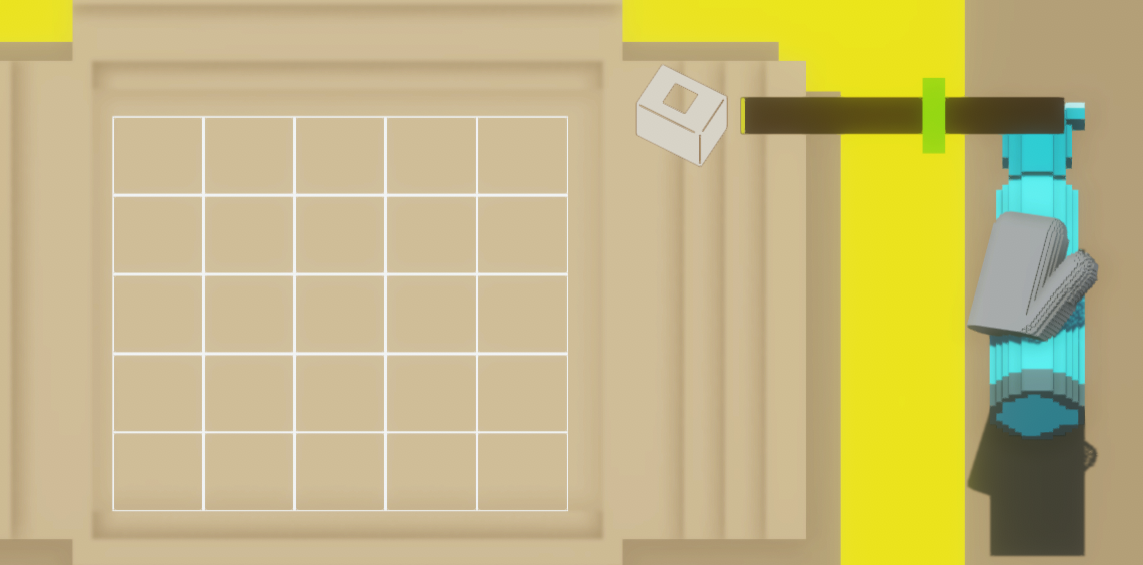
4- Packing: Carry an object to packing box and press "Pick" to open menu.
5- Organizing: Move the cursor around and press "Pick" to take a piece and move it.
Use "Rotate" buttons to rotate pieces clockwise or anticlockwise.
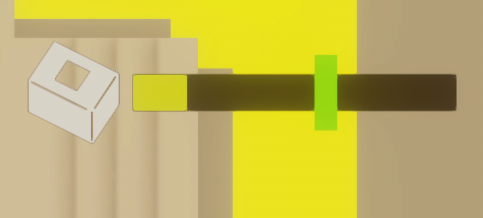
6- Packing meter: Fill the box until the green line and press "Pack" to take it out.
The more you pack, the more points.
7- Closing menu: Press the "back" button to close packing menu.
If you have an object on the side, you will take it out of the box. 8- Delivery: Take the packed box to the delivery table on the left side.
Credits
Made by João Vitor (Design), Luiz Felipe (Art and animation), Arthur (Game Programming), Tianjing Cui (Music & Sound), Sillinger (Playtesting) and Jui (Design).
Tht html version feels very heavy to control the movement, should adjust your input logic code. The packing mechanics is fun to play, but with the control difficulty it's hard to do things fast.
Controls took lots of guessing, would be nice to have inputs explained inside the game (on the main screen for example) or ust on the gamepage itself Other than that - solid interpretation of the theme, good job!
The main menu doesn't work with the mouse, only keyboard.
I agree with other commenters saying it should be more obvious which tile we're interacting with in the main game. I managed to soft-lock myself by placing 4 tiles around me while holding a box.
@alexclat, we uploaded a new version to our itch.io where we fixed this issues. It's not the version for review, but at least you can play the game as it was meant to be.


Comments14
There's lacking some snapping, so it's a bit hard do choose the placement for the boxes.
The controls sems to be a bit lacking, but it's a funny prototype!
The packing mechanics is fun to play, but with the control difficulty it's hard to do things fast.
it took me a minute to figure out that i have to use the Space button, and that the Backspace tooks me back from the box thingy ngl 😅
also for the other testers here, if you open the game from this link its a little less laggy
files.jam.host/embed/$380078/23798/index.html
the music is also very fun, goodjob 😄
Other than that - solid interpretation of the theme, good job!
I agree with other commenters saying it should be more obvious which tile we're interacting with in the main game. I managed to soft-lock myself by placing 4 tiles around me while holding a box.
https://arsart.itch.io/wearhouse