We've patched the game and added needed functions and QoL features! Have fun!
WELCOME TO THE BEST JOB IN THE WORLD, FUTURE PEASANT!
MY NAME IS OTTO. I AM A PROUD EMPLOYER OF THE IMPERIAL STEAM COMPANY. WE SEND MESSAGES SO YOU NEVER HAVE TO LOOK ANOTHER HUMAN IN THE EYE. WHO NEEDS FACETIME WHEN YOU HAVE A PIGEON???
YOUR JOB: Receive ciphered letters, Morse code, and flag semaphore. Feed them into our glorious STDM machine (steam-powered, temperamental, beautiful). Use the Manual to crack Caesar, A1Z26, Morse, and flags. Then send it off – pigeon for long distance, paper plane for local.
THIS IS A SATIRE. ABOUT YOU. AND YOUR OBSESSION WITH MESSAGING.
SO, HERE'S MY QUESTION, FUTURE PEASANT:
WHO NEEDS EYE CONTACT WHEN YOU HAVE A PIGEON, AM I RIGHT???
CONTROLS:
Left-click to interact with objects.
Press Esc or Right Mouse Button to close book.
Hold Left Mouse Button to drag and drop items.
Click on the *KEYBOARD* in game to enter typing mode!
Type using your keyboard!
Press Enter to enter your text.
Press Esc to stop using *KEYBOARD* while typing.
TUTORIAL *(temporary)*
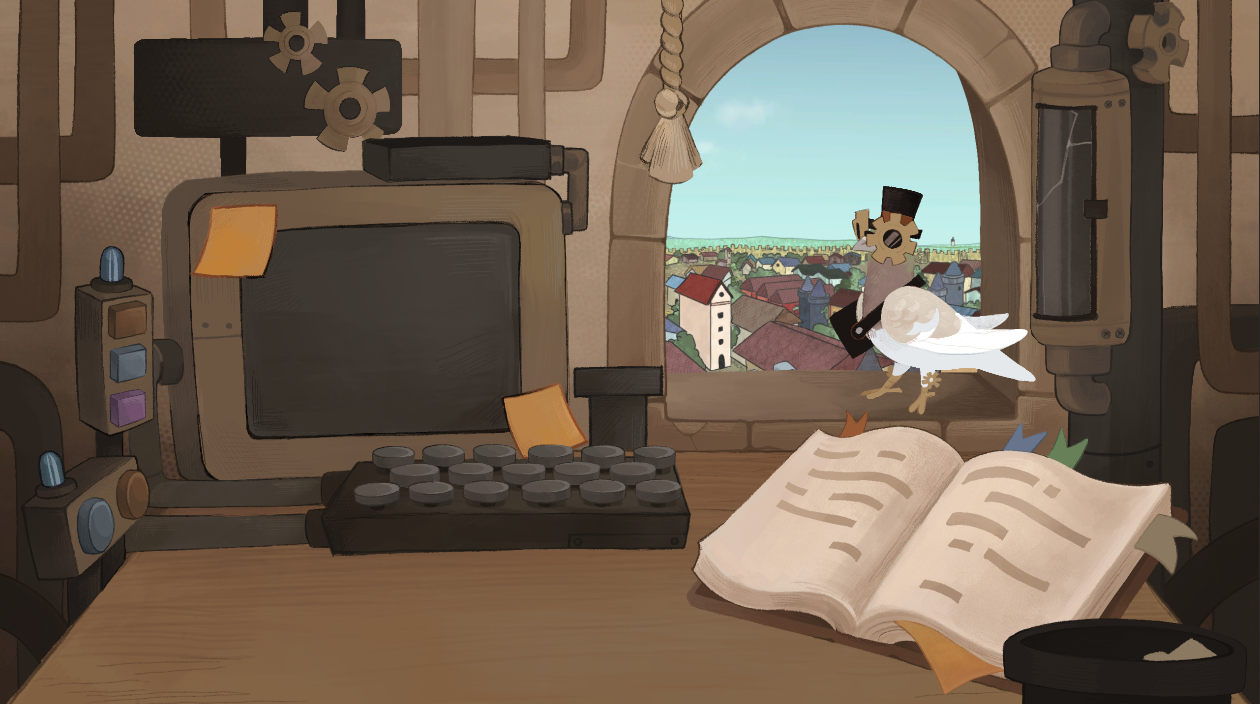
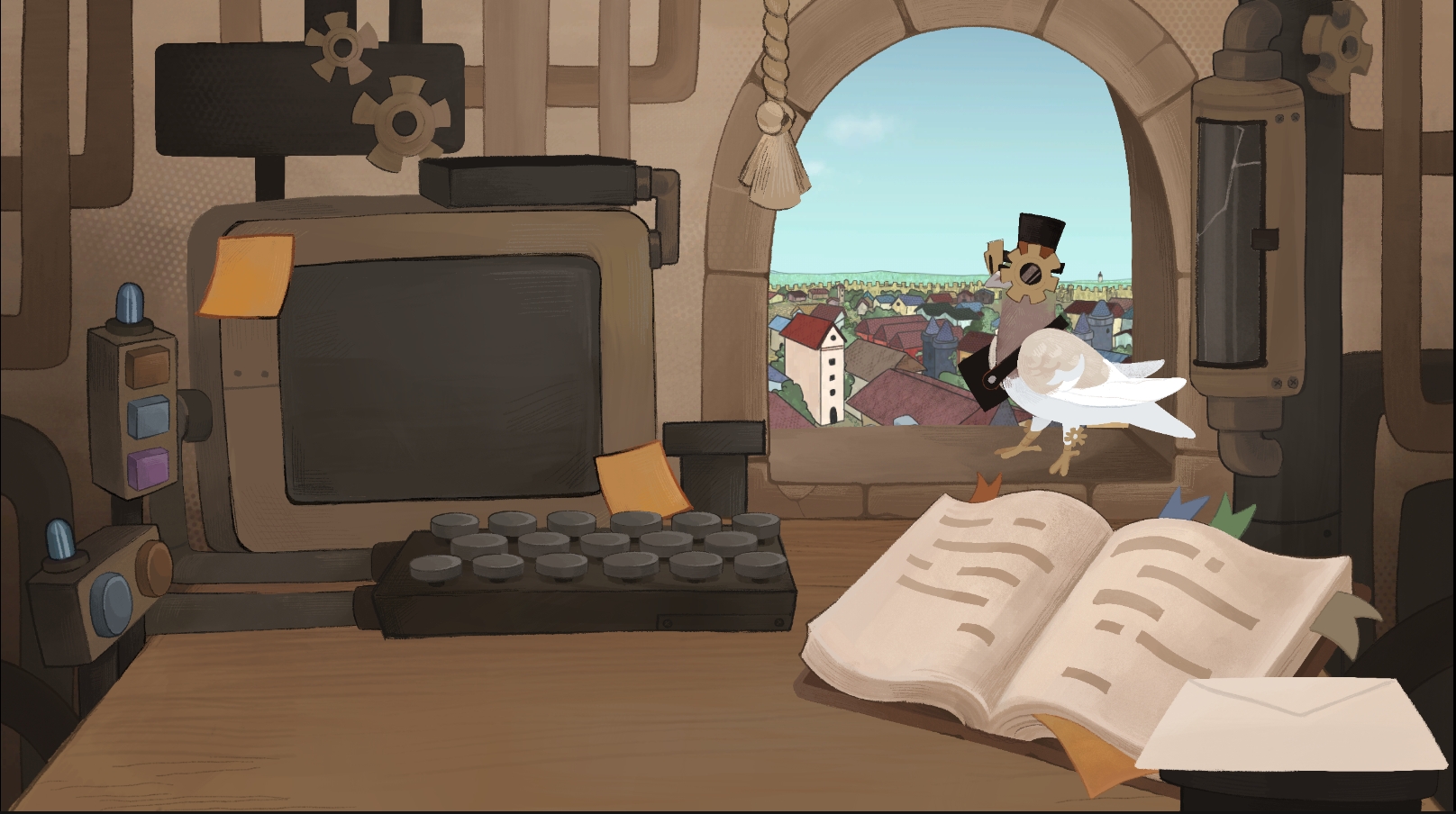
There are couple of interactable objects in a game that you need to use or interact with to play the game:
- *Letters*
Some you can click and read. If you click and nothing happens, then you need to take it and load it into the computer via...
- *Shredder*
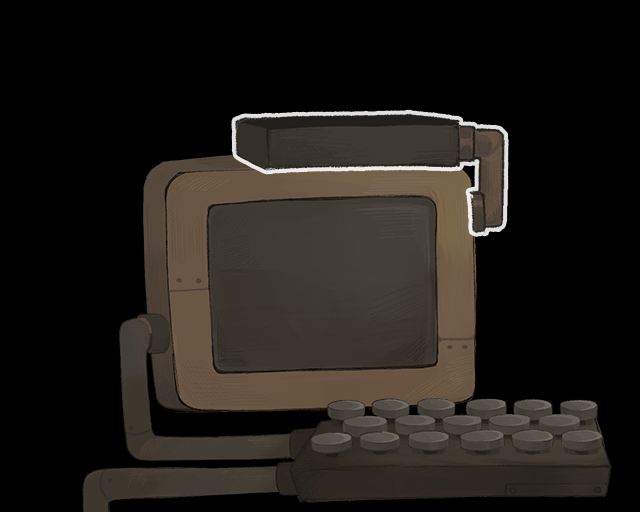
It is a mechanism attached to the computer. Hover a letter over it and it will be consumed and all the information displayed on the monitor.
- *Keyboard*
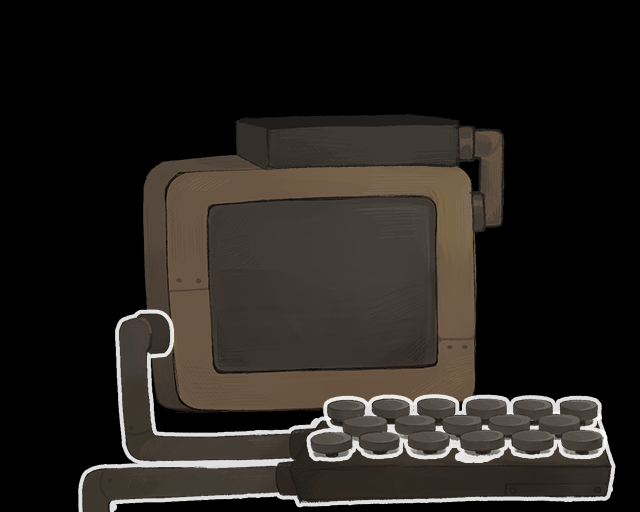
It is a tool to type on the monitor! To ented typing mode, just click on the keyboard and start typing! Using YOUR keyboard! Pretty cool, right?
- *Book*
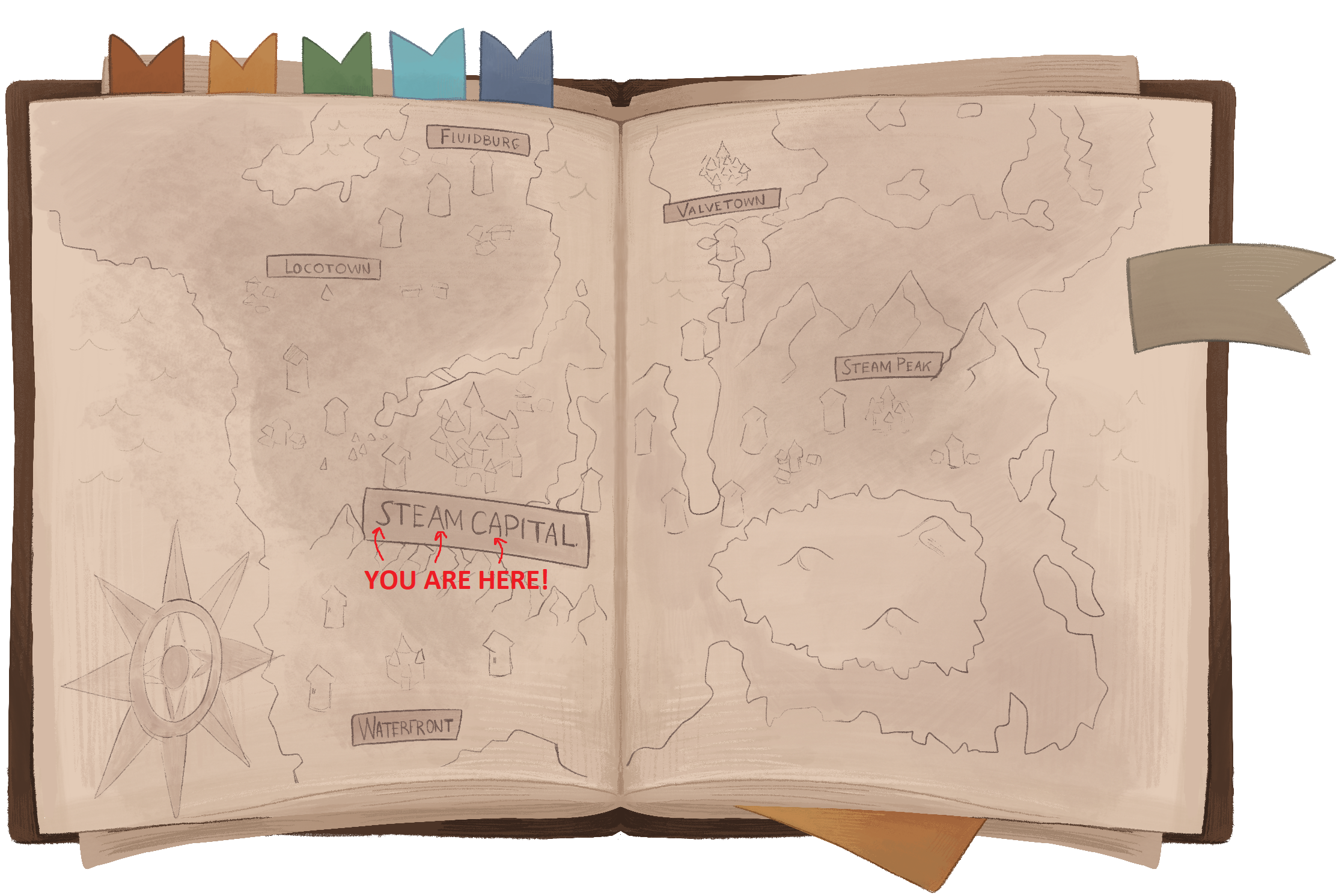
You've probably already clicked on it and thought that it was all. But the book is important. It holds info on how to decipher signals we receive.
DISCLAIMER: Caesars Code Wheel is not working properly. It should spin and help you decipher messages. As of right now it doesn't... Messages can be deciphered, but it will be very hard. Sorry:(
- *Pigeon and Tube*
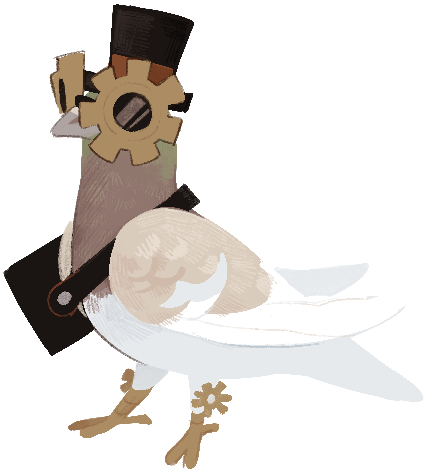
These are for sending messages. Pigeon - other cities. Planes - Steam Capital.
- *"Choose your Paper" mechanism*
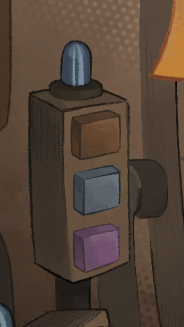
To print a letter, choose what type of paper you want to use. There are 3 BUTTONS near the Monitor:
- *Brown button* (0R) - free paper
- *Blue button* (2R) - expensive paper
- *Purple button* (5R) - very expensive paper.
GAMEPLAY NUANCES
Use *TRASH CAN* to throw away briefing letters and, if you want, letters from a story character. It is a unique letter. You won't miss it.
Send letters using Pigeons or Paper Planes:
- *Pigeons* are for long distance messages
- *Paper planes* are for local messages
WE SIT IN A STEAM CAPITAL. IF A LETTER IS SENT TO SOMEONE IN THE STEAM CAPITAL, USE PAPER PLANES!
Have fun playing our game! We put our hearts, souls and probably health into making it possible! We can't wait to hear your thoughts!
This game sounds cool and I want to try but I cant figure out how to do anything, even after reading the instructions all I can do is open the book :( Nice art though!
Thank you! Our artists are happy to hear it! Sadly yeah, we were rushing today to publish a "working" build. For now, I will add more instruction to the description, so people can actually PLAY THE GAME! If we can patch it, we will add something to help you out in a game. Sorry for the inconvenience:((
UPDATE: I've added explanation on what you can use and interact with in the game. After we get some sleep (not eternal sleep i hope), we will try to fix critical issues in the game itself. Hope you give like the game!
P.S. If you simply can't decipher Caesar's Code (which requires a wheel), use this website. It will help a little bit (some oldschool vibes of reading how to beat a game in a magazine with tons of spoilers and cheats, hahahhaha) https://groklearning.com/cyber-widgets/decryption-wheel/
The game looks and sounds great - and most importantly, those two aspects really complement each other. The only thing I missed was clearer highlighting of interactable objects (a simple outline would work perfectly).
Gameplay-wise: there’s a lot of mechanics, which might be a bit much for the average player who’s ready to spend 5-6 minutes, and for a 3-day jam it’s hard to properly tie everything together. Give this project another week or two of polish and it would be amazing. Either way, it’s definitely a worthwhile entry - and please add an itch.io link, I’d love to follow the project’s progress if you continue it.
@vadoha5 hm, that is strange. In theory just left click on it and it should work. To close - just right click. But thank you. Art is probably the only thing that we did good, hahaha (no, but the best so far:) )
@anku Thank you so much! Yeah, if only we had more time, hahah. But I believe a learned a lot and next time we will manage our time and resources wisely))
We will add it on itch some time later. Fix everything. And then post it there, hahahah Thanks again for these kind words. It means a lot for me, really:)
I really love the drawn style graphics. The audio is great too. My only criticism is the ui feedback on the scene items that are interactable. I think that you need some kind of suitable highlight when mousing over an interactable object with a some feed back when they can be used.
I do very much like the concept and the fact that there is some variance every time you play it.
just like other say, the graphics look really cool, but I couldn’t figure out how to do anything besides check the book. looking forward to see the final works
guys, your art are amazing ! did you drew everything from scratch during the jam ? I'm maybe to dumb but i can't go through the first message :( I will come back to it and try again later for sure ! (i'm sneaking at work so I cannot go all out on this) but with what you seem to have done in that small timeframe I would be eager to test a fully fletched version of that, do you guys plan on working further on it ? anyway good stuff !
@rhookx hahhaah, yeah, you are not the first one. Gameplay troubles is our headache right now. Coders are sleeping after a generational run. I don't know if we will develop it further right now, i need to recover from not sleeping, but anyway. Thank you for your kind words. It means a lot.
And yeah, all art was done from scratch. game art is 100% handcrafted as major companies like to say nowadays, hahahahah
i hope you sneak well at your work so no one noticed:)
Start the game, take a while figuring out how to get a letter into the PC by following instructions in the description. I think it's a caesar cipher, but while testing I find out there's no backspace. I restart the game thinking I'll work it out on a second try.
On second start, I get a morse code instead. Except the morse code has characters that aren't in the rulebook (--..-- is a comma according to an external website, but not listed anywhere). Translate what's on the screen, hit enter, the first half of the message changes to new plaintext seemingly cut off by what I typed. It's all a little too messy and confusing to really want to continue.
I've bookmarked the game into a LD59 folder and will play it again in a few days since it seems you're working on updating it. You've obviously got a great hook with that amazing art, as evidenced by the amount of comments you're getting. Just needs a lot of work on the execution. Good luck
Definitely you guys have a great concept in your hands but the issues with tutorialization are probably just due to the time constraint of the jam. Excellen work though, especially on the art which looks absolutely gorgeous. Hope you continue working together, either with this project or another one.
I had no idea what to do and the game scope is enormous! You expect me to use 5 different languages to solve something? eeek! Perhaps a smaller concept next time. The art is very nice though good work Marina!
Without realizing you had instructions laid out in the description, I ended up finding out how to play the game. I made it through a handful of letters, but did not know what the buttons did differently, didn't know the difference between the pidgeon and the other thing, but had fun deciphering messages and typing them out. I think there's a lot of really cool things you can do here for sure. I noticed that the monitor cannot display full messages, or if there's a way to "change pages", I did not know. So most of the messages I could only decipher up until the monitor stopped displaying it. Also, backspace didn't work :( so you had to type carefully! But I liked the content of the messages I deciphered, though it could tell a very interesting story, and enjoyed exploring what you put together. Very cool!
I really, really love the scrapbook look of this game, and the gameplay sounds really cool and Papers Please-esque, but even after reading the whole description I can't figure out how to play :( I understand what I'm *supposed* to be doing, but I just can't seem to interact with anything. The first briefing letter I only got past by accidentally dragging it into the garbage can, and the second one I got (a Caesar-encoded letter about a pig) I managed to load into the computer, but that was about it. Nothing else on the screen seemed to react to my mouse, even stuff mentioned in the description. I couldn't use the paper buttons, the keyboard, the pigeon, nothing.
I'm going to hold off rating this for now, but if the game does in fact work and I'm just missing something, I'd be glad to give it another go! I was playing the web build on the LDJam site - not sure if there's another somewhere else.
(From a design perspective - assuming everything is working, it might be a good idea to make things animate a little when you mouse over them. It feels like pixel hunting right now and I genuinely don't understand what I'm doing wrong.)
Many others have already written almost everything I wanted to say, but I’d like to offer my own summary as well. I really tried to play the game—spending about 20–30 minutes on it—but the experience didn't go very smoothly. As many have noted, the game's visuals are truly magnificent; they are captivating and compel you to try and immerse yourself in the game to figure out how everything works. Unfortunately, doing exactly that is incredibly difficult under the current circumstances. - There is a lack of clarity regarding object interactivity and the initial steps required to proceed. - In the Morse code section, I encountered a set of symbols that wasn't listed in the reference book. However, technically speaking, I was still able to type out text, hit Enter, then click the paper button to generate a letter ready for dispatch. I could then send the letter and receive the next assignment, but I saw no confirmation or feedback indicating whether the letter had been created or sent correctly. - In the Caesar cipher section—assuming I’ve correctly identified it as a Caesar cipher—I couldn't figure out how to finalize the letter. Pressing Enter simply wipes away everything I’ve typed; no matter how hard I tried or what actions I took (and I tried quite a lot), I was unable to successfully generate a letter for sending and advance to the next stage. - The background music is very pleasant, but it doesn't loop continuously.
I didn't encounter the circular cipher puzzle, but honestly, I no longer have the desire to go back and test it out.
Please don't think I'm just being toxic; on the contrary, I really loved the core concept—and that is precisely why I’ve dedicated so much time to providing this feedback.
I can only imagine how much effort you poured into this project. Judging by appearances, this seems to be your first major undertaking (though I could be mistaken); regardless, I can clearly see that you’ve done a tremendous amount of work—sometimes, however, shit just happens. I won't try to pressure you into finishing the project—that’s entirely up to you, and perhaps you’ve already moved on to other things—but I simply want to wish you the very best of luck in your future endeavors!
Graphics are great but I couldn't make any of the controls work or even figure out what mean to be interacted with ??? Looking forward to playing an update if you get around to fixing things :)
Very beautiful game and the audio was great. I struggled to move through the player experience and eventually got stuck without a cursor or back-space key while solving a morse code message.
Hey everyone! Thank you all for the feedback, kind words and tons of motivation. We've updated the game, it is now much more playable and fun (i think). If you had troubles or didn't understand at all what was our game - check it out one more time...please... . But if you won't, still. THANK YOU A LOT FOR COMMENTING AND TRYING TO PLAY! Love you all, guys!





Nice art though!