A Practical Survival Guide for Robots
This game is from the old Ludum Dare platform. You can try viewing the original page on Web Archive
(may not load correctly).
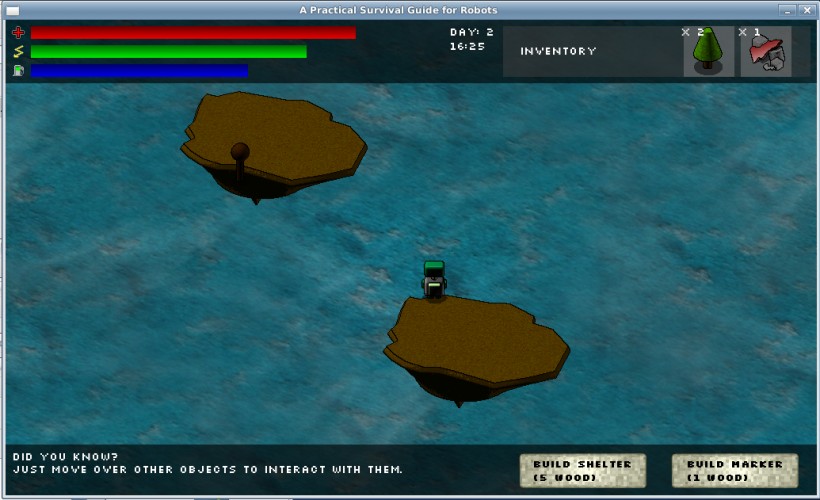
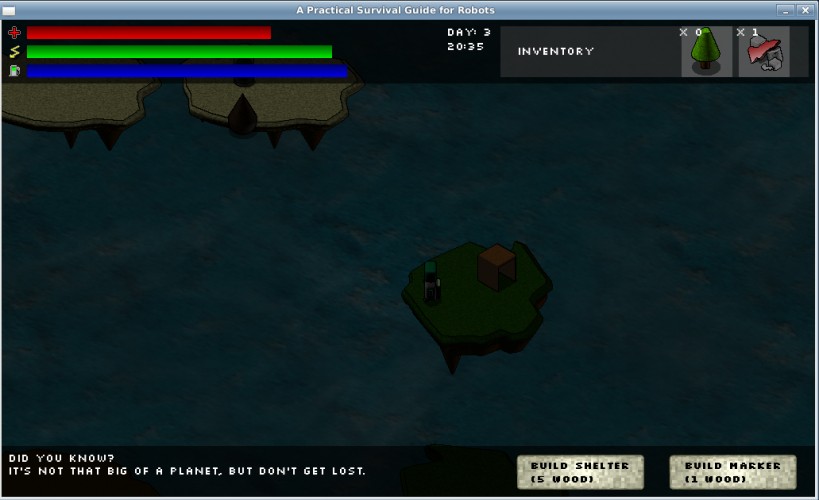
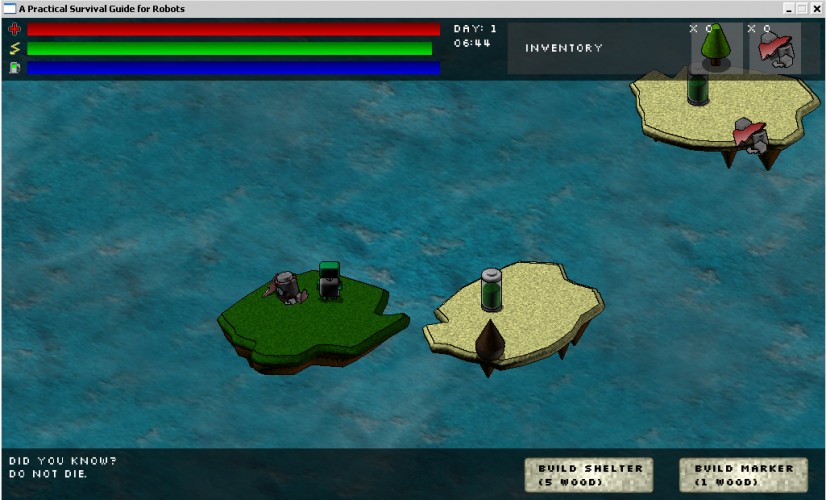
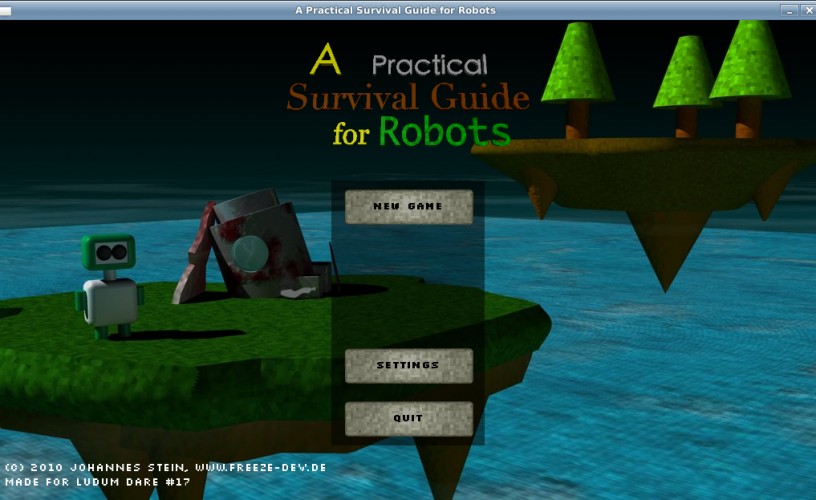
You are stranded on an island planet far far away. Move your robot around with WSAD or arrow keys and collect battery power and fuel to stay alive.
Collect at least seven parts for your damaged spaceship and bring them back to your spaceship to repair it and fly away.
Build shelter to survive the nights.
Build markers not to lose orientation.
The more stuff you have in your inventory the faster you lose battery power and fuel.
More instructions and tips are listed in the game under "Did you know?".
Additional keys:
R - Reset game
P - Pause game
Y/Z and X - Navigate through the "Did you know?" messages
Platform notes:
Windows:
The executable is in the /bin folder. Double-click on SurvivalGuide.exe
Mac:
Intel mac and at least Leopard (10.5) required.
If the game starts with a gray window, minimize the window and restore it again.
Linux:
Go to /bin and launch /bin/survivalguide32 or /bin/survivalguide64 depending on your machine. (To be on the safe side launch the executable from the command-line.)
libSDL, libSDL_ttf and libSDL_mixer need to be installed on your system.
Compiling the source:
The source code is licensed unter the MIT license.
- Using the Lazarus IDE: Go to /source and open main.lpi with the Lazarus IDE. Compile.
- Using the command-line: Go to /scripts, open a command-line window and type "make".
The excecutable will be located in /bin.
Tools used for development:
Compiler/Language: FreePascal
IDE: Lazarus
Graphics (3D): Cinema 4D
Graphics (2D): GIMP, Paint
Texture Atlas Generator: Image Packer
Music: GarageBand
Sound: SFXR
Collect at least seven parts for your damaged spaceship and bring them back to your spaceship to repair it and fly away.
Build shelter to survive the nights.
Build markers not to lose orientation.
The more stuff you have in your inventory the faster you lose battery power and fuel.
More instructions and tips are listed in the game under "Did you know?".
Additional keys:
R - Reset game
P - Pause game
Y/Z and X - Navigate through the "Did you know?" messages
Platform notes:
Windows:
The executable is in the /bin folder. Double-click on SurvivalGuide.exe
Mac:
Intel mac and at least Leopard (10.5) required.
If the game starts with a gray window, minimize the window and restore it again.
Linux:
Go to /bin and launch /bin/survivalguide32 or /bin/survivalguide64 depending on your machine. (To be on the safe side launch the executable from the command-line.)
libSDL, libSDL_ttf and libSDL_mixer need to be installed on your system.
Compiling the source:
The source code is licensed unter the MIT license.
- Using the Lazarus IDE: Go to /source and open main.lpi with the Lazarus IDE. Compile.
- Using the command-line: Go to /scripts, open a command-line window and type "make".
The excecutable will be located in /bin.
Tools used for development:
Compiler/Language: FreePascal
IDE: Lazarus
Graphics (3D): Cinema 4D
Graphics (2D): GIMP, Paint
Texture Atlas Generator: Image Packer
Music: GarageBand
Sound: SFXR