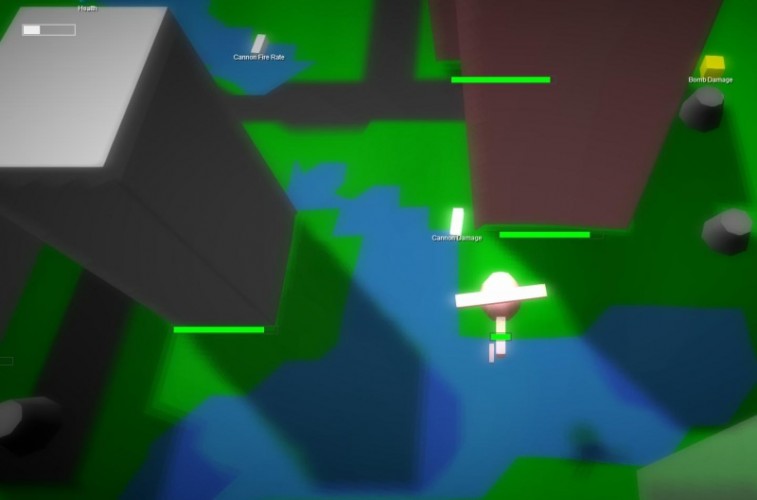
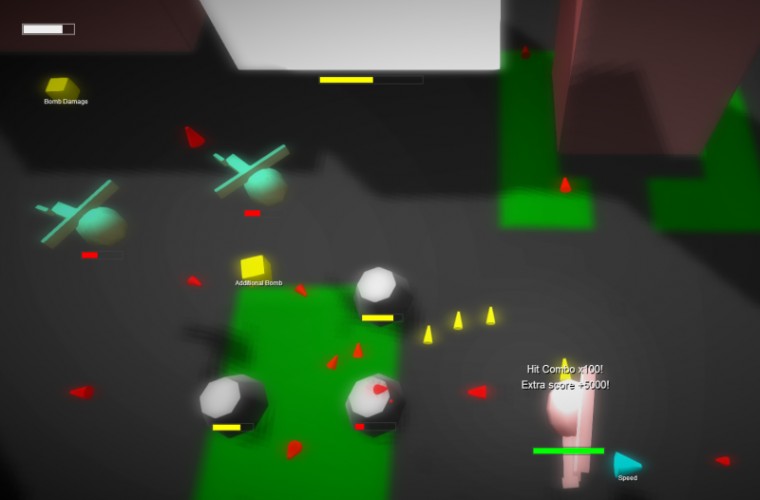
A 3D shoot'em up made with Three.js, webgl, html5, javascript, Tiled, jQuery, bfxr and soundmanager 2 (uses flash when no html audio is available).
Steer with arrows or ASDW Shoot with Z, C, B Drop bombs with X, V, N
Should also work on touch devices nowadays. The screen controls have three buttons: shoot+bomb, shoot, bomb
The post-jam version supports multiplayer and gamepads (Chrome only) :) The best way to play the game is with a gamepad :)
Don't forget to pick up the powerups :). All objects emit powerups when they die, like in the real world.
The music was constructed with my music generator (soon available for everyone :) )
All those realistic helicopters and other objects were made in code.
Works best in Chrome and Firefox with webgl. Tested in other browsers as well (mobile also) but without webgl. Looks crappy but "works".
If you get performance problems, you can try this: * Make sure that webGL is enabled or use a browser that supports it without special options * Make the browser window smaller * "Zoom in" with the browser (I mean for example Ctrl and +)
Running in Firefox on OS X, the framerate was a bit choppy. If I could turn off the sweet full screen effects, it'd probably boost up considerably, but overall, super impressed! I loved that I could blow up buildings. ^_^ And way to keep to the "old ways" with the powerups, old chap!! /adjust monocle
Really fun. The upgrades were extremely satisfying. Slightly annoying that the 'Press any significant key' message is lying and you actually have to click.
@dekart, I have also got this error myself. For me it goes away by reloading. Very weird... A bug somewhere that depends on some loading order perhaps?
Very cool game! I managed to reach the end, there was a good progression with the various power-ups. Just the beginning is a bit tricky if you don't start by taking the damage increase.
Super duper great! I love this style of game. (R-Typey + Starfoxey stuff) Plus it's one of the few games with 3D without using Unity! Props for this (and for implementing shadow mapping!) The upgrading-feature makes the game even more fun. Maybe automatically generated levels would be a cool thing, so I wouldn't have to stop ;) (Especially since they aren't to complex and look like super-appropriate places for procedural levels)
I saw little of the theme, but the game itself was still nice. Especially how you can destroy buildings for upgrades is nice.
I think the upgrades get quickly overpowered though. If there were more levels you would have so much upgrades soon that you could just hold the bomb and gun buttons and just walk through the level.
Other than that, it's still a nice game. Props to you.
@davidwparker It should have sound and music. There was a problem with loading the sound and this could cause the loader to hang. Great that you finally were able to play it!


Comments45
Could do with some more advanced artwork :-)
Funnily enough we also made a helicopter sim.
A variation that was 3rd person free flight would be super cool.
Slightly annoying that the 'Press any significant key' message is lying and you actually have to click.
just so you know: one time I lost level 3 and the player model was still there when I reached the same spot again
Could have used maybe some more storyline/backstory to display the villain theme a little more
Uncaught TypeError: Cannot set property 'overrideMaterial' of null (RenderPass.js 28)
Thanks for testing again! I hope to fix it soon :)
Thanks!
I think the upgrades get quickly overpowered though. If there were more levels you would have so much upgrades soon that you could just hold the bomb and gun buttons and just walk through the level.
Other than that, it's still a nice game. Props to you.
Other than Three.js, did you use any frameworks to help you make it? It ran really smoothly after you fixed that bug :)
Great that you finally were able to play it!