Lifted
IMPORTANT! Instructions for playing the Web version
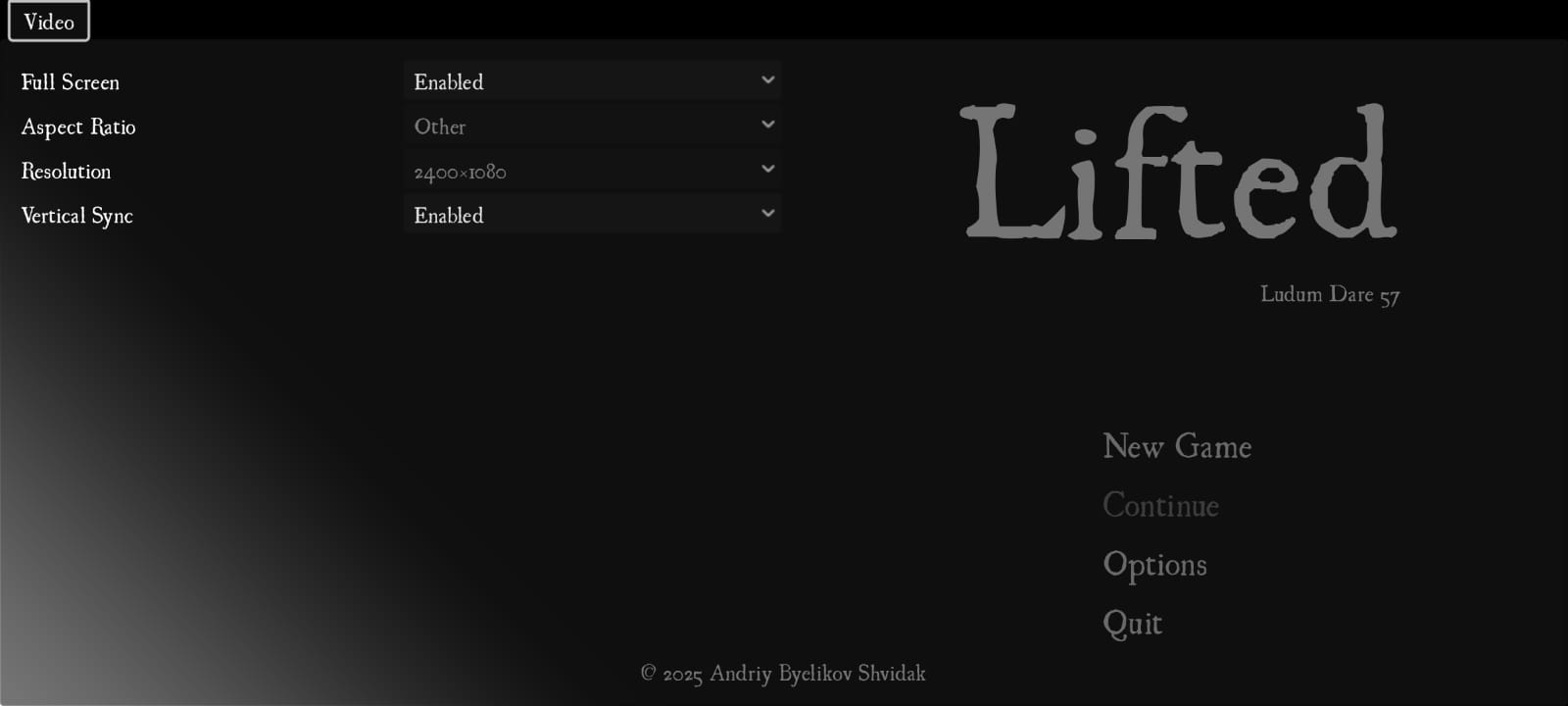
Once the game launches, go to Options and select Full Screen > Enabled, then exit the Options menu with Left Shift and go to New Game. Full Screen fixes graphical bugs in the Web version.
Controls
- Space/Esc to accept/cancel in the title screen and options menu.
- Esc = Left Shift in the web version, to avoid leaving Full Screen
- Left/Right Arrows to move.
- X to interact.
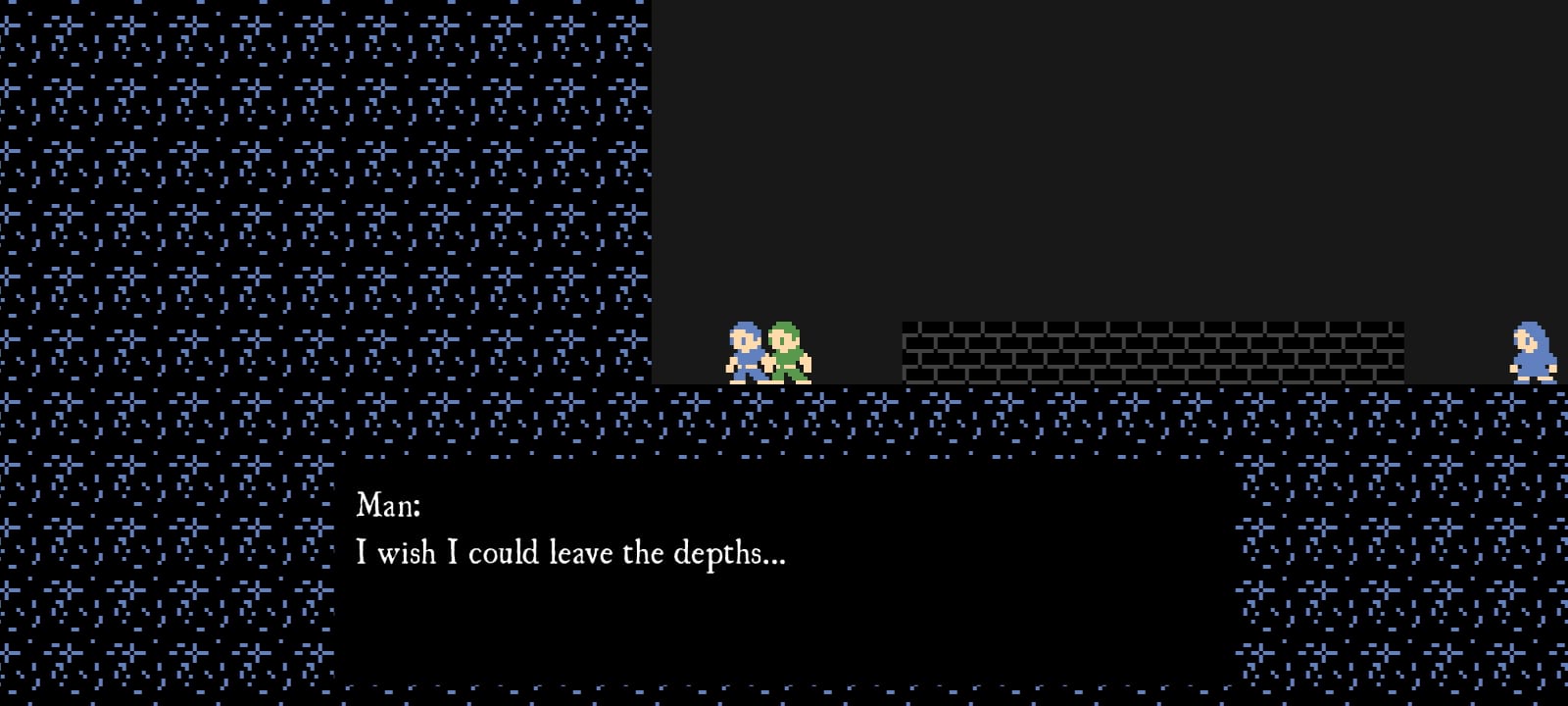
Talk with NPCs.
If you manage to get the text "Blessed are you, who has not seen, and yet, has believed. Let us go now.", then you got the good ending.
If you manage to get the text "Guards! Seize him!", then you got the bad ending.
List of tools
Kanban Board: Odoo
Game Engine and Editor: Godot 4
Programming Language: GDScript
Image Editing: GIMP
Digital Audio Workstation: Bitwig Studio Essentials
Assets used
All assets (pixel art and music) were created from scratch during the game jam. The sole exception is the font, UglyQua, which as far as I know has a free license.
Screenshots
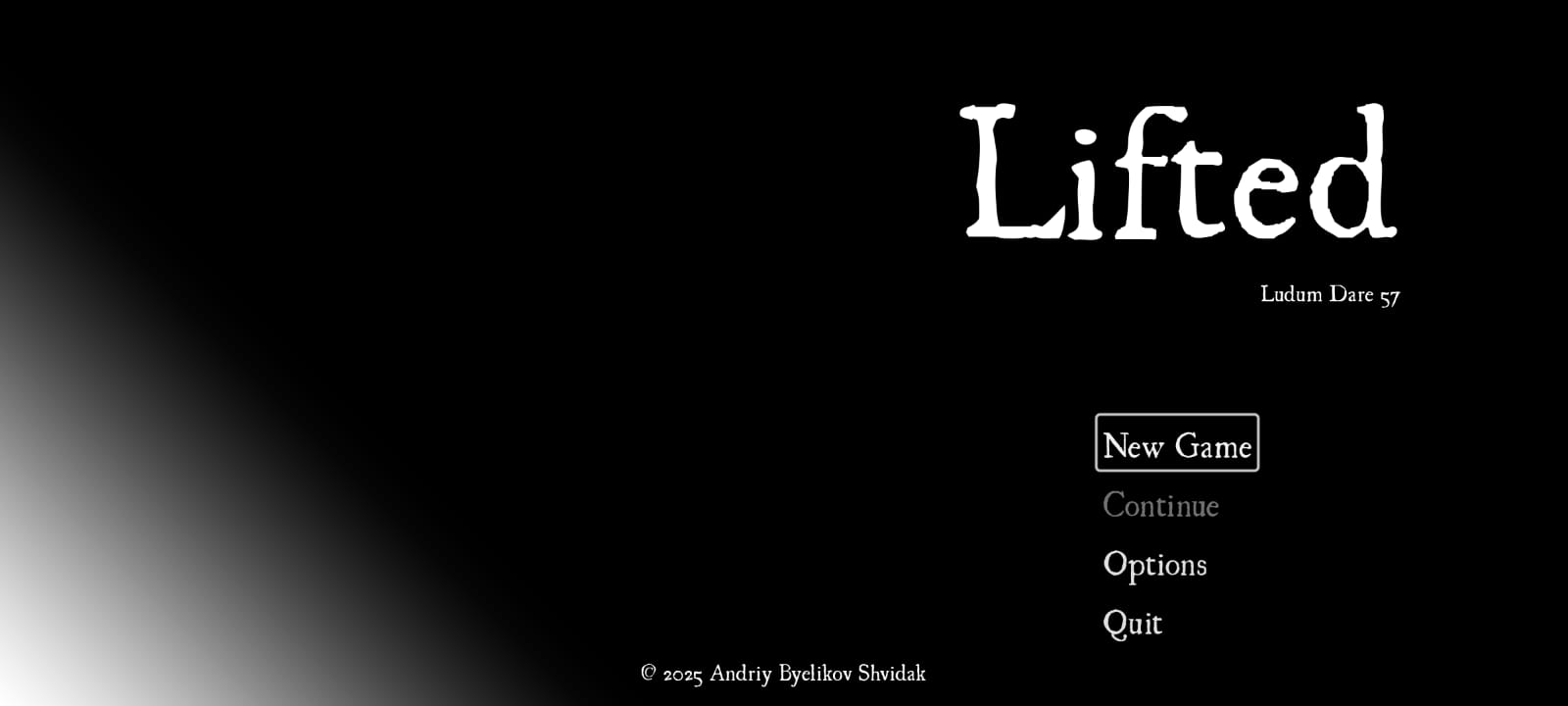
Screenshots of the game running on Android (debug build only, controller only, no touch controls):


Comments22
Story is nice, wish we could go into other environments it felt like it was needed. I feel like the textbox text should appear a bit quicker or have an option to insta-complete the animation.
Talking to people multiple times repeats text instead of a shortened version, some are long so that bugged me a bit. Also textboxes do not disappear if you move far away from the NPCs, would have been a nice touch.
Overall a cute entry, great work!
The gameplay is somewhat missing but what it lacks in gameplay it really shines on its mood and narrative. It really captures this mystical feeling world that what beyond this place. The music enhances it really well.
Since interaction is limited to only talking to npc it was little annoyiong to hear same prompt again without ability of skipping.
I would really wanted to see more if this world :)
I wish there was a little bit more of interaction, tho. But the sense of place and atmosphere was really there! I think that for sure there is more to be shown of those people and this place, really interesting idea! keep up the good work! :)
I wish there was a little bit more of interaction, tho. But the sense of place and atmosphere was really there! I think that for sure there is more to be shown of those people and this place, really interesting idea! keep up the good work! :)
I wish you could skip text - audio feedback with text interaction would be nice too, especially in such a text-driven game.
It needs a bit more complexity - the walking back and forth gets tedious, and I'd love to enter buildings, jump to find people in different places, etc.
Nice job!
Liked the narration.
That said, well done! I liked the little world you built here :)
good job overall though!